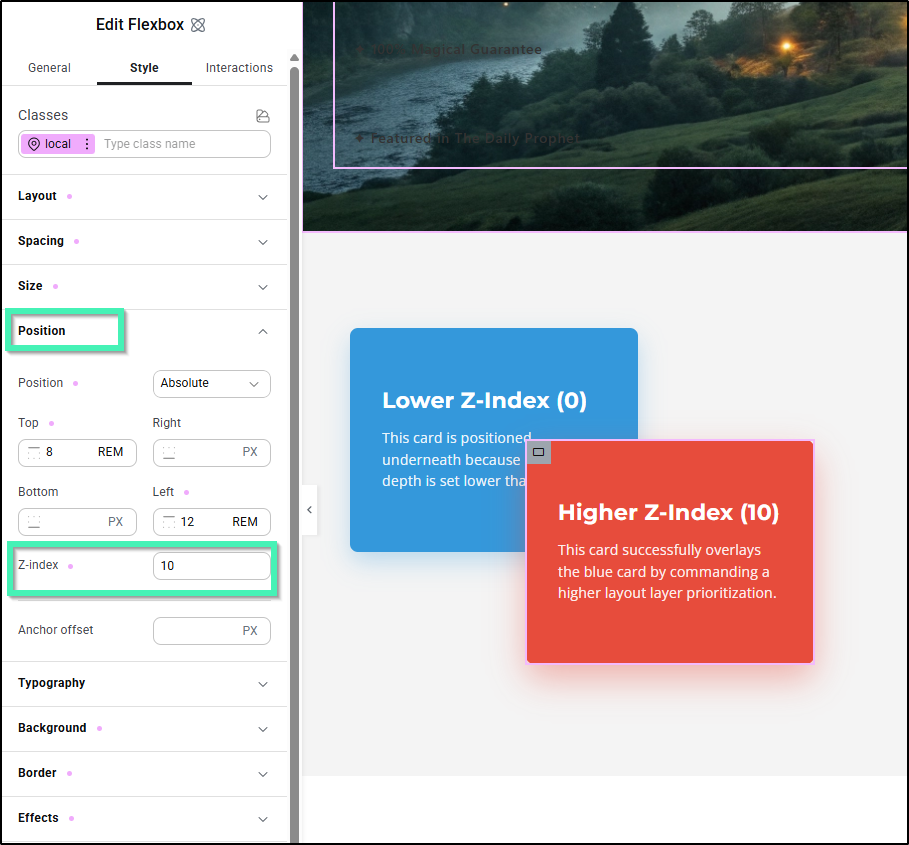
The Z-Index property specifies the stack order of elements. An element with greater stack order will always be in front of an element with a lower stack order (i.e. an element with a Z-index of 10 will be on top of (in front of) an element with a Z-index of 5.
You can set the stack order for any V4 element under Position > Z-Index, located within the Style tab:
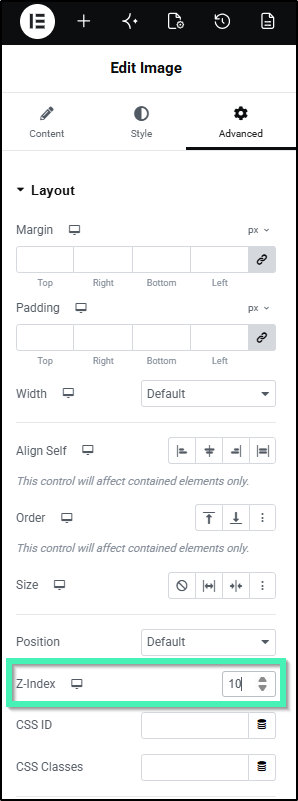
For V3 widgets, you can adjust the z-index under Advanced > Layout > Z-Index: