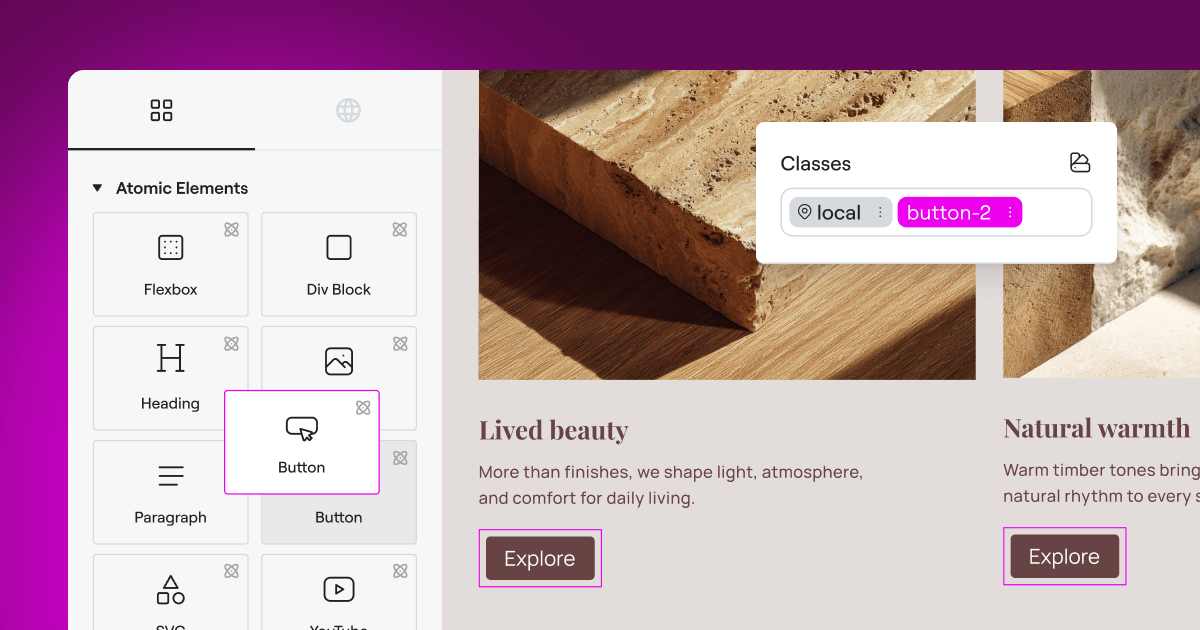
Finding the right way to handle privacy laws on your website can feel like a real headache, but it does not have to be. You want to respect your visitors and keep your site compliant, but you also do not want to disrupt your design or spend hours wrestling with complicated code. If you run a WordPress site, you have probably come across two of the biggest names in the privacy space: OneTrust and Complianz. Both tools aim to solve the same problem, but they go about it in very different ways, and choosing the wrong one can make your life significantly harder.
We are going to walk through how these two platforms compare so you can pick the right one for your site. The good news is this is much simpler than it sounds, and we will guide you through each piece step by step.
Let us start with a quick summary of what you are about to learn, then go deeper into the specific details.
Key Takeaways
- Complianz is built specifically for WordPress, making it very straightforward to configure directly from your familiar dashboard.
- OneTrust is an enterprise-grade compliance suite designed for large organizations with dedicated legal and IT teams.
- Both platforms support modern requirements like Google Consent Mode v2 and Global Privacy Control.
- For everyday WordPress creators, native alternatives like the Cookie Consent capability in Elementor offer a simpler, dashboard-integrated approach.
The Privacy Dilemma for WordPress Sites in 2026
The rules around online privacy have tightened considerably in recent years. Regulators around the world are issuing significant fines to sites that do not properly ask for permission before tracking users. If your website serves visitors in Europe, the United Kingdom, or California, you need a clear system for gathering consent. Google Consent Mode v2 is now standard for anyone using Google Ads or Analytics, which means your choice of tool directly affects your marketing data.
When you look at your options, you will find two main approaches. One is to use a WordPress-specific tool that lives inside your admin panel. The other is to use a global enterprise platform that works on any website technology but requires managing settings through an external portal. If you use Elementor to build your pages, you might also want to consider native compliance tools that keep your workflows simple and unified in one place.
Let us look at how these two options compare across the areas that matter most to your day-to-day work.
Direct Comparison: OneTrust vs Complianz
Here is a quick overview before we get into the specific details. This side-by-side comparison shows you at a glance how the two systems measure up.
| Feature | Complianz | OneTrust |
|---|---|---|
| Primary Audience | WordPress site owners and small agencies | Enterprise organizations and legal departments |
| Interface Location | Inside your WordPress dashboard | External cloud platform portal |
| Setup Difficulty | Friendly, wizard-guided steps | Steep learning curve, typically requires training |
| Google Consent Mode v2 | Fully supported | Fully supported |
| Cookie Scanning | Automatic internal database scans | Deep cloud-based web crawling |
| Geo-Targeting | Regional banner configuration | Advanced multi-country ruleset builder |
| Pricing Model | Free tier + paid yearly plans | Quote-based enterprise pricing |
OneTrust: What You Need to Know

OneTrust is one of the most recognized names in enterprise privacy management. It is a platform-neutral system, designed to work across any website technology, from custom-coded enterprise sites to content management platforms. This breadth of coverage is exactly what large organizations need when managing compliance across dozens or hundreds of domains.
Setting up OneTrust involves registering an account on their external cloud platform, configuring your organizational structure, and running a scan from their servers. Once everything is configured, you generate a JavaScript snippet and paste it into your WordPress site’s header. If you are comfortable with tag managers or editing theme files, this process is manageable. If you are newer to web development, it can feel like a significant undertaking (this is one of the most common things people mention when describing their first experience with enterprise compliance tools).
OneTrust is an official Google-certified consent management platform, meaning its Google Consent Mode v2 integration is formally recognized and documented. Its cloud-based crawler is thorough, mapping out trackers the way a real user would browse and cross-referencing findings against a large global database of pre-categorized cookies. The design controls in its banner builder are detailed, though making changes requires navigating multiple nested menus in the enterprise portal, then re-publishing your script for updates to go live.
The geo-targeting capabilities in OneTrust are advanced. You can create complex ruleset configurations that group countries or states and apply specific consent models to each one. For a multinational organization managing legal requirements across many jurisdictions simultaneously, this level of control is genuinely valuable.
Complianz: What You Need to Know

Complianz takes a different approach. It is built specifically for WordPress, and that focus shows in how it works. Installation is handled through a friendly setup wizard where you answer questions about your site, and the tool configures itself based on your answers. It scans your active themes and plugins to identify the cookies they set, then organizes them automatically.
Because Complianz lives entirely inside WordPress, you do not need to copy API keys or manage your consent settings in a separate window. Everything happens in the dashboard you already know. The tool includes a dedicated customizer interface where you can choose from several banner layouts, adjust colors, and modify text. If you want to go deeper, custom CSS is available.
Complianz includes Google Consent Mode v2 support, which you can enable with a single checkbox in the wizard. Its geo-targeting feature lets you select which privacy regions you want to support, then handles showing the appropriate banner to each visitor automatically.
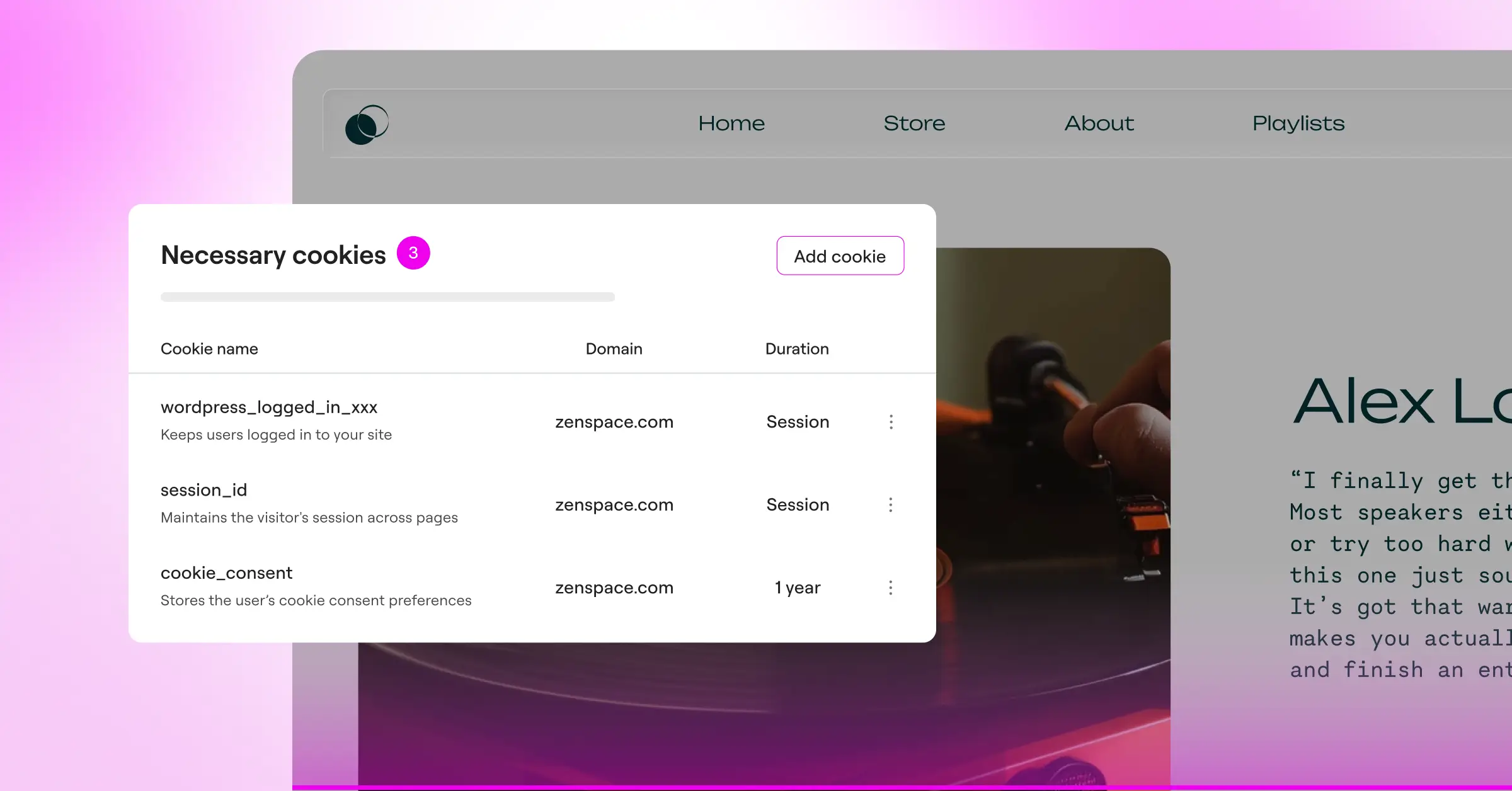
Complianz offers a free entry-level plan that covers basic GDPR compliance. If you need advanced geo-targeting, CCPA support, or automatic script blocking for more complex integrations, you will want to look at their paid yearly plans.
Head-to-Head: Where They Differ Most
1. Ease of Setup and WordPress Integration
When you install a compliance tool, you want to get it running quickly without disrupting your live design. This is where the difference between a WordPress-specific tool and an enterprise suite becomes clear.
Complianz works through a setup wizard that walks you through the process step by step. It automatically scans your active themes and plugins to identify which cookies they set. Because it lives entirely inside WordPress, there is no need to copy and paste API keys or manage scripts in a separate window (this trips people up sometimes, but Complianz keeps it contained).
OneTrust, on the other hand, is a platform-neutral script. To get started, you register an account on their external cloud platform, set up your organizational structure, and run a scan from their servers. Once you configure your banner in their system, you generate a JavaScript snippet and paste it into your WordPress site’s header. If you are comfortable editing theme files or using a tag manager, this works fine. If you are newer to web development, it can feel like a bigger undertaking.
If you would rather avoid external portals entirely, the Cookie Consent capability in Elementor manages banners and consent logs right from your WordPress dashboard, without touching external code or separate platforms.
2. Cookie Scanning and Categorization
A consent banner is only useful if it actually blocks scripts before a visitor gives their permission. For that to happen, your tool needs to find and identify every tracking script on your site.
Here is how Complianz handles this:
- Scans your active plugins and databases directly on your server.
- Matches cookies against a blocklist of popular services like Google, Facebook, and Vimeo.
- Blocks those scripts from loading until the user clicks Accept.
- Lets you add custom scripts to specific categories if the automatic scan misses anything.
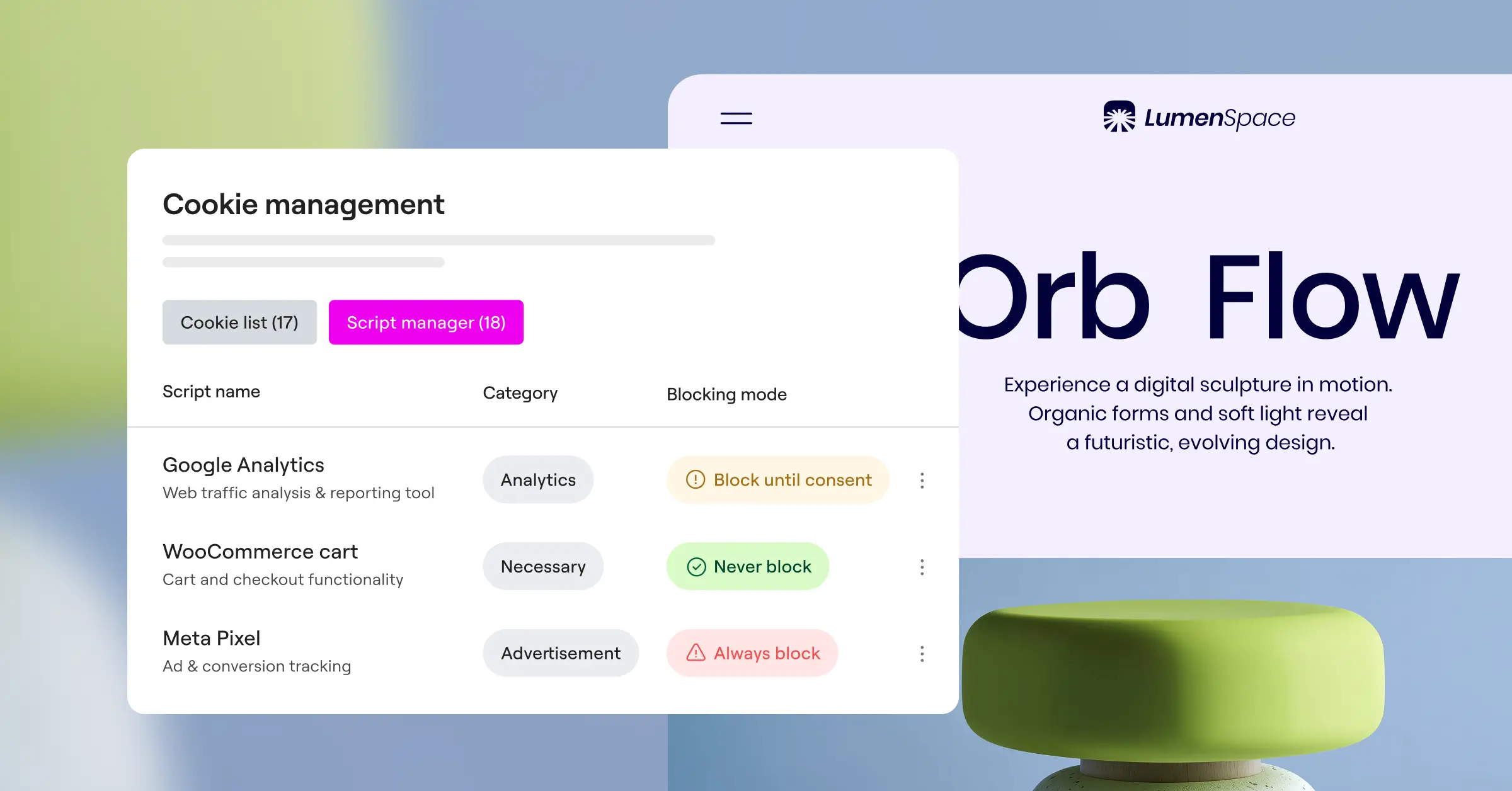
OneTrust uses a cloud-based web crawler. It visits your site the way a real user would and maps out every tracker it finds, then cross-references those results against a large global database of pre-categorized cookies. This approach is thorough and can catch hidden redirects or deep-set tracking pixels. You will still need to map those categories to your WordPress script integration manually, which takes a bit of time to learn but gives you very precise control.
3. Design Customization and Brand Consistency
Your consent banner is the first thing a new visitor sees. If it looks out of place, it can affect how visitors feel about your site right from the start. You want a banner that fits naturally with your brand colors, typography, and button styles.
Complianz gives you a customizer interface inside WordPress. You can choose from several layout templates, such as a bottom bar, a centered modal, or a minimal corner widget. You can change colors, adjust border radius, and edit the text directly. Custom CSS is available if you want to go further.
OneTrust’s layout builder lives entirely in their cloud dashboard. You can customize every state of the banner, including the initial slide-out, the detailed preference center, and the cookie list policy page. The design controls are detailed, but editing them involves navigating multiple nested menus in the enterprise portal. Once you make a design change, you re-publish the script for it to appear on your live site.
Setting up your consent banner to match your visual brand is more than an aesthetic choice. It is about maintaining visitor trust. When a consent banner looks like an afterthought, people are far less likely to trust your site with their privacy choices.
– Itamar Haim, Web Compliance Specialist
4. Legal Compliance and Regional Targeting
Not every visitor needs to see the same privacy notices. A visitor from Germany needs strict GDPR opt-in consent, while a visitor from Texas might only need a CCPA opt-out link. Showing heavy banners to visitors who do not legally require them can affect your user experience and analytics data quality.
Both platforms handle this with geo-targeting, but they approach it differently:
- Both systems identify the visitor’s region based on their IP address.
- They display the appropriate legal layout for that region automatically.
- They save proof of consent so you have records ready for compliance audits.
Complianz handles regional targeting through the setup wizard, where you choose which privacy regions you want to support. OneTrust lets you create complex geolocation rulesets where you can group countries or states and apply highly specific consent models to each group. For multinational organizations, that level of detail is genuinely useful. For most small-to-medium WordPress sites, it is more configuration than you will ever need.
5. Google Consent Mode v2 Support
If you run paid ads, you need a cookie consent tool that supports Google Consent Mode v2. This standard tells Google Tag Manager whether a visitor has allowed ad tracking or analytics tracking, then adjusts how those tags behave in real time.
Complianz includes built-in integration for Google Consent Mode v2. You enable it with a single checkbox in the wizard, and it handles the communication with your Google tags automatically. OneTrust is an official Google-certified consent management platform, meaning its integration is formally recognized and thoroughly documented. It works well with Google Tag Manager, though configuring the variables and triggers requires some knowledge of how tags are fired.
The native Cookie Consent capability inside Elementor also supports Google Consent Mode v2, which means you can keep your marketing data accurate and stay compliant without managing complex tag manager configurations.
Alternative Cookie Consent Tools to Consider
If neither OneTrust nor Complianz feels like exactly the right fit for your project, you have solid alternatives. Here is a look at how a few popular options approach compliance.
Cookiebot
Cookiebot is a well-known cloud-based tool recognized for its accurate monthly cookie scans. It is relatively easy to get running and includes a solid WordPress integration, though like OneTrust it uses an external dashboard for managing your cookie categorizations.
CookieYes
CookieYes is a lighter-weight option that works well for smaller sites. It has a clean, simple setup process and an approachable interface for customizing your banner designs without a steep learning curve.
iubenda
iubenda goes beyond cookie consent to help you generate privacy policies, terms of service, and compliance documents. It is a more complete compliance package, though costs can add up if you are protecting multiple sites.
Cookie Consent by Elementor
If you want a native WordPress solution built into your visual builder, the Cookie Consent capability in Elementor is worth a close look. It lets you skip installing separate third-party systems or pasting code snippets into your theme files entirely.
Here is what makes it stand out for day-to-day site management:
- Manages your entire compliance workflow without leaving your WordPress dashboard.
- Designs consent banners using the visual controls you already use for your pages.
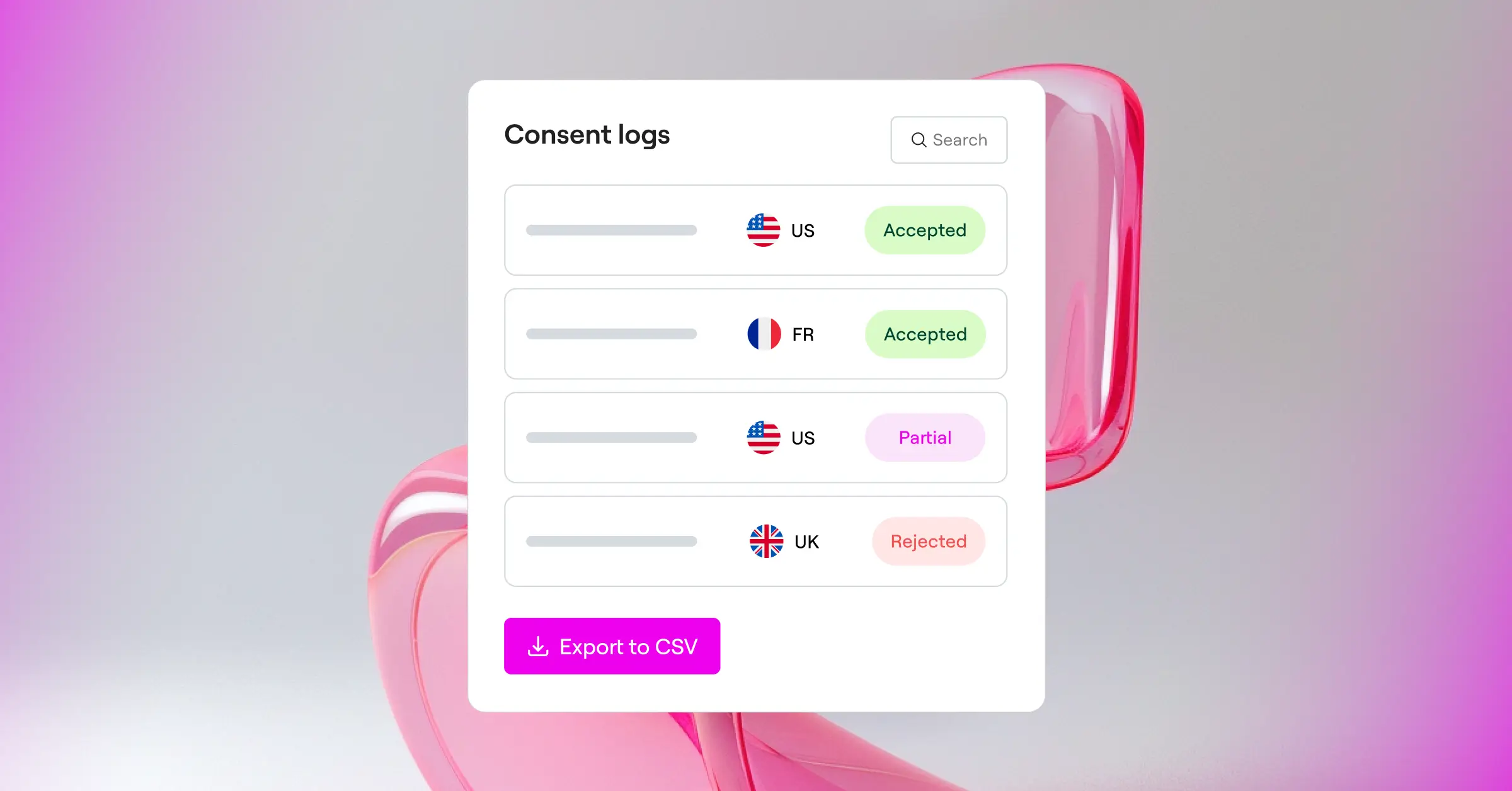
- Keeps secure consent logs to support audit readiness.
- Generates professional, compliant privacy policies directly from the dashboard.
- Supports Google Consent Mode v2 natively for accurate ad tracking data.
- Includes geo-targeting, multilingual banners, and Global Privacy Control support.
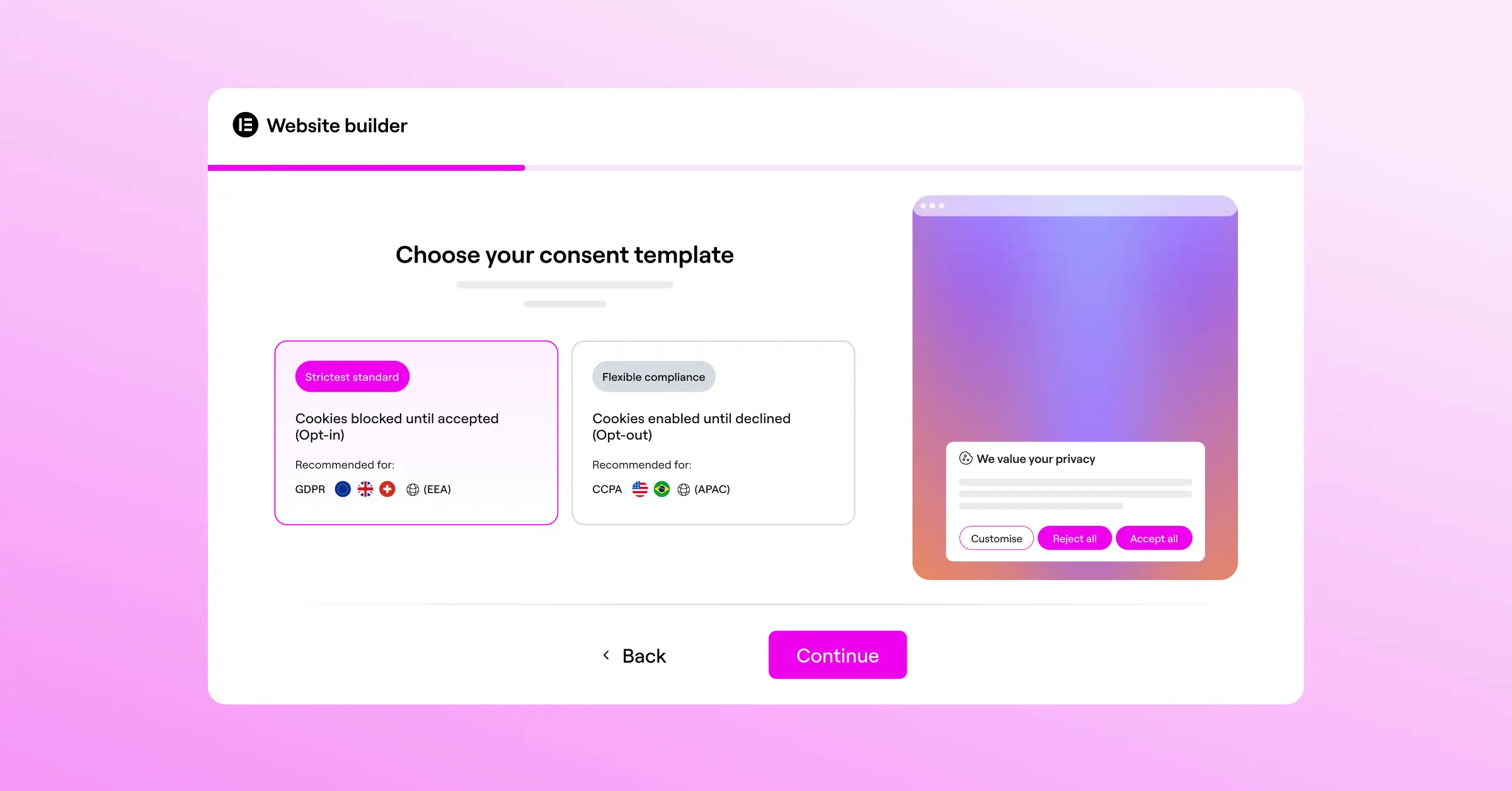
Cookie Consent is included in Elementor One and also available in a free tier, so you can try it out before committing to a paid plan.
Step-by-Step Selection Guide: Which One Is Right for You?
Let us look at three common scenarios and figure out which tool fits each one best. Follow the one that matches your situation and you will have a clear answer quickly.
Scenario A: You run a small-to-medium business website on WordPress
If you are a business owner or freelance developer, you need something quick to set up and easy to maintain over time. Managing complex enterprise cloud platforms is not a good use of your hours.
- Choose Complianz or the native Cookie Consent capability in Elementor.
- Use the built-in setup flow to scan your site and configure your cookie categories automatically.
- Style your banner visually to match your existing brand colors in just a few clicks.
Scenario B: You are a corporate agency managing enterprise clients
If you work for a large enterprise with dedicated legal, privacy, and development teams, your requirements are different. You need precise control over legal policies across many domains simultaneously.
- Choose OneTrust to take advantage of its enterprise-grade policy mapping tools.
- Have your legal team configure custom geolocation rulesets for different jurisdictions.
- Use their deep crawler to scan and catalog scripts across large networks of properties.
Scenario C: You want a clean, simple site with minimal extra tools
If your goal is to keep your website fast and easy to manage, you want compliance features that live alongside your other tools, not in a separate system you have to log into separately.
- Choose a native solution like the Cookie Consent capability in Elementor.
- Build and customize your banner templates using the visual editor you already know.
- Turn on compliance features without writing custom code or managing external scripts.
Frequently Asked Questions
Is Complianz really free?
Complianz offers a free entry-level plan that includes a basic wizard, a standard cookie scan, and a simple banner for GDPR compliance. If you need advanced features like geo-targeting, support for CCPA or other global privacy frameworks, and automatic script blocking for more complex integrations, you will want to upgrade to one of their paid yearly plans.
Does OneTrust slow down my WordPress site?
Because OneTrust relies on an external JavaScript file hosted on their CDN, it can sometimes add to your page load time if it is not configured carefully. They use asynchronous script loading so your main page content can still load while the cookie banner is being processed. It is always a good idea to test your site speed before and after installing any script-based tool.
What happens if I do not use a cookie consent tool?
If your site uses tracking scripts like Google Analytics, Facebook Pixel, or Hotjar and you serve visitors in regions with strict privacy laws without getting their consent first, you could face legal consequences. Privacy regulators can issue significant financial penalties to websites that violate user privacy rules, even small businesses. It is one of those situations where a small upfront investment in the right tool saves a lot of potential trouble down the line.
Do these tools support Global Privacy Control (GPC)?
Yes, both Complianz and OneTrust support Global Privacy Control signals. GPC is a browser setting that lets users express their privacy preferences automatically. When a visitor with GPC enabled lands on your site, these compliance tools recognize the signal and opt them out of tracking automatically, without requiring them to interact with your banner at all.
Can I use Complianz on non-WordPress sites?
No, Complianz is built specifically for WordPress. If you move your site to a different platform in the future, your Complianz configuration will not transfer with you. If you need a cross-platform solution that works on Shopify, custom HTML, or Webflow, OneTrust or another cloud-based option would be a better fit.
Is Google Consent Mode v2 mandatory for all websites?
Google Consent Mode v2 is not legally required under government privacy laws, but Google requires it if you want to use personalization features, remarketing audiences, or measurement tools for traffic from the European Economic Area (EEA). Without it, your Google Ads campaigns and analytics tracking in Europe will lose significant tracking accuracy.
What makes native cookie consent tools better than external ones?
Native compliance tools keep your workflow simple. Instead of learning a separate cloud platform, you manage your cookies, design your banners, and review your consent logs directly from your WordPress dashboard. This reduces the risk of script conflicts and makes it much easier to keep everything consistent and up to date.






