
Running a WordPress site means juggling great design with strict privacy rules. Regulations like GDPR and CCPA require clear, compliant banner systems to keep your site protected. While Termly is a well-known choice for managing consent, many site owners find that logging into external dashboards and watching subscription costs add up gets old fast. If you want a setup that fits your actual workflow, you’ve got several excellent options worth exploring. Below, we’ll review the top alternatives that keep your site compliant without slowing down your day.
Key Takeaways
- WordPress-native options help you avoid slow external dashboards and keep your data close to home.
- Your consent tool must support Google Consent Mode v2 to keep your marketing and analytics accurate.
- Customization keeps your brand looking professional without mismatched cookie banners.
- Entry-level plans and bundled capabilities are available for smaller sites or those already using advanced builders.
- Automatic cookie scanning is essential to stay audit-ready when privacy regulators check your site.
Why WordPress Owners Search for Termly Alternatives
Termly is a popular cloud-based compliance platform, but it’s not always the best fit for every WordPress owner. For starters, it operates entirely outside of your WordPress dashboard. That means you have to log into a separate platform to change your banner styling, check your consent logs, or adjust your settings. For anyone who wants to manage everything in one spot, this setup adds an extra step to an already busy schedule.
Another common concern is styling. Termly banners can feel difficult to match with highly custom website designs. Because the editor is external, getting the fonts, colors, and button shapes to perfectly align with your theme can feel like a chore. If your cookie banner looks like an afterthought, it chips away at visitor trust from the moment they land on your page.
And if you run multiple client websites or have higher traffic, subscription fees can stack up quickly. WordPress site owners often look for alternatives that are more integrated, cost-effective, and easier to manage day to day. Here are three main reasons why users choose to move away from Termly:
- External Dashboard Friction – Managing compliance on a separate portal feels disconnected from your daily WordPress site updates.
- Design Control Limitations – Customizing the visual style of your consent banners often feels restrictive compared to native builder tools.
Comparison of the Best Termly Alternatives
To help you choose, we’ve put together a comparison table of the top platforms. This table focuses on how these tools integrate with your site, how fast they are to set up, and who they serve best.
| Tool Name | Platform Style | Google Consent Mode v2? | Best For | Setup Complexity |
|---|---|---|---|---|
| Cookie Consent | WordPress-Native | Yes | Elementor users & agencies | Very Low (Under 5 mins) |
| Cookiebot | Cloud SaaS | Yes | Large corporate websites | Medium |
| CookieYes | Hybrid Cloud | Yes | Multi-CMS site owners | Medium |
| Complianz | WordPress-Native | Yes | Legal documentation focus | High (Long setup wizard) |
| iubenda | Cloud SaaS | Yes | Global multi-language sites | High |
| OneTrust | Enterprise SaaS | Yes | Large enterprise legal teams | Very High |
| Osano | Cloud SaaS | Yes | Mid-market compliance officers | Medium |
A Detailed Look at 7 Best Alternatives for Cookie Consent & Compliance
1. Cookie Consent
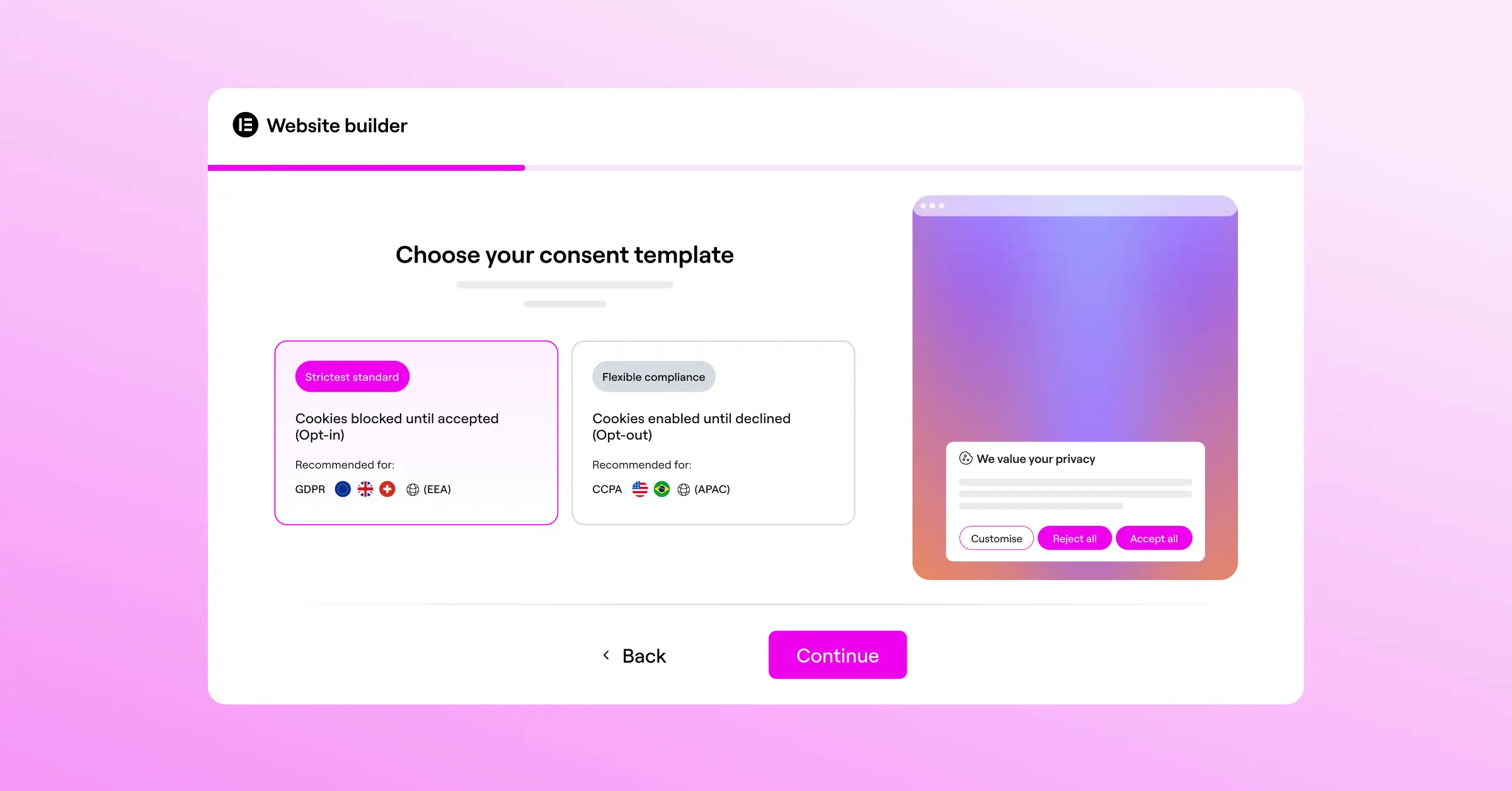
Our top pick is the native Cookie Consent capability built by Elementor for WordPress. If you already use Elementor to build your website, this lets you handle all your privacy compliance directly inside WordPress. You don’t have to create external accounts, copy scripts, or manage separate dashboards. You can get set up in under five minutes, with complete control over your look, feel, and compliance rules right from the start.
Because it’s built directly into your WordPress dashboard, you don’t have to worry about third-party script lag slowing down your site. You get a modern, complete cookie consent solution that supports Google Consent Mode v2 and Global Privacy Control. It’s also included in Elementor One, making it a budget-friendly option for creators who want to simplify their tech stack without sacrificing compliance quality.
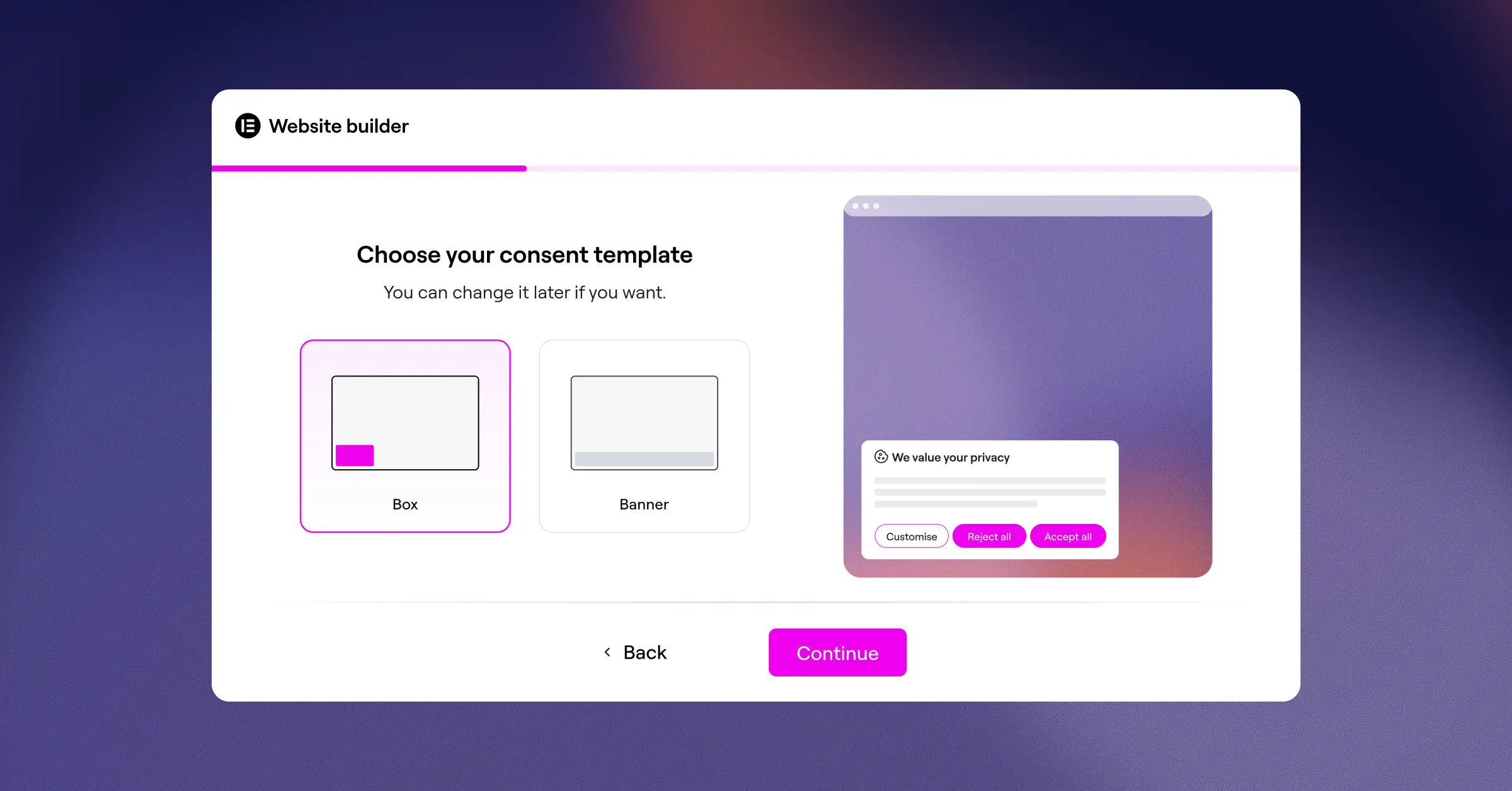
- Manages your privacy compliance entirely from the WordPress dashboard without external redirects.
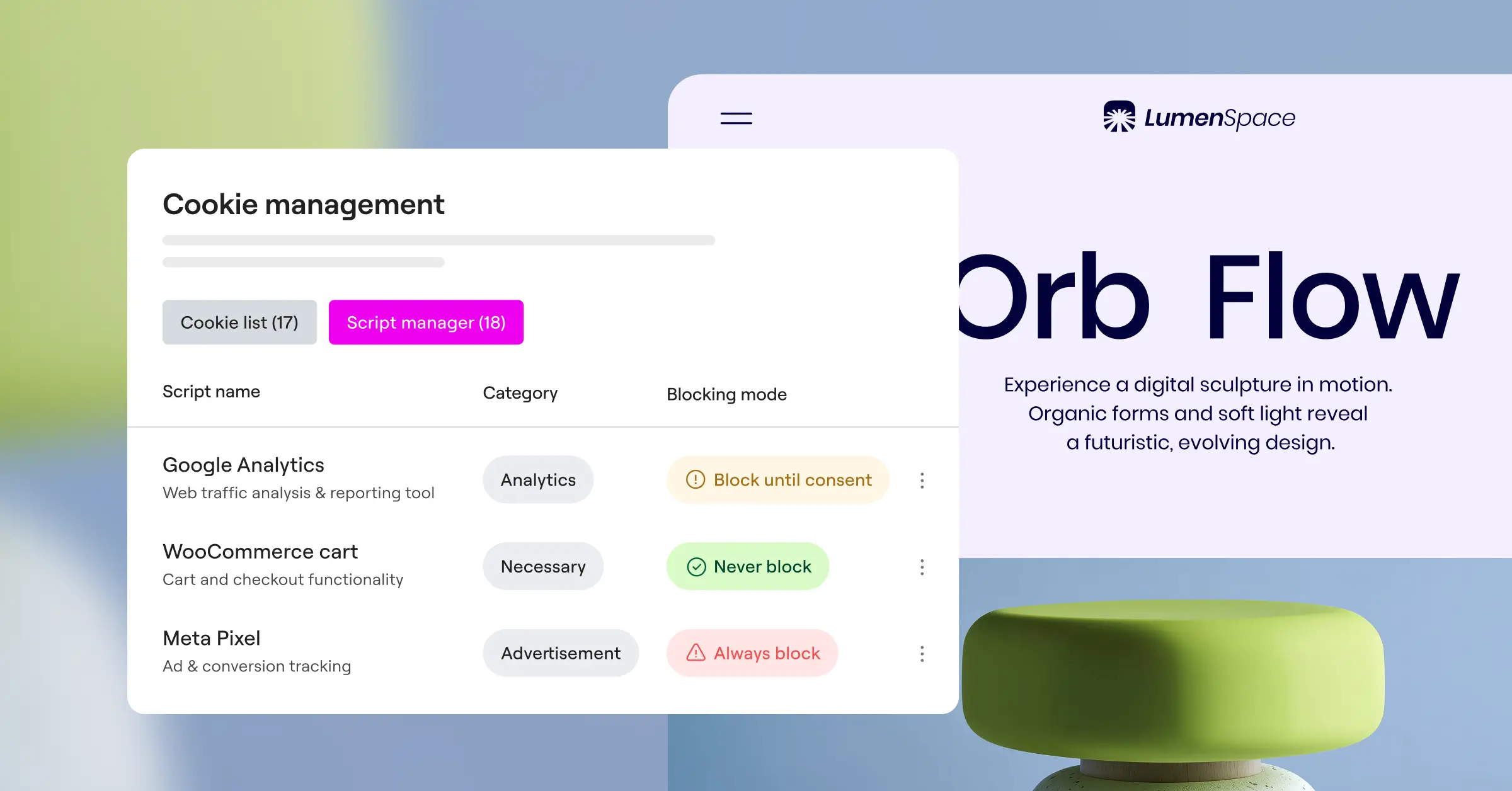
- Scans and categorizes your site cookies automatically to keep your lists accurate.
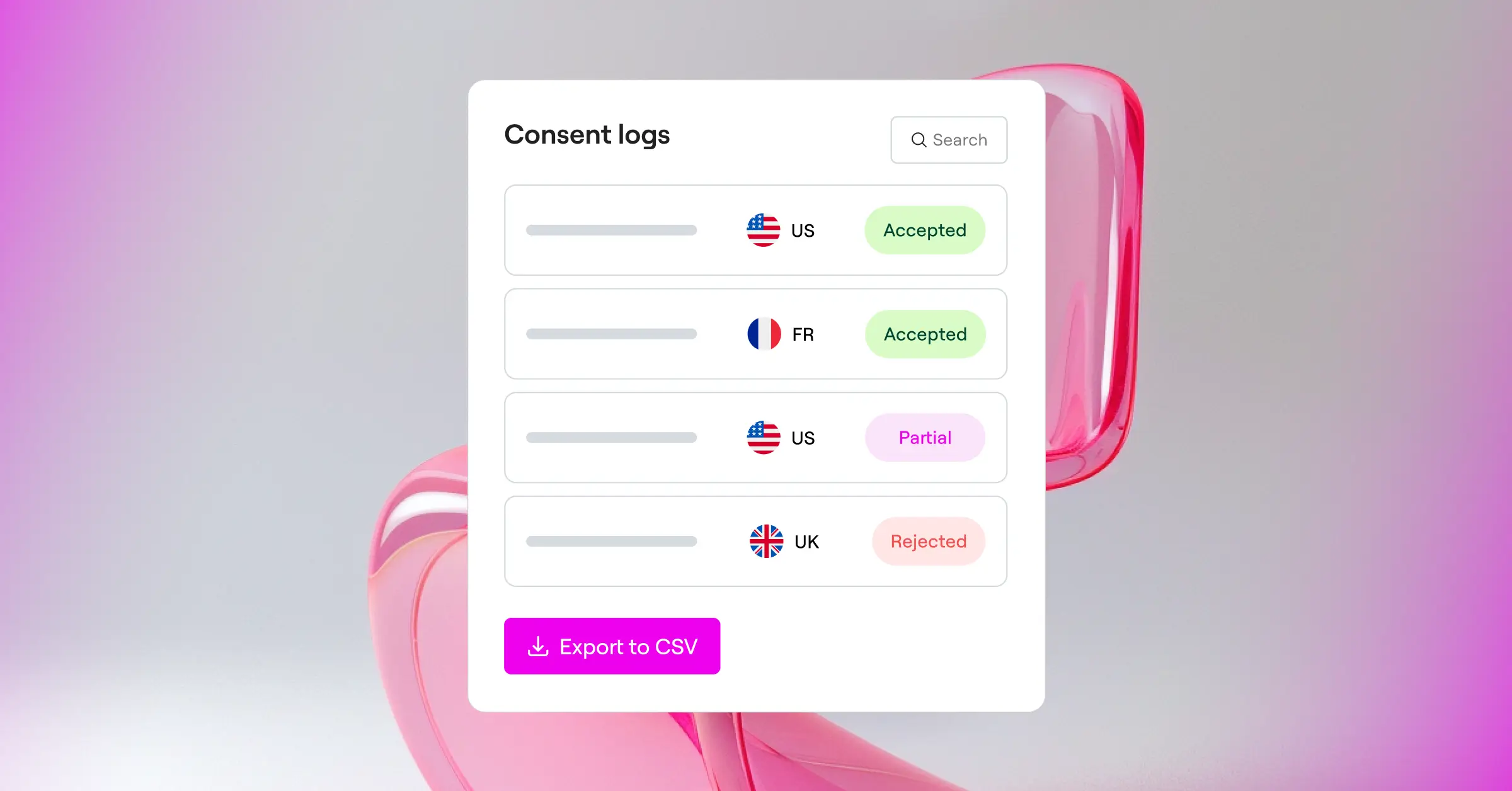
- Stores detailed consent logs locally so you’re always prepared for legal audits.
- Supports Google Consent Mode v2 out of the box to keep your marketing measurement accurate.
- Adapts to any brand with full design customization using your existing site theme.
- Identifies user location to show geo-targeted banners to European or Californian visitors only.
Pros & Cons
The biggest benefit is the complete lack of dashboard friction. You design your banner using the interface you already know, matching your branding elements naturally (it’s simpler than it sounds). It’s fast and keeps your database clean. Because it’s built natively for WordPress, it’s designed specifically for sites using Elementor, so it’s not a fit if you’re running non-WordPress platforms.
Our Verdict
For WordPress site owners and web designers who want a simple, beautiful, and deeply integrated option, this is the top choice. It removes the stress of paying for external compliance subscriptions while keeping your design clean and professional.
2. Cookiebot
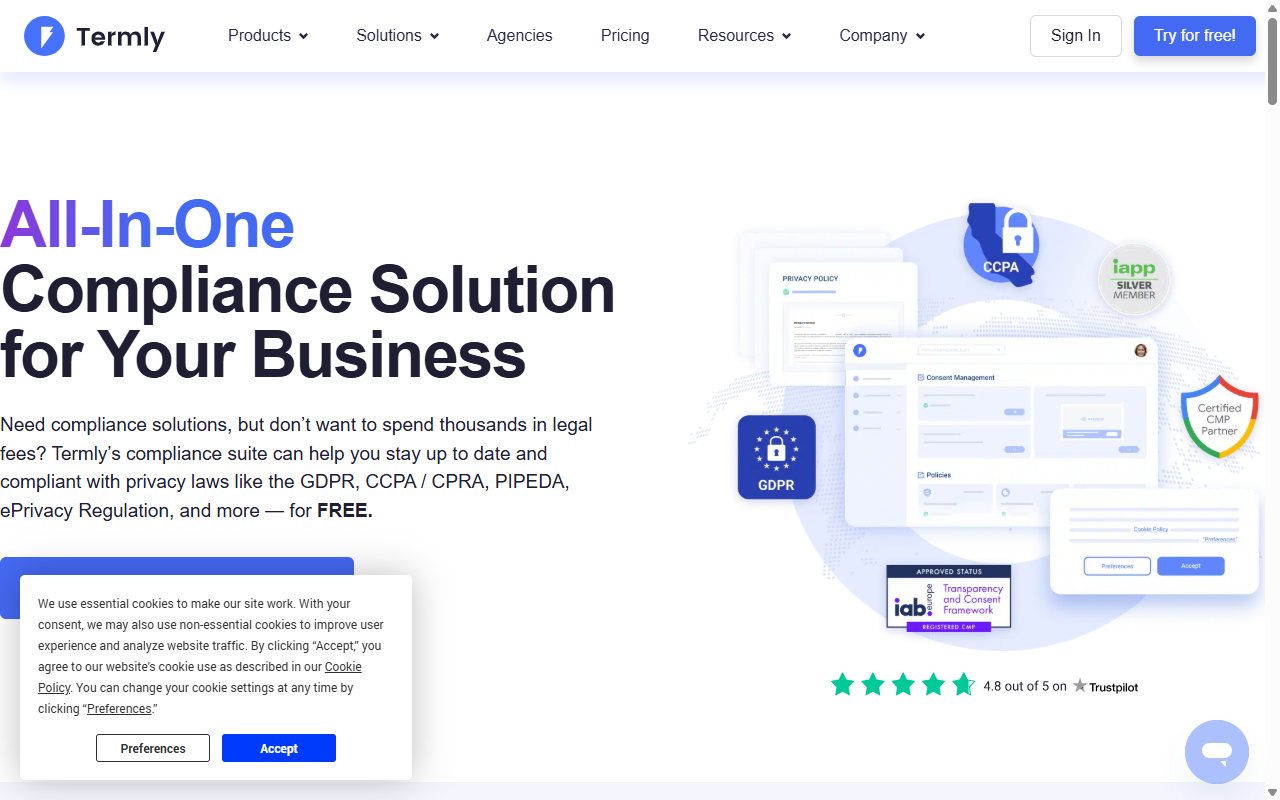
Cookiebot is an established cloud-based consent tool that handles compliance for millions of websites. It’s known for its accurate automated scanning technology, which crawls your site regularly to find and block tracking cookies until your visitors give their permission. You manage Cookiebot through an external cloud dashboard, then add it to your site using a script or a helper integration.
This tool works well for businesses that want a reliable, ongoing compliance process. It has solid support for modern compliance requirements and works smoothly with Google Tag Manager. The styling choices on lower tiers can feel somewhat basic, and the per-domain pricing can become a consideration if you run multiple smaller websites.

- Scans your website to find, categorize, and document every active cookie.
- Generates a detailed cookie declaration document that you can embed on your privacy page.
- Saves user consent choices in an encrypted cloud database for easy compliance reporting.
- Translates your banner into dozens of languages automatically based on browser settings.
Pros & Cons
The automated scanner handles complex scripts without breaking your site, and the reporting features are thorough. But because it’s a cloud service, you’ll leave WordPress to make any changes, and the monthly cost increases if your site grows past a certain page count.
Our Verdict
Cookiebot is a solid choice for business sites that want detailed scanning and don’t mind paying a monthly fee for an external service.
3. CookieYes
CookieYes is a friendly, hybrid consent platform that works with many different content management systems. It offers a clean web-app interface where you can customize your banner layout, set up your blocking behaviors, and view consent logs. It has a popular entry-level plan that attracts many self-employed creators and small business owners.
With support for Global Privacy Control and Google Consent Mode v2, CookieYes keeps your marketing tools in good shape while respecting visitor choices. It’s a straightforward option if you want something approachable but don’t necessarily need a native WordPress dashboard experience.

- Connects with WordPress, Shopify, Wix, and custom codebases through a single code snippet.
- Blocks tracking scripts automatically until the visitor interacts with your banner.
- Logs historical consent records securely to help you prove compliance during audits.
- Provides custom CSS styling blocks for developers who want deeper visual control.
Pros & Cons
It’s easy to use and has an intuitive interface. The entry-level plan is helpful for smaller blogs. The dashboard is still external, though, and the entry-level plan limits how many pages it will scan, meaning larger sites will need to upgrade at some point.
Our Verdict
CookieYes is a reliable option for multi-platform owners who want a simple web application to handle consent across different site types.
4. Complianz
Complianz is a consent solution built specifically for the WordPress community. It takes a legal-first approach to compliance. Instead of just giving you a banner, it walks you through a complete configuration wizard to help you generate legal documents like privacy policies, cookie disclosures, and disclaimer pages.
Because it’s native to WordPress, you don’t need an external account to use it. The configuration process is thorough and detailed, which can feel involved if you just want a simple cookie banner. That said, it’s a thorough tool for teams that want to get the legal documentation side right.

- Guides you through a localized wizard to match compliance rules for your specific region.
- Generates legally sound privacy policies and cookie declarations directly inside WordPress.
- Integrates with popular contact form solutions to manage consent before data submission.
- Disables social media embeds and maps automatically until the visitor agrees to them.
Pros & Cons
The depth of the legal documentation features is excellent, and it keeps all settings inside your site (worth bookmarking if legal doc generation is on your list). The long setup wizard can feel time-consuming, and the interface has a bit of a learning curve for beginners.
Our Verdict
If you need custom-generated legal documents and want a guided, native WordPress wizard approach, Complianz is a strong option to consider.
5. iubenda
iubenda is a broad compliance suite designed for professional web agencies and businesses with complex needs. It doesn’t just focus on cookies. It also handles terms and conditions, privacy policies, internal consent databases, and privacy rules for mobile apps. You build your modular legal documents and banners through a cloud dashboard.
This tool scales well and supports multiple languages nicely. Because it’s a broader compliance system, you can use it to build your entire legal foundation across many properties at once. The interface is geared toward users with some legal or technical background, so there’s a learning curve involved.

- Builds professional privacy and terms policies that auto-update when compliance laws change.
- Tracks consent across multiple websites and domains from one central agency portal.
- Supports highly specific regional privacy frameworks including CCPA, GDPR, and LGPD.
- Allows extensive code integration for sites using advanced custom JavaScript.
Pros & Cons
It’s thorough and works well for agencies managing multiple client sites across different geographies. The setup process is complex, and buying separate licenses for every legal document adds up over time.
Our Verdict
iubenda is a good choice for agencies and international businesses that want a single cloud-based suite covering all forms of legal documentation.
6. OneTrust
OneTrust is a large-scale privacy platform built for enterprise organizations and deep legal compliance teams. It’s not designed for small blogs, but it’s a capable option if you manage a large corporate website or a high-traffic e-commerce operation with strict auditing requirements.
OneTrust covers everything from cookie compliance and vendor risk assessment to consumer privacy rights portals. It uses an advanced cloud dashboard that takes time to learn and configure. Because of its scope, it requires a higher budget and a longer setup process, but it’s designed to meet the needs of large organizations with complex compliance obligations.

- Monitors privacy risks across large corporate portfolios with automated system audits.
- Classifies cookies using a broad database of known web scripts.
- Provides a portal for processing consumer data requests and deletion filings.
- Delivers detailed reporting dashboards for internal compliance officers and legal counsel.
Pros & Cons
The system is thorough and built to satisfy demanding legal audit requirements. It’s far too complex and expensive for a standard WordPress site or local business, though, so it’s really best suited for organizations with dedicated compliance teams.
Our Verdict
OneTrust is the right fit for enterprise-level organizations that need deep legal auditing tools and have the budget and team to support them.
7. Osano
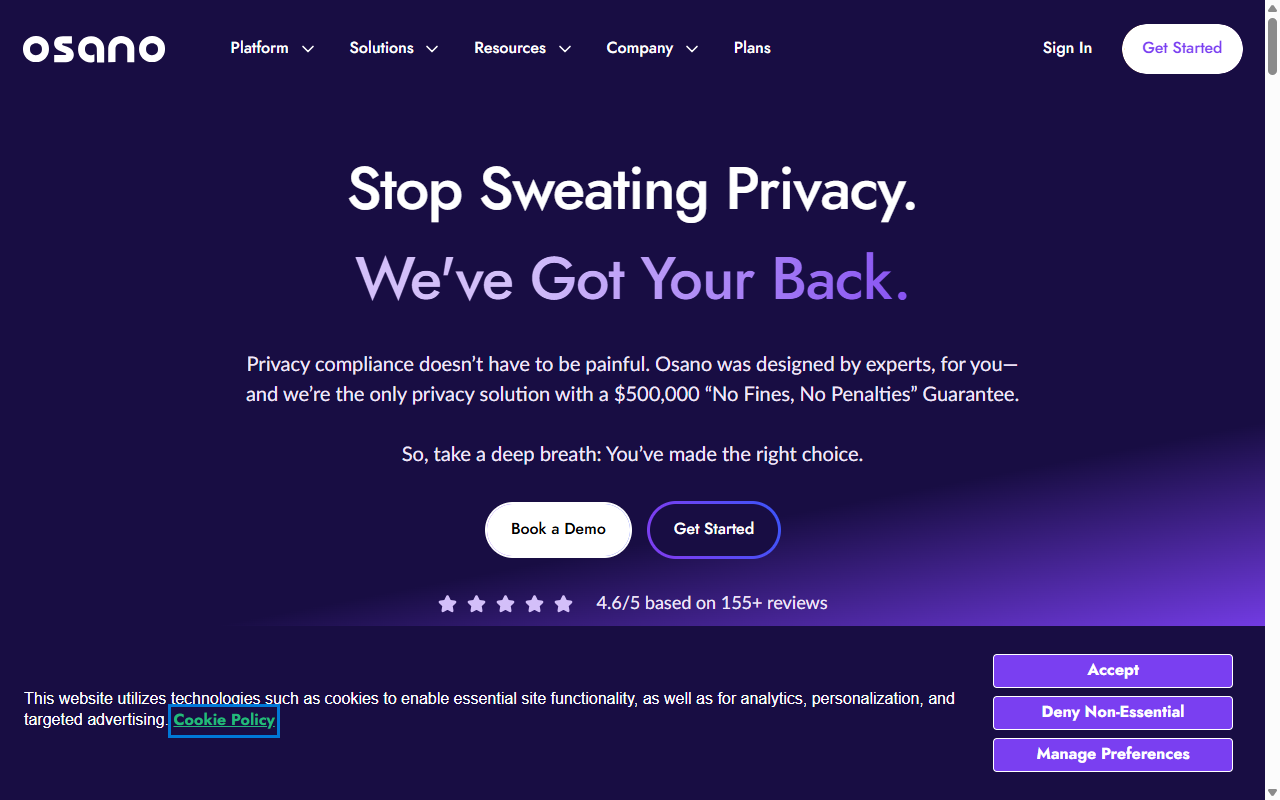
Osano positions itself as an easy-to-use compliance platform for mid-market businesses that want a secure, reliable way to block data trackers and keep their sites compliant. It takes a hands-off approach by managing script blocking automatically in the background.
The dashboard is clean and modern. While it’s an external platform, it integrates with WordPress using a single script tag. It’s a practical option if you want professional privacy tooling without the heavy enterprise feel of larger platforms.
- Guarantees compliance by checking your setup against global privacy regulations.
- Blocks unauthorized tracking scripts instantly before your page even loads for the user.
- Monitors your external vendors to see if they’re sharing user data in unexpected ways.
- Displays clear, well-designed consent banners that look professional on mobile and desktop.
Pros & Cons
It’s secure and straightforward for mid-sized business teams to manage. The platform is cloud-based, so you’ll still be stepping outside WordPress to make changes, and costs scale as your business grows.
Our Verdict
Osano is a solid, premium cloud option for growing businesses that want a secure compliance platform with minimal ongoing maintenance.
“True privacy compliance isn’t about slapping a banner on your homepage. It’s about understanding what scripts are running, logging consents reliably, and ensuring that your site respects user choice without adding unnecessary performance weight.”
– Itamar Haim, Web Compliance Specialist
How to Transition from Termly to a Native WordPress Solution
If you’ve decided that a native option is the best path forward, making the switch is easier than it looks. You don’t need to worry about losing your settings or breaking your design. By following a clear, step-by-step process, you can move your compliance management directly into your WordPress dashboard and simplify your whole setup.
We recommend running a clean system migration. This keeps your site speed high and prevents two different cookie banners from trying to load at the same time, which would confuse your visitors and potentially flag a compliance issue. Here’s how to do it in four steps:
- Deactivate Termly Scripts – Log into your Termly dashboard, remove your site domain, and delete any Termly script tags from your WordPress header files or tag manager.
- Activate Your Native Capability – Enable your new native cookie consent tool inside your WordPress dashboard (if you use Elementor’s Cookie Consent, you’ll find this under your compliance settings).
- Run a New Cookie Scan – Run your first automated scan to categorize your plugins, analytics trackers, and social media scripts.
- Style and Publish – Adjust the colors, fonts, and button shapes to match your site design, test the banner on a mobile device, and publish.
Once your new native system is active, you’ll find that managing changes is much faster. You can update your policies, change your banner text, or adjust your color scheme at the same time you make other site edits, saving you real time every week.
Essential Checklist for Cookie Consent Compliance
No matter which tool you choose to replace Termly, your setup needs to meet modern legal expectations. Regulatory bodies in Europe and California look for specific behaviors when they evaluate a website for compliance. Simply having a box that says “We use cookies” isn’t enough anymore.
Your setup must put the visitor in control of their own data before any tracking happens. To make sure you don’t have any gaps, run through this quick compliance checklist:
- Prior Consent – Keep all non-essential cookies and tracking scripts blocked until the user actually clicks the accept button.
- Granular Choice – Let users choose to accept some cookies (like analytics) while rejecting others (like marketing trackers).
- Easy Withdrawal – Give visitors an obvious, always-visible button to change their privacy settings or withdraw consent at any time.
By keeping these rules in mind, you’ll protect your business from legal risks while showing your audience that you genuinely respect their privacy. It’s a simple way to build long-term trust and keep your site running smoothly.
Frequently Asked Questions
Is Termly completely free to use?
Termly offers a basic entry-level plan, but it has limits on pageviews, cookie scans, and the number of legal policies you can create. If your site grows or you need advanced features like geo-targeting or Google Consent Mode v2, you’ll need to upgrade to one of their paid plans.
Can I manage cookie consent natively in WordPress?
Yes. You can manage compliance natively using tools like Elementor’s Cookie Consent capability. This lets you design your banner, manage cookie logs, and run scans directly from your WordPress dashboard, without ever logging into an external cloud account.
What is Google Consent Mode v2 and why do I need it?
Google Consent Mode v2 is a system that communicates your visitors’ privacy choices directly to Google services like Google Analytics and Google Ads. If your site serves visitors in the European Union or the United Kingdom, Google requires this setup to keep your ad tracking and analytics measurements accurate and compliant.
Do cookie consent tools slow down my website load times?
Some external cloud-based tools can add a slight delay because they rely on third-party servers to load the banner script. Native tools generally load faster because they run directly on your own WordPress server and use your existing theme resources, keeping your site performance in good shape.
What happens if I do not have a cookie consent banner?
If you’ve got visitors from regions with strict privacy laws like the EU or California and don’t provide a consent mechanism, you could face legal warnings, penalties, or fines from privacy regulators. Ad platforms and analytics services may also restrict your account access if they detect unconsented tracking.
Can I customize my consent banner to match my website brand?
Yes. Most modern tools offer styling options, but the depth of customization depends on the platform. Native systems built into your site editor provide the easiest design integration because they use your existing global fonts, colors, and button styles directly inside your editing interface.
Should I use a cloud SaaS or a WordPress-native tool?
If you run multiple sites on different platforms like Shopify and Wix, a cloud SaaS tool makes sense. But if your site runs entirely on WordPress, a native option is generally much better. It simplifies your workflow, removes external platform costs, and lets you manage all your content and compliance from a single admin area.






