Finding the right way to manage user privacy on your website can feel like trying to solve a puzzle while the pieces keep changing shape. Whether you’re running an enterprise compliance department or a busy web design agency, you already know the stakes are high. The tools that work for a simple local business blog often fall short when faced with international regulations, and high-end enterprise tools can easily drain your budget and complicate your daily workflow. Choosing between enterprise cookie consent systems and focused, native solutions comes down to balancing scale, speed, and simplicity. Let’s walk through the best options for 2026 so you can make a confident choice.
Key Takeaways
- Enterprise tools focus heavily on multi-organization governance, legal audit trails, and complex cross-domain setups, but they come with premium pricing and steep learning curves.
- Small business solutions focus on quick setups, native integrations, and keeping your site running fast without complex external software dashboards.
- Cookie Consent by Elementor provides a smooth, WordPress-native setup that bridges the gap, offering enterprise features like Google Consent Mode v2 and consent logs without the heavy price tag.
- Compliance standards in 2026 demand active user choice, precise geo-targeting, and automatic script blocking before consent is given.
The Great Consent Divide: Enterprise Scale vs. Small Business Agility in 2026
When you look at the compliance landscape today, you’ll notice a meaningful split in how tools approach privacy. Large corporations have dedicated legal departments, security review teams, and thousands of domains spread across different business units. For these organizations, a cookie banner is just one piece of a much larger privacy management system. They need deep integration with data mapping tools, vendor risk assessments, and complex consent databases. That’s where enterprise systems focus their energy, often trading simplicity and speed for deep organizational control.
But if you’re managing small business sites, running an agency, or building your site with Elementor, your priorities look quite different. You want compliance that works out of the box. You need a tool that doesn’t slow down your page speed, doesn’t require you to learn a completely separate platform, and doesn’t demand custom coding just to style a banner. You need to stay compliant with GDPR, CCPA, and Google Consent Mode v2 without making your daily workflow a chore. The right approach here is finding a native experience that respects your time and budget while keeping your legal bases covered.
“Managing cookie compliance isn’t just about blocking scripts; it’s about maintaining a clear audit trail while keeping the user experience as light and clean as possible.” – Itamar Haim, Web Compliance Specialist
Let’s look at how the two approaches stack up across the core functional categories that matter to your daily operations.
Feature Comparison: Enterprise vs. Small Business Consent Tools
This comparison table outlines the practical differences between high-end corporate compliance suites and focused, agile small business solutions.
| Feature / Requirement | Enterprise Compliance Suites | Small Business & Native Solutions |
|---|---|---|
| Primary Dashboard Location | External cloud platforms (separate SaaS login) | Directly in the WordPress dashboard |
| Average Setup Duration | Several days to weeks of custom integration | Under 5 minutes with guided setups |
| Design Control | Requires custom CSS or platform-specific theme builders | Visual, on-canvas editor controls and ready-to-use templates |
| Google Consent Mode v2 | Supported, but often requires complex Tag Manager setups | Supported natively with straightforward toggle controls |
| Cost Model | High annual subscriptions based on page views or domains | Flat-rate, entry-level plans, or included with existing site builders |
| Agency Client Management | Complex multi-tenant panels with steep learning curves | Simple license distribution and fast dashboard configurations |
As you review these differences, you can see that the best choice depends entirely on who’s managing the site and where your traffic comes from. For a dedicated compliance officer handling fifty international brands, the enterprise route makes complete sense. But for an agency building websites for clients, or a growing business keeping an eye on overhead, a WordPress-native capability is often the smarter, friendlier path.
The 10 Best Cookie Consent Solutions for 2026
We’ve collected the top solutions available today, looking closely at how they serve both enterprise requirements and small business workflows. Here’s a direct, neutral look at the best options on the market.
1. Cookie Consent
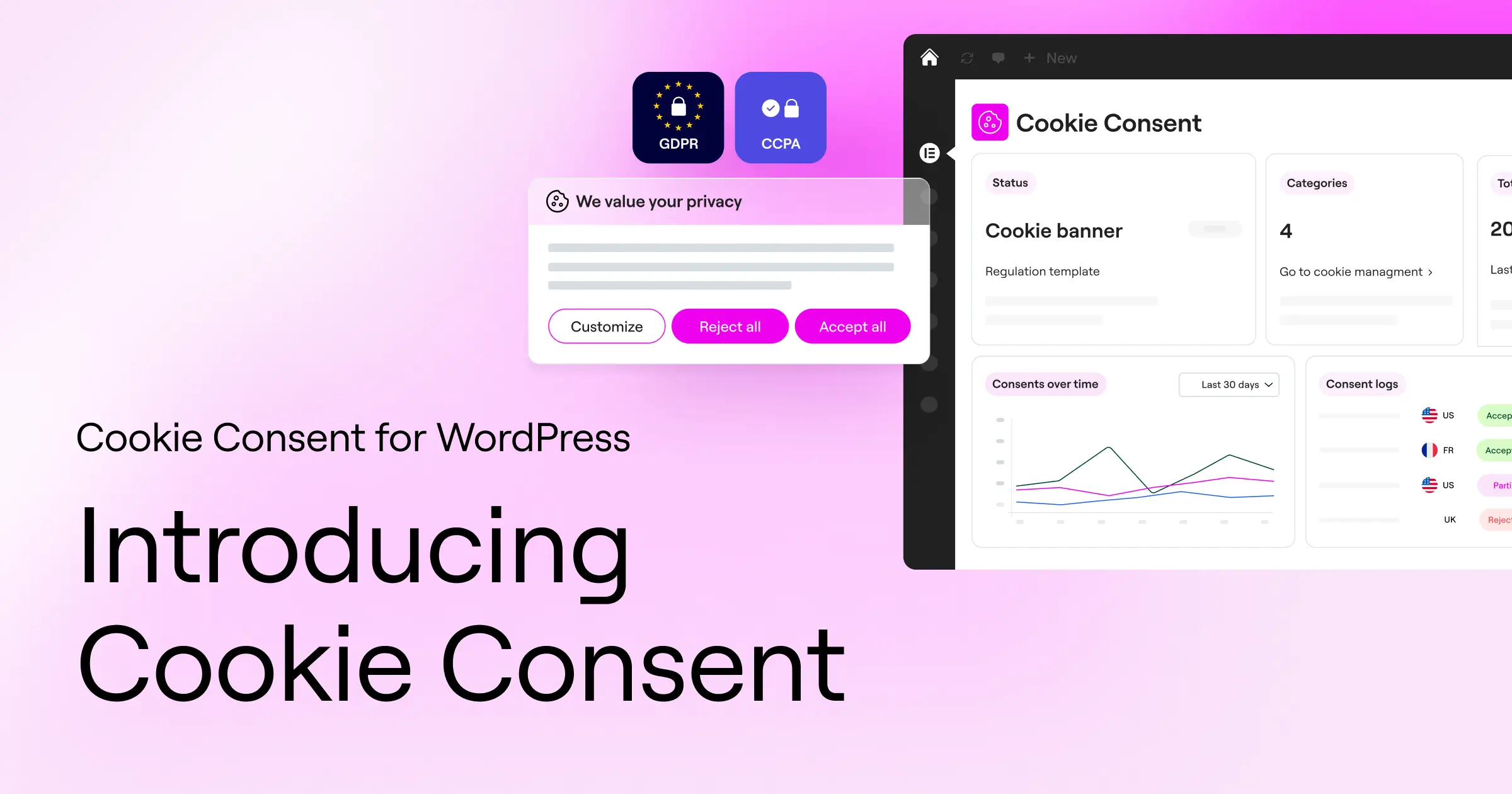
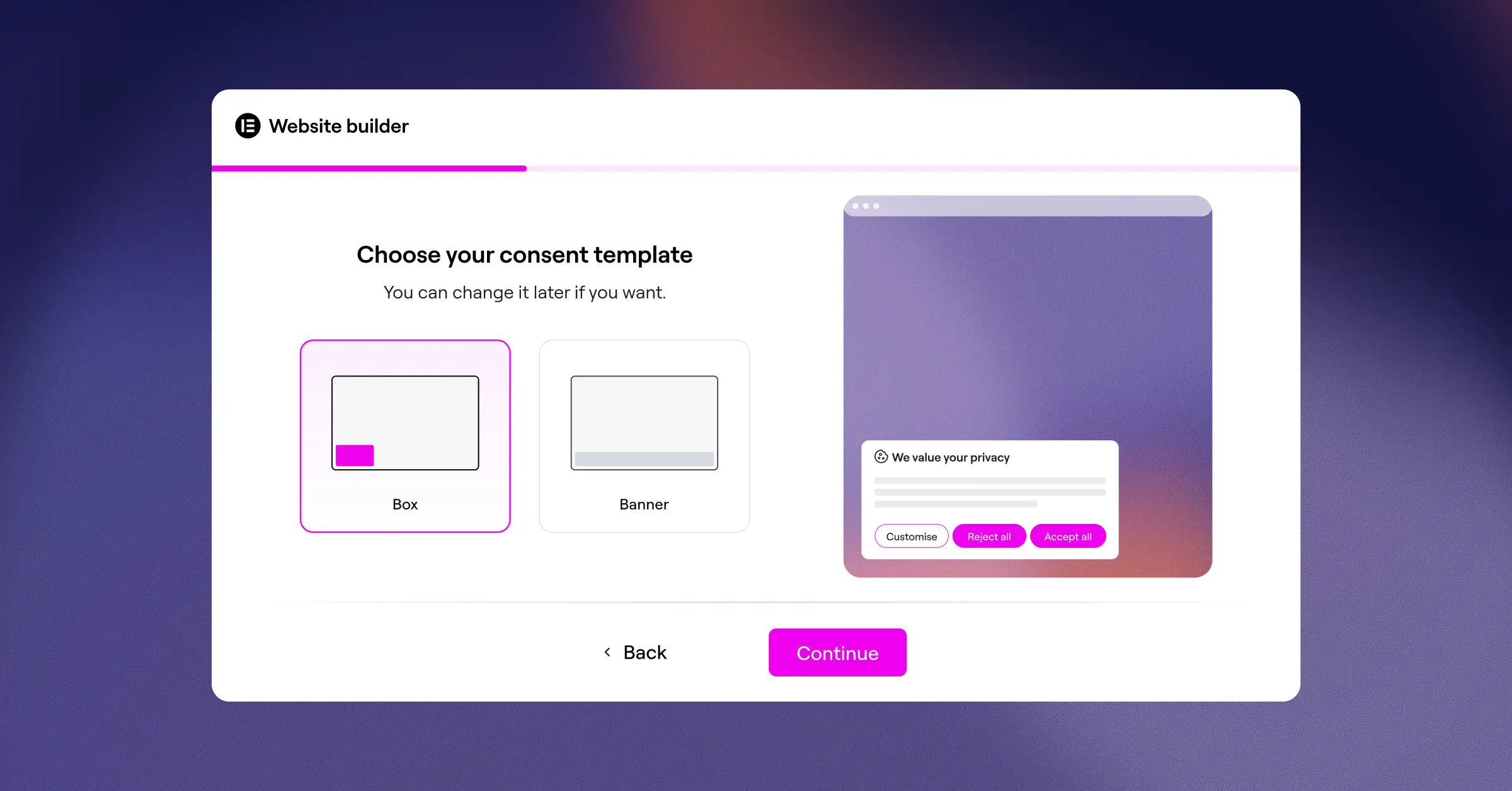
If you’re using WordPress to build and manage your site, Cookie Consent is a highly capable, native choice that lives directly where you work. Built as a native capability for WordPress, this tool keeps you from having to log into separate SaaS dashboards just to check your compliance settings or tweak a banner. It’s designed to get your site compliant with major laws like GDPR and CCPA in just a few minutes, while keeping your design clean and fully aligned with your brand.
For agencies and site owners who want a straightforward workflow, this capability delivers everything you need from a single, unified workspace. Because it’s built directly into WordPress and offered within the broader Elementor toolkit, it removes the friction of third-party script management and helps you avoid expensive monthly subscription fees.
- Scans and categorizes your site cookies automatically to keep your lists accurate.
- Builds clear consent paths using native WordPress editor controls.
- Logs visitor consent choices to maintain reliable audit trails.
- Applies precise geo-targeting to show the right banner to the right visitors.
- Supports Google Consent Mode v2 to keep your ad tracking compliant.
- Generates privacy policy frameworks quickly with a built-in policy generator.
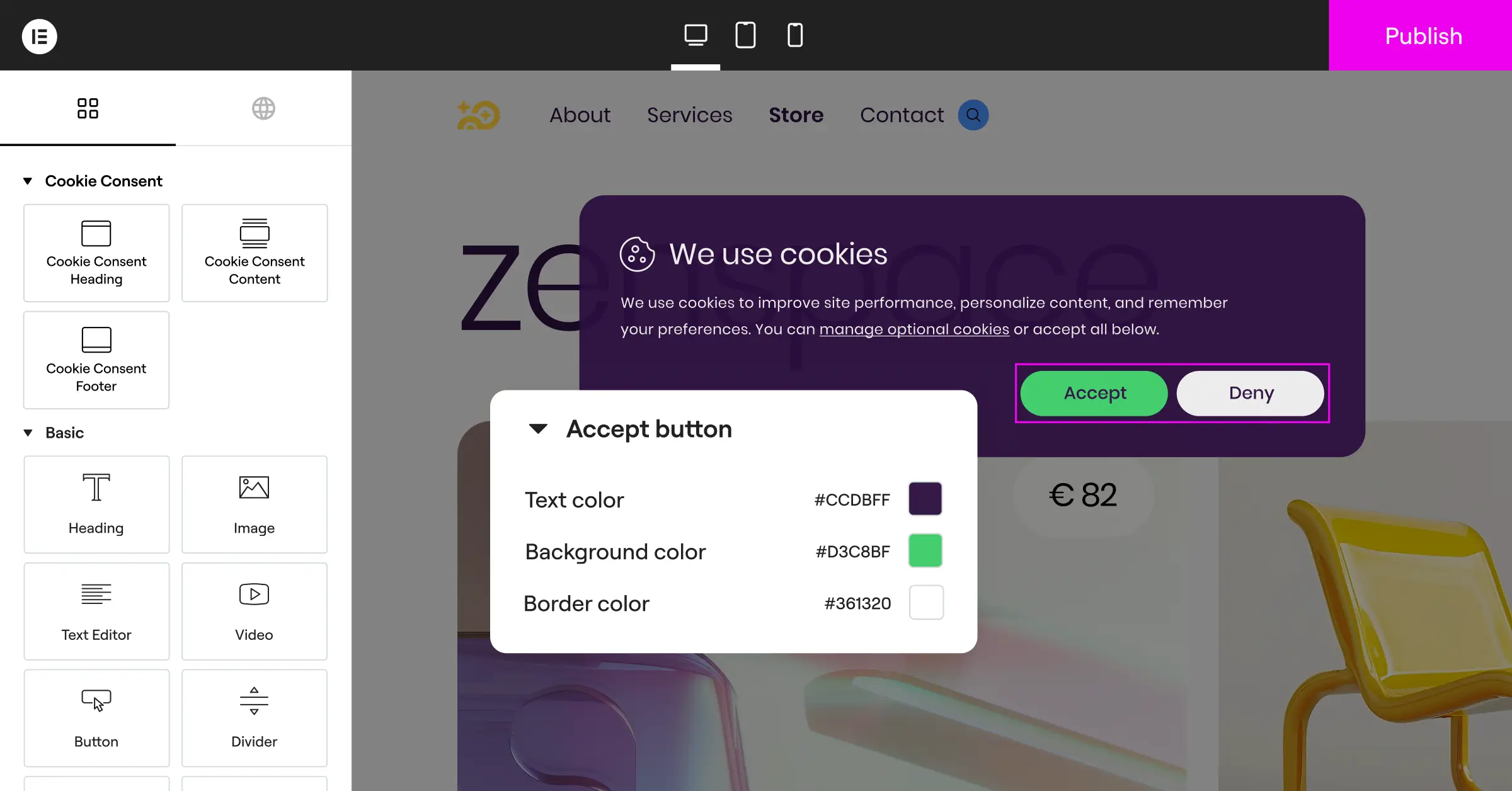
Pros: No external dashboards to manage, an incredibly fast 5-minute setup, complete design styling directly in your visual editor, and support for the latest Global Privacy Control (GPC) standards.
Cons: Built specifically for WordPress sites, so it’s not suitable for non-WordPress platforms.
Verdict: The best choice for agencies, designers, and small businesses running on WordPress who want strong compliance without the pain of external software or high monthly fees.
2. OneTrust
OneTrust is a widely recognized name in the enterprise privacy space. It’s a large platform designed for deep corporate governance, managing everything from cookie consent to vendor risk assessments, data mapping, and complex regulatory audits across hundreds of enterprise domains.

- Tracks user consent across web, mobile apps, and connected TV screens.
- Builds complex data inventory maps linked directly to user preferences.
- Connects consent data directly into major enterprise CRM systems.
- Pulls detailed regulatory compliance reports for global legal teams.
- Manages subject rights requests (DSAR) from a single corporate panel.
- Blocks tracking scripts across different regional jurisdictions automatically.
Pros: Excellent depth for global corporations, deep compliance risk reporting, and highly advanced multi-tenant organizational management.
Cons: Can feel overwhelming for smaller teams, requires significant technical expertise to configure, and has a high entry cost.
Verdict: A powerful choice for enterprise companies with dedicated privacy officers, but far too complex and costly for typical small businesses or independent web agencies.
3. Osano
Osano focuses on providing data privacy management with a clear promise of compliance protection. It positions itself as an easy-to-use platform for growing mid-market companies and enterprise teams that want to avoid regulatory challenges without hiring a large team of legal experts.

- Scans your site regularly to discover and classify tracking cookies.
- Blocks unknown scripts automatically until the visitor grants consent.
- Logs consent data securely using a dependable cloud-based ledger.
- Applies correct regional settings automatically for visitors in over 40 countries.
- Supports deep team collaboration with multi-user access permissions.
- Verifies the compliance status of your third-party data vendors.
Pros: Clear legal focus, easy to deploy across various content management systems, and a user-friendly cloud dashboard.
Cons: Higher traffic volumes can push you into more expensive pricing tiers.
Verdict: A solid option for mid-to-large companies that need strong regulatory compliance coverage but don’t want the extreme complexity of a full enterprise suite.
4. Cookiebot
Cookiebot is a popular, cloud-based consent management tool that has built its reputation on deep, automated scanning capabilities. It works by inserting a cloud-hosted script into your website, which then handles the task of detecting and managing all cookies and trackers.

- Scans your website fully every month to detect hidden tracking scripts.
- Builds automated cookie declarations that can be published on your privacy page.
- Connects directly with Google Tag Manager using a custom template.
- Pulls geolocation data to display compliance banners matching the visitor’s location.
- Logs all visitor choices securely in a cloud-hosted consent database.
- Supports multilingual setups to translate banners automatically for global visitors.
Pros: Highly accurate automated cookie detection, straightforward integration, and good compliance with European privacy standards.
Cons: If your website grows beyond a specific page limit, you’ll move into higher-cost pricing tiers.
Verdict: A dependable choice for websites of all sizes, though large sites with deep page hierarchies should keep an eye on page-count thresholds.
5. CookieYes
CookieYes is a widely used web app that offers both a cloud-based dashboard and native CMS integrations. It’s designed to be highly accessible, offering a clean, modern interface that appeals to small business owners and mid-market web agencies alike.

- Tracks user consent across multiple global privacy frameworks.
- Builds customizable banners using simple visual style controls.
- Connects with popular analytics tools while respecting consent states.
- Pulls historical consent logs to help you prepare for compliance audits.
- Blocks tracking scripts from running before the user gives consent.
- Generates easy-to-read cookie policy pages for your visitors.
Pros: User-friendly interface, quick deployment, and a solid selection of pre-designed templates.
Cons: Managing multiple client sites requires jumping between different accounts, and advanced layout controls require custom CSS.
Verdict: A capable and popular choice for small to medium businesses looking for a balance between ease of use and solid, reliable compliance features.
6. Complianz
Complianz is a privacy suite built specifically for the WordPress ecosystem. It takes a wizard-based approach, asking you a series of detailed questions about your business and website practices to build a customized compliance framework.

- Scans your site continuously to identify new plugins and cookies.
- Builds custom cookie policies based on a step-by-step wizard.
- Connects to popular WordPress features provided by Elementor and other site builders.
- Pulls regional legal requirements to customize banners for GDPR, CCPA, and COPPA.
- Logs user consent in your local database to respect visitor privacy.
- Blocks specific social media integrations until the visitor accepts cookies.
Pros: Highly detailed setup wizard, direct integration into WordPress, and no monthly page-view limits.
Cons: The large number of settings and legal terms in the wizard can sometimes feel confusing for non-technical users.
Verdict: A strong, feature-rich choice for WordPress developers who enjoy a guided, questionnaire-style setup process.
7. iubenda
iubenda provides a complete suite of compliance tools designed to help websites meet legal requirements. Rather than focusing solely on cookies, it offers a broader set of solutions including privacy policies, terms and conditions, and internal data consent management.

- Generates legal documents that are updated automatically when laws change.
- Builds customized cookie banners matching major international regulations.
- Connects with various content management systems via simple script integration.
- Pulls legal updates from an internal team of privacy lawyers.
- Logs consent preferences securely to meet strict regulatory audit standards.
- Supports multiple languages across all generated legal documents.
Pros: Excellent for complete site compliance beyond just cookie consent, with reliable auto-updating legal texts.
Cons: The broader feature set can feel like more than you need if you only want a cookie banner.
Verdict: A great choice for businesses that need to build both their cookie consent banners and their complete legal documents from a single source.
8. Termly
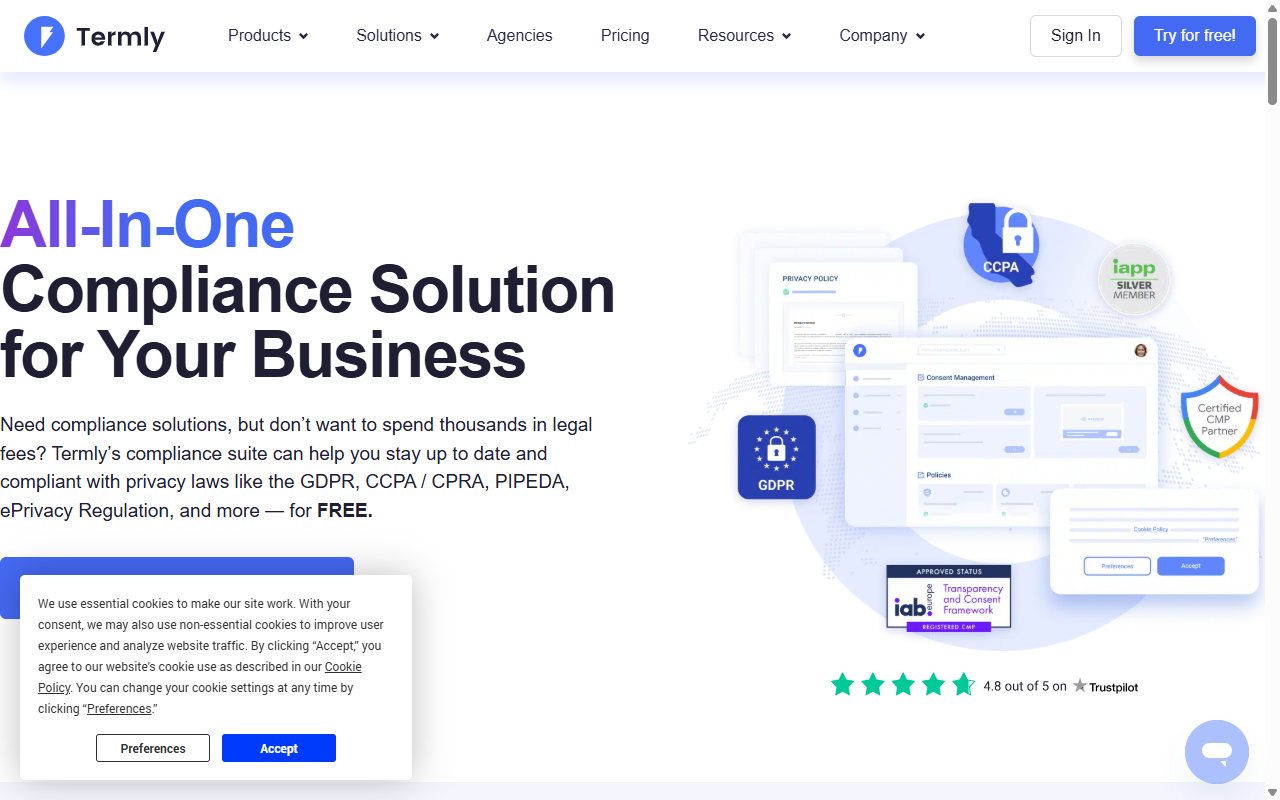
Termly is a compliance platform focused on small businesses, startups, and independent creators. It aims to make legal compliance affordable and simple by providing easy generator tools for various legal requirements.
- Scans websites on a regular schedule to categorize cookies.
- Builds simple, clean cookie consent banners in minutes.
- Connects users with automated generators for Terms of Service and Privacy Policies.
- Pulls regional compliance standards to adjust banner language dynamically.
- Logs visitor consent records to help you maintain accurate records.
- Blocks tracking scripts automatically to meet strict opt-in standards.
Pros: Very simple setup, approachable writing style throughout the app, and budget-friendly pricing tiers.
Cons: Limited customization choices for advanced branding, and not designed to handle massive enterprise-scale domains.
Verdict: A highly approachable entry-level solution for small businesses that want a fast, affordable way to get their basic legal policies in place.
9. Usercentrics
Usercentrics is a prominent enterprise consent management platform that focuses heavily on custom integration, security, and developer-friendly tools. It’s designed to help corporate developers and enterprise product managers build compliant consent setups into websites and mobile apps alike.
- Tracks consent across web, mobile apps, and custom smart devices.
- Builds custom UI layouts using a flexible developer API.
- Connects directly with enterprise marketing and analytics suites.
- Pulls detailed opt-in analytics to help you optimize consent rates.
- Logs user interactions securely to maintain legal audit readiness.
- Supports deep integration with major enterprise content networks.
Pros: Excellent flexibility for developer teams, highly detailed analytics, and strong multi-platform support.
Cons: Requires development skills to set up correctly, has no simple native WordPress visual interface, and is too complex for basic sites.
Verdict: A premier choice for custom-built web applications and enterprise organizations with dedicated engineering resources.
10. Didomi
Didomi is a premium privacy and preference management platform built for medium to large enterprises. It places a strong emphasis on turning compliance into a customer trust advantage by giving users clear control over all their marketing preferences.
- Tracks user consent across multiple devices and online platforms.
- Builds advanced preference centers where customers can manage their communication choices.
- Connects privacy consent directly to enterprise CRM databases.
- Pulls real-time analytics to show how different banner designs impact opt-in rates.
- Logs user selections with full cryptographic proof for legal safety.
- Supports deep customization to keep your branding completely uniform.
Pros: Exceptional focus on customer trust, attractive design options, and powerful multi-channel preference tools.
Cons: High entry cost and requires professional integration to make full use of the preference features.
Verdict: Ideal for consumer-facing brands with large customer bases that want to treat data privacy as a premium brand experience.
Choosing the Right Tool for Your Agency or Business
If you’re trying to decide which route to take, it helps to look honestly at your daily workflow. Large enterprise solutions like OneTrust or Didomi are built to handle complex corporate compliance setups, but they often require deep legal knowledge and ongoing maintenance. They also pull your focus away from your site builder, pushing you to manage settings from external, multi-tenant cloud platforms.
For agencies and small businesses, the focus is usually on efficiency and simple design control. You want to protect your site visitors without sacrificing visual appeal or spending hours writing code. A native solution like Cookie Consent keeps everything in one familiar place. You can edit your banner directly in your WordPress editor, match your brand fonts and colors instantly, and manage your consent logs without ever leaving your dashboard. It’s a much friendlier, more natural way to handle privacy compliance, especially when you’re managing multiple client sites at once.
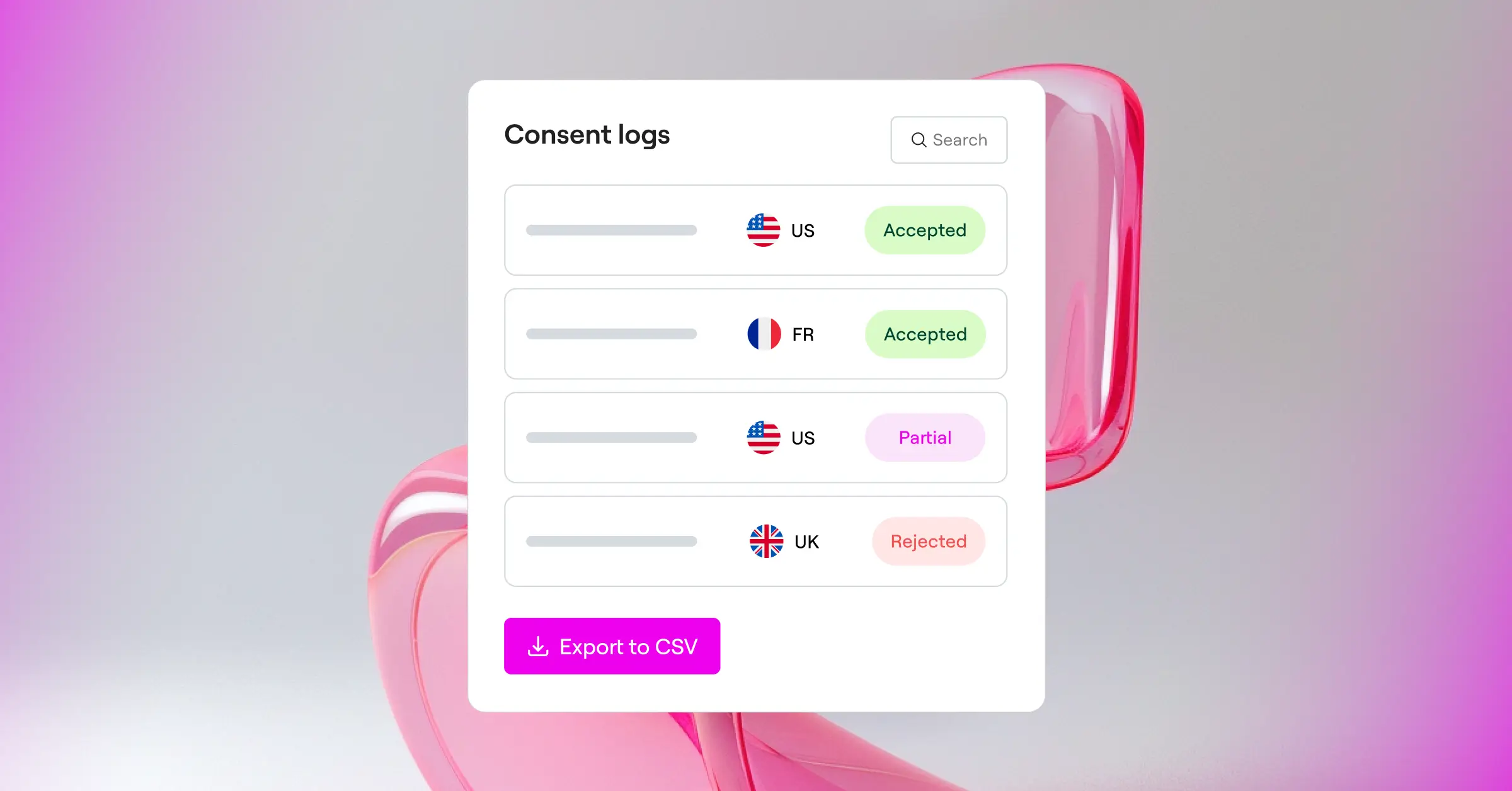
And if you’d like to see how consent management fits into a broader compliance and accessibility strategy, Cookie Consent works neatly alongside other Elementor capabilities like Web Accessibility to keep your whole site visitor-friendly and legally covered.
Frequently Asked Questions
Why is Google Consent Mode v2 so important for websites?
Google Consent Mode v2 is essential because Google now requires it for any site serving visitors in the European Economic Area (EEA) that uses Google tools like Analytics or Ads. It passes the visitor’s consent choices directly to Google’s tags, letting them adjust their data-gathering behavior automatically. Without it, you risk losing valuable conversion data and ad tracking capabilities.
Do I really need to log visitor consents?
Yes, keeping accurate consent logs is highly recommended for proper compliance, particularly under regulations like the GDPR. If a privacy authority ever reviews your site’s practices, you need to be able to show a clean audit trail proving that your visitors actively consented to tracking cookies before those scripts were loaded.
What is the difference between a native tool and a SaaS cloud banner?
A native tool lives directly inside your website dashboard, meaning you configure its design, scan cookies, and manage settings right where you edit your content. A SaaS cloud banner is managed on an external platform, requiring you to insert a code snippet into your site and log into a separate third-party website every time you need to change a compliance setting.
Does a cookie consent banner affect page loading speeds?
It can, depending on how the tool is built. Heavy external scripts that load from third-party servers can delay your site’s loading times and impact your SEO performance. Native tools are typically built to load lighter, integrated code, helping to keep your site fast and responsive for your visitors.
Can I customize the design of my cookie banner to match my brand?
Yes, but the ease of customization varies by tool. Some enterprise tools require you to write custom CSS or use complex developer interfaces to change layouts. With WordPress-native capabilities like Cookie Consent, you can use visual design tools to quickly style your banner’s colors, fonts, and position to match your branding.
What does Global Privacy Control (GPC) mean for my site?
Global Privacy Control is a modern browser setting that lets users signal their privacy preferences automatically across the web. Modern compliance tools recognize this browser signal and instantly apply the user’s preferred privacy settings without requiring them to manually click your cookie banner.
Is a free cookie consent tool safe for commercial websites?
Entry-level plans can be perfectly safe and effective, provided they include critical compliance features like script blocking, cookie scanning, and consent logging. Many small businesses start with a capable free option and only scale up to premium tiers when they need advanced features like detailed geo-targeting or automatic multi-language translations.






