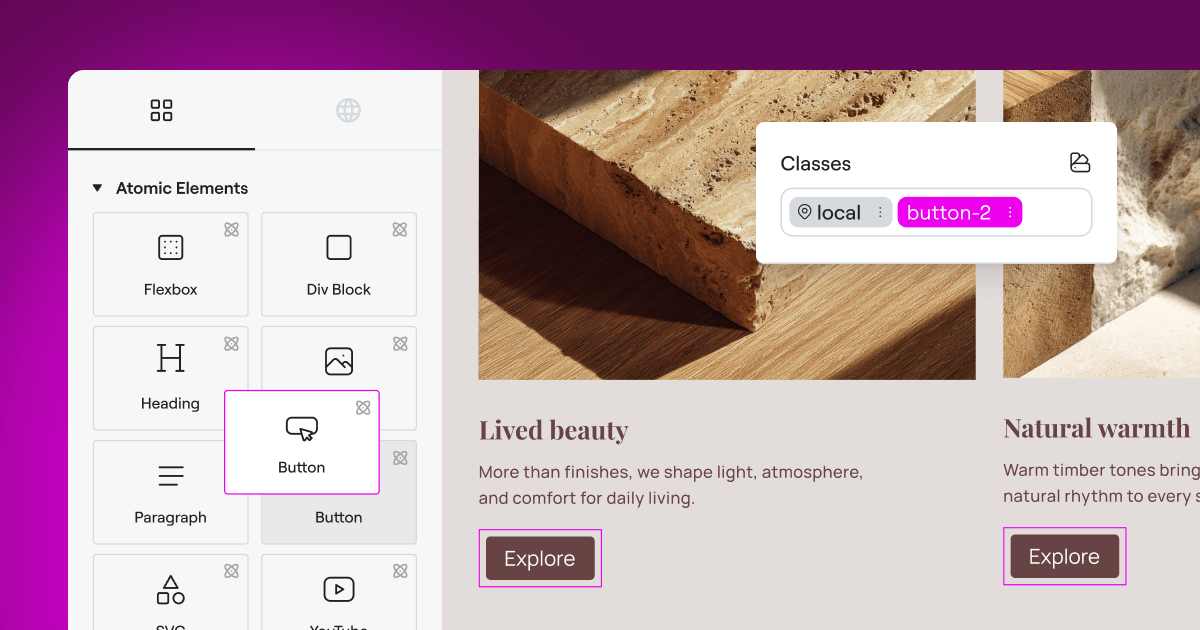
Running a website means wearing a lot of hats. One day you’re designing a beautiful layout, and the next you’re trying to make sense of overlapping privacy regulations. If you’ve been using Cookiebot, you may have found that juggling an external account alongside your WordPress dashboard feels heavier than it really needs to be. The good news is that finding a tool that keeps your site compliant while keeping your design clean is more straightforward than it looks. We’ve researched and tested the top options for WordPress site owners this year, so let’s look at the alternatives that keep your site legal without slowing your workflow down.
Key Takeaways
- Native integration matters: managing consent directly inside WordPress removes the need for separate external dashboards and keeps your workflow in one place.
- Google Consent Mode v2 is essential: any tool you pick must support this standard to keep your analytics and ad campaigns running cleanly.
- Budget flexibility: many alternatives offer flat-rate pricing or free tiers that can save you significant money compared to per-domain billing models.
- Design customization: choosing a tool that lets you style banners from within your builder keeps your branding consistent without writing a line of code.
Why Look for a Cookiebot Alternative in 2026?
As privacy regulations tighten around the globe, site owners need tools that are both thorough and genuinely easy to manage. Cookiebot has been a popular choice for years, but plenty of users are starting to look elsewhere for a handful of clear reasons.
First, the setup often requires you to move back and forth between your WordPress dashboard and an external cloud platform. That split workflow can make troubleshooting scripts and cookie categories feel disjointed and time-consuming, particularly when all you want to do is approve a single tracker. Second, if your blog or online shop grows, your consent tool shouldn’t penalize you for publishing more content. And third, visual customization can sometimes be surprisingly tricky. When you want your cookie banner to match your custom typography and brand colors, the last thing you want is to write custom CSS to override external stylesheets.
The compliance software market has come a long way, though. Modern consent solutions are more integrated, lighter on server resources, and built to work natively with the page builders you already use. Let’s see how the top options stack up.

The Best Cookiebot Alternatives Compared
Before diving into the full reviews, here’s a quick overview of how the top contenders compare on compliance features, dashboard integration, and ease of use.
| Tool Name | WordPress Native | Google Consent Mode v2 | Key Strength |
|---|---|---|---|
| Cookie Consent | Yes (Fully Integrated) | Supported natively | Dashboard-native control with zero external accounts |
| CookieYes | No (Cloud Dashboard) | Supported | Strong multi-platform cloud management |
| Complianz | Yes (Plugin-based) | Supported | Step-by-step configuration wizard |
| iubenda | No (Cloud Dashboard) | Supported | Complete legal and policy generation |
| OneTrust | No (Enterprise Cloud) | Supported | Deep enterprise privacy administration |
1. Cookie Consent
For anyone who wants to keep their admin life clean and simple, Cookie Consent by Elementor is a genuinely refreshing way to handle compliance. This native capability is built specifically for WordPress, meaning you never have to log into an external cloud portal just to approve a script or review your consent logs. Everything lives right inside your WordPress admin area, so your workspace stays unified, your loading speeds stay fast, and your daily routine stays simple.
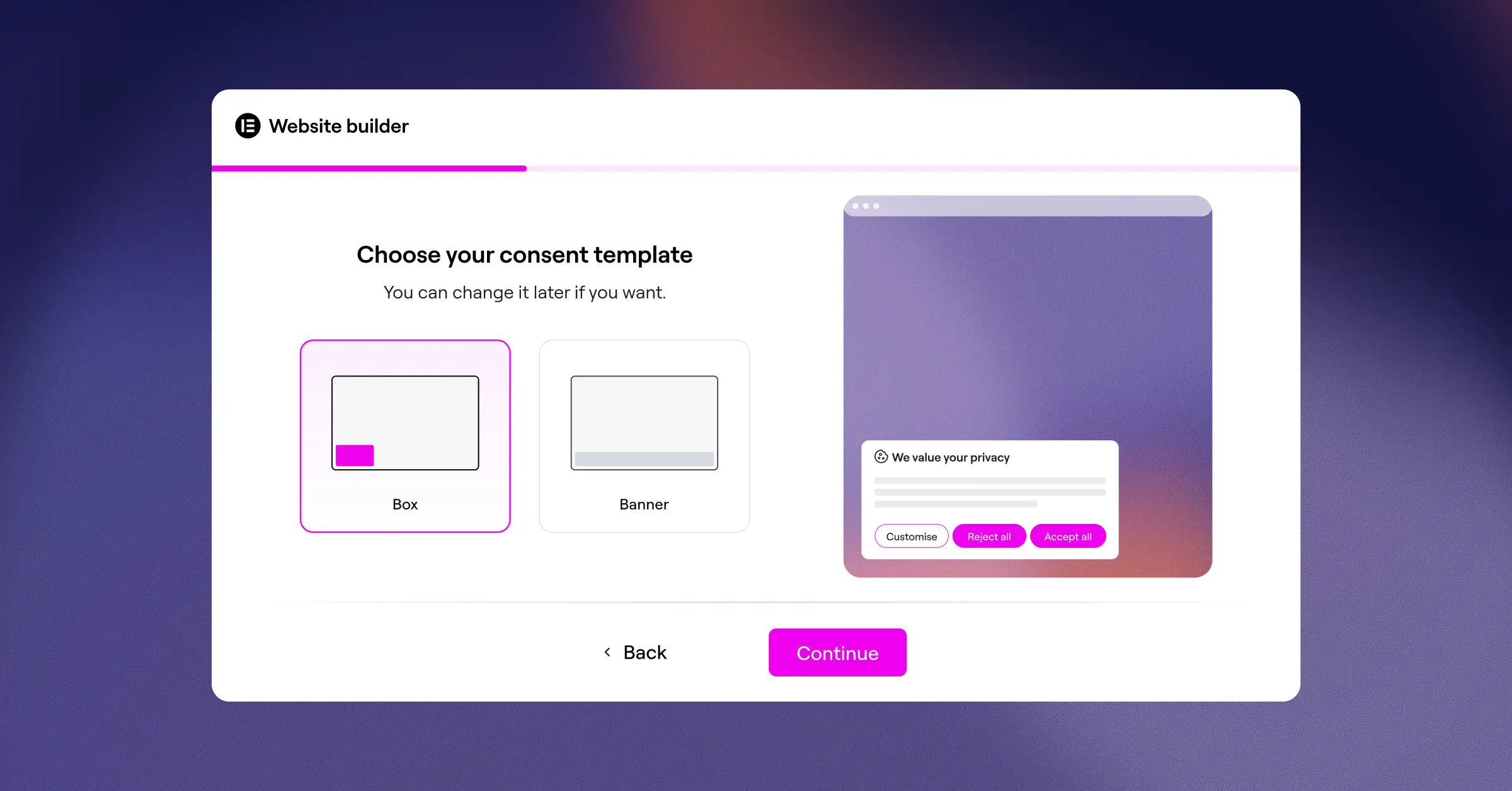
Setting up your consent banner takes under five minutes. The built-in scanner crawls your site to find active cookies, groups them into standard compliance categories, and gives you full control over how those scripts load before a visitor accepts. If you use the broader Elementor ecosystem, you’ll find this capability fits naturally alongside other compliance tools like Web Accessibility, helping you build a site that’s both legally sound and open to everyone.
Core Features of Cookie Consent
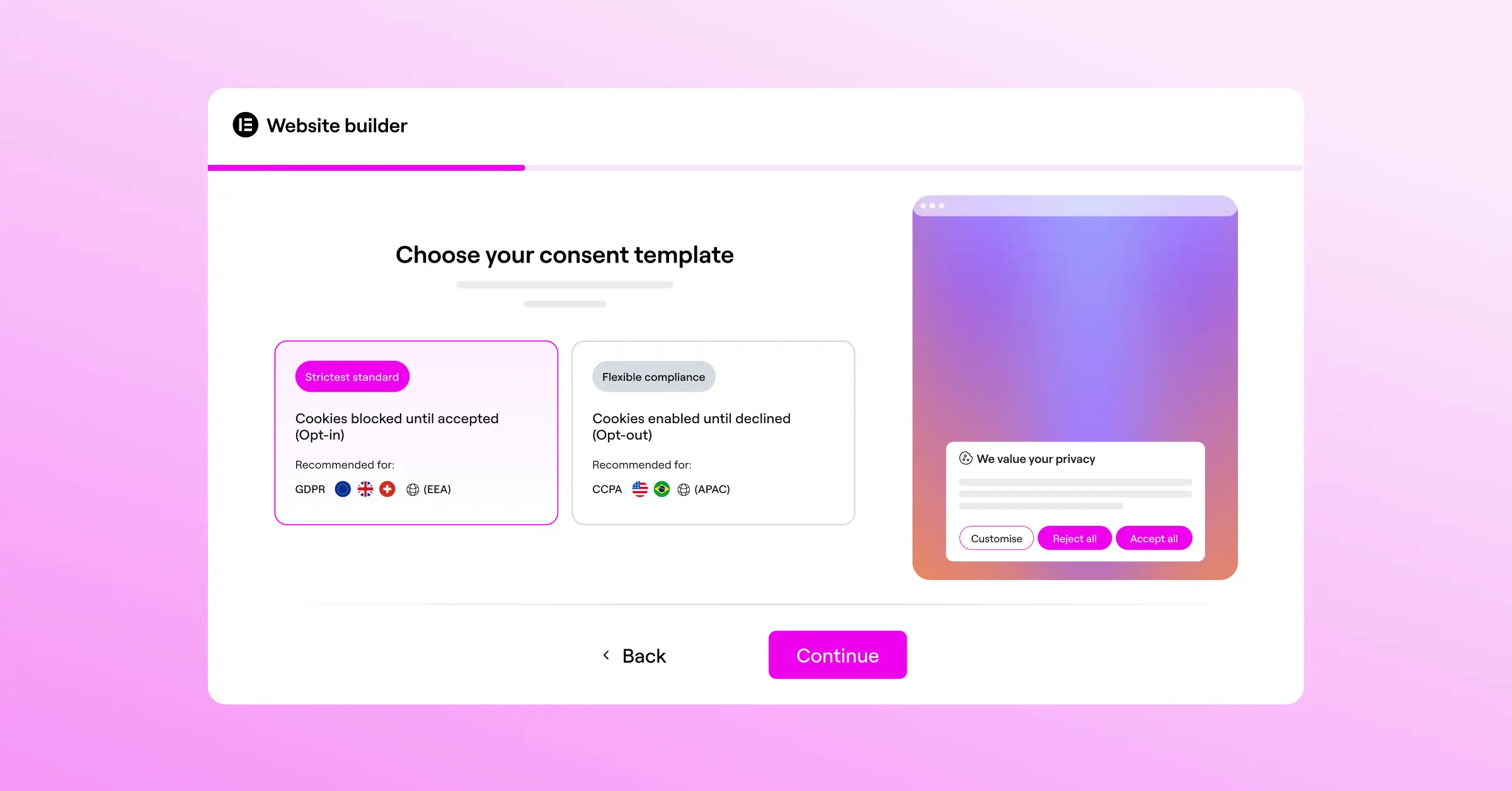
- Manages all GDPR and CCPA compliance requirements directly from your WordPress dashboard, with no external accounts needed.
- Scans your site automatically to identify, classify, and block cookies before visitors give their consent.
- Saves detailed consent logs locally so you always have a secure audit trail ready for regulators.
- Supports Google Consent Mode v2 natively, protecting your ad performance and analytics data.
- Controls banner visibility with precise geo-targeting to show the right notice to the right visitor.
- Adapts to any design through custom templates and styling options that match your active brand.
Pros of Cookie Consent
- No external dashboard or secondary accounts required to manage your compliance rules.
- The setup process is genuinely quick: from activation to a live banner in under five minutes.
- Included in the Elementor One subscription, making it highly cost-effective for growing sites.
- The built-in policy generator helps you draft professional compliance pages without hiring a lawyer.
Cons of Cookie Consent
- Built specifically for WordPress, so it’s not an option for non-WordPress platforms.
- Advanced enterprise data-mapping features are kept intentionally simple to favor ease of use.
Verdict: If you run a WordPress site and want to skip the friction of external compliance platforms, Cookie Consent is the standout choice here. It keeps your workflow inside one window, loads efficiently, and looks polished without requiring any custom code.
2. CookieYes
If you manage multiple sites across different platforms, CookieYes is a solid cloud-based alternative. It lets you control your compliance settings from a single external account and push updates to your WordPress site through a simple script integration. It’s well regarded for its clean interface and reliable scanning engine.
CookieYes handles script blocking well, holding back trackers until your visitors have made their choice. Because it runs in the cloud, you can manage settings for a WordPress site and a Shopify store from the same dashboard (genuinely useful for multi-platform site owners), though it does mean one more login in your daily routine.

Core Features of CookieYes
- Fully automated cookie scanning and categorization across your site.
- Global Privacy Control (GPC) support to respect visitor browser preferences.
- Customizable banner templates with multi-language support.
- Geo-targeting to display localized banners for European and California visitors.
Pros of CookieYes
- The dashboard is clean, modern, and easy to read at a glance.
- Strong multi-language support makes translation management straightforward.
- A solid entry-level plan is available for small sites with lower traffic.
Cons of CookieYes
- Settings are managed through an external browser tab rather than from WordPress directly.
- Higher traffic tiers can become expensive if you run several content-heavy sites.
Verdict: CookieYes is a dependable choice for site owners who need cross-platform compatibility and are comfortable logging into an external dashboard to manage their rules.
3. Complianz
Complianz is a well-established name in the WordPress privacy space. It’s a dedicated compliance suite that walks you through setup with a detailed question-and-answer wizard, helping you work out exactly which regulations apply to your specific situation. That makes it a particularly supportive starting point for anyone who finds legal jargon a bit overwhelming (and honestly, most of us do).
The tool works entirely inside WordPress, scanning your installed scripts and plugins to determine what cookies are being placed. It also integrates with popular contact form and analytics tools to block data collection until a visitor clicks “Accept.”

Core Features of Complianz
- Detailed configuration wizard that determines your legal obligations based on your business location.
- Automatic generation of cookie policies and legal documents tailored to your site.
- Integration with popular translation tools for global audiences.
- Support for regional consent banners, including specific rules for Canada and Australia.
Pros of Complianz
- The wizard-based setup is genuinely educational: you actually learn about privacy laws as you configure things.
- All your configuration data is stored inside your own WordPress database.
- Regular updates keep the tool current with evolving European regulations.
Cons of Complianz
- The setup interface is text-heavy and can feel like a lot if you just want a quick, simple banner.
- Getting the visual design to match your exact layout can sometimes involve CSS work.
Verdict: Complianz is a great fit for users who want a thorough, educational setup experience and are happy to spend a bit more time answering legal questions in exchange for a highly tailored privacy document.
4. iubenda
For businesses that need more than just a cookie banner, iubenda offers a fuller compliance package. It helps you generate privacy policies, terms and conditions, and cookie banners that update automatically whenever laws change, making it a complete compliance system for agencies and small businesses alike.
The iubenda dashboard is hosted externally. Once you’ve configured your documents and consent banners there, you embed the provided code into your WordPress site. The main appeal is that your legal documents live on iubenda’s secure servers, so updates to legal texts roll out automatically without you needing to do anything.

Core Features of iubenda
- Auto-updating privacy policies and terms of service documents.
- Consent database that securely records user choices for regulatory proof.
- Configurable cookie banner with CSS styling options.
- Integration with Google Consent Mode v2 for analytics protection.
Pros of iubenda
- A complete legal toolkit that covers more than just cookie consent.
- Legal documents are maintained by attorneys, keeping you covered as regulations shift.
- Well suited for agencies managing legal disclosures across a large portfolio of client sites.
Cons of iubenda
- Pricing scales with the number of sites and features, which can add up for larger portfolios.
- The external dashboard can feel technical and dense for casual users.
Verdict: Choose iubenda if you need a complete legal document package alongside your consent management and want auto-maintained legal texts that stay current without your involvement.
5. OneTrust
OneTrust is one of the larger names in the enterprise data privacy space. It’s designed for organizations that need to manage consent, vendor relationships, and data requests across many domains at scale. While it can technically be used on WordPress, it’s generally built for larger corporate environments with dedicated IT and legal teams.
The platform is deep, offering detailed reporting, risk assessments, and vendor database scans. For a standard business site or blog, OneTrust is likely far more than you’ll ever need, but for enterprise operations, its depth is difficult to match.

Core Features of OneTrust
- Enterprise-level compliance tracking and vendor risk assessments.
- Deep integration with CRM platforms and internal databases.
- Global regulatory monitoring to keep large organizations compliant across many jurisdictions.
- Advanced consent analytics and tracking dashboards.
Pros of OneTrust
- A capable platform built to handle complex enterprise compliance requirements.
- Detailed reporting for legal teams preparing for compliance audits.
- Extensive customization options for large, international organizations.
Cons of OneTrust
- The platform is significantly more complex than most WordPress sites will ever require.
Verdict: OneTrust is best suited to large, global organizations with dedicated compliance budgets. For standard WordPress sites, the simpler alternatives on this list will serve you much better.
6. Termly
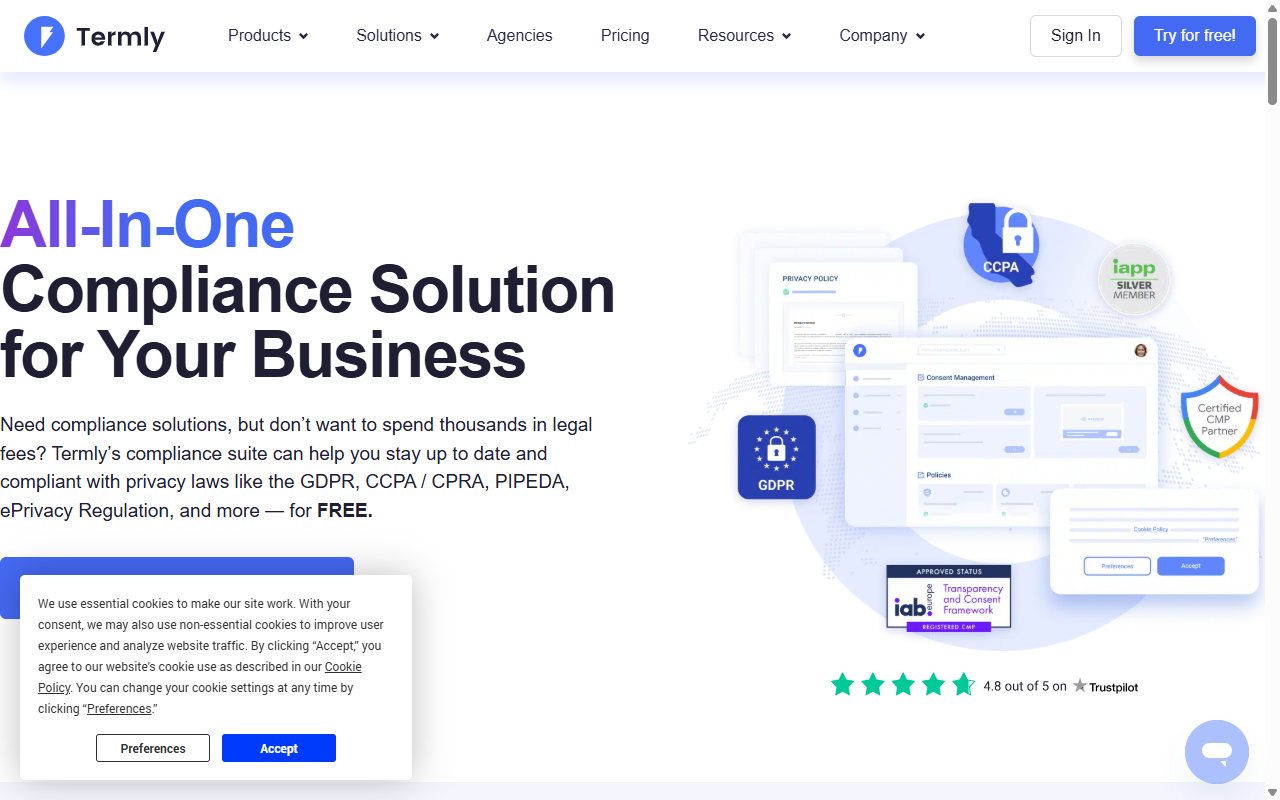
Termly is a friendly, accessible compliance builder aimed at small businesses. It bundles legal policy generators alongside its consent tool, making it straightforward to cover your legal bases in one place. The platform is cloud-hosted and offers a clean dashboard to manage your settings.
Getting started with Termly involves running an automated scan of your site to categorize your tracking scripts. From there, you can customize your banner layout and embed the tracking code on your site. It’s a practical, middle-of-the-road option that handles the essentials without overcomplicating things.
Core Features of Termly
- Simple policy generators for privacy policies, disclaimers, and refund policies.
- Automated cookie scanning and categorized script blocking.
- Visual builder to customize the color and placement of your consent banner.
- Full compliance settings for GDPR, CCPA, and UK regulations.
Pros of Termly
- The interface is clean and welcoming for non-technical users.
- Bundles banner generation with essential small-business legal documents in one place.
- The entry-level plan is generous for brand-new websites getting started.
Cons of Termly
- The external dashboard can feel slow when scanning larger sites.
- Visual customization is somewhat limited compared to developer-focused tools.
Verdict: Termly is a solid, user-friendly pick for small business owners who want to bundle cookie consent management with basic legal policy writing in one platform.
7. Osano
Osano positions itself as a privacy platform built around reliability, notably offering a financial guarantee against compliance fines for qualified premium users. It’s designed for companies that want to hand off their privacy monitoring to a third party and not think about it again. The tool watches regulations globally and updates your banner logic automatically as laws change.
Osano manages your cookies through a cloud dashboard and uses a unique vendor rating system to evaluate the data practices of third-party scripts running on your site, giving you a clearer picture of which external services may be affecting your visitors’ privacy.
Core Features of Osano
- Automatic banner localization based on real-time IP detection.
- A vendor data privacy rating system for evaluating third-party scripts.
- A financial compliance guarantee for qualified premium customers.
- Support for major international data privacy standards.
Pros of Osano
- The compliance guarantee offers real peace of mind for business owners concerned about regulatory risk.
- The visitor-facing experience is smooth and quick-loading.
- Detailed data on how third-party vendors handle your visitors’ information.
Cons of Osano
- Premium plans are priced significantly higher than WordPress-native alternatives.
- The dashboard is focused on corporate risk management, which may feel like overkill for smaller creative sites.
Verdict: Osano is a premium choice for growing businesses particularly concerned about regulatory liability and looking for a financial safety net to back their compliance.
How to Choose the Right Consent Tool for Your Website
Picking the best alternative to Cookiebot doesn’t have to be a guessing game. By thinking through your daily workflow and actual compliance needs, you can find a tool that keeps your site legal while keeping your backend genuinely manageable. Here’s a step-by-step approach to finding your best fit:
- Assess Your Dashboard Preference. Decide whether you want to manage compliance from your existing WordPress admin area or whether you’re comfortable logging into an external cloud platform. Tools like Cookie Consent let you handle everything right where you write your posts and edit your pages, saving time and reducing the overhead of switching between accounts.
- Check Your Tracking Requirements. Take a close look at the scripts you run. If you rely on advertising campaigns and analytics, make sure your chosen tool supports Google Consent Mode v2 natively so your marketing data stays clean and legally compliant.
- Evaluate Your Design Needs. Consider how much control you want over the visual look of your banner. If you use Elementor to design your site, choosing a capability that works natively within your design workflow lets you match your banner to your fonts, colors, and borders without touching a stylesheet.
- Determine Your Budget Model. A flat-rate setup, a native bundle like Elementor One, or a generous free tier can save you a meaningful amount compared to traditional per-domain or per-pageview billing models. Think about where you expect to be in 12 months before committing.
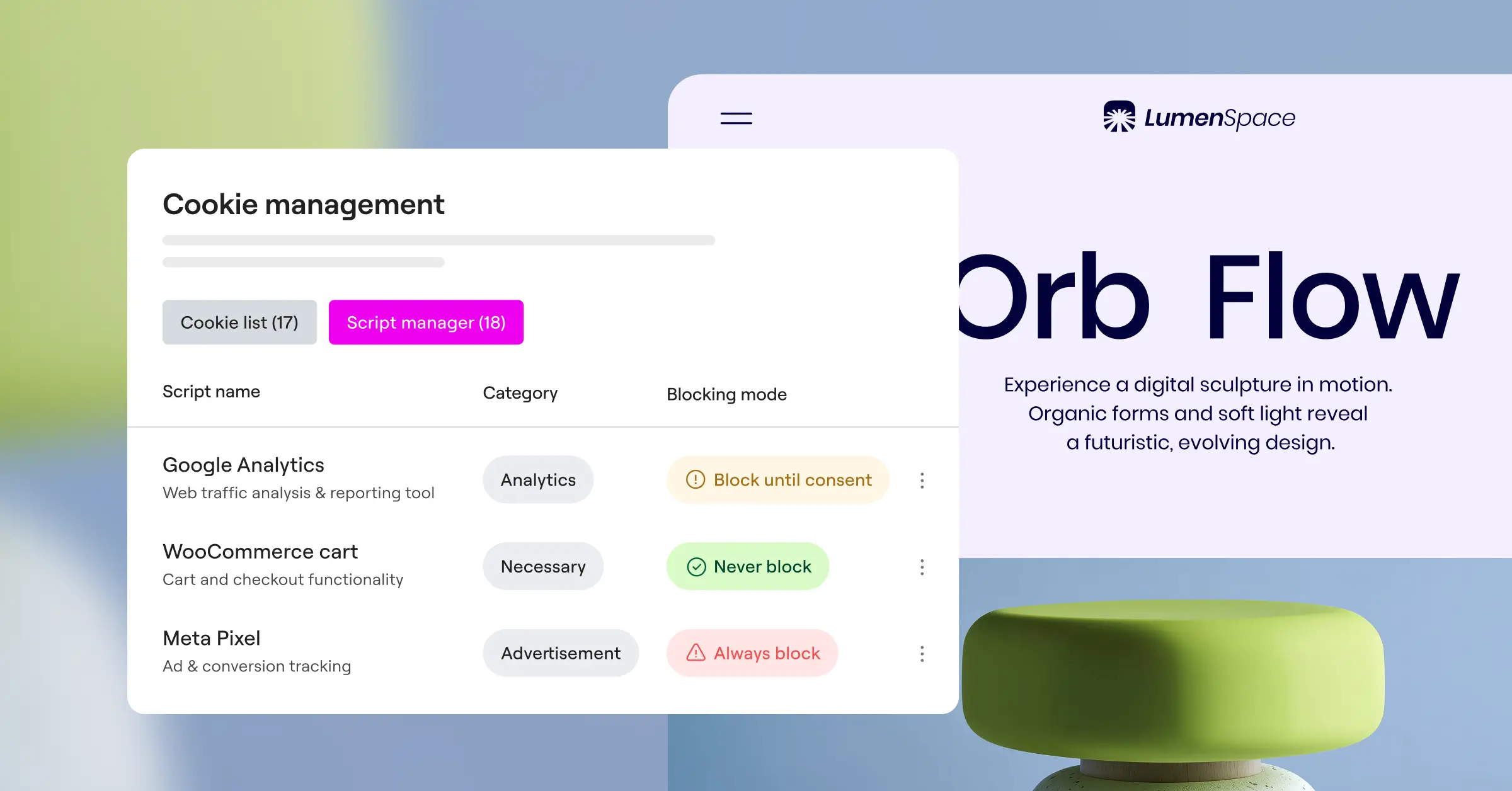
“Modern privacy compliance is no longer just about showing a banner. It’s about maintaining a clean, verifiable trail of consent while keeping the user experience fast and frictionless. Tools that run natively where your content lives make this task significantly easier for web creators.” – Itamar Haim, Web Compliance Specialist
Frequently Asked Questions
Is Cookie Consent built directly into WordPress?
Yes, Cookie Consent is a native capability built specifically for WordPress. It manages your compliance settings, scanning rules, and consent logs directly from your WordPress dashboard, so you don’t need external accounts or third-party cloud platforms to stay compliant.
What is Google Consent Mode v2 and do I need it?
Google Consent Mode v2 is a framework that passes visitor consent choices from your website to Google’s advertising and analytics services. If you serve visitors in Europe or the UK and use Google tools, you’ll need a consent manager that supports this mode to keep your analytics accurate and your campaigns running properly.
Can I customize the design of my cookie banner?
You can, and it’s quite straightforward with the right tool. Cookie Consent lets you style your compliance banners to match your brand’s colors, fonts, and layout, keeping your site looking cohesive and trustworthy without any custom code required.
Do these alternatives impact my site’s loading speed?
Some external tools load scripts from remote servers, which can add delay to your page load times. Choosing a native tool that runs directly on WordPress means the consent code loads alongside your theme files efficiently (good news for your Core Web Vitals).
Do I need a consent banner if my site is small?
Privacy laws like GDPR apply to any website that collects personal data from EU citizens, regardless of your business size or location. Even small blogs or portfolios using basic analytics scripts are generally required to have a proper consent mechanism in place.
How often should my site be scanned for cookies?
It’s good practice to scan at least once a month. This keeps your cookie declarations current, especially when you install new tools or add third-party tracking scripts, both of which can introduce new cookies your visitors haven’t consented to yet.
Can I manage multi-language banners?
Yes, the top consent tools support multilingual banners. They detect the visitor’s browser language and display the appropriate translated text automatically, making sure visitors understand exactly what they’re being asked to consent to.
Is there a free tier available for Cookie Consent?
Yes, Cookie Consent has a free tier that makes it easy for new sites to stay compliant from day one. For advanced features and full compliance control, you can upgrade, or access the complete capability through the Elementor One subscription bundle.






