
Running a small business is a constant balancing act. Between managing customers, marketing your brand, and delivering great services, you probably don’t want to spend time worrying about international privacy laws. But with stricter global regulations and search engines expecting clear data policies, setting up a proper consent banner has become a real business necessity. If your website runs on WordPress, finding the right tool to handle your privacy settings can feel a bit overwhelming at first. Don’t worry, though. This is much simpler than it looks. We’ve researched and tested the top solutions to help you find the best consent management platform for your business website this year.
Key Takeaways
- Modern privacy rules like GDPR and CCPA require clear, active user consent before tracking cookies can run on your site.
- Google Consent Mode v2 is now mandatory for businesses running targeted ads or tracking analytics within European regions.
- WordPress native tools keep your compliance setup central, avoiding the need for messy external platforms or custom integrations.
- Selecting the right tool depends on your business size, budget, and how much control you want over your visitor experience.
What is a Consent Management Platform and Why Does Your Business Need One?
A Consent Management Platform, or CMP, is a software tool that helps your website legally gather and manage user consent for tracking technologies. When a visitor lands on your site, cookies can track their behaviors, save login details, or gather marketing data. Privacy laws say you can’t collect that data without asking first. A proper CMP handles this by blocking those tracking scripts until the visitor gives their explicit approval.
For a long time, managing this process meant cobbling together code snippets and juggling external dashboards. But as compliance requirements have tightened, the consent management field has changed significantly. Modern businesses need automated tools to keep things organized. If your website is built with Elementor, you now have access to native compliance options that run directly inside your WordPress dashboard, which makes the whole process remarkably straightforward.
Using a dedicated compliance tool does more than just shield you from legal trouble. It builds genuine trust with your audience. When visitors see a clean, professional banner that clearly explains how their data is handled, they feel safer doing business with you. It’s a simple way to show that you take their privacy seriously.
The 10 Best Consent Management Platforms for Small Businesses
Let’s look at the best options available this year. To help you compare them quickly, we’ve put together a comparison table below. After the table, we’ll review each tool in depth so you can find the perfect fit for your specific setup.
| Platform Name | WordPress Native Dashboard? | Google Consent Mode v2? | Setup Difficulty | Primary Focus |
|---|---|---|---|---|
| Cookie Consent | Yes | Yes | Very Low (Under 5 minutes) | WordPress native site owners who want simplicity |
| Cookiebot | No (External Cloud Dashboard) | Yes | Medium | Cross-platform automated compliance scans |
| CookieYes | No (External Dashboard) | Yes | Medium | Multi-lingual consent banner customization |
| Complianz | Yes | Yes | Medium | Dedicated WordPress cookie legal wizards |
| iubenda | No (External Suite) | Yes | High | Complete legal policy generators |
| Termly | No (External Dashboard) | Yes | Low | Simple legal documents and basic banners |
| OneTrust | No (Enterprise Portal) | Yes | High | Large enterprise privacy and data governance |
| Osano | No (External Dashboard) | Yes | Medium | Data privacy with legal protection guarantees |
| Usercentrics | No (External Dashboard) | Yes | High | Highly customizable enterprise compliance API |
| Didomi | No (External Dashboard) | Yes | High | Multi-channel preference management for big brands |
1. Cookie Consent
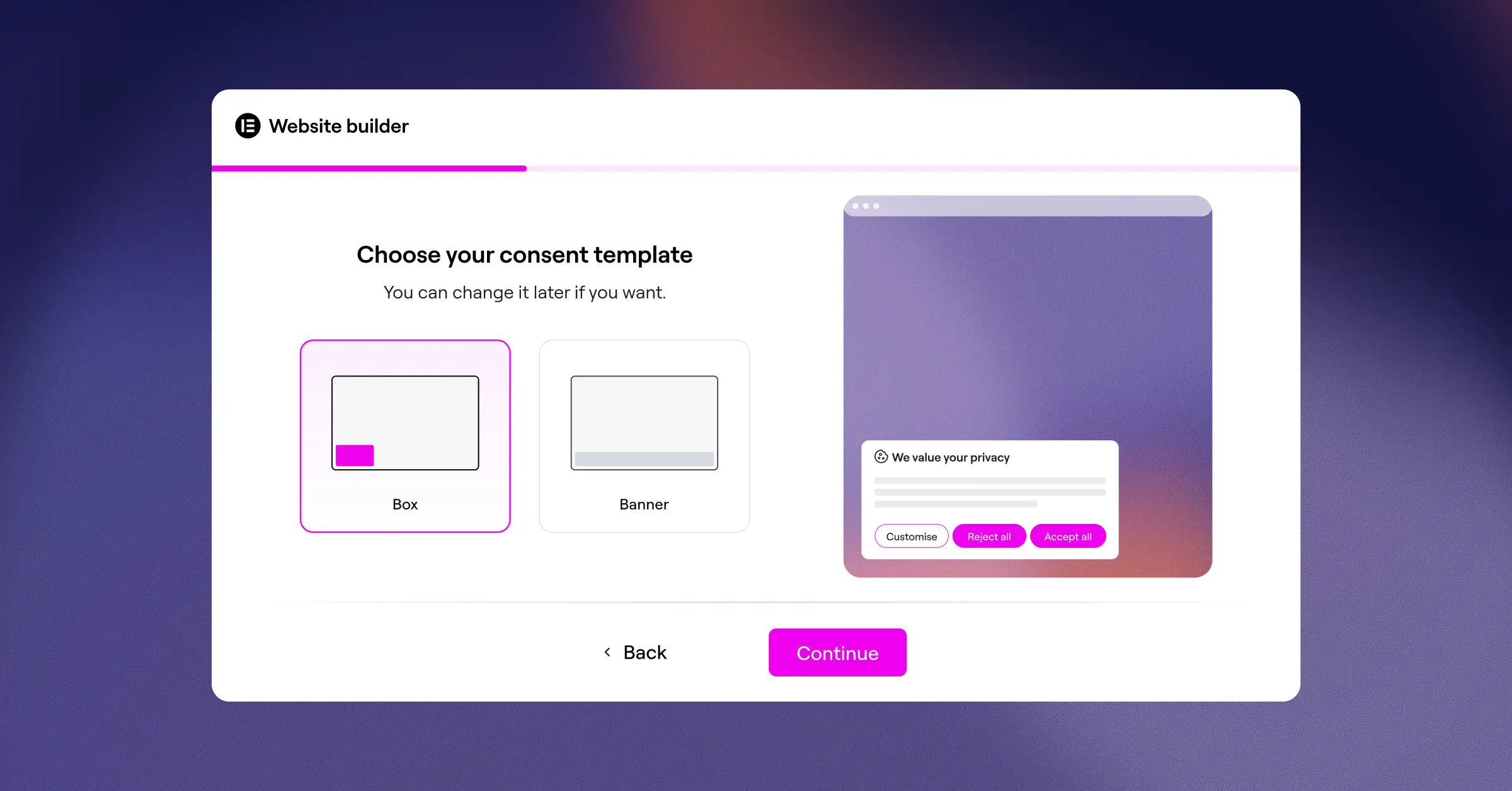
First on our list is Cookie Consent, Elementor’s native compliance capability. If your site runs on WordPress, you’ll appreciate how this tool keeps your entire workflow in one place. Instead of creating an account on a separate platform and pasting code fragments into your theme header, this native capability operates entirely within your WordPress dashboard. You can set up your banner, scan your active cookies, and manage scripts without ever leaving your editor. It’s genuinely easy, and you can get it up and running in under five minutes.
This native cookie consent capability is built to handle modern standards like Google Consent Mode v2 and Global Privacy Control. It also includes geographic targeting, so you can display specific compliance banners to visitors from the European Union, United Kingdom, or California while keeping the experience clean for everyone else. And because it’s part of the Elementor product ecosystem, it matches your site design naturally without requiring any custom CSS overrides.
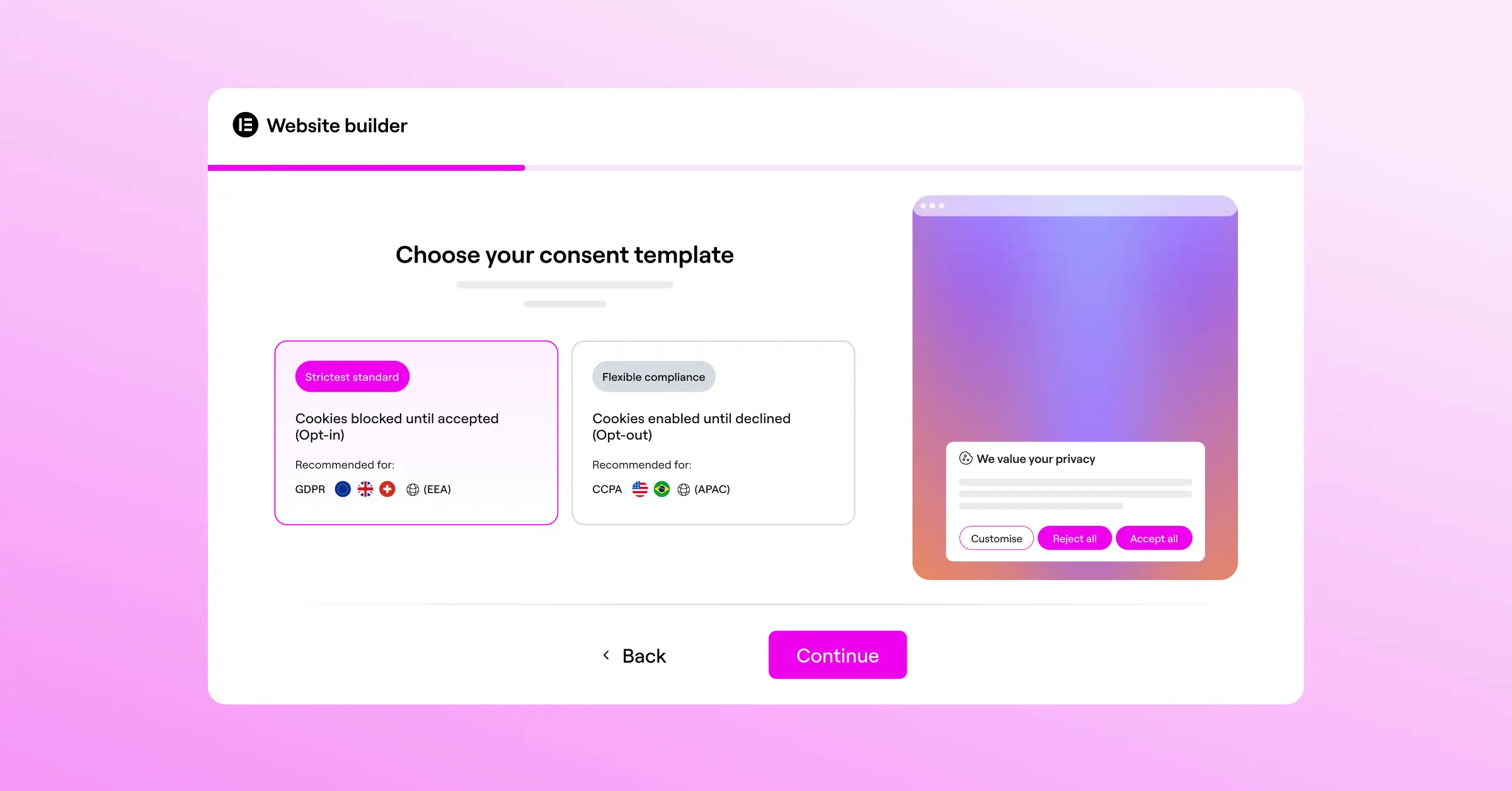
- Scans your website scripts automatically to group cookies into accurate categories.
- Saves historical consent logs natively to keep a complete audit trail of user decisions.
- Pulls pre-designed cloud templates directly from the editor to save you design time.
- Launches a built-in policy generator to quickly create compliant privacy documents.
- Connects directly with your site settings to manage compliance globally with a single click.
Pros & Cons
- Pro – Runs completely within your WordPress dashboard with zero external accounts needed.
- Pro – Design tools let you match your brand fonts and colors without extra effort.
- Pro – Built-in support for Google Consent Mode v2 and Global Privacy Control.
- Con – Intended specifically for WordPress-based sites using modern editor capabilities.
Our Verdict
For small businesses using WordPress, Cookie Consent is the easiest way to handle your compliance needs. (It’s a real relief not having to jump between browser tabs just to adjust a banner.) It’s fast, simple to set up, and can save you money on separate external subscriptions.
“The shift toward privacy-first web design means small businesses can no longer afford to treat compliance as an afterthought. Integrated tools make meeting these global standards a natural part of site development.”
– Itamar Haim, Web Compliance Specialist
2. Cookiebot

Cookiebot is a widely recognized cloud-based compliance platform. It uses a cloud-based approach to scan your site, detect tracking technologies, and generate a customizable banner. Because it operates outside of WordPress, you manage your cookie policies and view logs on their dedicated external platform. It’s a solid option for business owners who want a completely automated monthly scan of their site’s tracking tags.
Setting up Cookiebot involves creating an account, running a website crawl, and adding their script to your theme header. The tool is known for its accurate cookie database, which automatically recognizes and categorizes thousands of third-party scripts, making categorization fairly hands-off for your team.
- Detects tracking scripts automatically using a deep-scanning cloud crawler.
- Generates monthly reports to show you exactly what trackers are running on your site.
- Saves user consent states in secure cloud-based data centers.
- Controls script blocking before consent is granted using an automated script tagger.
- Translates your consent banners into multiple languages for international visitors automatically.
Pros & Cons
- Pro – Industry-standard auto-categorization database makes managing trackers straightforward.
- Pro – Monthly automated scan reports help you stay updated on new cookies.
- Con – Entry-level plan is fairly restrictive, and monthly costs can rise as your site grows.
- Con – Requires managing your settings on an external platform.
Our Verdict
Cookiebot is a reliable, established service that works well for business sites that don’t change very often. If your page count grows, it’s worth checking the pricing tiers carefully before committing.
3. CookieYes

CookieYes is another well-known player in the consent management field. It supports multiple languages and offers visual customization options for your banners. Like Cookiebot, it uses a centralized web app to manage your settings, which you then link to your website using a code script. It’s gained traction among small businesses partly because its entry-level plan is relatively generous compared to other cloud-based options.
The interface is clean and straightforward. When you log into their system, you can easily adjust layouts, colors, and button configurations. It also supports major privacy laws including GDPR, CCPA, and LGPD, making it a flexible choice for businesses serving global audiences.
- Tracks all user consent actions using an organized cloud analytics panel.
- Builds custom cookie banners with a simple visual editing interface.
- Adjusts your banner settings automatically based on visitor geolocation.
- Maintains a secure log of user consent for regulatory audit trails.
- Integrates with popular tag managers to help control script firing.
Pros & Cons
- Pro – The visual banner editor is user-friendly and easy to pick up.
- Pro – Covers a wide variety of international privacy regulations.
- Con – Setting up advanced tracking features requires inserting code manually.
- Con – Viewing user consent logs means logging into their external cloud dashboard.
Our Verdict
CookieYes is a solid middle-ground tool. It’s a good fit if you run multiple websites across different platforms (such as WordPress and Shopify) and want to manage them all from a single cloud portal.
4. Complianz

Complianz is a compliance tool built specifically for the WordPress environment. It walks you through a detailed setup wizard to help you figure out which privacy laws apply to your business. This step-by-step approach makes it feel like you’re working with a digital legal assistant, which is genuinely helpful if compliance terminology feels unfamiliar.
The software detects your location and configures your settings to match regional laws. It integrates directly with WordPress, so you manage everything right inside your dashboard, which keeps your day-to-day workflow tidy.
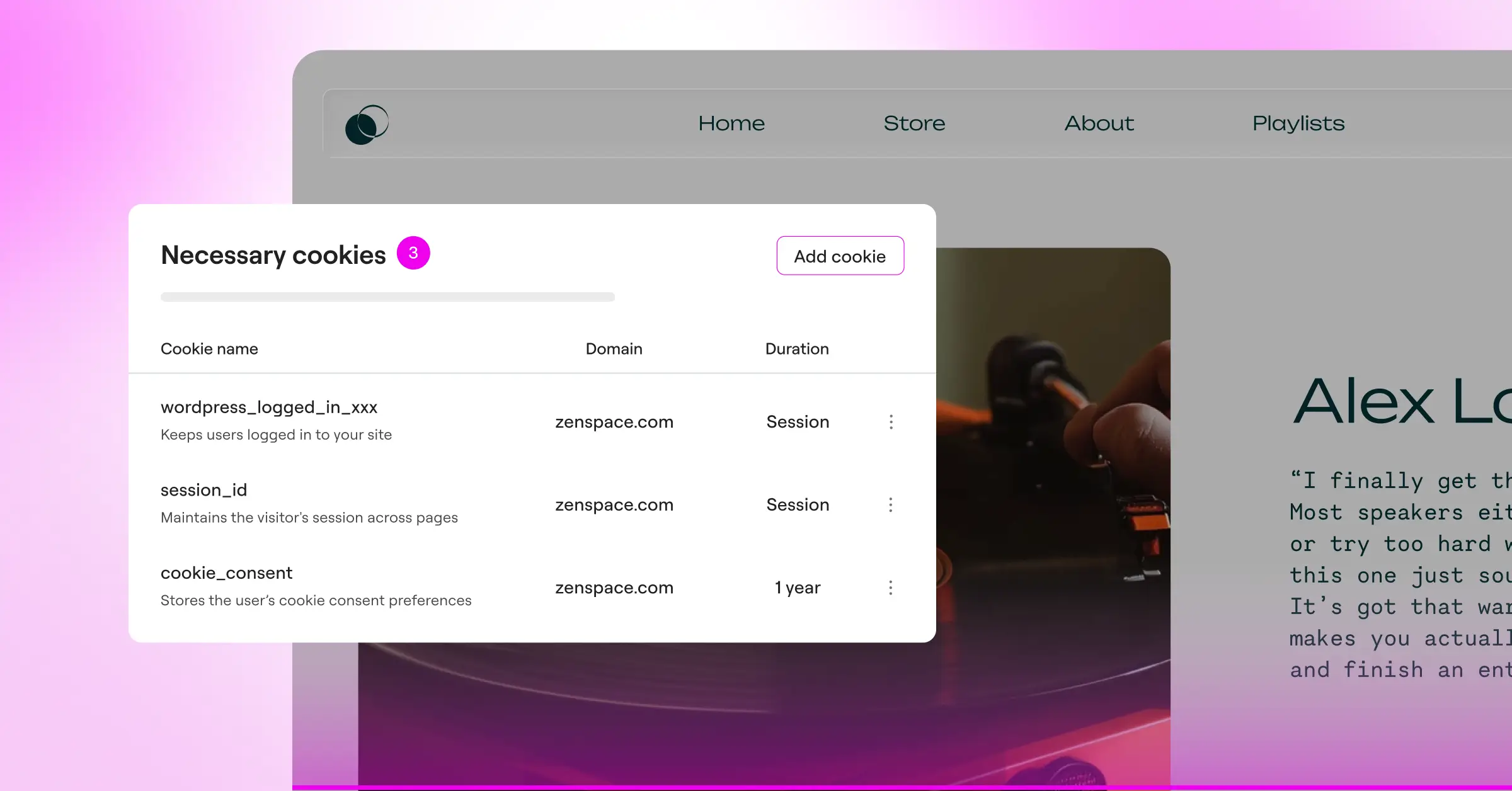
- Guides you through a multi-step compliance setup questionnaire.
- Generates customized legal documents based on your answers.
- Blocks specific tracking scripts until users opt into your data collection.
- Detects cookie changes using regular automatic background scans.
- Integrates directly with WordPress for smooth day-to-day management.
Pros & Cons
- Pro – Dashboard integration keeps everything in WordPress without external platform accounts.
- Pro – Step-by-step wizard explains the legal reasoning behind each setting.
- Con – The interface can feel slightly technical at times due to legal terminology.
- Con – Customizing the visual style of the banner may require basic CSS knowledge.
Our Verdict
Complianz is detailed and thorough. If you appreciate step-by-step guidance and want a tool that walks you through every legal requirement, it’s a strong choice for your WordPress site.
5. iubenda

iubenda approaches compliance by looking at the full legal picture. Instead of just offering a basic cookie banner, they provide a complete suite of legal documents, including privacy policies, terms and conditions, and consent logs. They’re a good fit for businesses that need to build out more complex legal documentation from scratch.
The system is automated but requires some technical confidence to set up. You create your policies on their platform, then use their integration scripts to display banners and documents on your website. Because their toolset is broad, developers and professional agencies often favor it.
- Builds auto-updating privacy and cookie policies designed by legal experts.
- Generates cookie banners that match complex legal specifications globally.
- Stores user consent records using a secure, remote compliance database.
- Monitors legal changes automatically to update your policy text in real time.
- Supports deep customization of privacy options for mobile apps and web platforms.
Pros & Cons
- Pro – Covers complete legal document generation, not just cookie banners.
- Pro – Automatic legal updates keep your policies current without manual work.
- Con – The credit-based pricing model can be tricky to predict for fast-growing sites.
- Con – Setup has a steeper learning curve than most other options on this list.
Our Verdict
If your small business needs to generate complete terms of service and detailed privacy documents alongside your banner, iubenda is a capable all-in-one compliance suite. That said, if you only need a straightforward cookie banner, it may be more complex than you need right now.
6. Termly
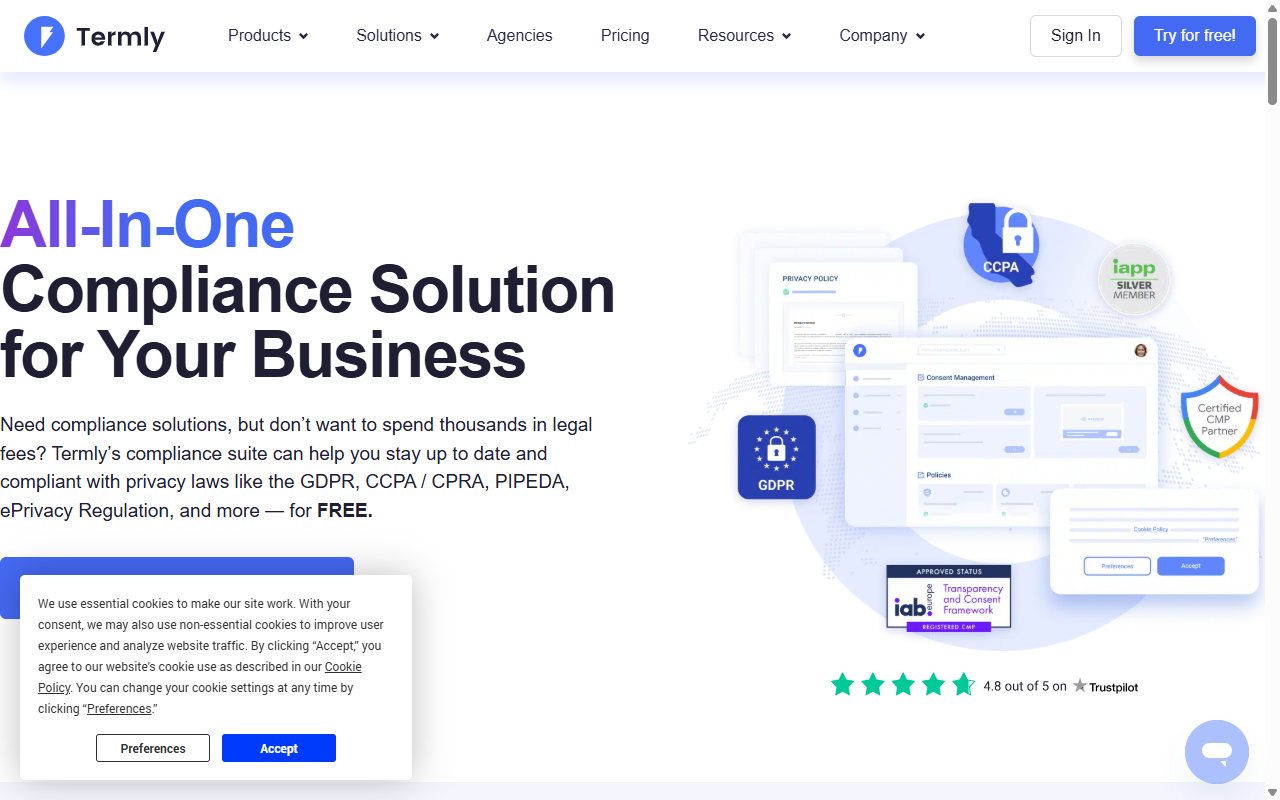
Termly is designed with small businesses and startups in mind. Their platform focuses on making legal compliance accessible, affordable, and easy to follow. You get a simple dashboard where you can build cookie banners, generate privacy policies, and create terms of service agreements all in one place.
The visual editor is intuitive, letting you quickly change colors and positions to match your website theme. Because the focus is on simplicity, you won’t find heavy enterprise features here, but you will get a reliable, clean, and modern compliance tool that gets the job done.
- Creates easy-to-read legal agreements with straightforward template builders.
- Scans your website to automatically categorize tracking cookies.
- Generates responsive compliance banners that display well on mobile screens.
- Supports rapid deployment using basic copy-and-paste integration scripts.
- Translates your settings into basic language options for global visitors.
Pros & Cons
- Pro – Clean, modern interface that’s genuinely beginner-friendly.
- Pro – Affordable packages make it accessible for bootstrapped startups.
- Con – Lacks some of the deeper technical controls needed by larger development teams.
- Con – Managing your settings requires logging into their separate cloud portal.
Our Verdict
Termly is a great pick for new business owners who want a simple, friendly interface and need basic legal templates. It takes a lot of the stress out of compliance without requiring a developer to set it up.
7. OneTrust

OneTrust is a large, feature-rich platform in the data privacy space. It’s built to handle complex privacy regulations for big organizations and global enterprises, with features for data mapping, risk assessment, and consent management across hundreds of websites and applications.
For most small businesses, OneTrust will be far more than they need. That said, if your business operates in a highly regulated industry like healthcare or finance and needs to demonstrate strict compliance to enterprise clients, it can be a credible option.
- Coordinates enterprise-wide privacy settings across multiple web platforms.
- Provides detailed compliance audits and downloadable CSV logs.
- Controls user preference centers for granular management of personal data.
- Scans thousands of web pages automatically to track active cookies.
- Integrates with CRM systems to manage data consent across customer records.
Pros & Cons
- Pro – Thorough solution for organizations with complex enterprise compliance requirements.
- Pro – Detailed reports and consent audit logs.
- Con – Pricing is typically out of range for most small businesses.
- Con – Setup is complex and usually requires professional technical help.
Our Verdict
OneTrust is geared toward large organizations with significant compliance requirements. For a standard small business website, a simpler and more affordable tool will almost certainly serve you better.
8. Osano
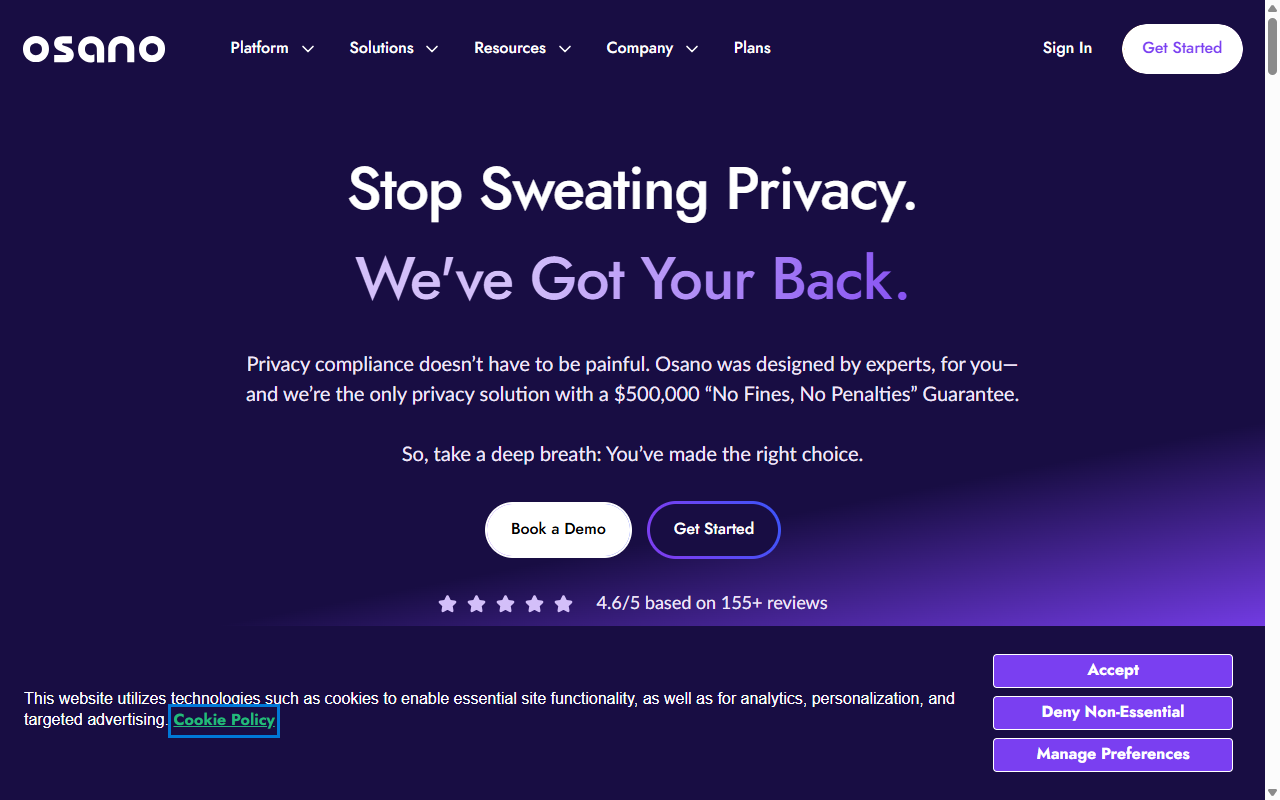
Osano positions itself as an easy-to-use compliance platform focused on safety and reliability. One of their distinctive features is a compliance guarantee, which offers financial support if you receive a privacy fine while using their tool correctly. That kind of confidence in their own automated systems is reassuring.
The platform is cloud-based. You install it by inserting a single code snippet into your site header, and from there Osano handles script blocking automatically, preventing tracking scripts from running until your visitors choose their preferences.
- Blocks unapproved tracking cookies automatically with strict script control.
- Applies geographic targeting to show the correct rules to visitors worldwide.
- Provides a financial compliance guarantee for added peace of mind.
- Manages consent logs securely in cloud environments.
- Translates banners dynamically into dozens of languages based on browser settings.
Pros & Cons
- Pro – Reliable automatic script blocking prevents accidental tracking.
- Pro – The compliance guarantee provides meaningful reassurance for business owners.
- Con – Paid plans are on the higher end for smaller, growing businesses.
- Con – Requires adding external scripts to your site’s codebase.
Our Verdict
Osano is a dependable, security-focused choice if you want peace of mind and are comfortable paying a bit more for a compliance guarantee. It takes the guesswork out of cookie tracking management.
9. Usercentrics
Usercentrics is a consent management platform popular among web developers and agency teams. They offer an advanced setup that lets you build custom consent experiences using their API, alongside standard out-of-the-box templates.
This developer-oriented approach makes it straightforward to integrate consent tracking into custom applications, mobile apps, and complex web systems. If your business uses custom-built web software rather than standard templates, Usercentrics is a strong technical option worth considering.
- Delivers flexible custom integrations via a developer API.
- Integrates directly with major marketing platforms like Google Tag Manager.
- Supports cross-device consent to remember user choices across mobile and desktop.
- Builds diagnostic reports to check your cookie blocking status.
- Supports compliance standards for GDPR, CCPA, and other global privacy rules.
Pros & Cons
- Pro – Excellent flexibility for developers building custom-coded websites.
- Pro – Solid tools for managing consent across mobile applications.
- Con – The setup process can be quite technical and daunting for non-developers.
- Con – Custom adjustments often require some understanding of JavaScript.
Our Verdict
Usercentrics is well-suited for tech-savvy business owners, custom developers, or agencies managing complex sites. For a simple WordPress install, it will likely feel like more than you need.
10. Didomi
Didomi is a complete customer preference and consent management platform. They focus on helping businesses collect consent across multiple touchpoints, including websites, mobile apps, connected TVs, and physical retail kiosks, creating a unified privacy profile for every customer.
For small businesses that operate across multiple channels, Didomi offers a way to keep compliance data organized across the board. It’s built for professional scale and integrates well with marketing automation stacks.
- Collects customer preferences across websites, mobile apps, and offline channels.
- Saves detailed user profiles with custom preference histories.
- Integrates directly with major marketing automation tools and CRMs.
- Provides a customizable interface to match your corporate brand.
- Manages regular background audits to keep tracking lists accurate.
Pros & Cons
- Pro – Strong multi-channel consent management for businesses with diverse touchpoints.
- Pro – Good integration options with professional sales and marketing software.
- Con – Enterprise pricing makes it a significant investment for smaller teams.
- Con – The complexity means setup requires dedicated technical time.
Our Verdict
Didomi is a capable multi-channel choice for growing brands that need to manage user preferences across several apps and platforms. If you run a single company website, a simpler tool will almost certainly serve you better.
How to Choose the Right CMP for Your Small Business
Choosing the right tool doesn’t have to be stressful. If you focus on your actual platform setup, your business goals, and your team’s technical comfort level, the right choice becomes pretty clear. Here are the main factors worth thinking through before you decide.
- Your Website Platform – If you run a WordPress website built with modern design tools, a native option like Cookie Consent is a natural fit. It keeps your dashboard clean and saves you from managing extra third-party accounts. (Your future self will appreciate fewer logins to remember.)
- Your Target Audience Location – If you only serve customers in your local area, your legal requirements may be simpler. But if you have visitors from the UK, Europe, or California, you need a tool that supports geo-targeting and Google Consent Mode v2.
- Budget and Future Growth – Many cloud platforms start with entry-level plans that seem affordable, but pricing can climb quickly once your site gains traffic or adds new pages. Make sure you understand how their costs scale before committing.
- Design and Branding Control – A cookie banner is often the first thing visitors notice on your site. If you can’t customize its colors, fonts, and layout, it can look out of place. Look for a tool that offers design control without requiring you to write custom code. The Elementor blog covers how to match your compliance setup to your site’s visual design.
How to Set Up Native Compliance on WordPress
If you’ve decided to use a native dashboard option, getting your compliance banner live is genuinely fast. Here’s a simple step-by-step walkthrough to get you going without any coding headaches.
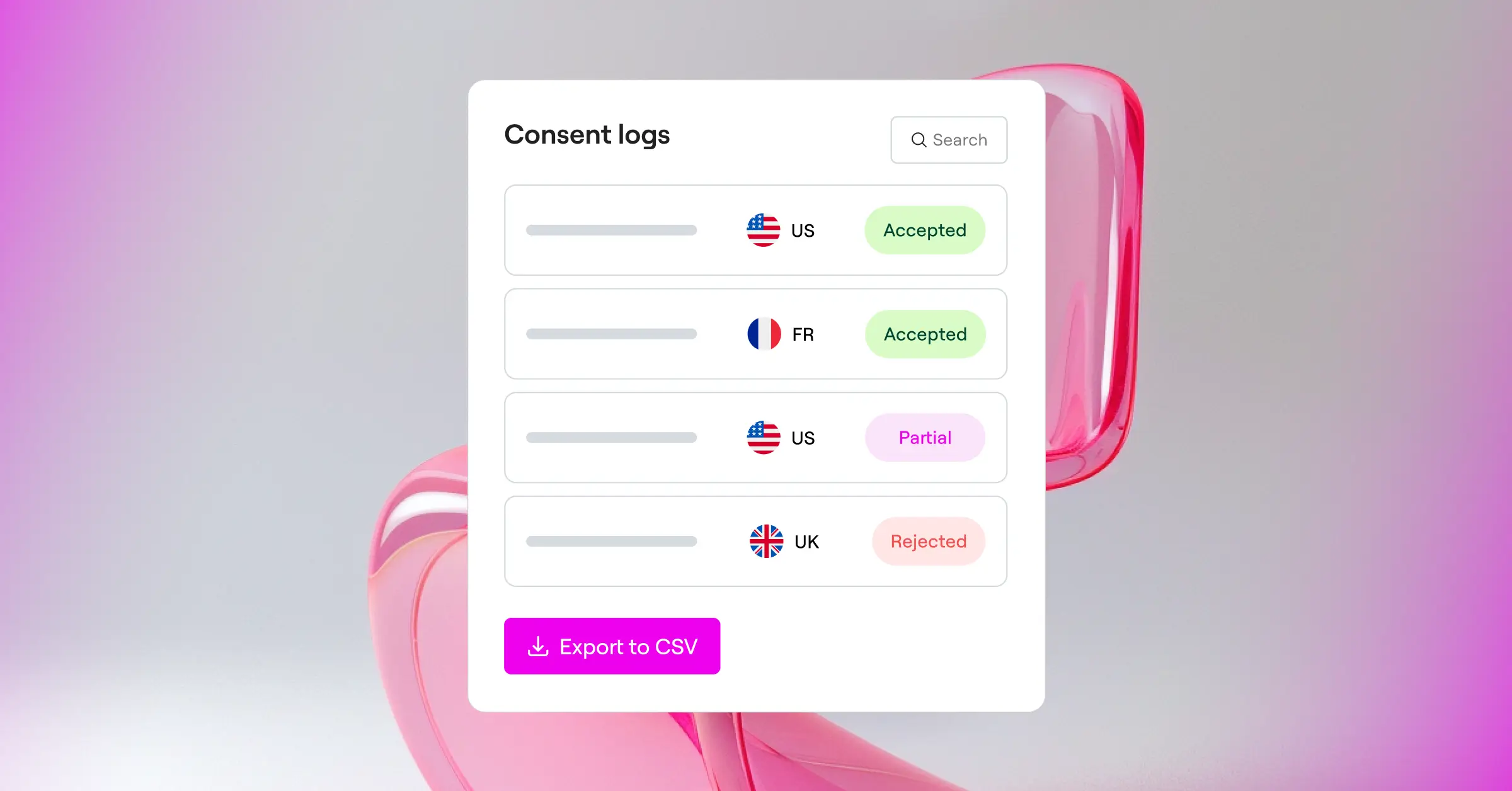
- Open Your Dashboard – Log into your WordPress site and navigate to your site settings where your compliance tools are located.
- Launch the Cookie Scanner – Run the automated scan. The capability will search your active themes and tools to find all the cookies currently running on your site.
- Configure Consent Mode – Toggle on support for Google Consent Mode v2 and Global Privacy Control. This tells search engines and ad networks that your site is handling visitor data responsibly.
- Customize Your Banner – Pick a design template that fits your website style. Adjust the background colors, button designs, and fonts so the banner looks like a natural part of your brand.
- Publish and Test – Click publish to make the banner live. Open your website in an incognito browser window to confirm the banner appears correctly and successfully blocks cookies until you click accept.
Frequently Asked Questions
Do small businesses really need a cookie consent banner?
Yes, they do. Privacy regulations like the GDPR in Europe and the CCPA in California apply to any website that collects data from visitors in those regions, regardless of where your business is physically located. If your site uses tracking tools like Google Analytics, you’re collecting visitor data and must ask for consent before doing so.
What is Google Consent Mode v2 and is it mandatory?
Google Consent Mode v2 is a system that lets your website communicate your visitors’ consent choices directly to Google services like Google Analytics and Google Ads. It’s now required if you want to track analytics data or run targeted advertising campaigns for audiences within the European Economic Area.
Can I just write my own cookie banner code?
Technically you could build your own HTML banner, but managing compliance manually is much harder than it sounds. A real consent management tool does far more than display a pop-up. It actually blocks tracking cookies from loading, logs user consent decisions for legal audits, and updates dynamically based on the visitor’s location.
Does a cookie banner slow down my website?
Some external cloud services can cause a small delay because they fetch scripts from outside servers. Using a native WordPress capability like Cookie Consent keeps things optimized, since it runs directly on your own server and loads quickly without affecting your site performance or search rankings.
What happens if I don’t use a consent management platform?
Operating without a proper compliance tool leaves your business open to fines from privacy regulators. Ad networks and search engines are also starting to restrict accounts that don’t use verified consent frameworks, which can affect your digital marketing campaigns in ways that are hard to reverse.
How do I know if my website cookies are being blocked correctly?
The best way to test is to open your website in a clean incognito browser window with your developer console open. Check the “Application” or “Storage” tab in your browser’s inspect tool to confirm that no non-essential cookies are being stored before you click the accept button on your banner.
What is the difference between GDPR and CCPA consent rules?
GDPR requires an “opt-in” approach, meaning no tracking cookies can run until a visitor actively clicks accept. CCPA works more on an “opt-out” model, meaning you can load trackers but must provide a clear, easy way for visitors to opt out of data collection, often through a “Do Not Sell My Personal Information” link.
Are free cookie consent tools safe to use for my business?
Many high-quality free tools are perfectly safe, but it’s worth watching out for page limit restrictions. Some free cloud options stop working or show unexpected behavior if your website experiences a sudden spike in traffic. Using a native capability included in your existing site builder plan is often a more reliable long-term solution.






