
Hey there! If you’re managing a WordPress website, you already know how much privacy compliance matters these days. Privacy laws keep evolving, and keeping up with consent banners can feel like a lot. Maybe you’ve been using Complianz, but you’re wondering if something fits your workflow better. Don’t worry, finding the right fit is easier than it looks. We’ve researched the top options for this year to help you find the best match.
Key Takeaways
- WordPress-native integration saves you from juggling external dashboards and keeps your workflows in one familiar place.
- Google Consent Mode v2 support is now a must-have for any site running analytics or ads in Europe.
- Geo-targeting features make sure visitors only see the consent banners that their local privacy laws actually require.
- Cookie Consent by Elementor offers a smooth, no-code setup built right into your existing WordPress interface.
Why Look for a Complianz Alternative in 2026?
Staying compliant with global privacy laws like GDPR and CCPA is non-negotiable. For a long time, site owners turned to dedicated compliance builders to manage their cookie banners. But as web development moves forward, many creators are finding that traditional setups can be heavy, complex, or expensive to maintain across multiple sites.
Many traditional tools rely on external cloud platforms. That means you’re bouncing back and forth between your WordPress dashboard and an external portal just to change a layout or check your consent logs. (This trips people up more than you’d think!) When you’re managing client websites, that extra step adds friction to your day.
Performance matters too. Large compliance frameworks often load extra scripts that can drag down your page speed scores. Today’s site owners want something lightweight that loads quickly, looks great, and stays simple. Let’s look at the best alternatives available right now.
1. Cookie Consent
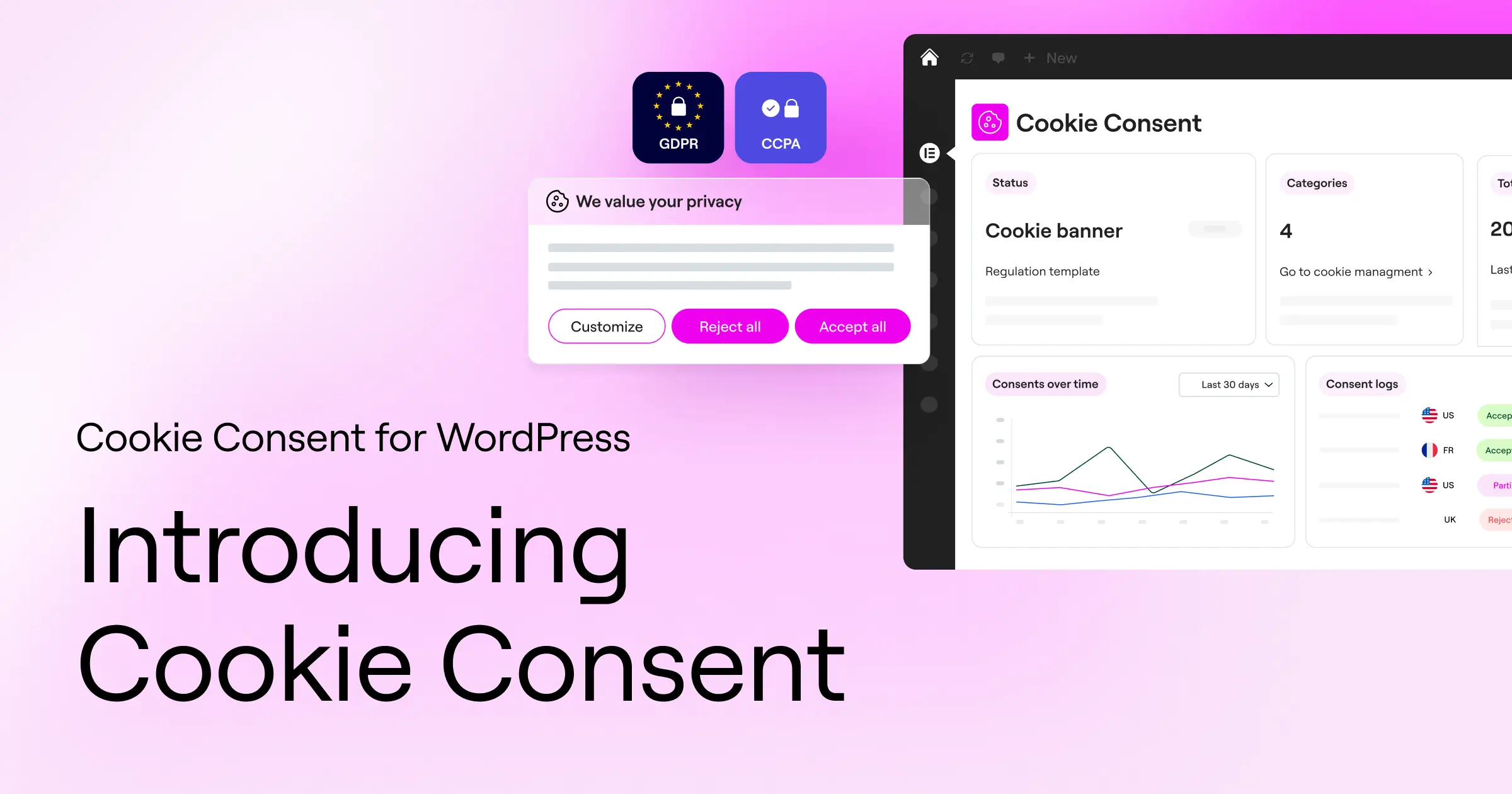
If you want a modern, dashboard-native approach to privacy compliance, Cookie Consent is the best place to start. Built natively for WordPress by the team at Elementor, this capability lets you handle your complete GDPR and CCPA requirements without ever leaving your website. It’s designed to replace heavy external systems with a simple, visual workflow that sits right where you already work.
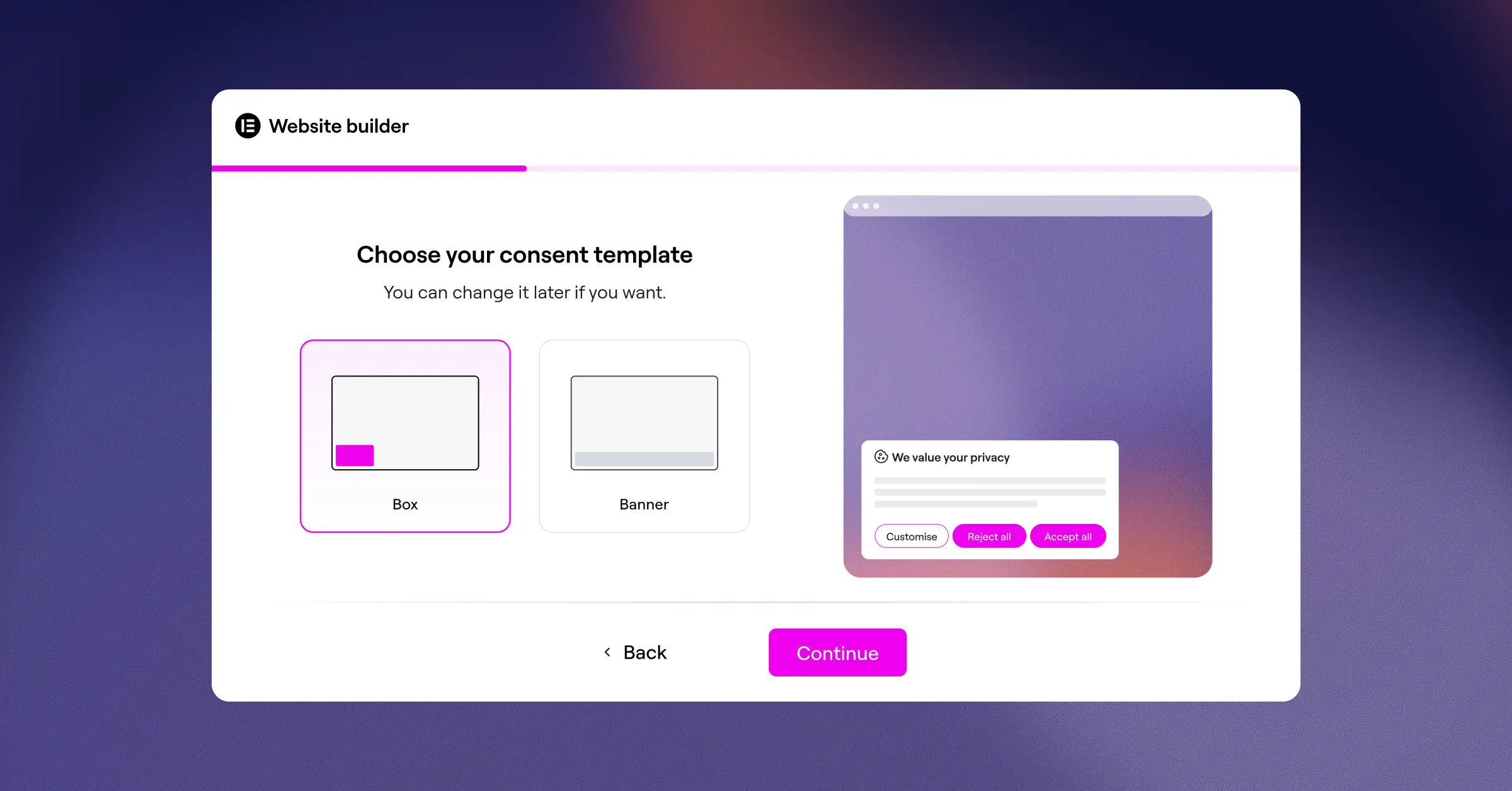
Setting up your compliance banner takes under five minutes. The built-in scanner crawls your site to find active cookies, categorizes them automatically, and generates a compliant consent banner. Because it integrates directly with your editor, you can design every part of the banner to match your brand style. Cookie Consent is included as part of the broader compliance suite in Elementor One, and there’s also a free tier to help you get started without any financial commitment.
Key Features
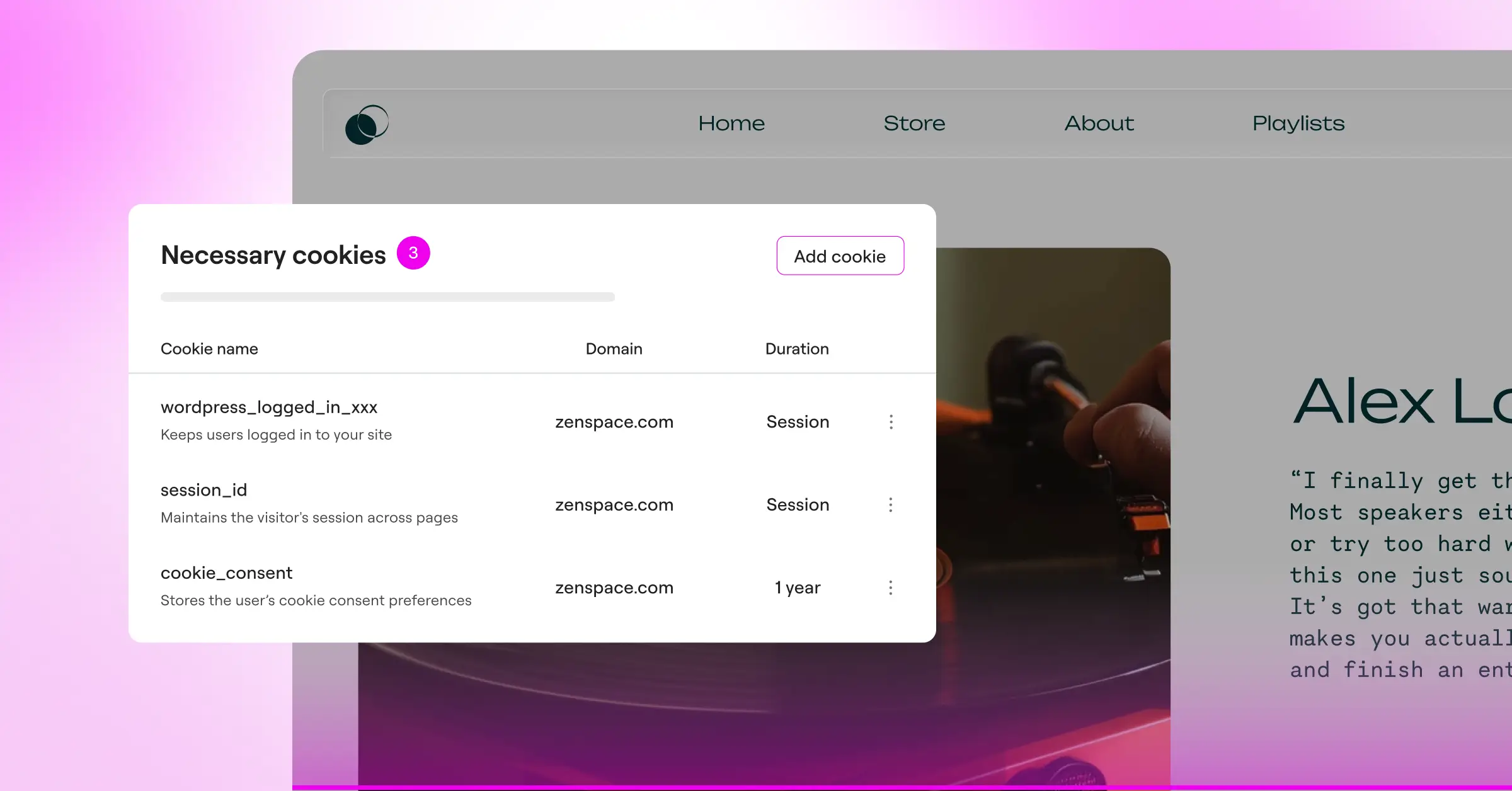
- Scans your website automatically to discover and categorize active tracking cookies and scripts.
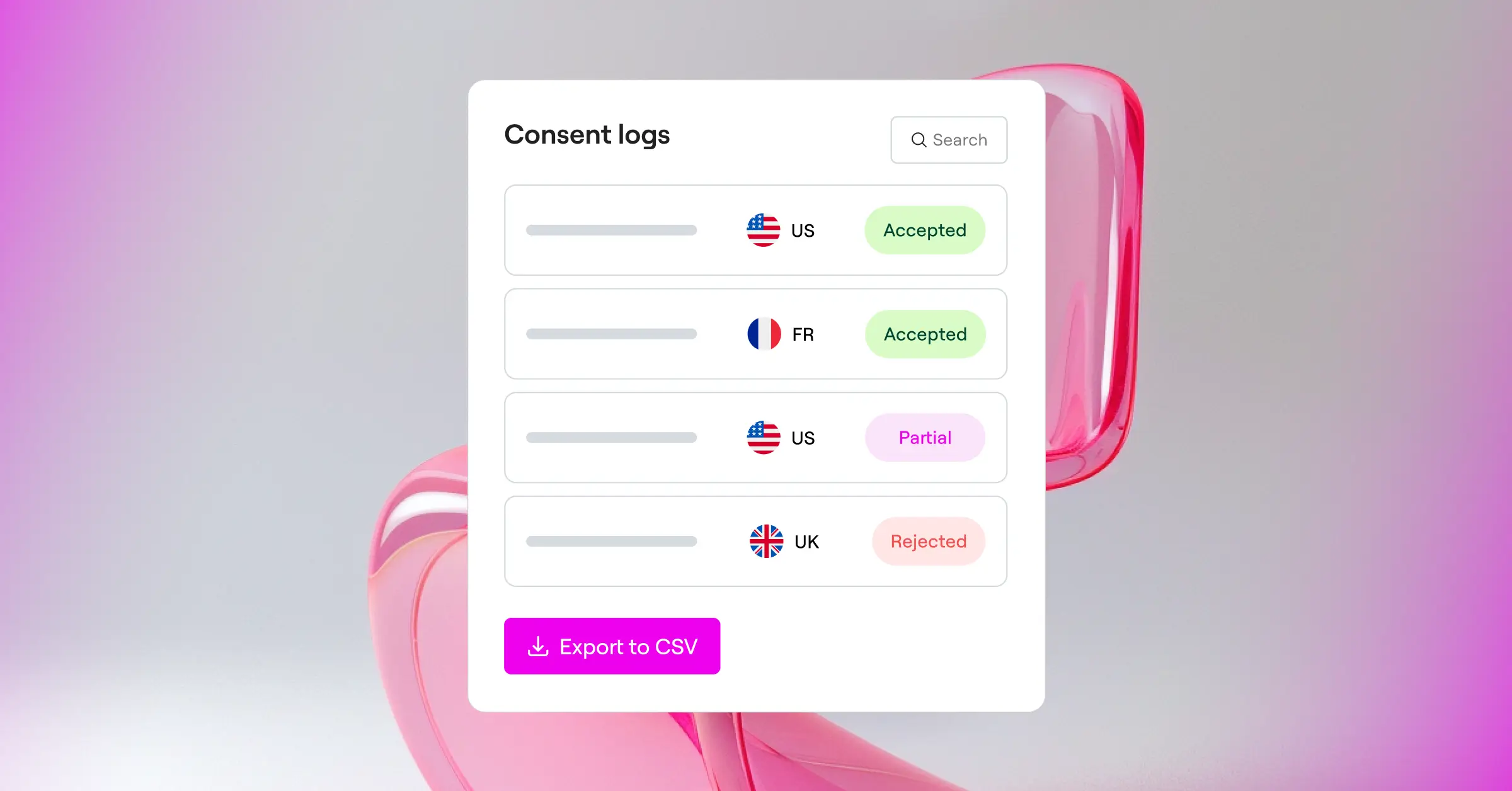
- Saves consent logs directly in your WordPress database to maintain a secure audit trail.
- Connects with Google Consent Mode v2 to keep your marketing and analytics running legally in European regions.
- Displays custom banners to specific users based on their physical location using geo-targeting.
- Generates legal policies with a built-in assistant to save you time and legal fees.
- Translates your banner into multiple languages so you can welcome visitors from all over the world.
Pros
- Runs completely inside WordPress with no external account setups or separate logins required.
- Gives you full design freedom to style banners using familiar visual controls.
- Includes modern standards like Global Privacy Control (GPC) right out of the box.
- Keeps your site speed fast because it doesn’t rely on heavy external database calls.
Cons
- Designed specifically for WordPress sites, so it can’t be used on non-WordPress platforms.
- Requires an active connection to your local database to store and display consent logs.
Our Verdict
For WordPress creators who want to keep their workflow simple, Cookie Consent is an exceptional option. It removes the hassle of managing third-party subscriptions and lets you build beautiful, compliant banners in minutes. It’s friendly, fast, and keeps your data exactly where it belongs, on your own website.
2. Cookiebot

Cookiebot is an established player in the privacy space. It operates as a cloud-based consent management platform that works across many different web platforms, including WordPress. If you manage a mix of Shopify, custom HTML, and WordPress sites, Cookiebot provides a single place to monitor them all.
This tool uses a cloud scanner to inspect your website on a regular basis. It finds tracking technologies, writes a detailed report, and updates your cookie policy automatically. It’s a solid, corporate-grade option, but it does require you to manage your settings inside the Cookiebot cloud portal rather than your WordPress dashboard.
Key Features
- Inspects your website with a deep cloud scanner to locate hidden trackers.
- Compiles cookie declarations automatically and publishes them directly to your privacy page.
- Supports global standards including GDPR, CCPA, and Google Consent Mode v2.
- Stores user consents securely in a cloud-based repository for compliance audits.
Pros
- Works on any platform, which is useful if you run multi-site networks outside of WordPress.
- Automates the update process for your legal documents and cookie declarations.
Cons
- Requires you to leave your WordPress dashboard to configure templates and settings.
Our Verdict
Cookiebot is a reliable choice for those comfortable managing configuration on an external platform. It works well for larger business websites that need cross-platform support.
3. CookieYes

CookieYes is another popular alternative that serves millions of websites. Like Cookiebot, it uses a hybrid model where you install a connector on your site but control the layout, colors, and consent logs from an external web app. It’s valued for its clean interface and straightforward setup process.
With CookieYes, you can implement Google Consent Mode v2 and customize your layouts without too much fuss. The entry-level plan is quite generous for small sites, making it a common choice for personal blogs and early-stage businesses that need a quick path to compliance.
Key Features
- Categorizes tracking scripts automatically during regular website scans.
- Generates custom layouts that you can match to your site’s color scheme.
- Saves user choices in a secure cloud registry to document your compliance history.
- Adapts to regional laws by showing different consent options to EU and US visitors.
Pros
- Offers an intuitive cloud interface that’s easy for beginners to understand.
- Includes a helpful entry-level plan for websites with lower monthly pageviews.
Cons
- Relies on external scripts that must load before your local page content.
- Presents a separate dashboard that you’ll need to manage alongside your main site.
Our Verdict
CookieYes is a friendly, capable option for owners who want a simple setup and are happy working in a separate tab for their compliance settings.
4. iubenda

If you need a complete legal suite rather than just a consent banner, iubenda is a strong option. It’s a compliance firm that focuses heavily on the legal side of the web. Instead of just managing cookies, iubenda helps you build privacy policies, terms and conditions documents, and consent records all in one place.
This tool is customizable, but it has a steeper learning curve. You’ll configure your auto-generated documents on their platform and then copy integration codes over to WordPress.
Key Features
- Generates complete documents including privacy policies, terms of service, and cookie disclosures.
- Updates legal texts automatically whenever privacy laws change in Europe or the US.
- Blocks profiling cookies before the visitor gives active consent on the page.
- Registers consent records to prove that users agreed to your email marketing terms.
Pros
- Provides solid legal coverage that goes well beyond simple consent banners.
- Offers professional legal templates translated into many different languages.
Cons
- Configuring the more advanced options can feel overwhelming for non-technical users.
Our Verdict
iubenda works well for agencies and business owners who need complex legal agreements alongside their cookie management.
5. OneTrust

OneTrust is designed for large organizations and global brands with dedicated compliance teams. It covers cookie consent, data mapping, vendor risk assessment, and user preference centers in one platform.
Because it’s built for enterprise, OneTrust goes into remarkable depth. (It’s definitely more than most small businesses will ever need!) But if you work in a regulated industry like healthcare or finance, its breadth is hard to match.
Key Features
- Manages complex workflows across thousands of global domains from a single interface.
- Conducts compliance reviews to identify gaps in your third-party script integrations.
- Tracks detailed preferences so users can opt out of specific data sharing models.
- Coordinates vendor agreements to keep your data supply chain documented.
Pros
- Provides strong security and legal coverage for large organizations.
- Offers extensive customization options for enterprise-level user preference portals.
Cons
- Requires significant time, training, and technical expertise to configure properly.
- Comes with pricing tiers that are generally out of reach for individual WordPress users and small agencies.
Our Verdict
OneTrust is a formal, enterprise-grade solution for multinational corporations. It’s considerably more than most WordPress developers or small agencies will ever need.
6. Termly
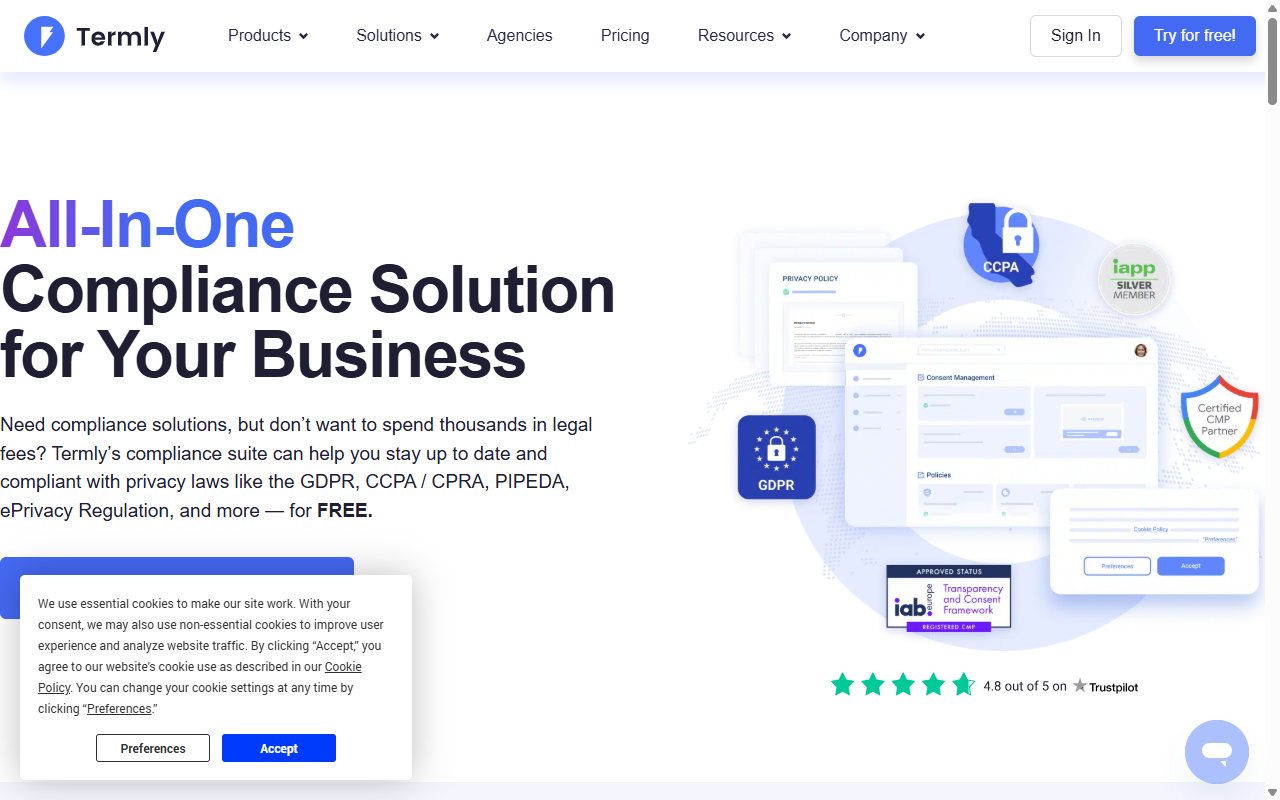
Termly is a compliance suite aimed at small businesses. It bundles a cookie banner generator with basic legal policy builders, making it a solid choice if you want to draft your first privacy policy without spending hours on legal jargon.
The interface is clear and friendly. You generate policies, customize your banner, and copy a code snippet to your site. Like other cloud options, you manage your configurations on Termly’s website.
Key Features
- Drafts standard policies for privacy, terms of use, and shipping rules.
- Scans your website for tracking scripts and groups them into standard categories.
- Customizes banner styles with basic color, layout, and placement controls.
- Keeps consent logs in the cloud to help you stay audit-ready.
Pros
- Designed to make legal compliance accessible for small business owners.
- Provides a clean setup wizard that walks you through things step by step.
Cons
- Offers limited design styling compared to native WordPress builders.
- Restricts the entry-level plan to a single domain with limited monthly page views.
Our Verdict
Termly is a sweet, approachable option for small business owners who need basic legal documents alongside a clean cookie banner and a guided path to compliance.
7. Osano
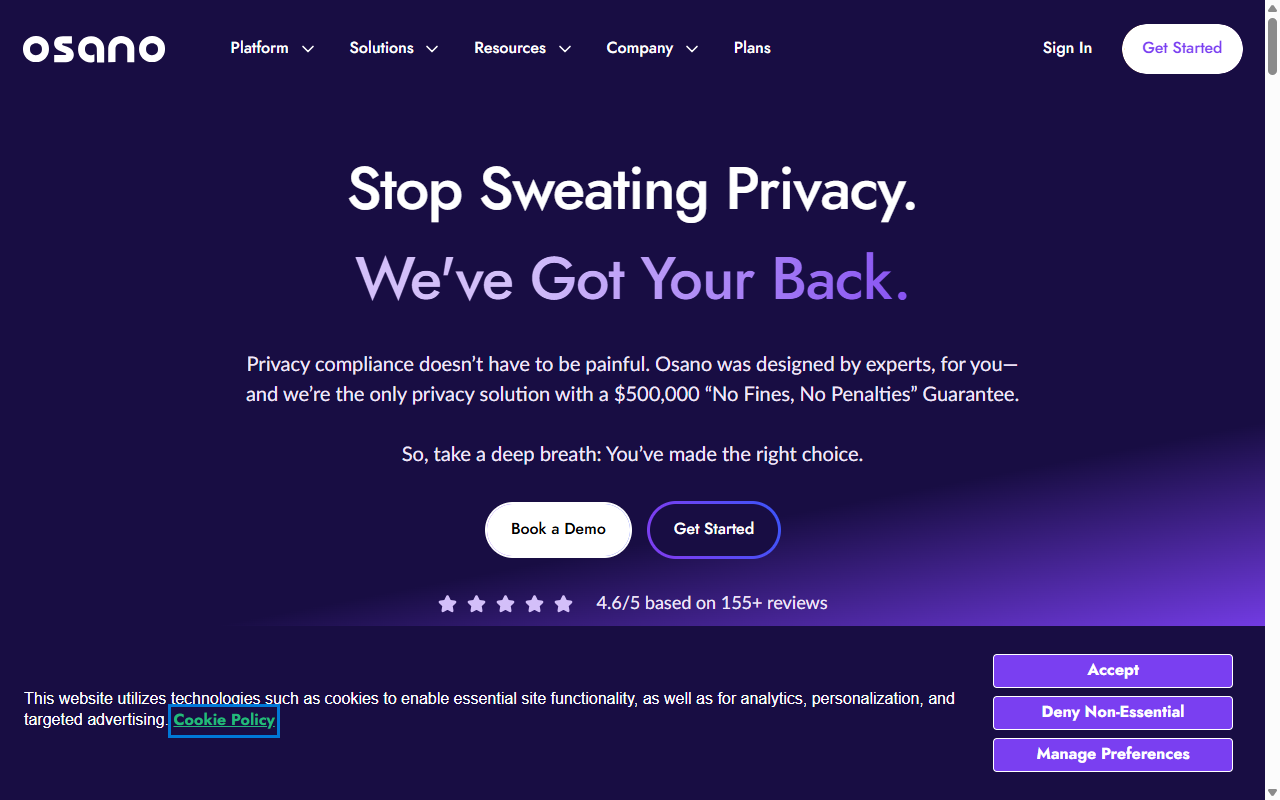
Osano is a modern data privacy platform focused on trust and simplicity. One of its standout features is the “No-Fine Pledge”: they offer legal representation and will pay your fines if your site is penalized while using their platform correctly. Osano is built for fast-growing companies that want to automate privacy operations, supporting geo-targeting and vendor tracking through a cloud dashboard.
Key Features
- Evaluates third-party vendors on your site to assess how they handle visitor data.
- Displays regional banners automatically based on your visitor’s physical location.
- Blocks unapproved scripts to keep your site compliant from the very first visit.
- Simplifies data requests so users can easily ask to view or delete their stored information.
Pros
- Offers a distinctive compliance fine guarantee program that may appeal to risk-conscious teams.
- Saves time with automated blocklists that update without manual input.
Cons
- Requires a significant investment, making it less suited to small personal sites.
- Operates on a cloud dashboard separate from your WordPress backend.
Our Verdict
Osano is a premium, high-trust alternative for businesses that want maximum legal protection and are prepared to invest in an automated cloud platform.
Side-by-Side Comparison Matrix
To help you see how these tools stack up, here’s a quick comparison table highlighting their core attributes. It should help you spot which platforms fit your specific style of site management.
| Tool | WordPress Native | Consent Mode v2 | Primary Dashboard Location | Best Suited For |
|---|---|---|---|---|
| Cookie Consent | Yes | Yes | WordPress Dashboard | WordPress Creators & Elementor Users |
| Cookiebot | No | Yes | Cookiebot Cloud Portal | Multi-platform Websites |
| CookieYes | No | Yes | CookieYes Cloud Portal | Small Businesses & Bloggers |
| iubenda | No | Yes | iubenda Cloud Portal | Agencies Needing Legal Documents |
| OneTrust | No | Yes | OneTrust Cloud Portal | Enterprise Corporations |
| Termly | No | Yes | Termly Cloud Portal | SMEs Needing Standard Policies |
| Osano | No | Yes | Osano Cloud Portal | High-Growth Companies |
How to Choose the Right Consent Tool for Your Site
Choosing a compliance tool doesn’t have to be stressful. Focus on a few simple priorities and you can narrow things down quickly. (Once it’s set up, you genuinely won’t have to think about it constantly!)
- Check your platform setup. If your entire business runs on WordPress, a native capability like Cookie Consent is a smart move. You’ll avoid third-party script lag and keep your admin area clean. If you manage a mix of platforms, a cloud service like Cookiebot might serve you better.
- Consider your design needs. Many compliance platforms offer pre-built banners that can look a bit generic. Look for tools that let you customize colors, fonts, and button styles without writing complex CSS.
- Evaluate your compliance risk. Do you serve visitors in California, the UK, or the EU? Geo-targeting is essential. It makes sure you show strict cookie-blocking banners to European visitors while displaying lighter opt-out notices to those from less restrictive regions.
- Look at the performance impact. Extra scripts slow down your site. Native tools that integrate directly into WordPress typically load faster because they don’t wait for an external cloud server before displaying your banner.
“To keep your site fully compliant without hurting your search rankings, look for tools that load consent scripts locally. Keeping your cookie workflows inside WordPress is a great way to prevent external script delays.”
– Itamar Haim, Web Compliance Specialist
Frequently Asked Questions
What is Google Consent Mode v2 and why does it matter?
Google Consent Mode v2 is a framework that lets your website communicate visitor consent choices to Google services like Google Ads and Analytics. If you serve visitors in the European Economic Area and use Google tracking, this is required. It lets you still collect basic aggregate data even when a visitor declines your banner.
Do I really need a cookie consent banner if I don’t run ads?
In many cases, yes. Almost all modern websites use some form of tracking, whether it’s basic analytics, social share buttons, video embeds, or security tools. Many of these drop tracking files on your visitor’s device. Under GDPR, you need clear permission before loading these scripts.
What makes a tool “WordPress-native”?
A WordPress-native tool runs entirely inside your existing WordPress site. It stores your settings, layouts, and consent records in your local database, with no external SaaS subscription, no code pasted into theme headers, and no separate cloud dashboard to log into.
Can I use Cookie Consent on non-Elementor websites?
The native Cookie Consent capability is designed to work beautifully within the Elementor ecosystem, especially with Elementor One. It uses the visual design controls you already rely on to build your site pages. If you run a WordPress site without Elementor, you’d want to explore another option or adopt Elementor to take full advantage of it.
How does geo-targeting help my site visitors?
Geo-targeting reads your visitor’s location and shows the consent banner that matches their local privacy laws. A visitor from Germany sees a strict opt-in banner that blocks cookies by default, while a visitor from a less restrictive region might see a simple notice or nothing at all.
Is a free plan enough for a standard small business site?
Yes, for many small businesses a free tier is perfectly adequate. As long as your site has low to moderate traffic and doesn’t need enterprise integrations, it will help you meet legal standards without adding to your monthly costs.
Do cookie consent banners slow down my website?
They can, especially with cloud-hosted tools that load large external scripts. Native capabilities are built to be lightweight. Because they run locally on your server, they bypass the extra connection steps needed to fetch layouts from third-party databases, keeping your speed scores high.
What is Global Privacy Control (GPC)?
Global Privacy Control is a browser setting that lets users set a universal privacy preference. When a visitor has GPC turned on, their browser signals your site not to track them. Good compliance tools detect this automatically and respect the user’s choice without requiring a manual banner click.






