Managing privacy compliance on your website can feel like trying to solve a puzzle with pieces that keep changing shape. If you run a WordPress site, you already know how fast privacy rules evolve. Many site owners start their compliance journey with Iubenda, but they often find themselves searching for a simpler, more integrated way to handle user consent. The good news is that you don’t have to settle for heavy scripts, confusing dashboards, or rising subscription fees. You’ve got plenty of great options that can help you meet legal standards while keeping your site running fast and looking beautiful.
Key Takeaways
- Native tools save time – Choosing a WordPress-native option keeps your backend organized and stops you from juggling multiple external dashboards.
- Google Consent Mode v2 is essential – Any alternative you choose must support this framework to keep your ad and analytics systems working legally in the European Union.
- Speed matters – Heavy external cookie scripts can slow down your site, making lightweight tools much more preferable for user experience.
- Geotargeting avoids friction – Showing banners only to visitors from regions with strict privacy laws keeps your site clean for everyone else.
Why Site Owners Look for Iubenda Alternatives in 2026
When you first build a site, you want a quick fix to check the compliance box. Many people turn to external services, and that works well enough in the beginning. But as your website grows, those solutions can start to show their limitations. You might find that jumping back and forth between your WordPress editor and an external control panel is a genuinely frustrating way to work. You want your privacy tools to feel like a natural extension of your website, not an added chore that requires a separate login every time you want to tweak a simple banner color.
Another common issue is how external tools affect your site performance. Every external script you load slows down your pages, because your visitors have to wait for third-party servers to respond before your content displays properly. And when you’re running multiple client sites or small business blogs, paying a monthly fee per domain adds up surprisingly fast. It’s much easier to manage your budget when your privacy tools are built directly into your core site platform.
Then there’s the pace of change in the privacy landscape. With the global rollout of Google Consent Mode v2 and stricter enforcement of the General Data Protection Regulation (GDPR) and the California Consumer Privacy Act (CCPA), you need a tool that keeps up automatically. Finding something that handles these updates without breaking your site layout is a genuine relief.
Quick Comparison of the Top Iubenda Alternatives in 2026
To help you see how the top options stack up, here’s a quick overview of how they compare on key features. You’ll notice that some are built specifically for WordPress, while others are cloud platforms designed for larger enterprises.
| Solution | WordPress Native Integration | Approximate Setup Time | Google Consent Mode v2 | Dashboard Location |
|---|---|---|---|---|
| Cookie Consent (Elementor) | Yes, Built-in | Under 5 Minutes | Yes, Supported | WordPress Dashboard |
| Cookiebot | No, External Cloud | 15 to 20 Minutes | Yes, Supported | External Cloud Platform |
| CookieYes | No, External Cloud | 10 to 15 Minutes | Yes, Supported | External Cloud Platform |
| Complianz | Yes, Dedicated Tool | 15 to 20 Minutes | Yes, Supported | WordPress Dashboard |
| OneTrust | No, External Enterprise | Over 1 Hour | Yes, Supported | External Cloud Platform |
10 Best Iubenda Alternatives in 2026
Let’s look closely at the top choices available today. We’ll start with the most integrated option for WordPress users, then walk through the other popular tools worth knowing about.
1. Cookie Consent
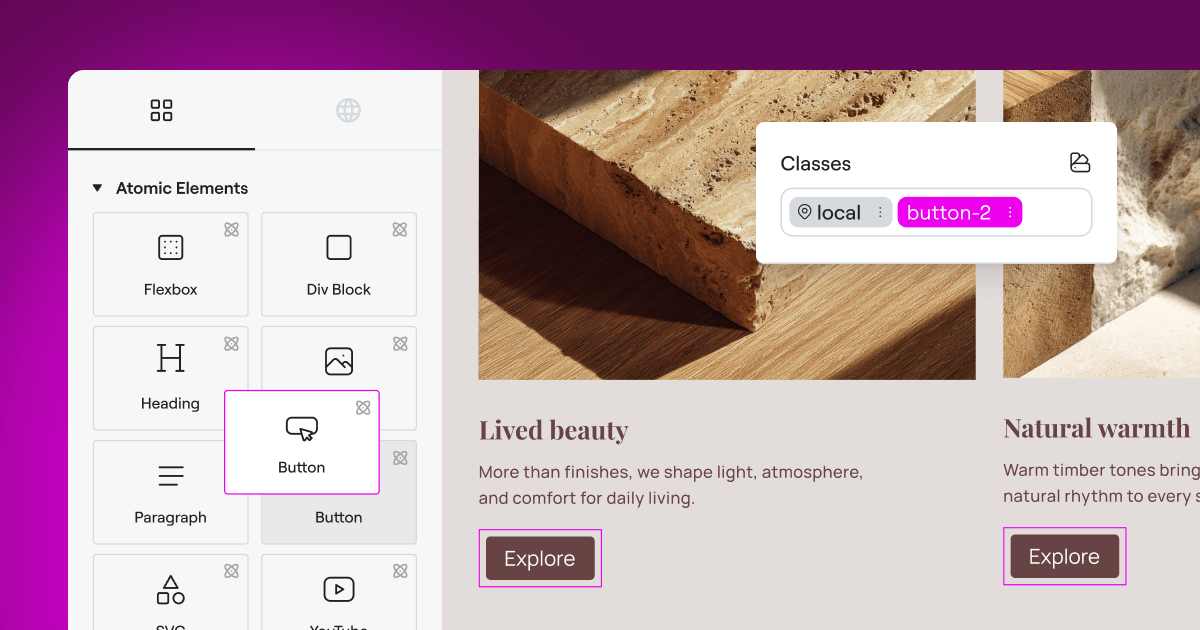
If you’re using Elementor to build and manage your WordPress websites, Cookie Consent is the natural choice. This is Elementor’s cookie consent capability, built natively for WordPress. It manages GDPR and CCPA compliance directly from your WordPress dashboard, so you’ll never have to deal with external dashboards or separate platforms again. You can set up consent banners, scan and categorize cookies, manage scripts, and keep consent logs all from one familiar place. And don’t worry, it’s genuinely easier than it sounds. You can have your banner up and running in under five minutes.

Because it’s built directly into the ecosystem you already use, it integrates beautifully with your site design. You can fully customize the style, typography, and colors of your banners to match your brand. It’s also included in Elementor One, and there’s an entry-level plan available if you’re just getting started. It works as part of a complete compliance toolkit alongside Web Accessibility to help keep your site safe and welcoming for everyone.

- Tracks all user consent decisions and keeps secure logs for audit trails directly in your database.
- Builds completely customizable consent banners that look like a natural part of your website design.
- Connects to Google Consent Mode v2 automatically to keep your marketing data clean.
- Pulls localized privacy rules using a built-in policy generator to save you from expensive legal help.
- Scans your site automatically to find and categorize every cookie you use.
- Controls banner visibility with smart geo-targeting so only visitors who need to see the banner will see it.
Pros:
- No external dashboards to log into or manage.
- Setup takes under five minutes from start to finish.
- Beautiful templates you can edit directly in your WordPress editor.
- Includes automatic cookie scanning and consent logs.
Cons:
- Requires WordPress to run.
Verdict: This is the best choice for WordPress site owners who want a simple, beautiful, and fully compliant solution without adding external script weight or platform subscription costs.

2. Cookiebot
Cookiebot is a well-known cloud-based consent management platform that works across many different content management systems. It uses an automated scanner to find and block third-party cookies on your site until visitors give their explicit consent. Because it’s a cloud service, you’ll manage all your banners and settings from an external dashboard, then paste a script into your WordPress site.
- Blocks unrecognized scripts automatically before users give consent.
- Generates monthly cookie audit reports sent directly to your email inbox.
- Supports Google Consent Mode v2 for accurate ad tracking in compliance zones.
- Displays clear cookie declarations that explain what each script does.
Pros:
- Strong automatic cookie blocking technology.
- Good multi-language support for international audiences.
- Reliable cloud infrastructure.
Cons:
- The external dashboard can feel disconnected from your daily WordPress workflow.
- Customizing the banner design can be tricky without CSS knowledge.
Verdict: A reliable, hands-off choice for users who don’t mind managing settings in an external cloud platform and want deep automated cookie blocking.

3. CookieYes
CookieYes is another widely used web-based consent management tool. It offers a clean, modern interface and supports major privacy laws around the globe. While it operates on an external dashboard, it does offer a helper for WordPress to make connecting your site a bit simpler. It’s built to be lightweight and quick to configure (which a lot of people appreciate when they’re just getting started).
- Scans your website for active cookies with a single click.
- Customizes banner layouts with pre-built color themes and templates.
- Logs historical user consent to help you demonstrate compliance during audits.
- Integrates with major tag managers and analytics tools.
Pros:
- The interface is easy to understand for beginners.
- Good selection of layout styles.
- Quick implementation process.
Cons:
- You’ll have to leave WordPress to change settings or view your logs.
- Entry-level plan limits can be easy to hit on growing blogs.
- The script can sometimes conflict with other optimization tools.
Verdict: A solid, user-friendly cloud tool that works well if you want a simple setup process and don’t mind a monthly fee as your traffic grows.

4. Complianz
Complianz is a dedicated privacy suite built specifically for the WordPress ecosystem. It works by guiding you through a step-by-step setup wizard that asks questions about your site, your target audience, and the services you use. It then generates custom cookie banners and legal documents based on your answers.
- Guides users through a complete legal configuration wizard.
- Generates dynamic cookie policy documents that update when your site changes.
- Detects local regulations based on visitor IP addresses to adjust banner content.
- Works smoothly with major WordPress form builders and caching systems.
Pros:
- Built directly into WordPress so your data stays on your server.
- Excellent wizard that explains complex legal concepts simply.
- Integrates with many popular tools out of the box.
Cons:
- The configuration wizard is long and can feel overwhelming for some users.
- The interface is utilitarian and less visually intuitive than modern design editors.
- Premium features can get expensive if you manage many client sites.
Verdict: A strong option for site owners who want a wizard-style approach to setting up their privacy documents directly inside WordPress.

5. OneTrust
If you’re running a large business or managing compliance across a corporate portfolio, OneTrust is the market’s enterprise-level option. It’s a complete privacy, security, and governance platform that goes well beyond simple cookie banners, covering vendor risk management, data mapping, and detailed compliance assessments.
- Manages enterprise-scale data privacy across multiple platforms and apps.
- Audits website trackers with highly detailed technical reports.
- Adapts to highly specific global jurisdictions with an advanced geo-targeting engine.
- Consolidates consent across web, mobile, and offline customer touchpoints.
Pros:
- Detailed features suited for corporate legal and compliance teams.
- Highly reliable and scalable for millions of monthly users.
- Deep integration with internal business tools.
Cons:
- Far more complex than standard WordPress websites typically need.
- The setup process is lengthy and often requires professional implementation.
- Higher cost compared to standard cookie consent tools.
Verdict: Best suited to enterprise organizations that have dedicated compliance teams and need to manage data flow across multiple business units.

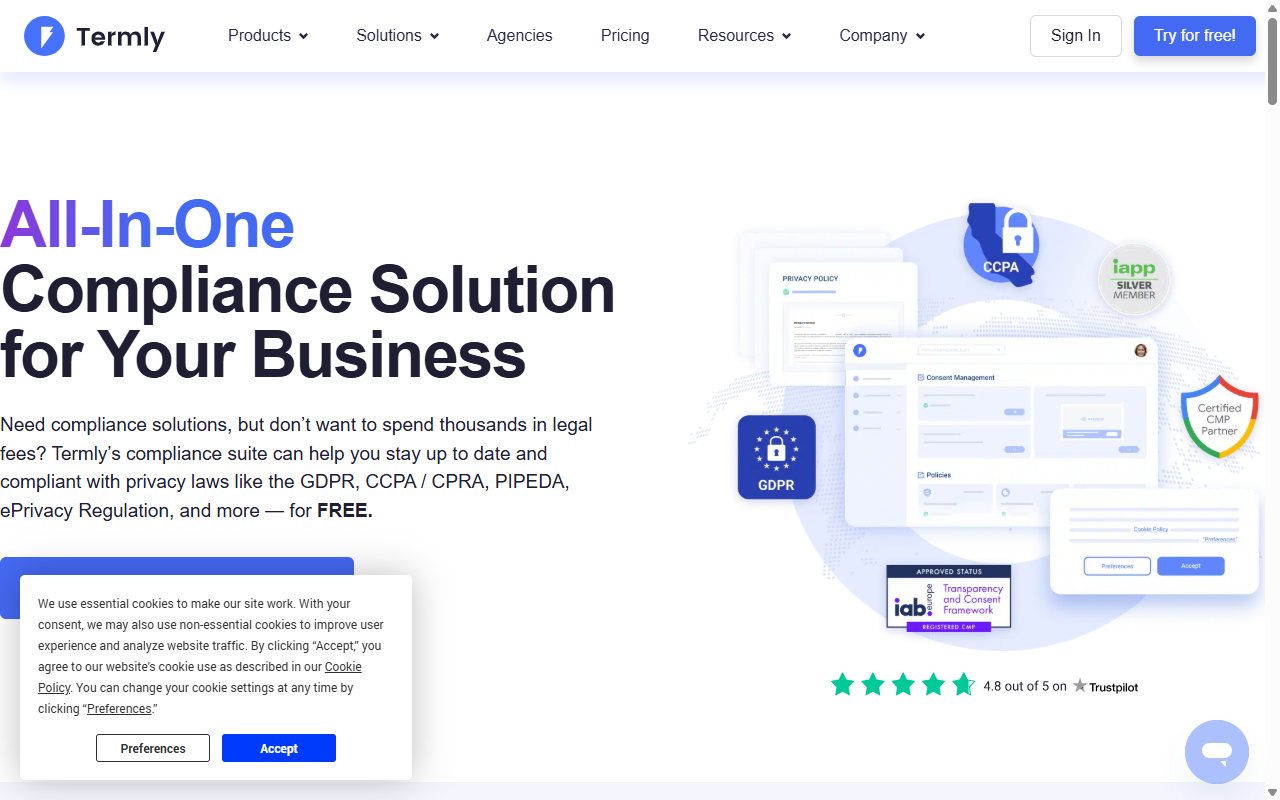
6. Termly
Termly is designed as a complete legal compliance suite for small businesses. It focuses heavily on helping you generate privacy policies, terms of service agreements, and shipping policies, alongside providing a standard cookie consent banner. Everything is managed from their external cloud dashboard.
- Generates lawyer-reviewed policy documents designed for your business model.
- Updates your legal agreements automatically when compliance laws change.
- Scans your domains regularly to keep your cookie lists current.
- Provides clean, simple cookie banner templates that fit standard site styles.
Pros:
- Convenient all-in-one spot for all your legal page generators.
- Straightforward, friendly interface.
- Reasonable pricing for small sites.
Cons:
- Cookie banner customization options are relatively limited.
- Requires pasting code snippets into your site header manually.
- Not fully native to the WordPress dashboard experience.
Verdict: A good choice if you need legal policy documents generated alongside a standard cookie banner.
7. Osano
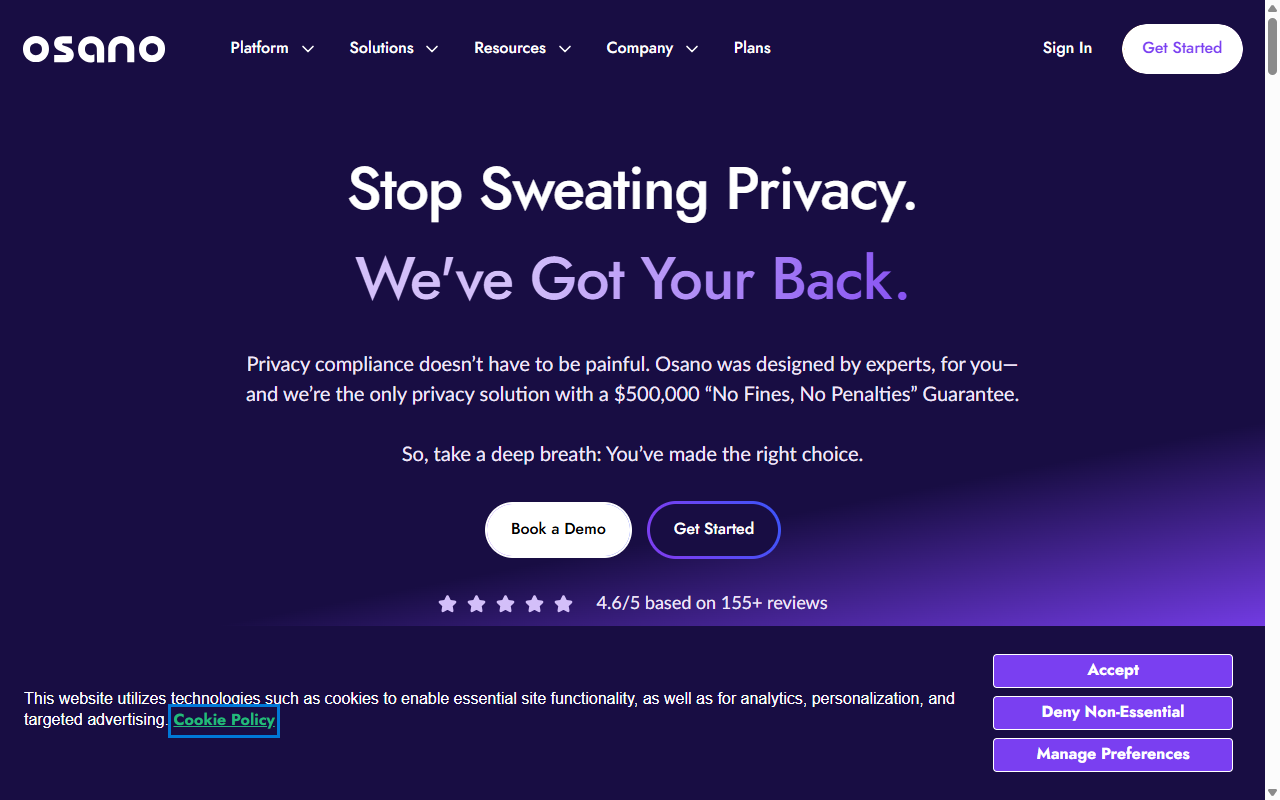
Osano is a modern data privacy platform that focuses on simplicity and risk reduction. They’re known for their “No-Fine Pledge,” which is designed to cover fines if their tool is configured correctly and you still get penalized by regulators. It uses a cloud dashboard and places a strong emphasis on data mapping.
- Monitors your vendors to see how they handle user data behind the scenes.
- Guarantees compliance up to certain financial limits under defined conditions.
- Loads quickly thanks to a global CDN architecture.
- Simplifies subject access requests (DSAR) for users who want their data deleted.
Pros:
- The compliance guarantee pledge can offer extra peace of mind.
- Clean, lightweight script that doesn’t drag down performance.
- Responsive customer support team.
Cons:
- Advanced features are locked behind higher-tier plans.
- Can be more than you need if you just want a standard WordPress cookie banner.
- Requires a separate dashboard for all configuration tasks.
Verdict: A premium, security-focused option for mid-sized businesses that want to minimize legal risks with a modern cloud service.
8. Usercentrics
Based in Europe, Usercentrics is a consent management platform built with strict GDPR requirements at its core. It’s particularly popular with developers because of its flexible API and SDK options, which let you build custom consent experiences on websites, mobile apps, and even smart TVs.
- Adapts to highly custom application architectures with developer-friendly APIs.
- Integrates directly with major advertising networks and tracking technologies.
- Presents detailed analytics on how users interact with your opt-in choices.
- Keeps data on European-based servers in line with strict GDPR data storage requirements.
Pros:
- Extremely flexible for custom development projects.
- Deep reporting features to help optimize your opt-in rates.
- Strong focus on European legal standards.
Cons:
- Requires technical knowledge to set up and configure properly.
- Not designed specifically for casual WordPress users.
- Can feel complicated if you just want a simple, ready-to-go solution.
Verdict: An excellent developer-first platform for custom web applications and larger sites that need advanced control over their tracking scripts.
9. Didomi
Didomi is a high-end consent and preference management platform that specializes in helping publishers and brands build visitor trust. It lets users customize their communication preferences alongside standard cookie opt-ins, and it’s built to handle millions of transactions across web and mobile platforms.
- Collects customer preferences for newsletters, SMS, and direct mail in one dashboard.
- Syncs user consent choices across multiple devices and marketing tools.
- Delivers analytical reports on opt-in rates across different regions.
- Ensures compatibility with the IAB Transparency and Consent Framework.
Pros:
- Preference management features that go well beyond standard cookie consent.
- Highly secure and enterprise-tested.
- Good multi-device consent synchronization.
Cons:
- Too heavy and costly for a standard self-hosted WordPress site.
- Longer onboarding compared to native tools.
- No simple entry-level plan for small blogs.
Verdict: A solid option for publishers and multi-brand companies that want to manage consent and user marketing preferences in one centralized system.
10. Consent Manager
Consent Manager is a specialized privacy tool based in Sweden. It focuses heavily on speed, data minimization, and compliance with European regulations. It offers detailed diagnostic reports to show you exactly which scripts are loading on your site and where your data is going.
- Measures your banner performance with real-time conversion rates.
- Hosts all user data on secure servers located within the EU.
- Supports more than 30 languages out of the box for global compliance.
- Performs deep automatic scans to identify hidden tracking scripts.
Pros:
- Fast script delivery.
- Good dashboard reports on script behaviors.
- Privacy-first data hosting standards.
Cons:
- The dashboard design can feel dated and technical.
- The setup process requires a bit of code pasting.
Verdict: A reliable, security-focused cloud tool for European businesses that want solid compliance reports and fast script loading.
Key Factors to Consider When Choosing a Privacy Solution
When you’re looking to replace your current consent tool, don’t rush. Take a moment to think about what will actually make your day-to-day life easier as a site owner. Here are a few things worth keeping in mind:
- Workflow Integration – Think about where you spend your time. If you’re already working in WordPress every day, managing your privacy settings directly from your native dashboard is a real benefit. You don’t want to keep track of another set of login credentials just to change a banner layout or review your consent logs.
- Design Control – Your cookie banner is often the very first thing a new visitor sees on your site. If it looks mismatched with your design, it can undermine the impression you’ve worked hard to create. Look for a tool that lets you customize fonts, colors, and positions without writing custom CSS code.
- Performance Cost – Every external script you add to your site header affects load times. This is why native capabilities like Cookie Consent are worth considering. They keep your site lightweight and prevent external cloud servers from delaying your page rendering.
- Legal Features – Make sure the tool you choose supports important standards like Google Consent Mode v2 and Global Privacy Control. This keeps your legal requirements covered while protecting your marketing analytics data.

“When choosing a compliance tool, native solutions are always preferable for WordPress users. They minimize external script dependency, prevent latency issues, and keep your critical compliance logs stored securely on your own server where you have full control.”
– Itamar Haim, Web Compliance Specialist
How to Set Up Your Privacy Banner for Success
To get the most out of your chosen tool, follow a logical path during setup. It keeps your visitor experience clean and helps you avoid broken scripts later.
- Run a complete site scan – Before you design your banner, let your tool scan your entire site. This discovers all the cookies currently being loaded by your tools, contact forms, and analytics scripts. (This step trips a lot of people up because they skip it and end up with an incomplete cookie policy.)
- Categorize your cookies – Sort your discovered cookies into groups like “Necessary,” “Functional,” “Analytical,” and “Marketing.” This makes it easy for visitors to choose what they want to allow.
- Match your styling – Take a few minutes to copy your brand colors and typography settings into your banner style options. It’s a small step that makes a big difference in how professional your consent banner looks.
- Turn on geo-targeting – If your tool supports it, set it up so strict banners only display to visitors from regions that require them, like the EU or California. This keeps your site experience clean for everyone else.
- Review your consent logs – Regularly check your backend to confirm your consent logs are recording properly. This keeps you audit-ready if a regulator ever asks for proof of compliance.

Frequently Asked Questions
Is Google Consent Mode v2 required for all websites in 2026?
If your website serves visitors in the European Union or the European Economic Area, and you use Google services like Google Analytics or Google Ads, then yes. Google requires Consent Mode v2 to keep sending marketing data from those regions to your tracking dashboard. Without it, your measurement tools won’t work correctly for EU traffic.
Do native WordPress privacy tools slow down websites?
Actually, native tools like Elementor’s Cookie Consent are generally much lighter than external cloud scripts. Because they load from your own server and integrate directly with your layout system, they avoid the external server requests that cause layout shifts and loading delays.
Can I use a free cookie consent tool for commercial sites?
Yes, you can. Many tools offer entry-level plans that work well for small commercial websites. But as your business grows, you may want to upgrade to unlock features like automatic script blocking, unlimited page scans, and integrated consent logs.
What happens if I don’t use a cookie consent banner?
Failing to use a proper consent mechanism can expose your business to compliance risks. Privacy regulators can issue substantial fines for GDPR or CCPA violations. Major ad networks and analytics platforms may also disable your tracking if they detect you’re collecting user data without proper legal consent.
How often should I scan my website for new cookies?
It’s good practice to scan your website at least once a month. WordPress tools and external services update automatically, and they can introduce new scripts and cookies to your site without you noticing. Regular scanning keeps your cookie policy accurate and your database up to date.
What is the difference between GDPR and CCPA consent rules?
GDPR uses an “opt-in” model, which means you must block all non-essential cookies until a visitor gives explicit permission. CCPA uses an “opt-out” model, which allows cookies to load immediately but requires you to give visitors an easy way to opt out, such as a “Do Not Sell My Info” link on your pages.
Do I need to store consent logs on my own database?
While some external services store your logs on their own cloud servers, keeping them in your native WordPress database is a good way to maintain ownership of your data. It also makes it much simpler to generate audit reports without logging into external platforms.






