Table of Contents
Sticklight AI App Builder Review (2026): Is It Worth It?
Most AI website builders promise to make app creation fast. But they often leave you with a generic template or a black box you can’t edit. You get a static prototype rather than a working platform. If you want to customize the design or explore the code, you’re stuck.
That’s where Sticklight enters the picture. It’s a tool designed specifically for creators who want control. You describe your idea, and the platform delivers a fully working, published product that you own. No dummy mockups.
This review breaks down how this modern builder works, its features, and whether it fits your stack.
Key Takeaways
- Real Products, Not Mockups – Sticklight builds actual, working web apps, internal tools, and stores rather than just static Figma frames.
- The Skills System – You can apply expert web development skills to any text prompt with a single click.
- Full Developer Control – You retain complete ownership of the generated code and can export it anytime.
- Modern Core Infrastructure – Out-of-the-box support for SSG/SSR frameworks keeps your pages fast and light.
What is Sticklight?
Sticklight is a modern development platform that turns natural language descriptions into live digital products. It’s not another no-code platform that locks you into a closed hosting ecosystem. It’s an AI-native workspace built for creators who want to manage layout, edit clean code, and control deployment directly.
You can create custom web applications, client dashboards, dynamic online stores, and high-converting marketing sites. The core concept is simple. You write a text description of what you need, and the AI builds it. But the real difference is what happens next. You get a fully functional product that’s ready for production immediately. No draft files. Just code.
The system pairs modern LLMs with a rule-based layer. This structure ensures that your product isn’t just a random collection of generated components. Instead, it follows strict development rules. It creates clean HTML, CSS, and JavaScript. It sets up proper relational databases. It arranges your page structures logically. You can edit any element on the visual canvas or modify the underlying source files. It’s the best of both worlds.
How the Sticklight Skills System Works
Most AI code generators struggle with context. They might write a great script but forget to make the markup accessible. Or they might build a beautiful layout that loads slowly. Sticklight solves this problem with its unique Skills System.
A skill is a packaged unit of expert developer knowledge. You don’t have to write long, complicated instructions to get clean code. Instead, you click a button to apply a specific skill to your prompt. The platform mixes this expert package with your request. This process makes sure your application meets professional development standards from the very start. It works.
You can read more about how this system speeds up production on the official Sticklight skills page.
There are nine live skills available inside the platform right now:
- SEO – Builds automated meta tags, schema markup, dynamic sitemaps, and optimized header structures for your pages.
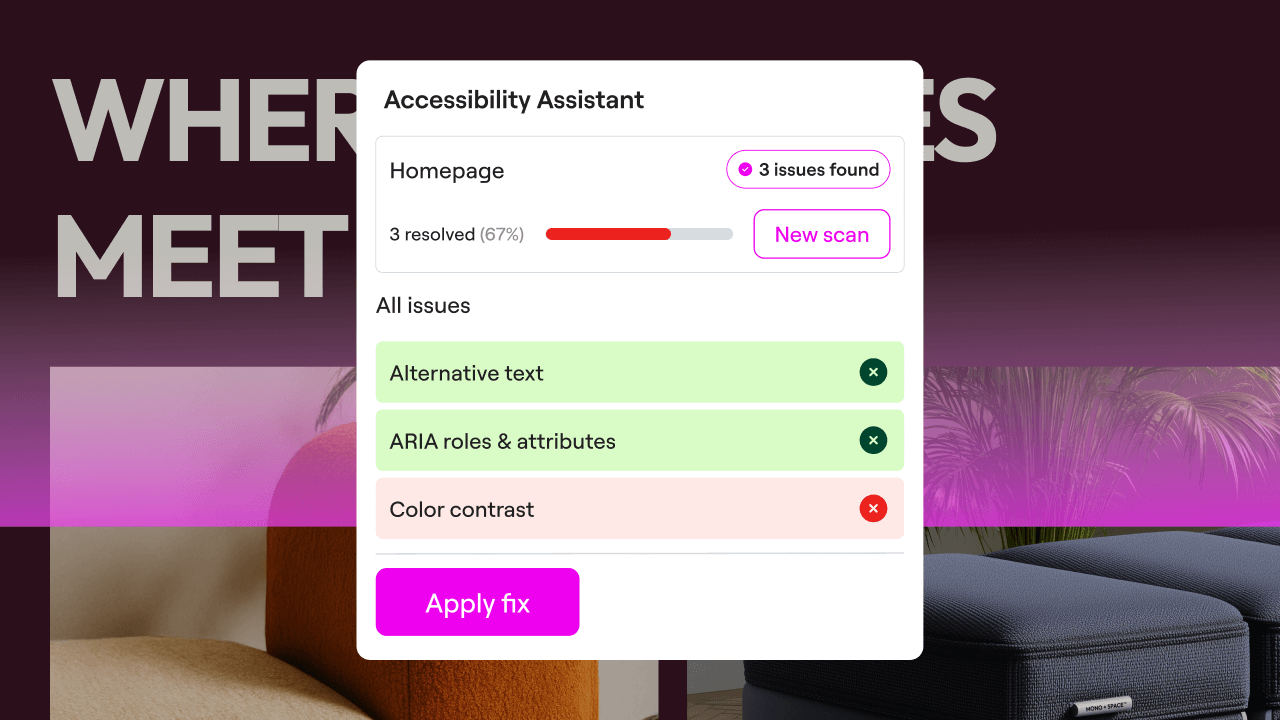
- Accessibility – Generates WCAG-compliant HTML elements, focus states, and aria-labels for screen readers automatically.
- Design System – Enforces consistent spacing, global typography variables, and cohesive color palettes across your entire project.
- Performance – Optimizes images, sets up lazy loading, and minimizes scripts to keep your Core Web Vitals in the green.
- Copywriting – Adds clear, conversion-focused headlines and descriptive body text designed for your specific audience.
- Localization – Translates your content into multiple languages while respecting local formatting rules.
- Micro-interactions – Creates responsive hover states, smooth transitions, and dynamic feedback triggers.
- Onboarding – Builds interactive walk-through tours and clean step-by-step guides for your new app users.
- 3D Web Experience – Integrates custom interactive Three.js components directly into your web pages.
These skills combine as you work. When you build your tenth project, it will deploy even faster because you’ve saved your custom settings. The system remembers your favorite combinations. This makes your workflow incredibly efficient over time.
“The real challenge with generative AI development isn’t getting code out of a prompt. It’s getting production-ready, accessible, and structured code that doesn’t fall apart when you scale. Packaged skills address this bottleneck directly.”
– Itamar Haim, Web Development Specialist
Core Technical Features and Infrastructure
Sticklight is built for creators who appreciate high-quality code. It doesn’t hide its engineering beneath a heavy, slow visual editor. The system is designed from the ground up to respect modern web development practices.
Let’s look at the technical capabilities that set this platform apart:
- Builds clean SSR/SSG projects – It outputs structured React and Next.js code using Server-Side Rendering or Static Site Generation to ensure pages load instantly.
- Tracks Core Web Vitals – It optimizes your code blocks so that cumulative layout shifts and largest contentful paints stay within acceptable performance limits.
- Pulls real-time localized data – It supports English, Hebrew, German, Portuguese, and Dutch interfaces so you can build global apps.
- Generates schema markup – It writes structured JSON-LD scripts automatically to help search engines index your custom pages.
- Connects third-party APIs – It hooks up database webhooks, payment processors, and auth providers without requiring messy middleware.
- Exports clean raw code – It gives you complete ownership of your project files so you can host them on your own servers.
The visual editor feels familiar but stays lightweight. You don’t have to struggle with a laggy interface. Instead, you can write prompts, adjust styles visually, or edit the raw source files on the fly. It’s a highly flexible workspace.
When you update a component on the screen, the underlying code updates cleanly. There’s no messy inline styling or bloat. The output looks like it was written by an experienced frontend engineer. Simple as that.
Sticklight vs. Competitors: A Factual Review
Here’s the deal: The AI development tools market is growing rapidly. Each platform has a slightly different philosophy and target audience. Understanding where Sticklight fits helps you select the right tool for your specific stack.
Let’s compare the main options in the industry today:
| Platform | Primary Use Case | Code Ownership | Key Differentiator |
|---|---|---|---|
| Sticklight | Full apps, landing pages, and stores for control-focused creators | Full export & ownership | One-click pre-packaged Skills System |
| Lovable.dev | Rapid prompt-to-app marketing sites and web layouts | Export available | Fast prototyping with conversational AI |
| V0 by Vercel | React component generation for Next.js stacks | Component code only | Excellent deep integration with the Vercel ecosystem |
| Replit | Cloud-based coding with general agent help | Full hosting control | Complete cloud IDE with sandboxed environments |
| Bubble | Complex database-driven visual web apps | Locked to their platform | Highly mature visual drag-and-drop workflow engine |
| Base44 | Agent-driven background app building | Hosting managed | Hands-off agent workflows for background tasks |
Lovable.dev is a strong option for launching quick marketing sites. It relies heavily on conversational prompts. Sticklight, however, goes a step further by offering its structured Skills System. This gives you a much higher level of control over the final product’s performance and design standards.
V0 by Vercel is a fantastic tool for generating individual React components. But it’s not a complete, standalone app builder. Sticklight provides a single canvas where you can design, build, and publish entire multi-page websites and functional dashboards under your own domain.
Replit is a full cloud IDE with a built-in assistant. It’s a great choice for experienced engineers who love coding from scratch. Sticklight focuses more on visual creators who want to build quickly without losing the ability to modify the code manually.
Bubble has a massive visual builder ecosystem. However, it’s a traditional no-code tool with a steep learning curve. It also locks your project files into its hosting platform. Sticklight is AI-native and lets you export clean, raw code files whenever you want. You’re never locked in.
Base44 uses autonomous agents to generate applications in the background. It’s a very cool concept. Sticklight pairs its AI generation with rule-based systems and human-in-the-loop visual controls. This ensures your final product looks and functions exactly the way you planned. No surprises.
Who is Sticklight Best For?
Sticklight isn’t a tool for absolute beginners who just want to play with templates. It’s built for professional creators, designers, and marketers who need absolute control over their finished products.
Let’s look at the primary groups of users who get the most value from this platform:
- Boutique Web Design Agencies – You can build custom, high-end websites for your clients much faster. You still have full control over the design, and you can hand over the clean code when you’re done.
- Digital Marketing Agencies – If you need to ship dozens of unique landing pages every single month, this tool eliminates the usual developer bottlenecks.
- SEO Specialists – You can build and deploy thousands of optimized pages at scale. The platform generates proper schema markup automatically to help you rank.
- Growth Marketers – You can quickly set up landing pages,
- DTC Brand Operators – It lets you build custom campaign landing pages, interactive quizzes, and simple internal operations dashboards to manage your orders.
These users don’t want to be trapped inside a restrictive visual builder. They need to modify layout structures, inject custom tracking scripts, and manage database schemas directly. This platform makes that work simple.
How to Build Your First App with Sticklight: A Step-by-Step Guide
Building an app with Sticklight is a fast, satisfying process. Here’s a practical walkthrough of how to turn an idea into a live, working product in a single afternoon.
Step 1: Set Up Your Project Workspace
First, log into your account and open the dashboard. Click the button to start a new project. You can choose to start with a blank canvas or pick a basic layout structure. (Choosing a blank canvas is usually best if you already have a clear layout in mind.) Name your project and select your primary target language. The interface supports English, Hebrew, German, Portuguese, and Dutch right out of the box.
Step 2: Write Your First Prompt with Skills
Describe exactly what you want to build in the prompt input field. Be as specific as possible. For example, you can write: “Build a modern real estate dashboard where agents can update listings.” Before you hit generate, look at the sidebar. Select the skills you want to apply. For this project, you should click the Design System and Accessibility skills. This ensures your dashboard has consistent margins and is easy for everyone to use.
Step 3: Refine the UI on the Visual Canvas
The engine will generate your application in a few moments. You’ll see a fully working preview. If a specific component isn’t quite right, don’t worry. You can click on any card, button, or menu item to open the editor panel. From here, you can adjust paddings, change fonts, or edit the text. (This is huge.) You can also write a new prompt to update just that specific component.
Step 4: Connect Your Data Sources
A great app needs real data. Head over to the integration panel to connect your databases, spreadsheets, or third-party APIs. You can set up dynamic fields on your page to display this information. The visual canvas lets you map these fields to your design elements without writing complex fetch functions manually. Everything stays clean and organized.
Step 5: Review the Code and Publish
Click the code preview button at the top of the screen to inspect the raw output. You’ll see clean, organized React components. If everything looks good, go ahead and hit publish. Your application is now live on a fast, secure staging domain. You can also map it to your own custom domain in just a few clicks. It’s that simple.
Sticklight You do not have to worry about complex page counts or traffic limits. The plans scale based on the features you need and the size of your team.
The entry-level plan is perfect for testing the visual canvas and seeing how the platform works. You can build and preview real products to experience the speed firsthand.
The Pro Plan is designed for independent creators, freelance designers, and small studios. It gives you access to advanced features, faster generation speeds, and full code export options.
The Team Plan is great for agencies and growing startups. It includes multi-seat collaboration tools, shared component libraries, and higher capacity limits for your projects.
The Enterprise Plan is built for large organizations that need advanced security, single sign-on (SSO), and dedicated technical support. You can also bring your own API keys to control your long-term model costs.
For the latest details on features and subscription options, visit the official






