
Key Takeaways
- Simplifying your tech stack by moving away from complex enterprise dashboards saves you time, budget, and a lot of administrative headaches.
- Cookie Consent is the top native choice for WordPress sites, keeping all your compliance settings right inside your main dashboard.
- Google Consent Mode v2 support is critical in 2026 for any site using ad and analytics tracking in the EU and UK.
- Geo-targeting capabilities keep your site compliant worldwide while showing custom banners to specific regions.
- Transitioning is straightforward when you match your choice to your specific content management platform and compliance goals.
Managing website compliance can sometimes feel like you’re trying to solve a puzzle with half the pieces missing. If you’ve been using a heavy, enterprise-level platform like OneTrust, you might feel overwhelmed by the complexity, the setup time, and the ongoing maintenance demands. Don’t worry — finding the right fit for your site is much easier than it looks. We’ve researched the top privacy options to help you choose the best setup for your specific needs. Here’s our complete guide to the best alternatives that’ll keep your site compliant, secure, and running smoothly.
The good news is that most WordPress site owners don’t actually need an enterprise-grade compliance suite. What you need is a reliable, clean way to manage cookie consent, keep an audit trail, and stay ahead of changing regulations. That’s a much more approachable target, and there are some genuinely excellent tools built exactly for it.
Before we dive into the individual reviews, it’s worth taking a moment to understand why 2026 is a good time to reassess your consent setup. Browser changes, stricter Google requirements, and a maturing market of purpose-built tools all mean your options today are considerably better than they were even two years ago.
Why Look for a OneTrust Alternative in 2026?
For several years, OneTrust has been a dominant force in the enterprise privacy management field. It’s a massive suite that handles vendor risk, data mapping, and deep compliance audits. But for many website compliance managers, using a giant platform just to run a cookie banner feels like taking a commercial jet to the grocery store. It’s heavy, complex, and requires a lot of upkeep.
Many site owners and developers are looking for a simpler path. You don’t always need a multi-department privacy suite to keep your site compliant with regulations like GDPR, CCPA, or regional guidelines. Many teams find they only need a reliable, clean way to manage cookie consent without all the extra weight. Setting up consent paths, categorizing cookies, and adjusting banner designs should take minutes, not weeks of specialized training.
The technical requirements for website tracking have also shifted in meaningful ways. With major web browsers phasing out third-party cookies and Google strictly enforcing Google Consent Mode v2, your consent tools need to be fast and precise. Heavy cloud scripts can slow down your site’s performance, hurting your Core Web Vitals and search rankings. Finding a tool that runs closer to your site’s codebase is often the best way to protect your site speed while keeping your legal team happy.
The Top OneTrust Alternatives Compared
Before we explore each tool in depth, let’s look at how the top contenders stack up side by side. This comparison table highlights where each capability shines, how they manage your data, and where their primary control dashboards live.
| Solution Name | Primary Platform | Consent Mode v2? | Dashboard Location | Best Suited For |
|---|---|---|---|---|
| Cookie Consent | WordPress | Yes (Native) | WordPress Dashboard | WordPress site owners and agencies wanting native speed |
| Cookiebot | SaaS / Cloud | Yes (Via Script) | External Cloud Portal | Multi-platform sites looking for automated monthly scans |
| CookieYes | SaaS / Cloud | Yes (Via Script) | External Cloud Portal | Small business sites using diverse CMS platforms |
| Complianz | WordPress | Yes | WordPress Dashboard | Users seeking automated legal wizard workflows |
| iubenda | SaaS / Cloud | Yes | External Cloud Portal | Sites needing complex auto-generated legal documents |
The Best OneTrust Alternatives for 2026: Detailed Reviews
1. Cookie Consent
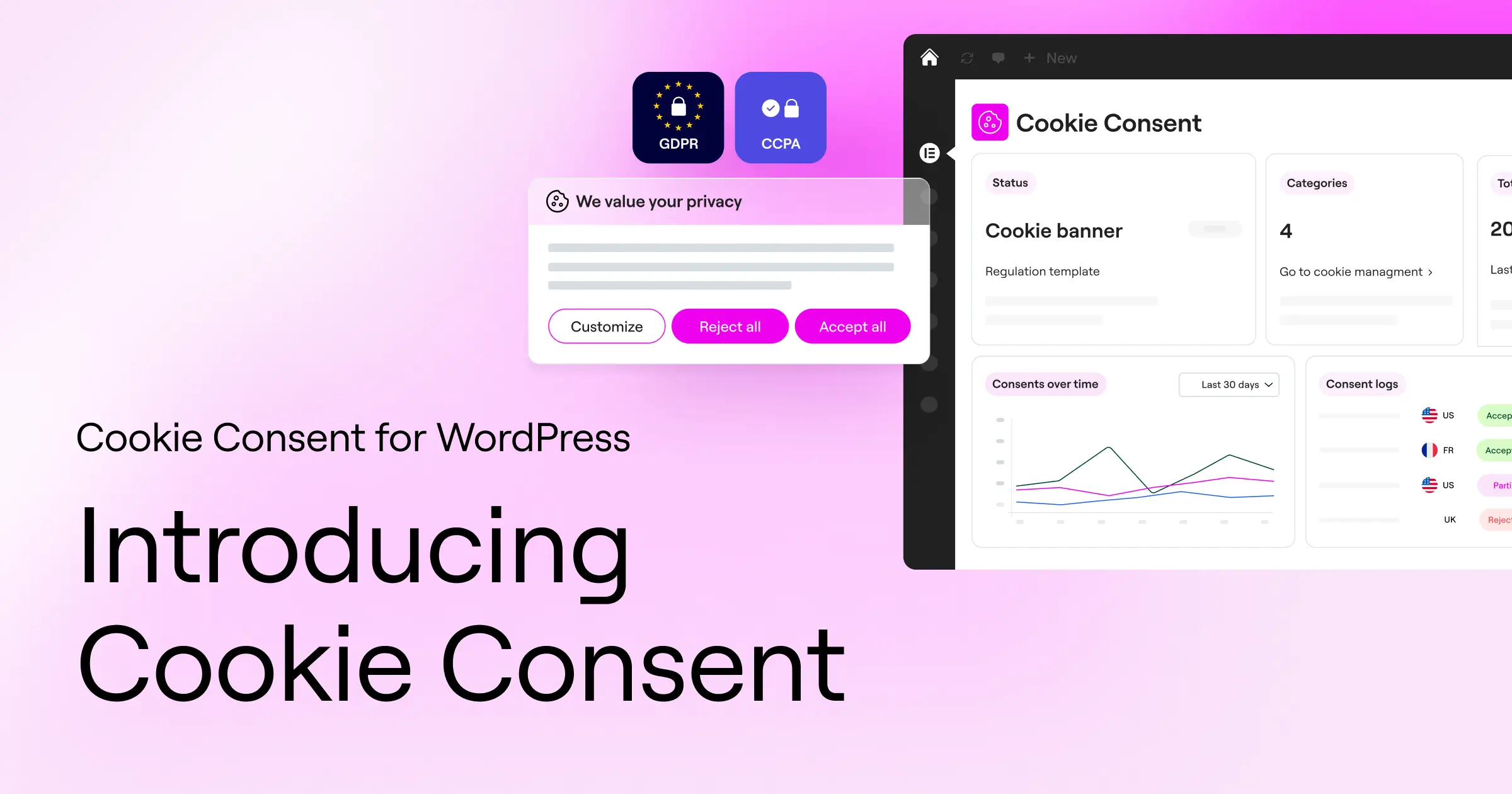
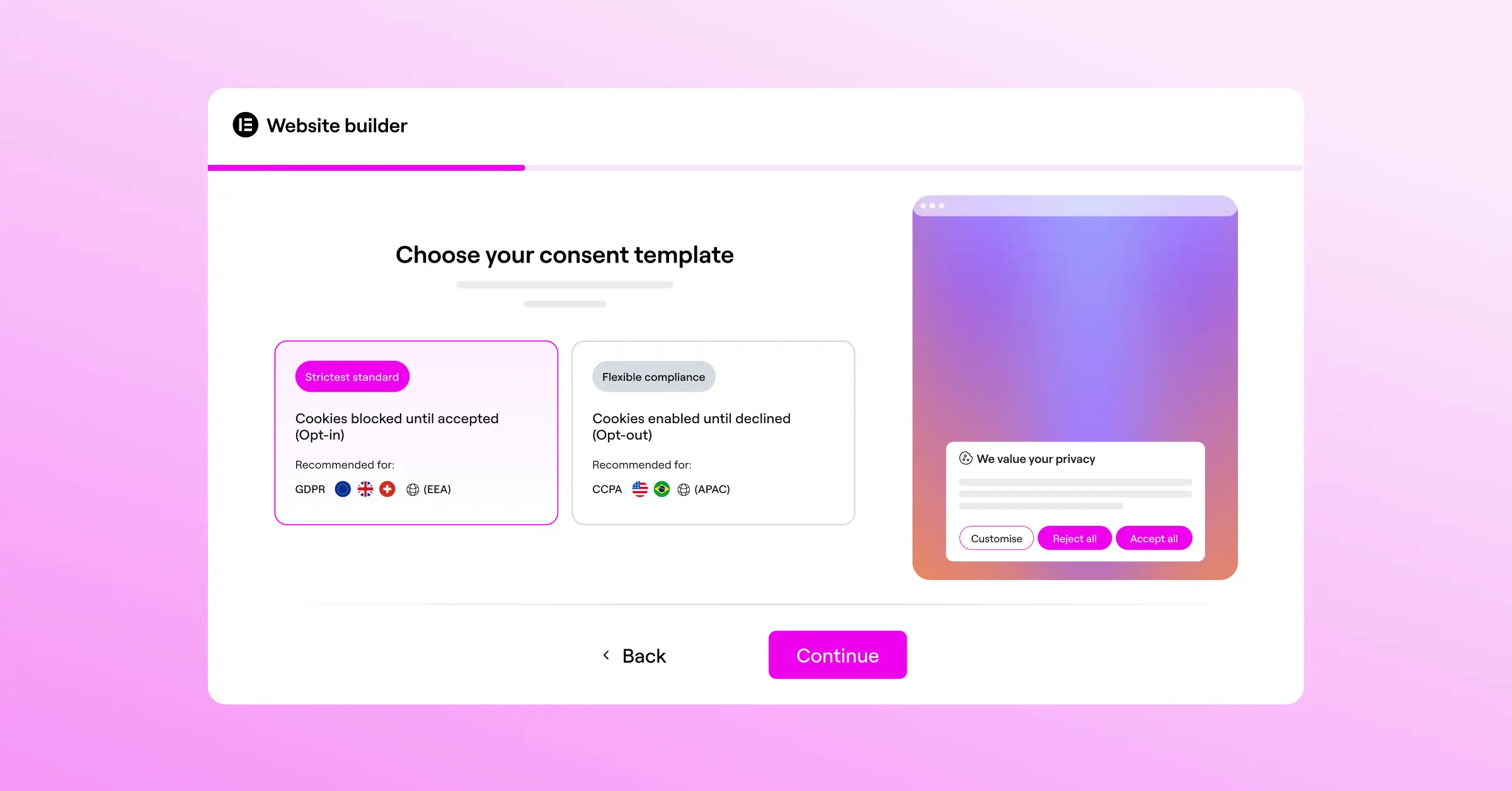
If your digital world centers around WordPress, the built-in Cookie Consent capability is an exceptional choice. Developed as a native feature within the broader Elementor ecosystem, this tool simplifies compliance by removing the need for third-party external accounts or separate dashboards. You can handle everything right from the same interface where you design your site pages, so you never have to copy-paste scripts or jump between tabs to check your consent logs.
The setup process is refreshingly direct. It offers a 3-step wizard that you can finish in under 5 minutes, letting you go from zero to fully compliant without a headache. It sits alongside other native capabilities like Web Accessibility, forming a complete compliance toolkit that works together beautifully. And because it’s included in Elementor One and also offers an entry-level plan, it’s a highly cost-effective path for growing sites.
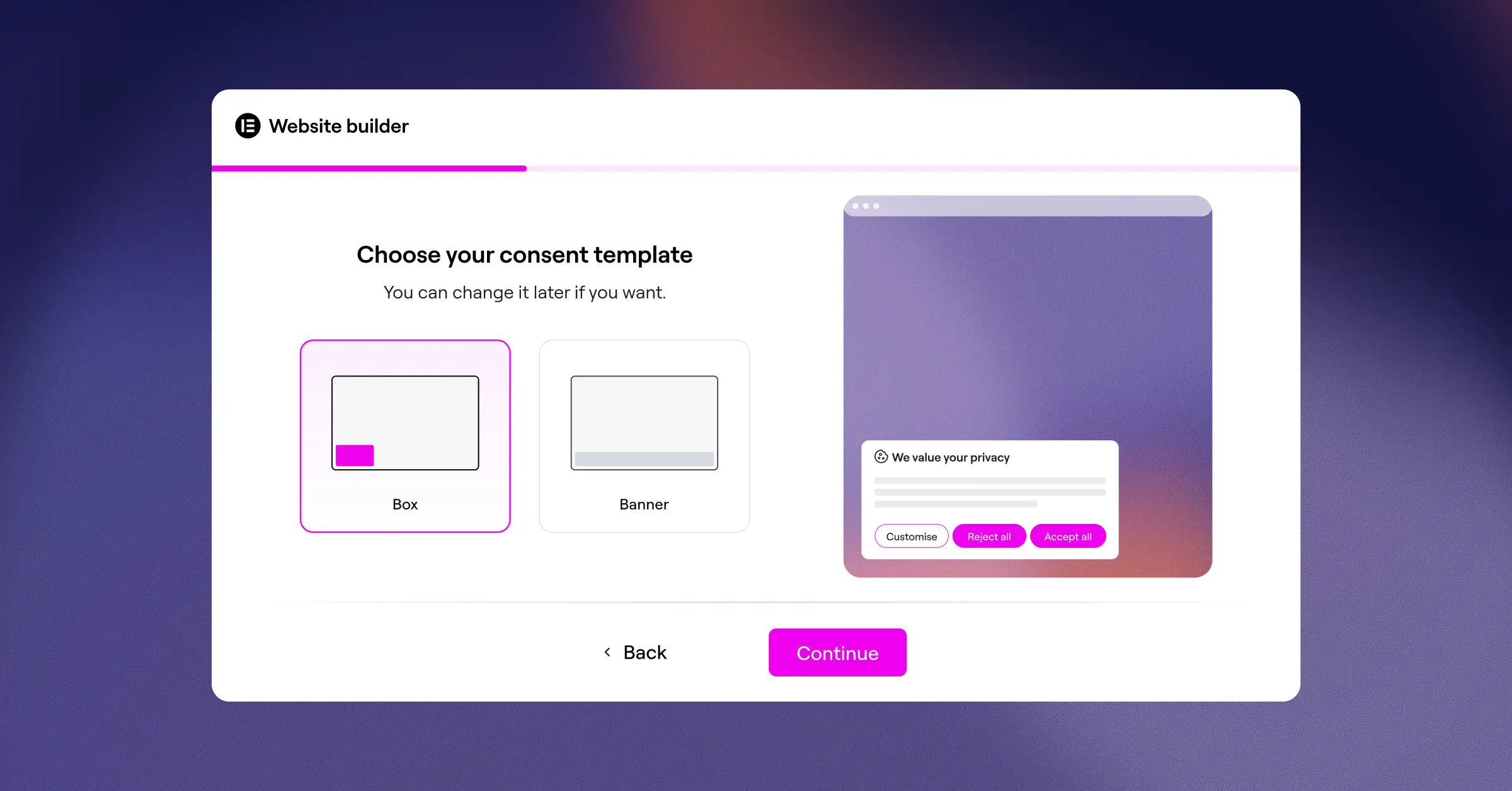
Here are the core capabilities that set this tool apart:
- Runs compliance tasks natively inside your WordPress dashboard with no external platform logins.
- Scans and categorizes your cookies automatically to keep your policy lists accurate.
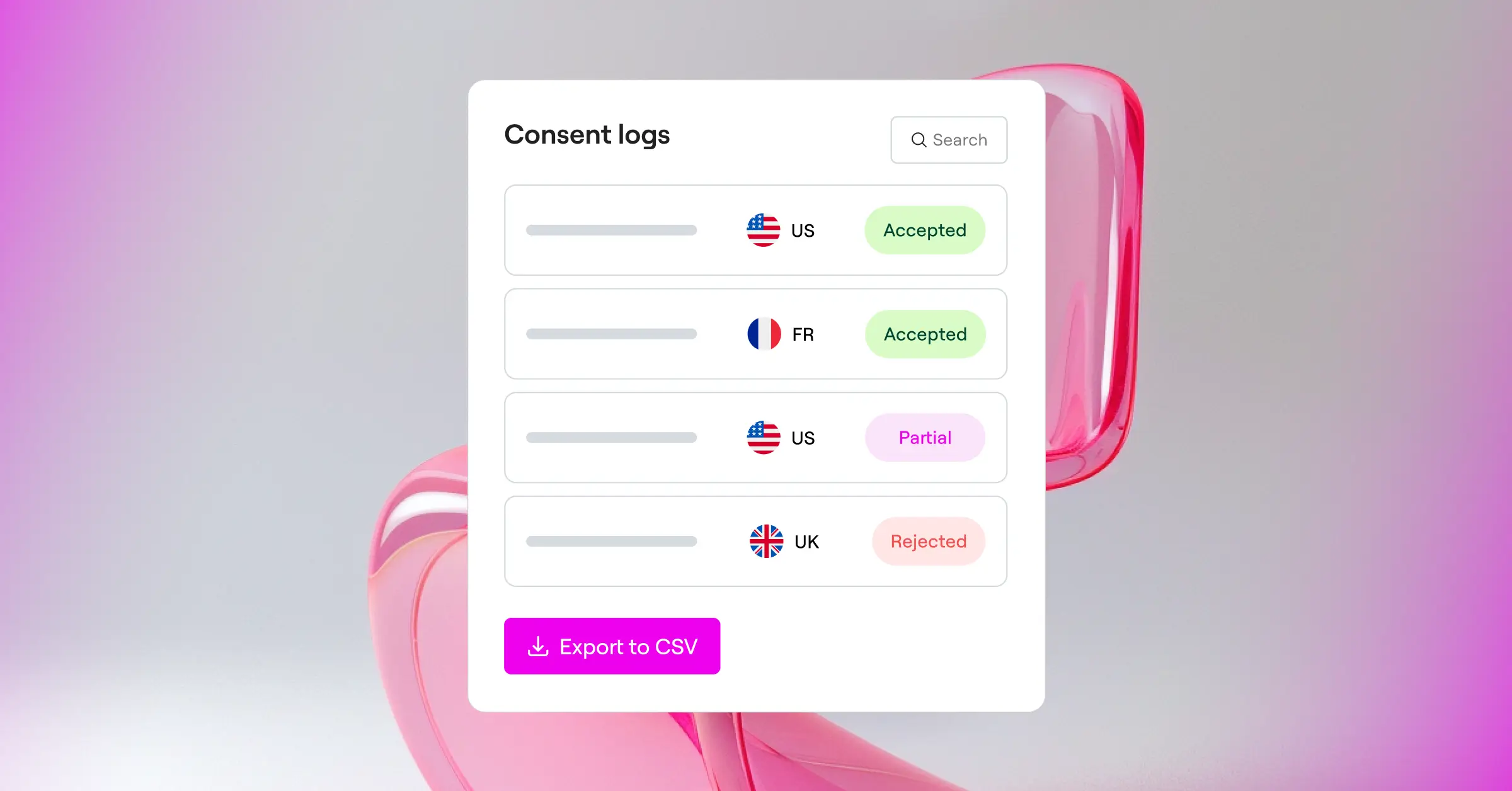
- Saves complete consent logs to build a reliable audit trail for regulatory inquiries.
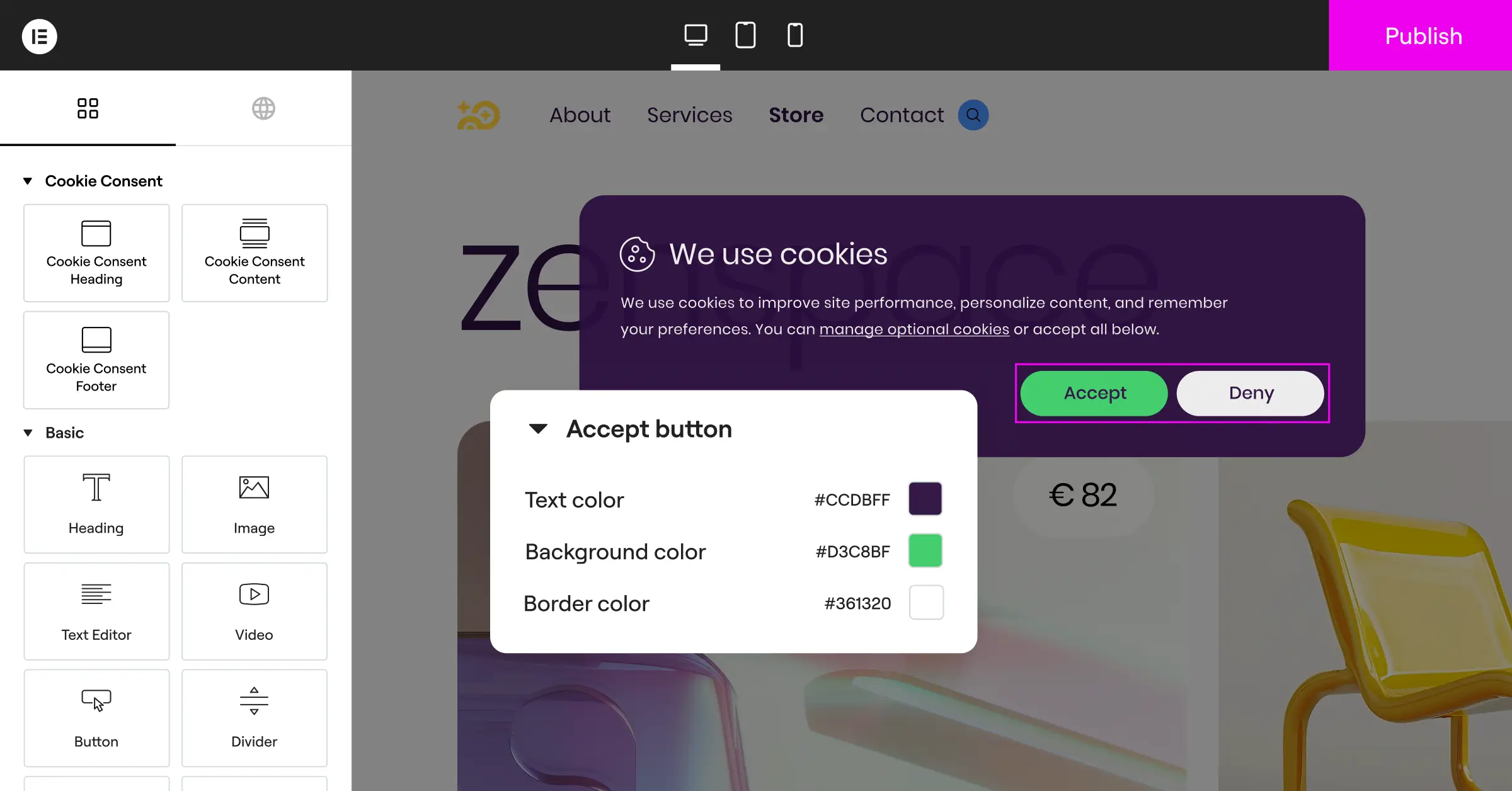
- Adapts to your brand with full design customization tools inside the native editor.
- Applies geo-targeting to show the exact legally required banner to visitors in specific regions.
- Supports Google Consent Mode v2 and Global Privacy Control out of the box.
Pros:
- Perfect WordPress integration with zero external database dependencies.
- Extremely fast setup that takes under five minutes from start to finish.
- Full control over the styling, positioning, and language of your consent banners.
- Includes a built-in policy generator for quickly creating compliant disclosure pages.
- Keeps your server resources light by avoiding heavy external script calls.
Cons:
- Optimized specifically for WordPress environments, so it’s not suited for static HTML or custom Shopify setups.
- Cloud-based template options are designed to align best with modern site-building workflows.
Verdict: For WordPress compliance managers who want to escape complex SaaS subscriptions and keep their site data in-house, this cookie consent tool is the clear winner. It’s clean, fast, and light on system resources.
2. Cookiebot

Cookiebot is an established, cloud-based consent management platform that works across almost any content management system. Rather than running on your server, it uses a cloud script that scans your site once a month to look for new tracking cookies and scripts, categorizes them, and updates your banner automatically.
Because it’s a cloud service, you’ll manage all your settings inside an external dashboard. This can be helpful if you manage several sites on different systems, like a Shopify store, a Webflow portfolio, and a WordPress blog all under one roof. That said, you’ll need to feel comfortable placing script tags in your header files and keeping track of another set of login credentials.
Pros:
- Automated monthly cookie scanning keeps your policy updated even when you add new tracking tools.
- Runs across multiple website platforms and CMS options.
- Reliable support for Google Consent Mode v2 and global privacy regulations.
Cons:
- Requires logging into an external dashboard to make styling and policy changes.
- Monthly subscription costs can grow quickly for sites with thousands of individual pages.
Verdict: Cookiebot is a solid choice for teams managing diverse, multi-platform website setups who are comfortable with a recurring subscription for hands-off monthly scanning.
3. CookieYes

CookieYes is a popular SaaS platform that focuses on making cookie compliance simple and accessible for small to medium-sized businesses. Like Cookiebot, it operates through an external cloud app where you design your banners, set your cookie categories, and review consent analytics. The interface is clean and easy to understand, which makes it approachable even for non-technical users.
One of the more appealing things about CookieYes is its straightforward setup flow. Once you generate your script, you paste it into your site and the banner goes live. It supports both GDPR and CCPA, and it respects Global Privacy Control signals without requiring deep coding knowledge.
Pros:
- The cloud interface is friendly and easy for non-technical users to navigate.
- Good multilingual support with automatic language detection for global visitors.
- Offers a generous entry-level plan for smaller sites with lower traffic volumes.
Cons:
- Loading scripts from an external server can sometimes create a small delay in banner rendering.
- Matching banner styling precisely to your brand may require CSS adjustments in the external editor.
Verdict: CookieYes is a reliable, straightforward alternative for compliance managers who want a web-based portal to handle cookie consents on standard websites.
4. Complianz

Complianz is a privacy suite built specifically for the WordPress ecosystem. Rather than relying on a cloud platform to scan your site, it uses a step-by-step legal wizard inside your WordPress dashboard. You answer a series of questions about your business, your tracking practices, and your audience, and the tool configures your consent policies and banners accordingly.
It’s a detailed tool that takes legal requirements seriously, covering multiple jurisdictions including the EU, UK, US, Canada, and Australia. The setup wizard is thorough, though some users may find the number of legal questions a bit much if they’re simply trying to get a basic banner live quickly.
Pros:
- A detailed legal wizard that helps you understand which laws apply to your specific situation.
- Keeps your data completely on your own WordPress site without sending consent logs to external servers.
- Good integrations with major WordPress translation tools for multi-language sites.
Cons:
- The extensive setup process can feel slow and complex for simpler website setups.
- The dashboard interface can look cluttered because of the high number of configuration options.
Verdict: Complianz is a strong choice for sites that need deep legal guidance and prefer an interactive, wizard-based approach to building their privacy setup right inside WordPress.
5. iubenda

iubenda approaches compliance from a broad legal perspective. Rather than just offering a cookie banner, it’s designed to generate complete, legally compliant privacy policies, terms and conditions documents, and cookie policies. Their system is monitored by a legal team to keep document templates updated as regional privacy laws change.
The cookie consent solution works in tandem with these generated legal documents. When you make a change to your policy in your iubenda account, the cookie banner and policy pages on your site update automatically. This makes it a strong option for complex e-commerce sites or businesses with custom-built applications that need a complete legal documentation solution.
Pros:
- Offers lawyer-reviewed privacy policies and terms documents that sync to your site automatically.
- Supports many international frameworks and regional regulations.
- Highly customizable options for advanced user consent preferences.
Cons:
- The pricing structure can add up if you need features across multiple sites or advanced compliance tiers.
- The external dashboard takes some time to learn because it packs in a large amount of legal configuration.
Verdict: If your organization needs auto-updating legal agreements alongside a reliable consent mechanism, iubenda is a powerful, professional tool worth considering.
Key Evaluation Criteria for Compliance Managers
Choosing the right privacy tool means looking honestly at your technical environment, your budget, and how your team actually operates day to day. It’s easy to get caught up in feature checklists, but how a tool handles routine work matters far more than a long list of rarely-used capabilities. Here are the main areas worth thinking through before you make your choice.
Native vs. Cloud Dashboards: Which Fits Your Workflow?
One of the biggest decisions you’ll face is whether to go with a native tool or a cloud-based service. Cloud services let you manage multiple websites from one account, which is genuinely useful if your brand portfolio spans different platforms. But native tools keep your data and configuration inside your CMS dashboard, cutting out extra accounts and keeping things considerably simpler (this one trips a lot of people up, so it’s worth thinking through before you commit).
Native solutions also tend to load faster because they don’t have to wait for external servers to fetch your banner scripts. That can give you a nice performance boost, which keeps both your visitors and search engine crawlers happy. For WordPress sites in particular, keeping consent management in-dashboard just makes the whole workflow feel more cohesive.
Google Consent Mode v2 Support
If you run ads or track analytics for visitors in the EU or UK, this is no longer optional. Google requires websites to share consent choices using their specific framework to keep remarketing and conversion tracking active. Make sure whatever alternative you choose supports this natively, without requiring you to write custom code or configure complex Google Tag Manager containers. (This trips people up more than anything else, so check for native support first before you invest time in a new tool.)
Design and Brand Integration
Your cookie banner is often the very first thing a visitor sees when they land on your site. A generic, poorly styled pop-up can hurt trust right away — and trust is exactly what a consent banner is supposed to build. You want a tool that lets you customize the typography, colors, padding, and layout so the banner looks like a natural part of your site’s design. Look for styling tools that let you preview edits in real time rather than forcing you to save and refresh your live site after every small change.
“Modern compliance is no longer just about avoiding a fine. It’s about building digital trust. Choosing a consent tool that fits your natural design workflow and loads quickly is the key to protecting your brand image while meeting international legal standards.”
– Itamar Haim, Web Compliance Specialist
How to Transition Smoothly from OneTrust
Moving away from a platform like OneTrust might feel like a big undertaking, but a systematic approach keeps your transition safe and smooth. You can switch systems without losing a single day of compliance coverage — it’s genuinely more manageable than most people expect.
- Document your current setup. Look through your OneTrust dashboard and write down which cookies sit in each category (Essential, Analytical, Marketing, etc.). This ensures you can match those categories precisely in your new tool.
- Keep your privacy policy updated. Note any custom legal text or vendor lists you’re currently showing to users. You’ll want to carry that wording over into your new setup.
- Prepare your CMS environment. If you’re moving to a native WordPress capability like Cookie Consent, make sure your Elementor framework is up to date and ready for the switch.
- Disable the old scripts first. To avoid script conflicts, completely remove the old tracking scripts from your site headers or Google Tag Manager container right before you activate your new banner.
- Activate and test. Turn on your new tool, run a fresh scan of your pages, and verify that the banner is correctly blocking tracking scripts until a visitor gives their consent.
Frequently Asked Questions
Is OneTrust too complex for a standard business website?
For many standard business websites, OneTrust tends to include significantly more features than necessary. It’s designed for large enterprises managing internal databases, vendor risk assessments, and employee data requests. If you only need to show a compliant banner, categorize tracking cookies, and keep a log of user consent, a native or dedicated alternative will be much easier to manage day to day.
Do I need an external dashboard to manage my cookie consent?
No, you don’t. While many cloud-based services require you to log into their web portals to change banner styling or check consent analytics, native options let you manage everything right inside your WordPress dashboard. This keeps your workflow simple and avoids the hassle of maintaining extra user accounts.
What happens if I do not support Google Consent Mode v2?
If you use Google Ads or Google Analytics to track visitors in the European Economic Area and don’t support Consent Mode v2, your tracking will be heavily impacted. Google blocks you from building remarketing lists, measuring ad conversions, and gathering accurate analytics data for those regions. Supporting this framework keeps your marketing data reliable and your setup compliant.
Can a custom-styled cookie banner improve user consent rates?
Yes, it absolutely can. When a cookie banner looks like a professional, integrated part of your website rather than a suspicious generic pop-up, visitors are much more likely to trust it. Clear, friendly language combined with a polished design helps people feel comfortable giving you permission to run analytics cookies.
Does running a cookie consent banner slow down my website?
Some heavy cloud-based platforms can add noticeable delay because they rely on external servers to generate and display banner scripts. Native tools that run directly from your WordPress server are typically much lighter. They load quickly, which helps protect your page speed and overall user experience.
How often should my website scan for new cookies?
It’s good practice to scan your site whenever you add new marketing tools, install new third-party scripts, or change your analytics setup. Some cloud tools run automated monthly scans, while native capabilities let you run a scan on-demand whenever you update your site’s configuration.
Is a free cookie consent tool safe for commercial websites?
Yes, a free option can be completely safe as long as it supports current legal frameworks like GDPR, CCPA, and Google Consent Mode v2. Many high-quality tools offer a strong entry-level plan that’s great for growing businesses, letting you step up to advanced features only when your traffic or targeting needs increase.
What is Global Privacy Control (GPC) and why does it matter?
Global Privacy Control is a browser-level setting that lets users communicate their privacy preferences automatically to websites they visit. Some regional regulations treat this signal as a valid opt-out request that sites are required to respect. Using a tool that natively supports GPC keeps your site ahead of the curve and fully compliant with evolving state-level privacy rules.






