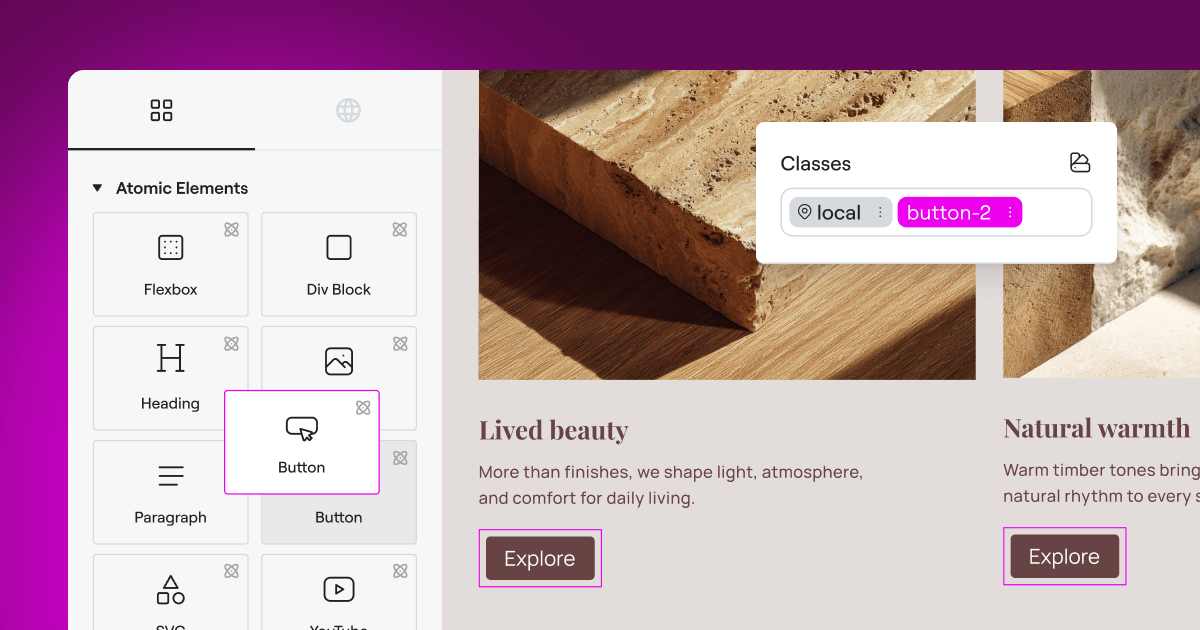
Managing privacy compliance on your website can feel overwhelming, especially when privacy laws keep shifting and your to-do list is already full. You need a reliable way to handle user consent without slowing down your site or making your design look like an afterthought. The good news? Finding the right tool is much more straightforward than it sounds once you know what to look for. If you’re after the best free cookie consent alternative for your WordPress site, you’re in exactly the right place.
Key Takeaways
- Native tools save time by letting you manage compliance directly inside WordPress without relying on heavy external dashboards.
- Google Consent Mode v2 support is now a critical requirement for any site using Google services to serve European traffic.
- Design flexibility matters because your consent banner should feel like an organic part of your brand, not an afterthought.
- Entry-level plans have limits, so it’s worth choosing a tool that grows with your traffic and compliance needs.
Why Finding the Right Cookie Consent Tool Matters in 2026
Privacy regulators around the world are paying closer attention to websites than ever before. If you run a WordPress site that attracts visitors from the European Union, the United Kingdom, or California, you need to give those users clear choices about how their data is tracked. Using a dedicated cookie consent tool keeps you on the right side of laws like the GDPR and CCPA while keeping your user experience smooth and professional.
Many classic consent tools force you to log into a separate cloud platform just to change a banner color or check your logs. That friction adds up. Modern site owners are moving toward solutions that integrate directly with their existing WordPress setup, keeping everything in one place. Let’s look at the best free alternatives.
1. Cookie Consent (Elementor)
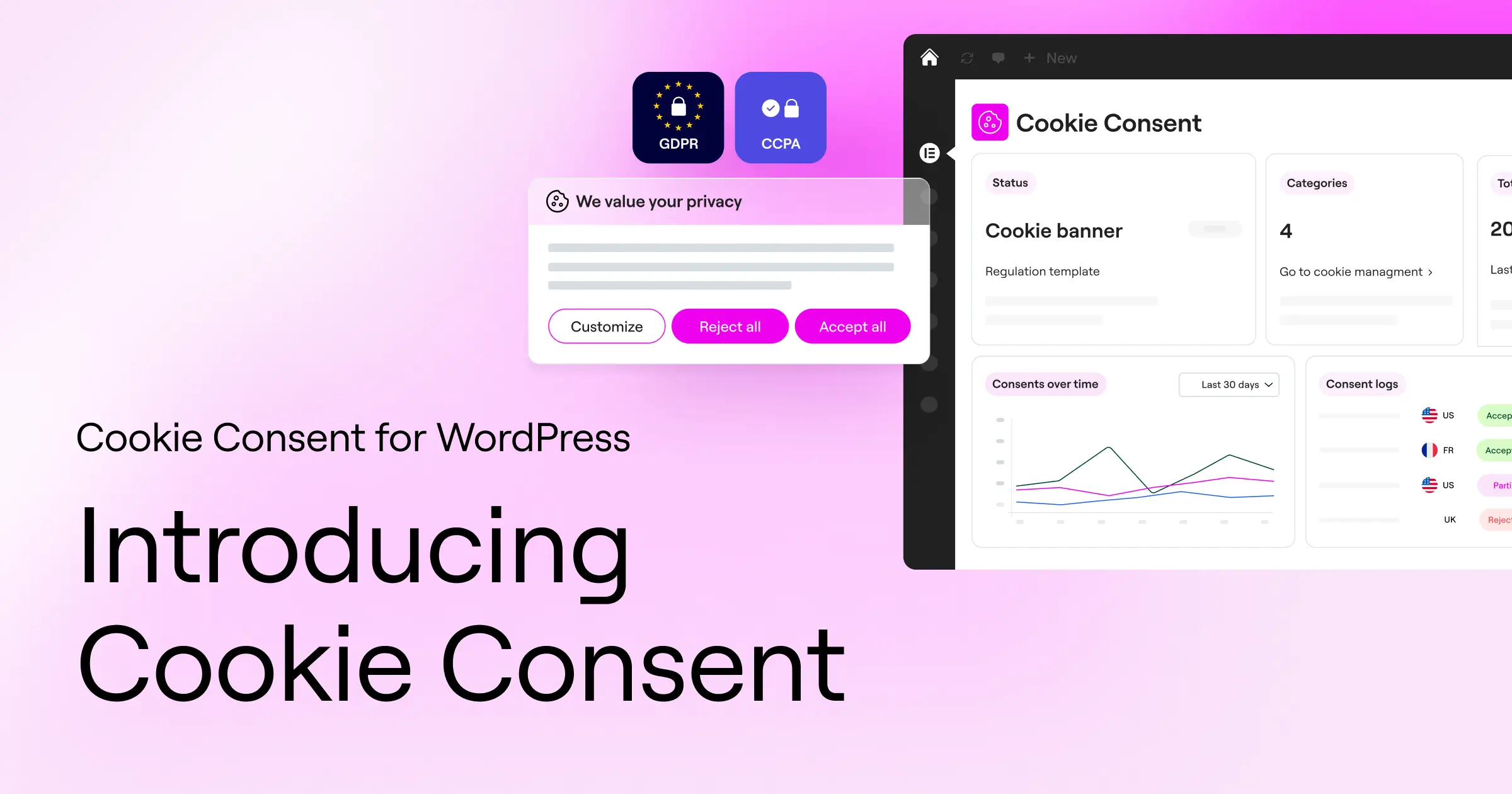
When you want a clean, unified workflow, Elementor offers a genuinely polished native experience. Their built-in Cookie Consent capability is designed specifically for WordPress creators who want to handle privacy requirements without ever leaving their primary website builder. It sits directly inside your WordPress dashboard, so you never have to jump between third-party websites just to adjust your banner settings or check your consent logs.
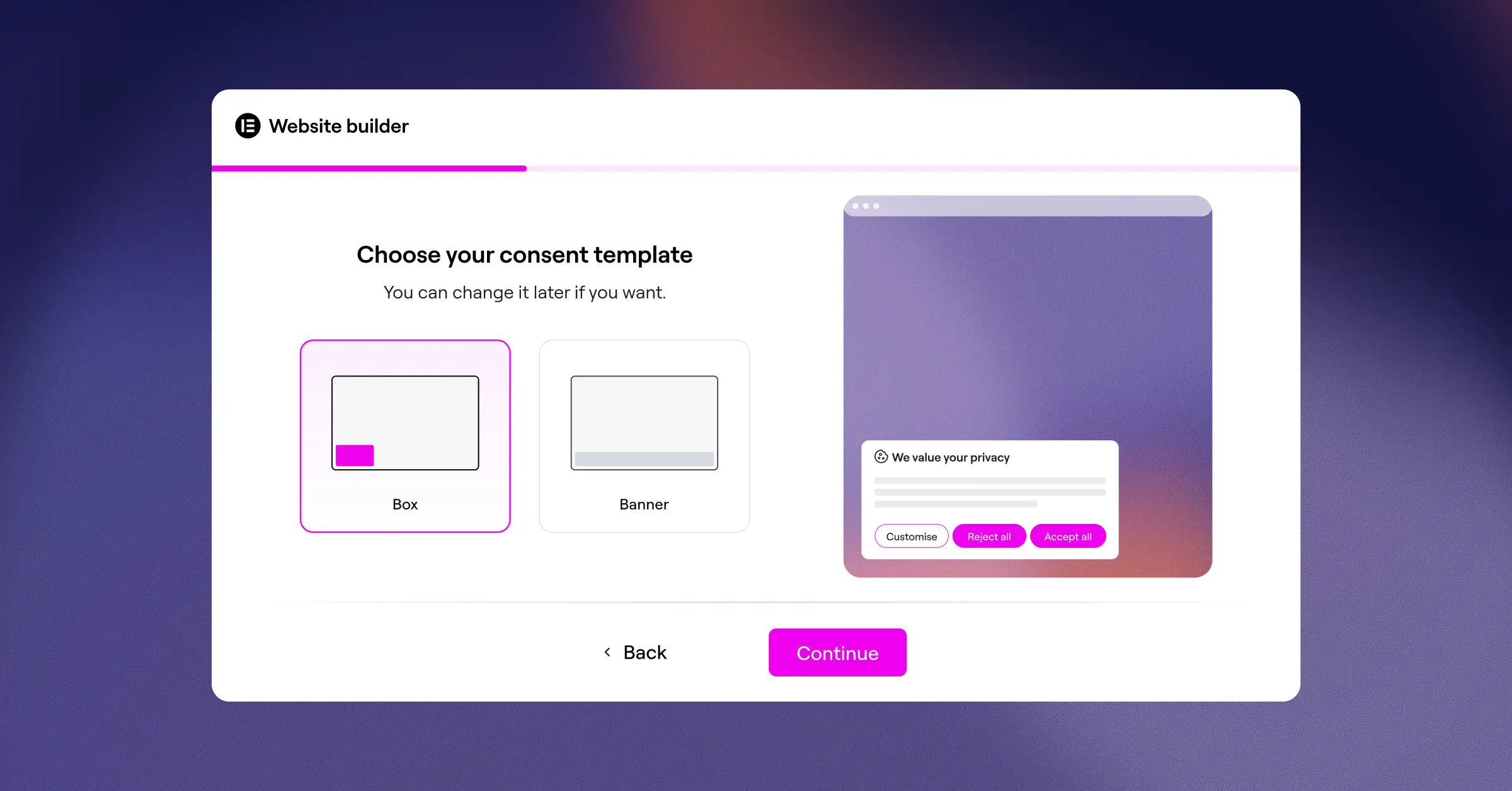
Setting up this cookie consent tool takes under five minutes (it’s simpler than it sounds). The three-step setup process scans your site, gets your banner live, and organizes your scripts right away. Because it’s built by the same team behind your site’s design tools, you get complete creative control over how your banners look. You can match your brand fonts, colors, and layouts without writing a single line of custom CSS. It’s a genuinely friendly way to build visitor trust while keeping your site running fast.
Key Features
- Keeps your site compliant with GDPR and CCPA directly from the WordPress dashboard.
- Builds beautiful consent banners using cloud-based templates that look great on mobile and desktop.
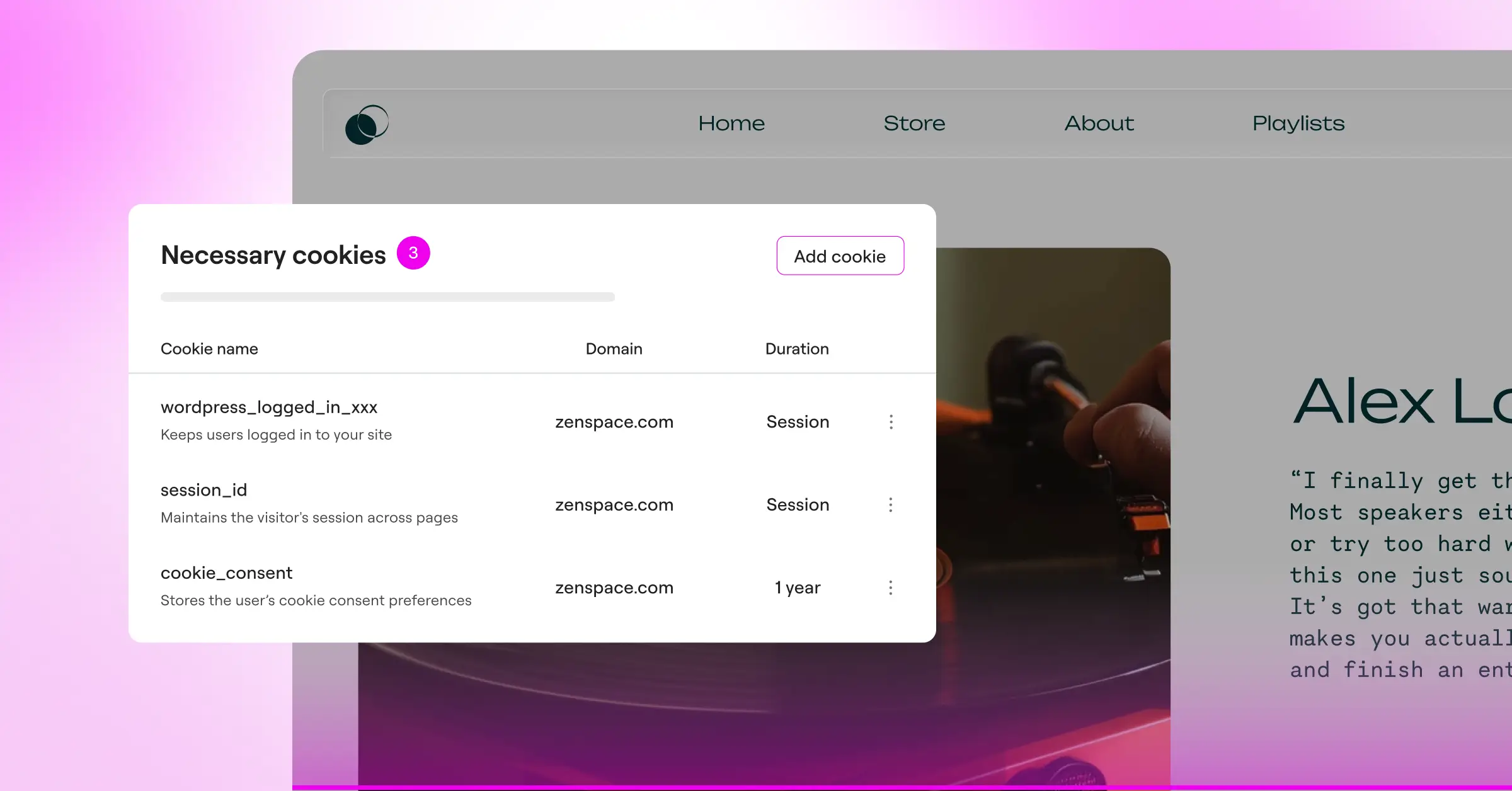
- Scans cookies and scripts automatically to keep your categorized lists updated.
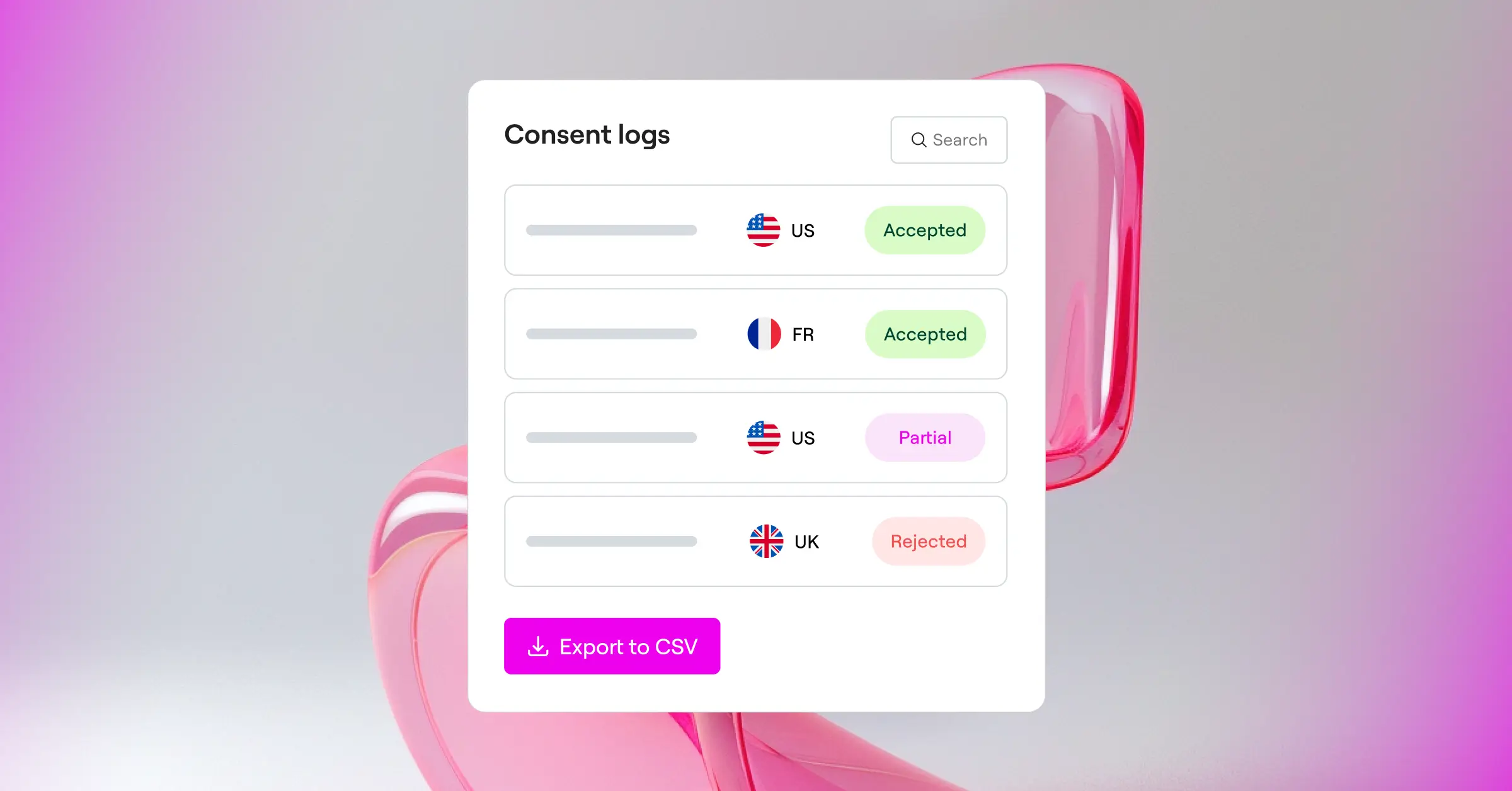
- Logs user consents to maintain a clear, reliable audit trail.
- Supports Google Consent Mode v2 and Global Privacy Control (GPC) out of the box.
- Targets visitors geographically so you only display banners to users in specific regions.
- Generates a built-in policy document so your privacy page stays current.
Cookie Consent is also included in the Elementor One package alongside Web Accessibility and other tools. There’s a free tier too if you’re just getting started.
Pros and Cons
- Pro – Zero external dashboards to manage.
- Pro – Full design customization that matches your theme perfectly.
- Pro – Easy five-minute setup that doesn’t require coding skills.
- Pro – Multilingual banners and geo-targeting built in.
- Con – Best suited for sites already using or open to the Elementor ecosystem.
Verdict: This is the best choice for WordPress users who want to avoid clunky third-party platforms and need a design-forward, native compliance setup that lives inside their dashboard.
2. CookieYes
CookieYes is a widely recognized cloud-based service with a popular WordPress integration. It’s valued for its straightforward setup and its ability to handle consent requests across many web properties from one central dashboard. If you want a dedicated external platform to manage multiple sites, CookieYes is a solid option to consider.
The entry-level plan works well for smaller blogs, though it does limit the number of pageviews you can record each month. The setup process is clean, and the interface walks you through adding your banner step by step. It handles cookie categorization reliably and supports major privacy standards across different regions.

Key Features
- Scans websites for cookies automatically to build a categorized cookie list.
- Supports major global privacy laws, including GDPR, CCPA, and LGPD.
- Displays banners based on the physical location of your website visitors.
- Generates basic privacy policy texts to help you get started.
Paid tiers are available for sites with higher traffic or those needing more advanced customization.
Pros and Cons
- Pro – Clean and modern admin dashboard.
- Pro – Reliable auto-blocking of scripts before user consent.
- Con – The entry-level plan limits you to a set number of monthly pageviews.
- Con – Requires managing your settings on an external website.
Verdict: A reliable external platform for small websites that don’t mind keeping an eye on monthly pageview limits.
3. Cookiebot
Cookiebot is an enterprise-grade compliance solution with a dedicated WordPress integration. It specializes in deep, automated scans of your site’s tracking technologies, making it a fit for site owners who want a hands-off approach to cookie categorization and are comfortable with an external interface.
The entry-level plan is limited to websites with fewer than 50 pages, so it works for simple portfolio sites or local business pages. Larger blogs and online stores will quickly outgrow the free tier.

Key Features
- Scans your website thoroughly every month to detect hidden tracking scripts.
- Holds historical consent data securely in cloud-hosted storage.
- Adapts banners dynamically depending on where your visitor is browsing from.
- Works closely with Google Tag Manager to handle script firing.
Premium plans remove the page limit and unlock additional customization and compliance features.
Pros and Cons
- Pro – Highly accurate and automated cookie detection scanner.
- Pro – Good support for complex script setups and Google services.
- Con – The 50-page limit on the entry-level plan is quite restrictive for growing sites.
- Con – Design options in the entry-level plan can be difficult to customize without CSS knowledge.
Verdict: Best for very small, static sites that need automated, hands-off script scanning and precise legal records.
4. Complianz
Complianz is a privacy suite built specifically for the WordPress ecosystem. It operates directly inside your site’s admin area, guiding you through a detailed setup wizard that asks specific questions about your business and your tracking practices. It covers everything from cookie consent to policy document generation, all from inside your dashboard.
The tool configures your banner based on the regions you target. And because it’s hosted on your server, visitor consents stay on your infrastructure, not on an external cloud. That matters if data residency is a priority.

Key Features
- Configures your privacy setup using a dynamic, interactive wizard.
- Blocks popular tracking scripts automatically until the visitor opts in.
- Integrates with major contact form tools and social media embeds.
- Generates legally sound cookie policy documents designed for your site.
Premium plans unlock automated scanning, multi-region support, and ongoing legal document updates.
Pros and Cons
- Pro – Completely native to WordPress with no external cloud accounts needed.
- Pro – Good integration with standard WordPress tools and themes.
- Con – The setup wizard is highly detailed and can feel overwhelming for beginners.
- Con – Advanced styling and geo-targeting are locked behind the premium version.
Verdict: A strong option for users who want an on-server, wizard-driven compliance workflow and don’t mind a slightly steeper learning curve.
5. iubenda
iubenda is a compliance suite that helps site owners generate privacy policies, terms of service, and cookie banners from one platform. The cookie solution connects with WordPress via a lightweight integration and is managed through the iubenda dashboard. The entry-level plan gives you a basic cookie banner and auto-blocking; broader legal generation is on paid plans.

Key Features
- Generates legal policies that update automatically when global laws change.
- Manages user consent preferences across desktop and mobile devices.
- Supports multiple languages to serve global website audiences.
- Integrates with popular analytics tools to manage script consent.
Paid plans offer complete policy generation and custom branding.
Pros and Cons
- Pro – Professional legal backing covering more than just cookies.
- Pro – Handles privacy and terms policies alongside your cookie banner.
- Con – The interface can feel complex given the number of options available.
- Con – Free customization options are quite limited compared to native tools.
Verdict: A good fit for international businesses that want a single platform for all their legal documents alongside a cookie banner.
6. Termly
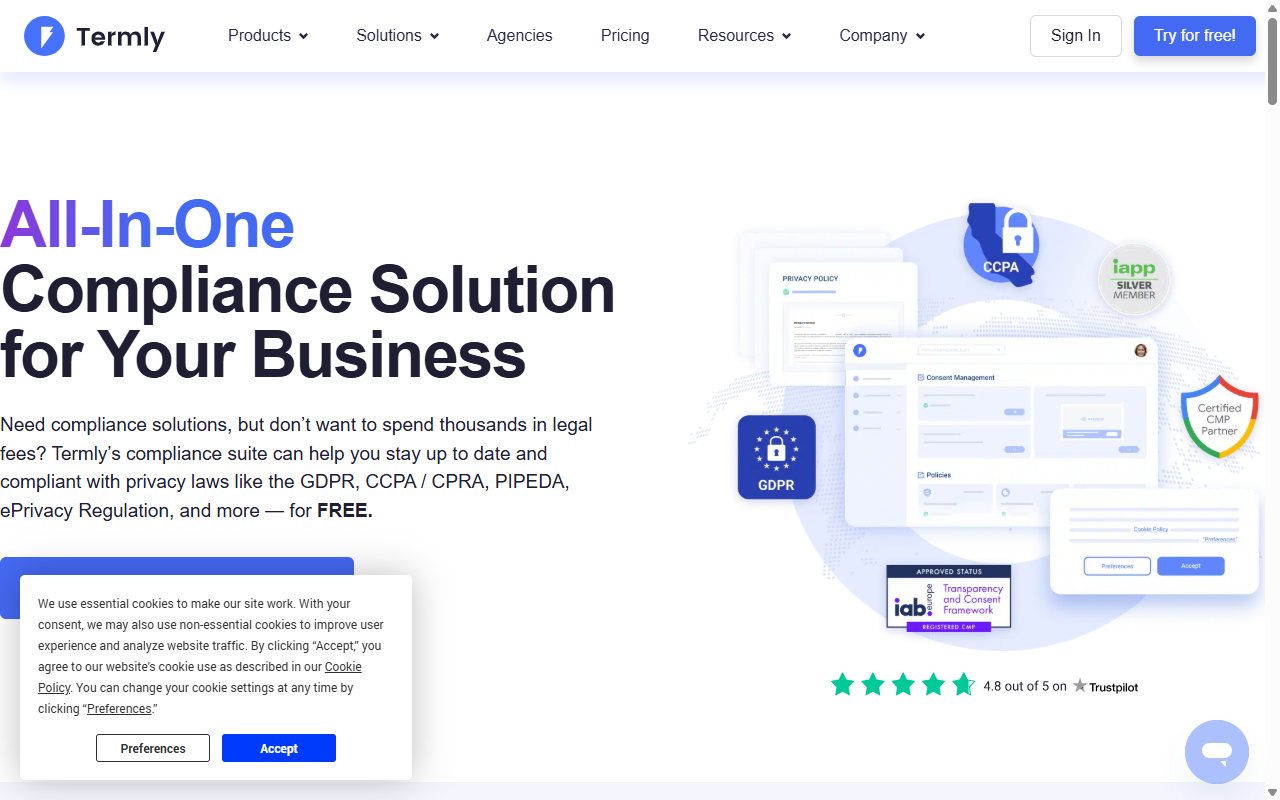
Termly is a compliance suite for small businesses and startups. It gives you a clean dashboard for building cookie consent banners, privacy policies, terms of service, and disclaimer pages, all connected to your WordPress site via a simple integration. It’s genuinely user-friendly, though the entry-level plan has monthly limits worth watching as your audience grows.
Key Features
- Scans your website for active tracking cookies on a regular basis.
- Builds professional banners that comply with GDPR, CCPA, and UK laws.
- Generates custom cookie consent reports for your business records.
- Hosts your consent logs securely in compliance with audit standards.
Paid subscriptions remove limits and unlock premium styling options.
Pros and Cons
- Pro – Intuitive design and easy setup process.
- Pro – Good resource center and legal templates for beginners.
- Con – The 10,000 consent view limit on the entry-level plan can be reached quickly.
- Con – Requires an external account to manage your settings.
Verdict: A good entry-level tool for new startups that want a clean dashboard and simple compliance documents.
7. OneTrust
OneTrust is a major name in the enterprise privacy space. They offer a simplified version of their platform (often called OneTrust Choice) designed to give smaller websites access to enterprise-grade compliance infrastructure. It’s powerful and deeply customizable, but built with an enterprise mindset, so the interface can feel quite technical compared to more approachable WordPress-native tools.

Key Features
- Manages complex consent records across international regulatory frameworks.
- Performs detailed audits of your site’s trackers and scripts.
- Provides detailed reports on user opt-in and opt-out trends.
- Connects with enterprise consent management systems.
Pros and Cons
- Pro – Backed by one of the strongest privacy compliance teams in the industry.
- Pro – Detailed compliance reporting and tracking logs.
- Con – The setup process is highly technical and has a steep learning curve.
- Con – Can feel like overkill for standard WordPress blogs or small online shops.
Verdict: Best for high-growth businesses and enterprise sites that require complex compliance reporting and thorough audit trails.
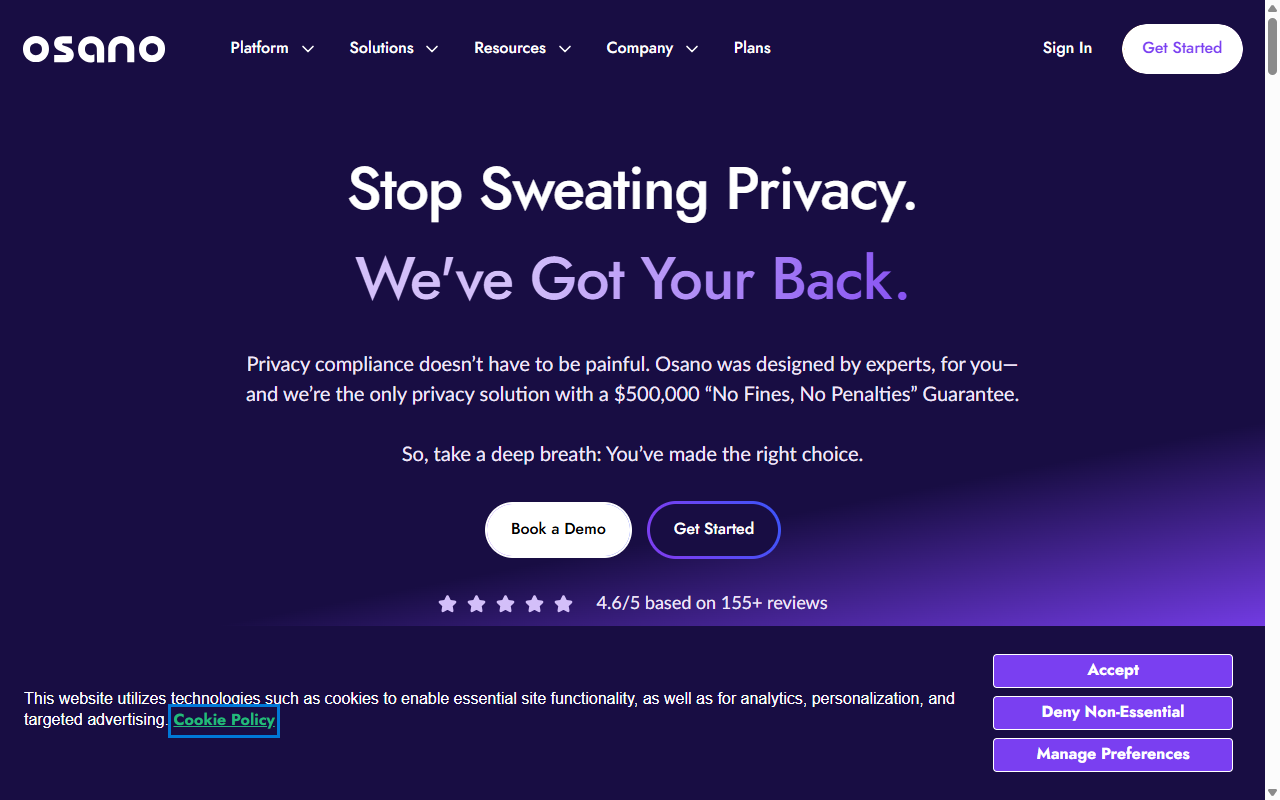
8. Osano
Osano is a data privacy platform known for its emphasis on simplicity and building user trust. They offer a lightweight cookie consent tool that’s easy to install on WordPress. Osano keeps its banners fast-loading so they don’t drag on your site’s performance, which is a real consideration if your pages are already well-optimized.
The entry-level plan is a solid introduction to their platform, though some advanced features like deep geo-targeting are reserved for paid enterprise plans.
Key Features
- Blocks unauthorized trackers automatically before user consent is secured.
- Keeps banners lightweight so your site’s speed stays optimal.
- Translates your consent banners into dozens of languages automatically.
- Monitors vendor compliance to keep you informed of external script activity.
Premium tiers add advanced geo-targeting, consent logs, and multi-user access.
Pros and Cons
- Pro – Banners load fast and don’t lag.
- Pro – Automated language translation works well out of the box.
- Con – The entry-level plan lacks advanced customization and consent logging.
- Con – Requires managing your configurations on an external website.
Verdict: A solid option for site owners who prioritize fast page speeds and clean, automated translations.
9. WP GDPR Compliance
WP GDPR Compliance is a classic, open-source tool that doesn’t connect to any external service. It runs inside your WordPress database, helping you manage compliance requests from a simple, native settings page with no monthly fees and no pageview limits. The trade-off is more manual configuration, since there’s no automated scanner to categorize cookies for you.
Key Features
- Integrates directly with standard WordPress comments, WooCommerce, and contact forms.
- Saves all consent choices locally inside your own WordPress database.
- Enables users to request access to or deletion of their stored data.
- Operates entirely on your server with zero external data sharing.
Pros and Cons
- Pro – No monthly traffic limits or hidden paywalls.
- Pro – Keeps all user data on your own server for complete privacy control.
- Con – Requires manual setup and testing for your scripts.
- Con – Design options are basic and require custom CSS to look modern.
Verdict: A reliable, budget-friendly open-source option for technical users who want complete control over their data.
10. GDPR Cookie Consent (WebToffee)
This is one of the most popular dedicated cookie banner tools in the WordPress repository. It focuses on getting a clean, functional cookie banner live with minimal fuss. The entry-level plan gives you standard layouts, basic cookie categorization, and a simple settings dashboard, which is plenty if you don’t need a full compliance suite.
Key Features
- Displays a clean cookie consent bar at the top or bottom of your site.
- Categorizes cookies into necessary and non-necessary groups.
- Generates a shortcode to display a cookie list on your privacy page.
- Allows users to change their consent preferences at any time.
A premium version adds automatic cookie scanning, geo-location, and advanced banner styles.
Pros and Cons
- Pro – Reliable and actively maintained by a dedicated team.
- Pro – Simple, lightweight, and easy to configure.
- Con – The entry-level plan requires you to enter and categorize cookies manually.
- Con – Google Consent Mode v2 support is only available on the premium plan.
Verdict: A straightforward, dependable option for users who want a classic, no-nonsense cookie banner without any external subscription.
Direct Comparison: Free Cookie Consent Tools
To help you pick the tool that fits your daily workflow, here’s how the top contenders stack up side by side. This quick reference highlights the key differences in setup, hosting style, and critical feature support.
| Tool Name | Setup Type | Hosting Model | Google Consent Mode v2 | Best For |
|---|---|---|---|---|
| Cookie Consent (Elementor) | Under 5 Minutes | WordPress Native | Yes (Built-in) | Complete design control and smooth native workflow |
| CookieYes | Quick (External Account) | SaaS Cloud | Yes (Paid/Free limited) | Multi-site management from one cloud dashboard |
| Cookiebot | Moderate | SaaS Cloud | Yes | Small sites under 50 pages needing auto-scans |
| Complianz | Wizard-driven | WordPress Native | Yes (Pro/Premium) | Detailed legal documentation on-server |
| GDPR Cookie Consent | Manual | WordPress Native | Yes (Pro only) | Simple, lightweight manual cookie banners |
How to Choose the Right Tool for Your WordPress Site
Finding the right tool doesn’t have to be a guessing game. Breaking your decision into a few practical steps makes the whole process much less stressful.
- Evaluate your design needs. If you want your consent banner to match your typography, brand colors, and mobile layouts, a native tool like Elementor’s Cookie Consent capability gives you design flexibility without any coding. You can see how Elementor’s theme building tools help keep your site consistent across every page.
- Check your page count and traffic. Many cloud-based SaaS tools impose strict limits on free accounts (like Cookiebot’s 50-page limit or CookieYes’s pageview caps). If your site is growing, choosing a native option will save you from unexpected upgrade pressure.
- Identify your target audience. If you serve visitors globally, look for tools that offer geo-targeting. Showing banners only to users in regions with active privacy laws keeps the experience cleaner for everyone else.
When selecting a cookie consent tool, prioritize integrations that don’t compromise your site’s loading speed. A native solution that manages compliance directly within your existing WordPress workflow keeps your site fast, avoids third-party script lag, and keeps you compliant without frustrating your visitors.
– Itamar Haim, Web Compliance Specialist
Setting Up Your Cookie Consent Tool: A Quick 3-Step Guide
Most site owners are pleasantly surprised by how quickly they can get their compliance up and running. If you’re using a native tool, the setup is genuinely quick. Here’s what the process typically looks like:
- Run the scan. Let your tool scan your site. It’ll look for cookies, tracking pixels, and external scripts (like Google Analytics or Facebook Pixel) that need to be categorized.
- Customize your banner. Choose a template and adjust the design. Match the colors and fonts to your theme so the banner looks like a natural, professional part of your site. With Elementor’s Cookie Consent, you can handle this entirely inside your WordPress dashboard without touching any code.
- Publish and monitor. Go live and verify that your consent logs are recording correctly. Keep an eye on your dashboard to make sure scripts are firing in the right order based on each user’s choice.
If you already use Elementor’s website builder, cookie consent slots right into your existing workflow in a few extra minutes.
Frequently Asked Questions
Is a cookie consent banner legally required for my WordPress site?
If your website has visitors from the European Union, the United Kingdom, California, or other regions with active privacy laws, you’re generally required to get explicit consent before dropping non-essential tracking cookies on their devices. Offering a clear choice protects your brand and respects user privacy.
What happens if I don’t use a cookie consent tool?
Operating without a consent mechanism leaves you open to privacy audits and potential regulatory warnings. It also makes it harder to use modern advertising and analytics tools, as major platforms like Google now require active consent verification through systems like Google Consent Mode v2.
Will a cookie consent banner slow down my WordPress website?
Some heavy external SaaS tools can add extra script requests that delay page loading. But native solutions and lightweight tools built directly into the WordPress ecosystem minimize external server requests and keep your performance in good shape.
Can I customize the design of my free cookie banner?
Yes, but the level of customization varies quite a bit between tools. Some cloud tools lock design options behind premium plans, leaving you to write custom CSS. Native tools like Elementor’s Cookie Consent capability give you design control for free, making it easy to match your brand style without any coding.
What is Google Consent Mode v2 and do I need it?
Google Consent Mode v2 is a system that communicates your visitors’ privacy choices directly to Google services like Google Analytics and Google Ads. If you run ads or track analytics for users in the European Economic Area, using a tool that supports Consent Mode v2 is highly recommended to keep your reporting accurate.
Do I need to save consent logs?
Yes, under frameworks like the GDPR, you need to be able to prove that a user gave active consent if your compliance is ever reviewed. Good consent tools include automatic, secure consent logging that creates a clear audit trail without putting extra strain on your database.
Can I target my cookie banners based on where my visitors live?
Yes, this is called geo-targeting. It lets you display a detailed cookie banner to users in the EU or California while keeping the interface clean and banner-free for visitors from regions that don’t require active cookie consent. It’s built directly into Elementor’s cookie consent tool, so there’s nothing extra to configure.






