
Finding the right way to manage visitor privacy on your WordPress site doesn’t have to be a headache. You want to be compliant, but you also want your site to look great and load quickly. With privacy laws shifting constantly, choosing the right tool makes all the difference. We’ve tested the top options for WordPress to help you find the perfect fit (it’s simpler than it sounds).
Key Takeaways
- Choosing a WordPress-native solution keeps your website dashboard simple and fast.
- Support for Google Consent Mode v2 is now essential if you run ads or analytics in Europe.
- Customization keeps your brand look consistent while meeting legal rules.
- Automatic cookie scanning saves hours of manual work by finding hidden scripts.
- Consent logs are critical for proving your compliance during audits.
Why Privacy Compliance Matters for Your WordPress Site
Every year, more countries and states introduce new privacy regulations. If you’ve got visitors from the European Union, the United Kingdom, or California, you’re legally required to ask before tracking their data. Regulators have issued significant fines to sites of all sizes, so setting up a proper consent banner is a basic but important step in building trust with your audience.
Beyond legal fines, privacy is genuinely about user experience. Visitors appreciate transparency. They want to know what trackers you’re running and have an easy way to opt out. Managing this used to require complex setups and expensive developer hours, but modern tools make it something you can handle directly from your dashboard.
Before choosing a tool, it’s worth understanding the primary compliance requirements your WordPress site needs to follow:
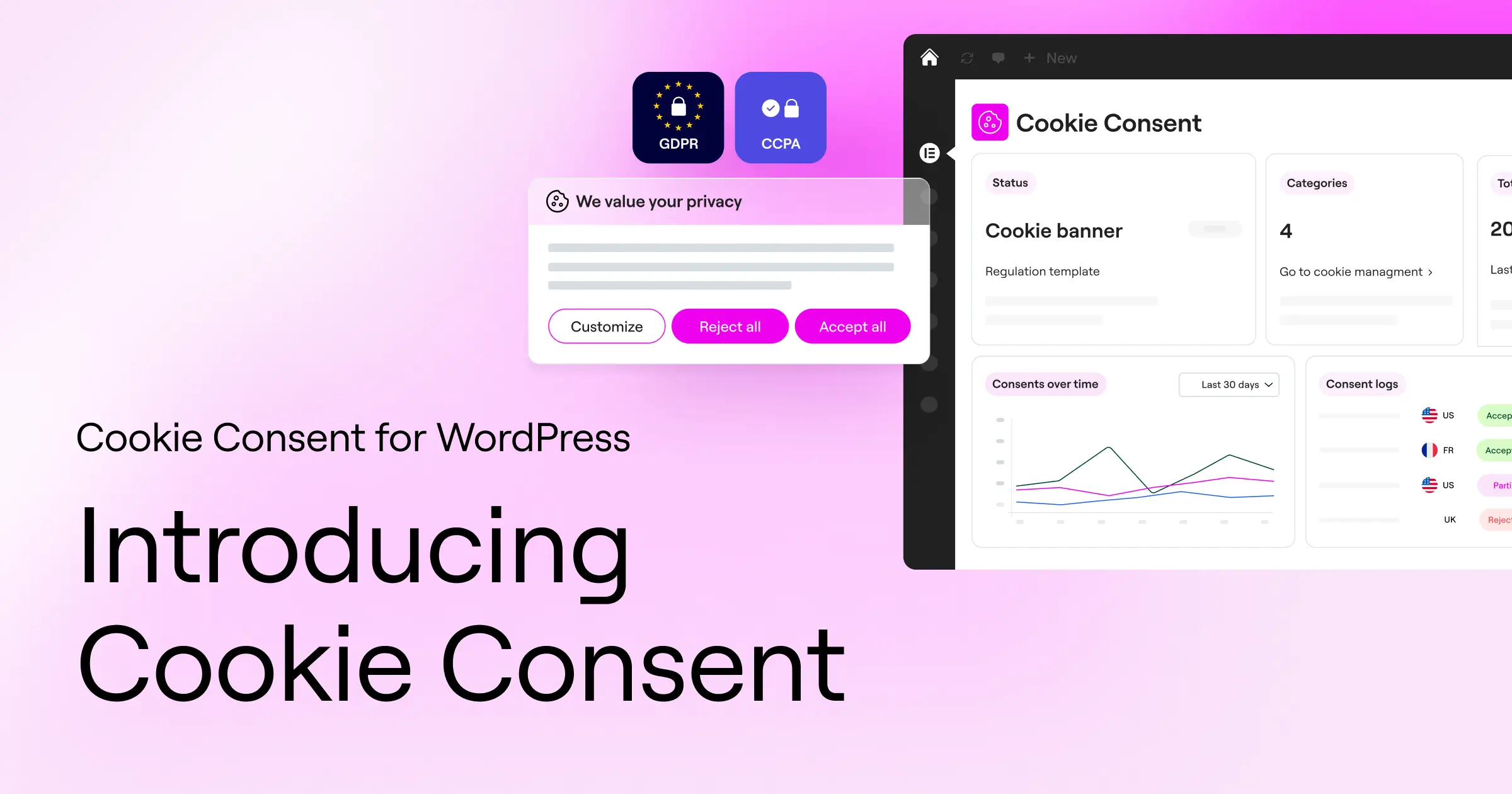
- The General Data Protection Regulation (GDPR) – This European law requires explicit, prior consent from users before you load any non-essential cookies.
- The California Consumer Privacy Act (CCPA) – This regulation requires you to give visitors an easy way to opt out of the sale or sharing of their personal information.
- Google Consent Mode v2 – If you use Google Analytics or Google Ads for European traffic, Google now requires you to pass consent signals to keep using their audiences and tracking features.
“Setting up a reliable consent mechanism is no longer just about avoiding fines; it’s about building direct trust with your audience right from their very first click.” – Itamar Haim, Web Compliance Specialist
Key Features to Look for in a Cookie Banner
Not all compliance tools are built the same way. Some are simple banners that look like an afterthought, while others are complete platforms offering detailed tracking and control. When evaluating your options for 2026, keep these core features in mind:
- Native Integration – Working directly within your WordPress admin screen means you don’t have to jump back and forth between different platforms.
- Fast Scanning – Your tool should automatically scan your site, detect active tracking scripts, and group them into logical categories like marketing, analytics, and functional cookies.
- Geo-Targeting – This lets you show different banners to different visitors. For example, you can show a strict opt-in banner to European visitors and a simple notice to US visitors.
- Minimal Performance Impact – Heavy scripts can slow down your page load times. Look for tools that use clean, lightweight code to keep your Core Web Vitals healthy.
10 Best Cookie Consent Solutions for WordPress
Here’s our curated list of the top cookie consent solutions available for WordPress site owners this year. We’ve prioritized tools that offer excellent performance, modern compliance standards, and clean user interfaces.
1. Cookie Consent
Cookie Consent is the native consent management capability built directly for WordPress by the team at Elementor. It lets you handle both GDPR and CCPA compliance directly from your existing dashboard without external accounts or connections to separate platforms. That keeps all your administrative work in one central location, which is genuinely a relief compared to juggling multiple tools.
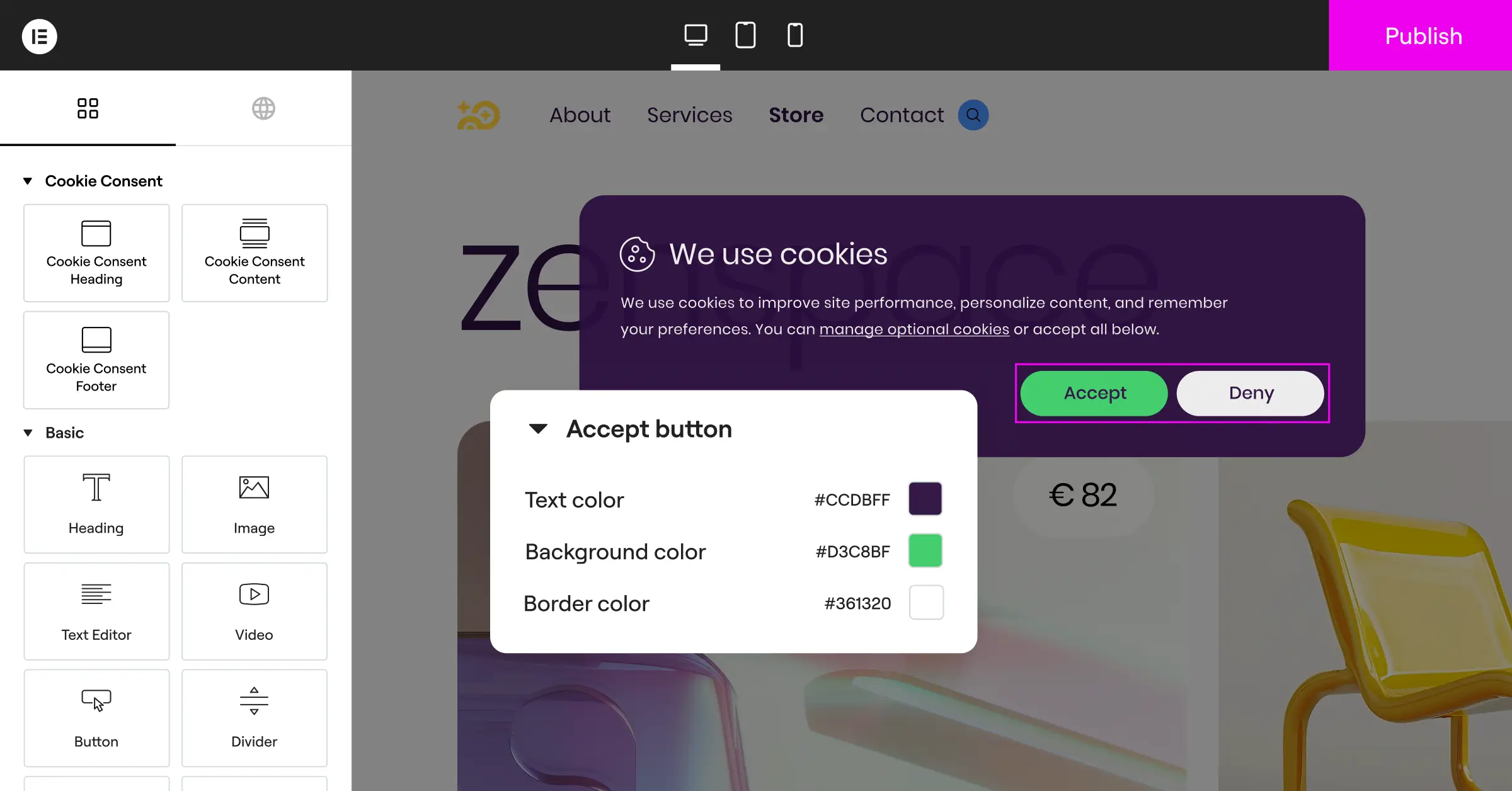
The 3-step setup takes under five minutes, letting you design, configure, and publish your consent banner quickly. Because it’s built directly into the Elementor ecosystem, you get full visual design control over the banner so it matches your website’s exact fonts, colors, and styling rules.
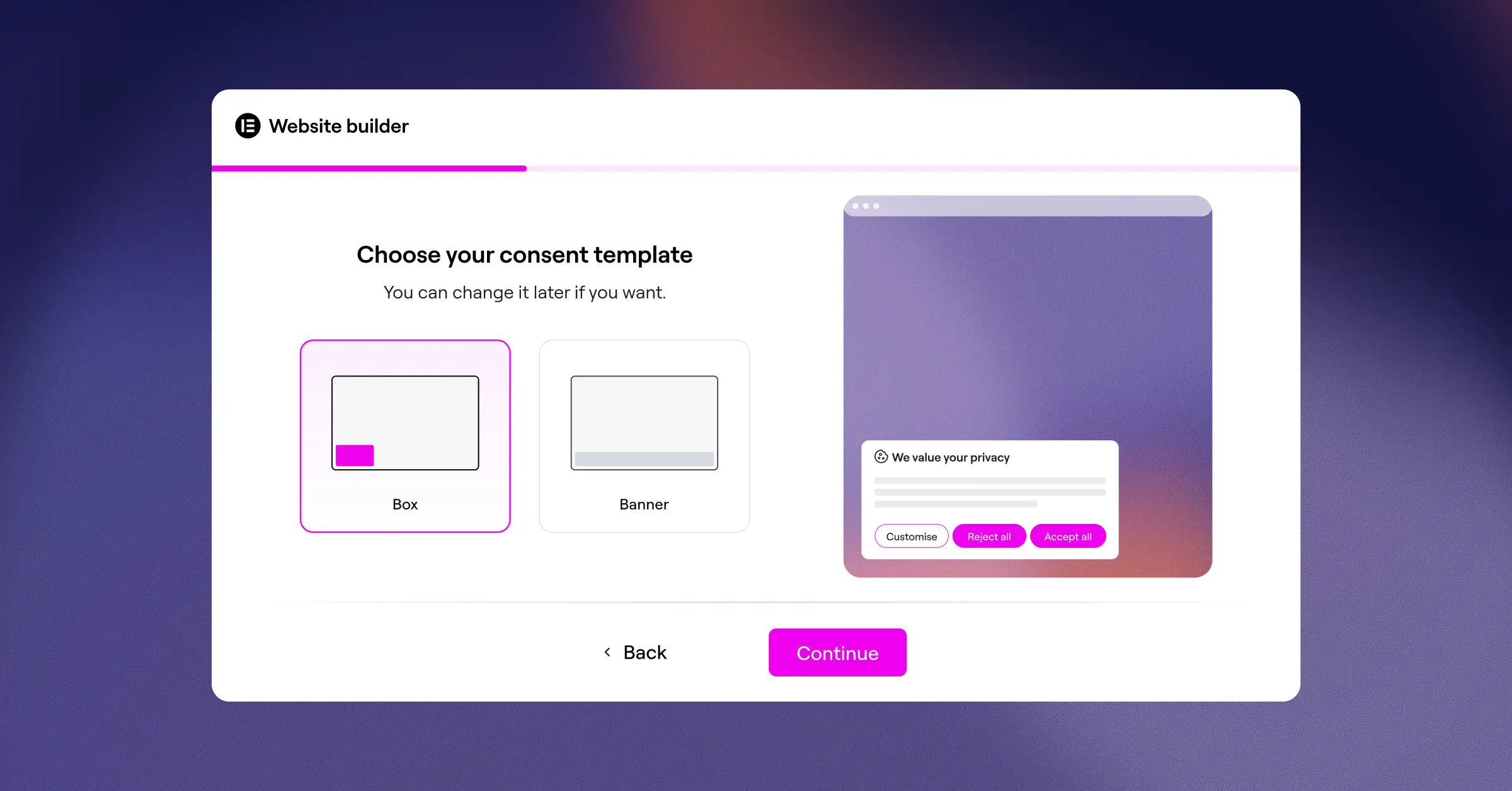
What you get with Cookie Consent:
- Manages both GDPR and CCPA requirements from a single, WordPress-native control screen.
- Scans your site automatically to find and categorize tracking scripts and active cookies.
- Supports Google Consent Mode v2 out of the box to keep your marketing data active.
- Logs user consent choices in an organized audit trail to show compliance if requested.
- Detects the location of your visitors to serve geo-targeted banners to the correct regions automatically.
- Translates your banner text easily with native multilingual compatibility.
It’s also included as part of the complete Elementor One compliance and design toolkit, which bundles cookie consent, web accessibility, and more under a single subscription.
Pros:
- Runs completely inside WordPress with no external cloud accounts needed.
- Sets up in under five minutes with a helpful three-step wizard.
- Matches your site’s branding with complete typography and color controls.
- Works smoothly with Global Privacy Control (GPC) signals from browsers.
Cons:
- Requires the Elementor environment to use its full design capabilities.
Verdict: Cookie Consent is the top choice for WordPress sites that want professional, native compliance. It keeps your site fast, respects your design system, and removes the need for complex external dashboards.
2. Cookiebot
Cookiebot is an established, cloud-based consent management platform that operates across multiple website builders, including WordPress. It handles automated scanning and compliance from an off-site dashboard, pushing updates to your site via a dedicated connector.

Cookiebot features:
- Scans your website every month to discover new cookies and tracking scripts.
- Saves your compliance logs securely on their external servers for audit purposes.
- Blocks third-party scripts automatically until the visitor provides explicit consent.
- Displays a clean, simple widget that can be configured through their external interface.
Pros:
- Reliable automated monthly scanning.
- Supports Google Consent Mode v2.
- Good for multi-site setups managed from a single cloud portal.
Cons:
- Setting up custom styles requires working in their external platform.
Verdict: Cookiebot is a solid choice for larger, multi-platform businesses that prefer to manage all of their properties from an external, centralized hub.
3. CookieYes
CookieYes is another cloud-driven compliance solution that integrates with WordPress. It provides an external web app where you configure your banners, view consent analytics, and manage your cookie logs before deploying them to your live site.

CookieYes features:
- Categorizes tracking scripts automatically based on an online database of known cookies.
- Supports custom CSS so you can style the banner to match your design manually.
- Integrates with popular tag managers to help control when scripts load.
- Generates a simple cookie policy page that lists your active scripts.
Premium tiers are available for sites with higher traffic volumes.
Pros:
- Easy-to-use off-site setup guide.
- Provides detailed dashboard graphs showing consent rates.
- Supports both GDPR and CCPA compliance frameworks.
Cons:
- Requires an external account to configure and edit your banner.
- Entry-level plan limits are based on monthly page views rather than page count.
Verdict: A reliable choice for site owners who enjoy using dedicated external dashboards to analyze user consent rates and trends over time.
4. Complianz
Complianz is a privacy suite built specifically for the WordPress ecosystem. It walks you through a step-by-step setup wizard within your dashboard to configure your regional legal requirements and generate your documentation.

Complianz features:
- Configures your site settings using a question-based setup wizard.
- Generates legally verified documents like Cookie Policies and Disclaimer pages.
- Blocks popular social media embeds and maps until consent is given.
- Integrates with standard WordPress translation software for multilingual sites.
Pros:
- Includes built-in legal document generators.
- Keeps all configurations inside your WordPress database.
- Handles regional settings for the EU, UK, US, and Canada.
Cons:
- The setup wizard can feel long and complex for beginners.
- Customizing the visual design may require custom CSS for exact brand matches.
Verdict: Complianz is well-suited for site owners who want a local, wizard-driven legal guide that helps them generate policies and manage cookies at the same time.
5. iubenda
iubenda is a complete compliance platform that helps sites manage cookie consent, privacy policies, terms of service, and internal data processing records. It uses a cloud-first approach to manage compliance assets from an external dashboard.

iubenda features:
- Generates auto-updating privacy and cookie policies hosted on their servers.
- Monitors local privacy law updates to keep your consent texts current.
- Provides detailed configuration toggles for strict compliance across multiple continents.
- Saves user consent preferences using a remote data store.
Pros:
- Policies update automatically when regulations change.
- Very detailed legal configurations for global enterprises.
- Covers terms and conditions in addition to cookie consent.
Cons:
- The modular pricing structure can add up quickly for comprehensive coverage.
- Setup requires adding external code snippets to your WordPress theme.
Verdict: Excellent for businesses looking for a complete compliance suite that covers legal documents, terms, and consent banners in one cloud package.
6. Termly
Termly is a compliance platform built for small businesses and independent creators. It offers a suite of legal policy generators alongside a customizable cookie consent banner that links directly to your generated privacy terms.
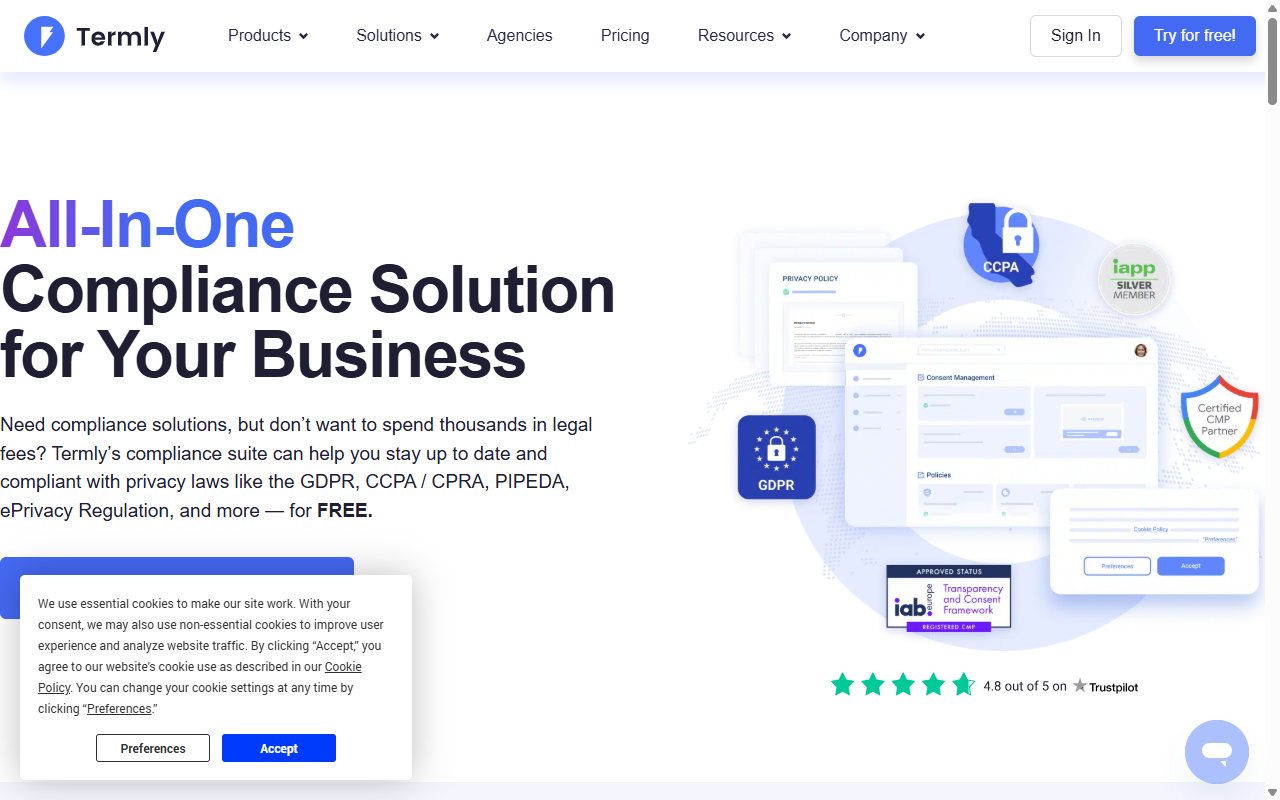
Termly features:
- Scans your website automatically to build an active cookie list.
- Builds customized privacy policies, terms of service, and shipping policies.
- Categorizes cookies automatically based on their central database.
- Hosts your legal policies on their external platform to keep your site database light.
Pros:
- Very simple, user-friendly policy generator.
- Clean visual banner options.
- Good documentation for non-technical users.
Cons:
- The entry-level plan displays Termly branding on your banner and policies.
- Limited advanced integration options for complex custom setups.
Verdict: Termly is a strong pick for freelance designers and small business owners who want an all-in-one compliance and legal document generator without a high learning curve.
7. OneTrust
OneTrust is a prominent enterprise privacy and risk management platform. It offers deep, high-level compliance tooling designed for corporate sites, global brands, and large compliance teams that require advanced reporting.

OneTrust features:
- Maintains extensive records of consent across multiple websites and mobile apps.
- Tracks data subject requests (DSAR) through a secure corporate portal.
- Provides high-level compliance dashboards for legal departments.
- Allows deep integration with corporate database systems and CRM tools.
Pros:
- Enterprise-grade security and compliance logging.
- Excellent for scaling across hundreds of global domains.
- In-depth reporting for legal audits.
Cons:
- Can be overly complex and expensive for standard WordPress sites.
- Requires significant technical knowledge to configure correctly.
Verdict: OneTrust is the go-to solution for large corporations and enterprise organizations that have dedicated legal departments and custom database tracking requirements.
8. Osano
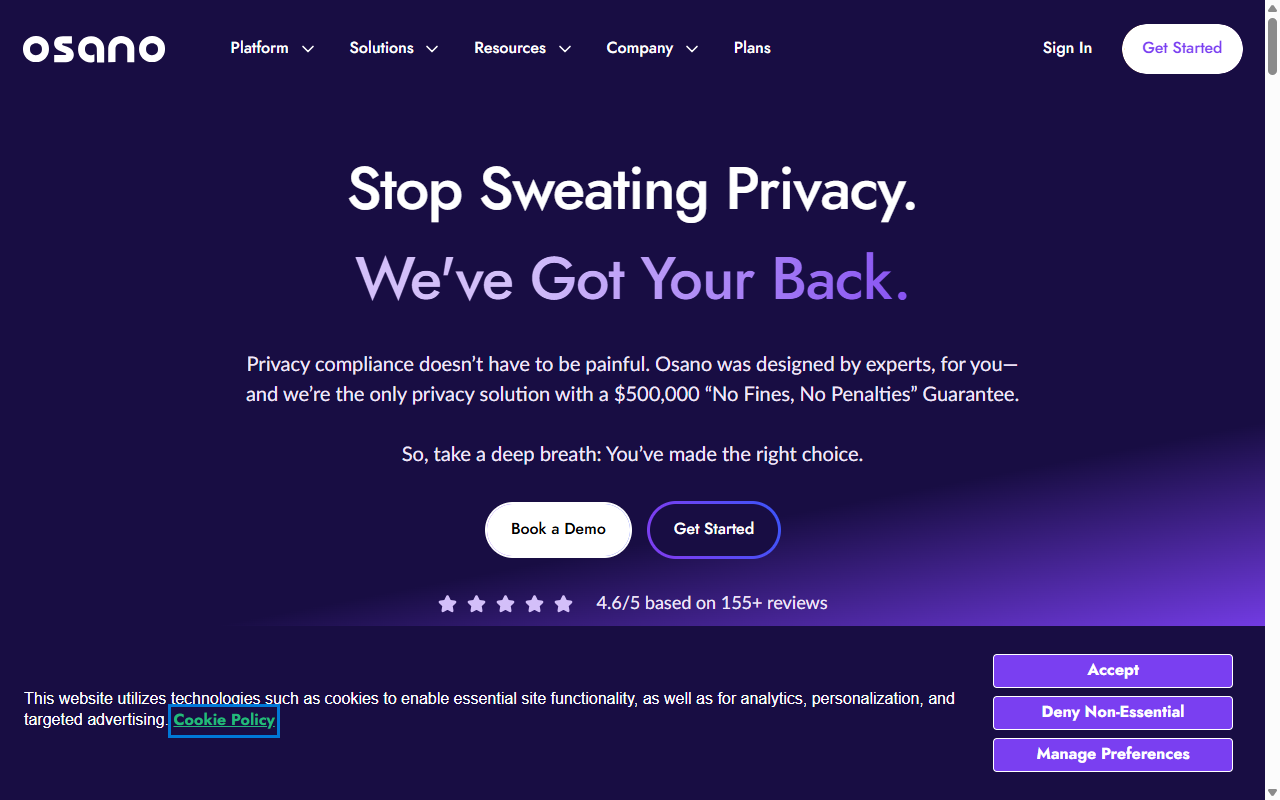
Osano is a B2B data privacy platform focused on ease of use and compliance accuracy. They offer a simple banner system backed by a large database of analyzed tracking scripts to help businesses avoid compliance issues.
Osano features:
- Blocks known tracking scripts automatically before your visitor gives consent.
- Monitors vendor privacy practices to alert you about risky third-party scripts.
- Translates your consent banners into dozens of languages automatically.
- Stores secure, read-only consent records on a distributed blockchain ledger.
Pros:
- High focus on legally vetted script categorizations.
- Clean user interface inside their external dashboard.
- Strong multi-language support.
Cons:
- The entry-level plan doesn’t include geotargeting features.
- Requires pasting an external script into your website’s header.
Verdict: Osano is a great fit for growing B2B companies that want a highly reliable cloud platform with automatic script blocking and vendor tracking.
9. ConsentManager
ConsentManager is a specialized consent management tool designed to help publishers and e-commerce websites optimize their consent rates while remaining fully compliant with global regulations.
ConsentManager features:
- Optimizes your banner design using built-in A/B testing features.
- Reports detailed analytics on user acceptance and opt-out rates.
- Integrates with standard ad servers and e-commerce platforms.
- Supports Google Consent Mode v2 and other major ad tech framework guidelines.
Pros:
- Detailed reporting tools for marketing teams.
- In-depth support for advertising ecosystems.
- Fast CDN hosting for script delivery.
Cons:
- The analytics-heavy dashboard can feel complex for standard bloggers.
- Visual styling controls require some technical patience.
Verdict: A top-tier option for high-traffic media sites, publishers, and e-commerce stores that want to maximize their consent rates through regular testing.
10. GDPR Cookie Consent (WebToffee)
The GDPR Cookie Consent tool by WebToffee is a straightforward, reliable utility designed specifically to help WordPress admins set up basic cookie acceptance banners without leaving the admin area.
GDPR Cookie Consent features:
- Categorizes cookies into necessary, functional, and non-necessary groups.
- Provides shortcodes to display cookie lists easily anywhere on your site.
- Supports simple style modifications directly through the WordPress customizer.
- Blocks analytics scripts before the user clicks accept.
A free version is available on WordPress.org, with premium single-site and multi-site licenses available for purchase.
Pros:
- No external cloud accounts or connections required.
- Lightweight code that keeps your pages loading fast.
- Easy integration with standard WordPress setups.
Cons:
- Premium features like geo-targeting require purchasing the paid version.
- The design options are basic compared to modern drag-and-drop builders.
Verdict: A solid, traditional option for administrators who want a simple, local utility to display a compliant banner without high overhead.
Comparison Table: Best Cookie Consent Solutions for WordPress
This side-by-side comparison shows how the top cookie consent solutions stack up on key features like platform integration, advanced compliance support, and native usability.
| Solution | WordPress-Native Dashboard | Google Consent Mode v2 | Geo-Targeting | Best For |
|---|---|---|---|---|
| Cookie Consent (Elementor) | Yes (100% Native) | Yes | Yes | Site owners wanting simple, fast, visual compliance. |
| Cookiebot | No (Cloud-Based) | Yes | Yes | Multi-platform websites and cloud administration. |
| CookieYes | No (Cloud-Based) | Yes | Yes | Sites wanting detailed consent analytics portals. |
| Complianz | Yes | Yes | Yes | Users needing integrated legal document generation. |
| iubenda | No (Cloud-Based) | Yes | Yes | Businesses wanting a complete suite for policies and terms. |
| Termly | No (Cloud-Based) | Yes | Yes | Small businesses looking for easy policy builders. |
| OneTrust | No (Cloud-Based) | Yes | Yes | Enterprise compliance and risk management teams. |
| Osano | No (Cloud-Based) | Yes | Yes | B2B companies prioritizing strict script monitoring. |
| ConsentManager | No (Cloud-Based) | Yes | Yes | Publishers and ad-heavy sites optimizing opt-in rates. |
| WebToffee GDPR | Yes | Yes (Premium) | Yes (Premium) | Bloggers wanting a basic local banner utility. |
How to Test Your Cookie Banner Before Going Live
Once you choose a tool and configure your banner, you need to verify that it’s actually blocking cookies correctly. It’s common for banners to display on-screen while failing to stop tracking scripts from running in the background (this one trips a lot of people up). Follow this simple process to verify that your site is fully compliant:
- Open an Incognito Window – Open your browser’s private or incognito mode. This gives you a clean session with no pre-saved cookies or active admin sessions.
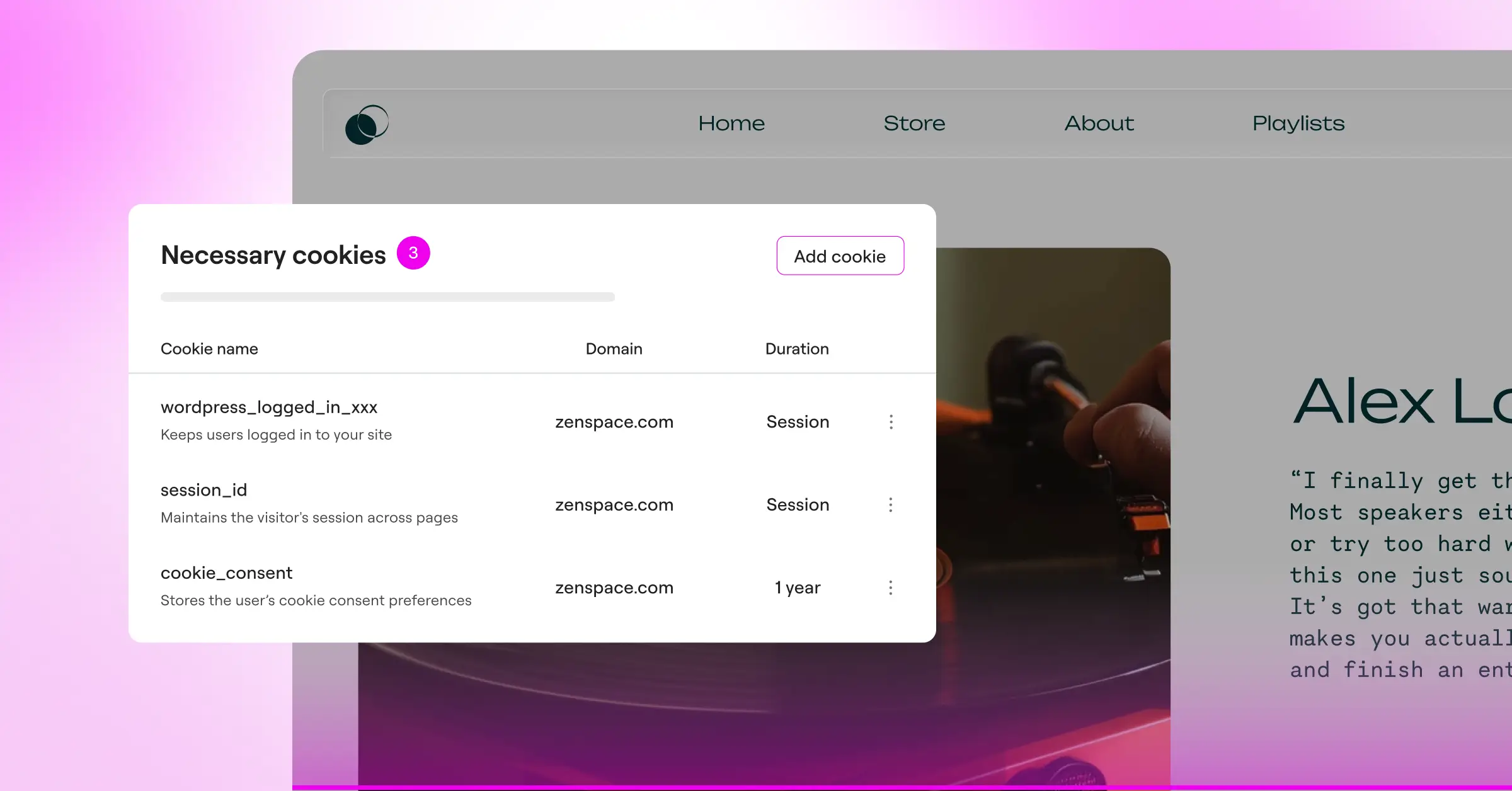
- Inspect Your Browser Cookies – Right-click on your page and select Inspect. Go to the Application or Storage tab, and find the Cookies drop-down list. Before you click anything on the banner, this list should only show strictly necessary session cookies.
- Check Your Analytics and Marketing Cookies – Now, click “Accept” or “Allow All” on your banner. Check the cookie list again. You should see your Google Analytics, pixel trackers, and other marketing scripts appear in the list immediately.
If your marketing cookies load before you click accept, double-check your script blocker settings or tag manager configurations. Taking five minutes to run this test ensures you’re fully compliant and ready for your visitors.
Frequently Asked Questions
Do I really need a cookie banner if my business is outside the EU?
Yes. Many privacy laws like the GDPR protect users based on their location, not your business location. If a person from Germany or California visits your WordPress site, you must comply with their local privacy rules. Using geo-targeting features lets you show banners only to those specific regions automatically.
What happens if I do not use a cookie consent tool?
Failing to use a compliant banner can result in legal warnings, fines, or losing access to crucial ad networks. For example, Google now restricts ad and audience features for websites serving EU traffic that haven’t implemented Google Consent Mode v2.
Will adding a cookie consent banner slow down my WordPress site?
Some external tools that load large cloud scripts can cause minor delays in your page load times. But choosing a WordPress-native capability like Cookie Consent keeps your site fast because it processes consent natively without relying on heavy external scripts.
What is Google Consent Mode v2 and is it mandatory?
It’s a framework created by Google that sends your users’ consent choices from your cookie banner directly to Google’s services. It’s required if you want to use Google Analytics, Google Ads, or conversion tracking for visitors in the European Economic Area.
Can I design my cookie banner to match my brand’s exact colors?
Yes. Most modern cookie consent tools let you change colors and text. Native capabilities integrated directly into Elementor let you style every single element of your banner using your active design system, keeping your brand look completely consistent.
Is a free cookie consent tool safe to use?
Yes, entry-level plans from reputable compliance developers are safe and highly functional. Just check the limits of your entry-level plan, as some options restrict the number of page views, domains, or advanced features like geo-targeting.
What is the difference between GDPR and CCPA cookie banners?
The GDPR requires users to actively “opt in” (click accept) before you can run non-essential cookies. The CCPA (and other US state laws) uses an “opt-out” model, meaning you can load tracking scripts by default but must offer an obvious “Do Not Sell My Info” link so users can opt out at any time.






