Data privacy doesn’t have to be a nightmare. If you run a WordPress site, staying compliant with GDPR, CCPA, and the growing patchwork of global privacy laws isn’t optional, but it doesn’t have to be complicated, either. You don’t need a law degree or a team of expensive developers to get everything in order. With the right tools, you can handle cookie banners, script blocking, and consent logs without upending your workflow. What follows is a breakdown of the ten best step-by-step GDPR compliance solutions for WordPress, with clear setup instructions so you can focus on what actually matters: growing your site.
Each option below covers the setup process in plain steps, what the tool does well, and where it fits best. Whether you’re running a lean personal project or managing a complex site with EU and California visitors, there’s a good fit here for you.
Key Takeaways
- Native integrations keep you out of external dashboards and help you avoid slow load times.
- Google Consent Mode v2 is now a strict requirement if you target European audiences using Google services.
- Automated cookie scanning keeps your compliance current as you add new marketing scripts over time.
- Consent logging gives you the audit trails you need to protect your business if regulators come knocking.
The State of GDPR Compliance for WordPress in 2026
Managing privacy laws has gotten more precise over the last few years. Regulators are no longer looking the other way for small-to-medium sites, which means every business that collects visitor data needs to take user consent seriously. At the same time, browsers are actively phasing out third-party tracking, putting more weight on how you handle first-party data.
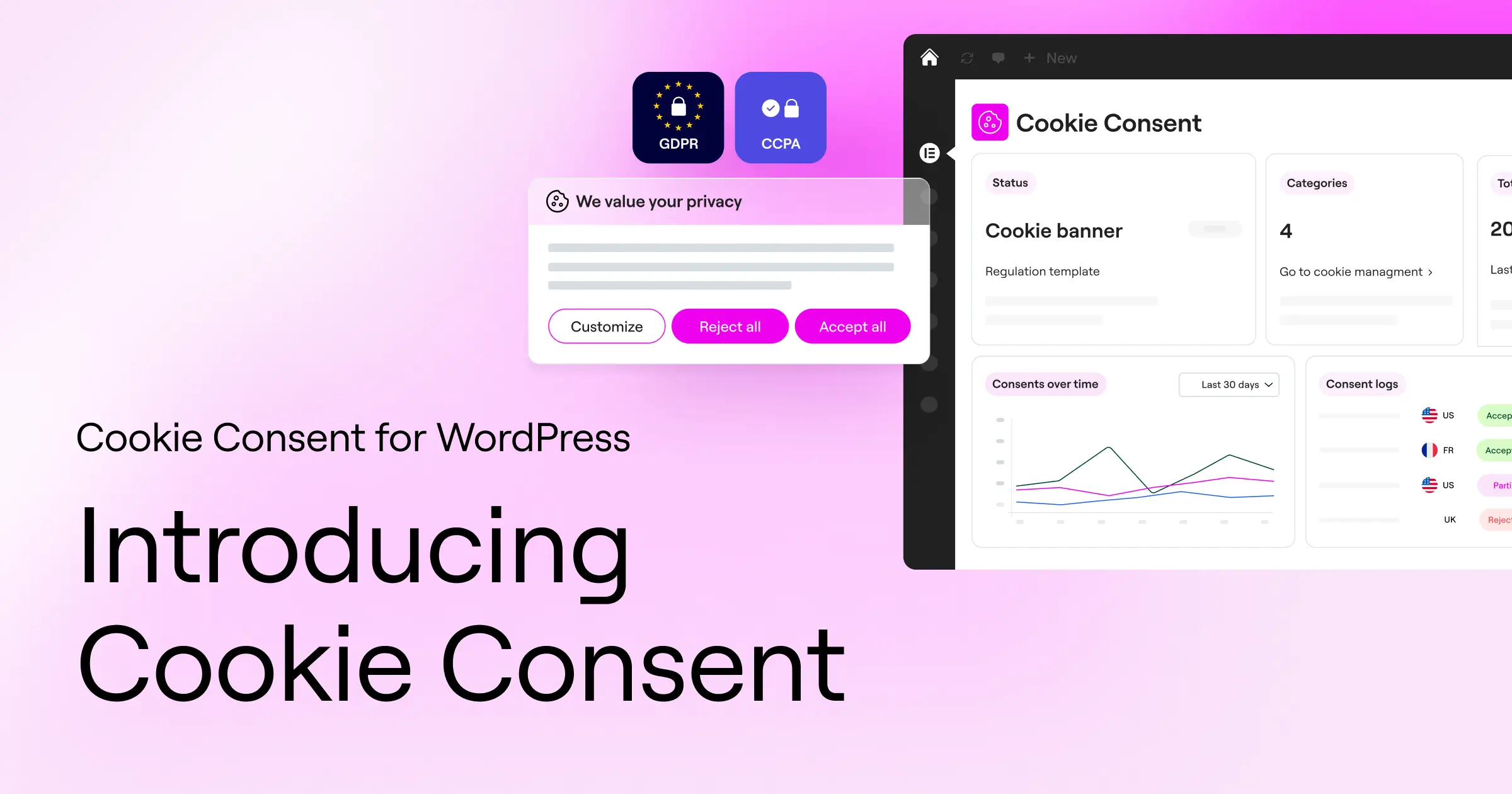
If you serve visitors in the EU, the United Kingdom, or California, you need a system that asks for consent before loading any marketing or analytics scripts. Using a well-built platform like Elementor lets you keep these steps manageable. Your consent banner must be clear, easy to understand, and genuinely functional (not a dark-pattern checkbox buried in the footer).
What to Look for in a WordPress GDPR Compliance Solution
To pick the right tool for your situation, focus on features that slot into your regular editing routine. You don’t want to manage privacy compliance from a confusing third-party interface when you could keep it all in one place.
- Automatic Cookie Scanning: the system needs to scan your pages regularly and categorize all active trackers.
- Customizable Banner Design: your consent notice should match your brand fonts, colors, and layout.
- Google Consent Mode v2 Support: this keeps your Google Ads and Analytics tools running legally in the EU.
- Consent Logging: you must maintain a record of visitor choices for audit readiness.
Let’s look at the ten top options available right now.
1. Cookie Consent
Cookie Consent is the native consent capability built directly into WordPress by the creators of Elementor. Instead of routing you to a separate platform to manage your privacy setup, it keeps everything inside your main dashboard. You can build consent banners, run automated scans, manage tracking scripts, and review your compliance records without ever leaving your site.
Step-by-Step GDPR Compliance Setup
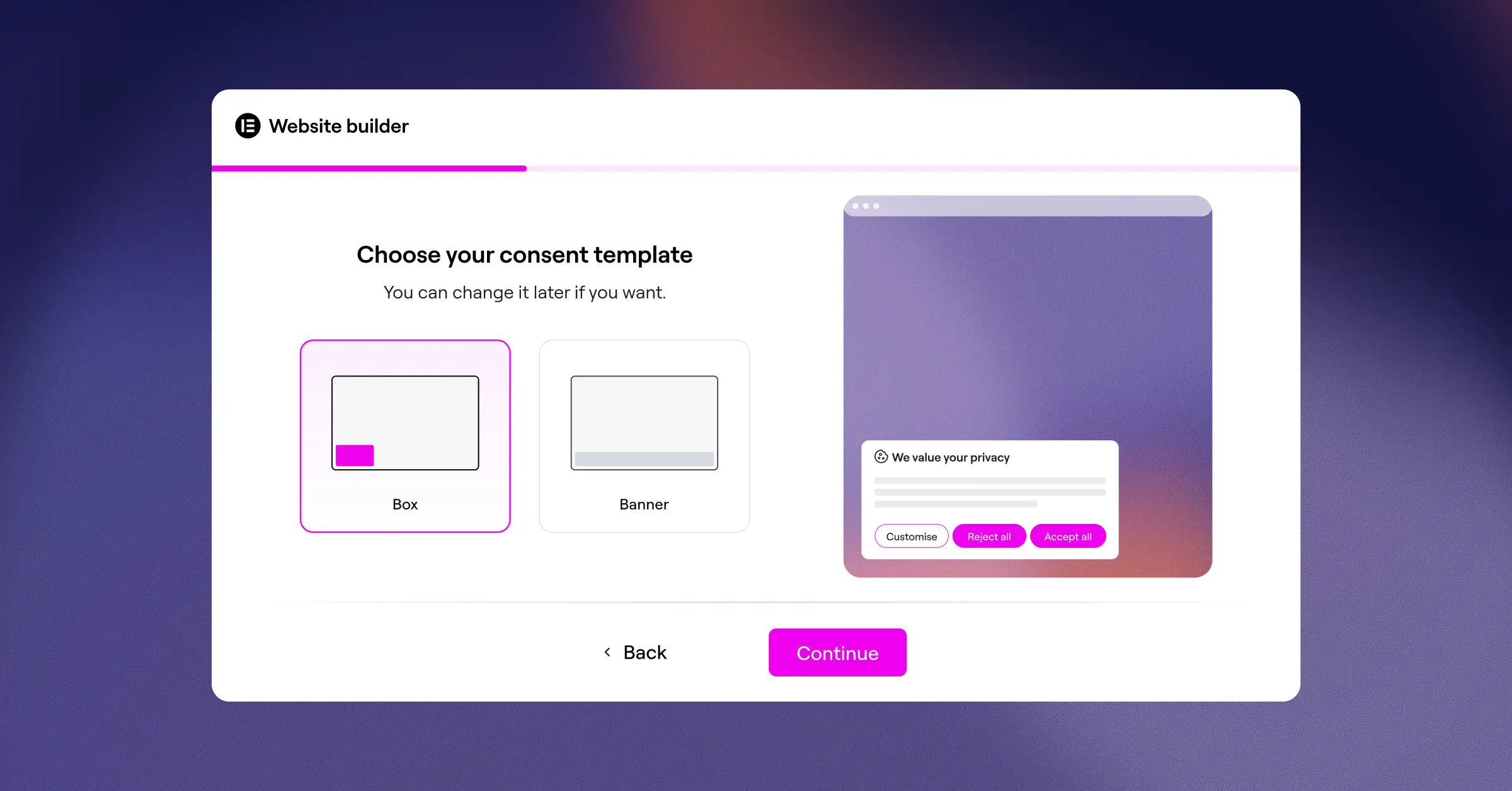
- Open your WordPress dashboard, navigate to the Cookie Consent dashboard, and select the three-step setup guide.
- Run the automated scanner to detect and categorize the cookies active on your site.
- Style your consent banner using the design panel to match your brand typography, logo, and colors.
- Enable geo-targeting to show specific banners to European or California visitors, then publish your setup.
Key Features
- Scans your site to automatically identify and organize third-party tracking cookies.
- Builds fully customizable consent banners that look great on both mobile and desktop.
- Connects with Google Consent Mode v2 to keep your metrics tracking legally under the latest standards.
- Saves consent logs inside your database for reliable, on-demand audit trails.
- Blocks tracking scripts until the visitor clicks Accept.
- Generates basic privacy policy templates through a built-in policy generator.
“Keeping your consent management native to your site dashboard is the most effective way to prevent code bloat and design inconsistencies. It removes the friction of managing privacy rules across multiple platforms.”
– Itamar Haim, Web Compliance Specialist
Pros and Cons
- Pro: Fully native setup with no external platform logins required.
- Pro: Fast loading because it doesn’t rely on heavy external JavaScript calls.
- Pro: Included in Elementor One plans, making it highly cost-effective.
- Con: Gets the most out of its visual builder features when used within the Elementor environment.
Verdict
For teams that build and manage sites with Elementor, Cookie Consent is the natural starting point. It removes setup friction, keeps your design consistent, and handles the compliance requirements most WordPress sites actually need.
2. Cookiebot

Cookiebot is an established, cloud-managed cookie consent platform that works across various CMS systems, including WordPress. It’s well-regarded for thorough compliance research and reliable cloud-based scanning.
Step-by-Step GDPR Compliance Setup
- Create a free or paid account on the Cookiebot website.
- Add your domain to the manager portal and start a full domain scan.
- Install the helper integration on your WordPress dashboard to connect your account.
- Copy the auto-generated consent banner code and add it to your website header.
Key Features
- Scans your entire web presence once a month to locate newly added scripts.
- Builds simple consent widgets that sit neatly in the corner of your screen.
- Stores user consent states in a secure cloud environment for up to twelve months.
- Translates your banner text automatically into more than forty languages based on visitor location.
Pros and Cons
- Pro: Reliable automated scanning technology.
- Pro: Strong categorization of known global cookie files backed by legal research.
- Con: The entry-level plan is limited to one domain and fewer than fifty pages.
- Con: Setup involves switching between the WordPress backend and the Cookiebot web panel.
Verdict
Cookiebot is a solid, stable choice for site owners who are comfortable managing their privacy rules through an external cloud-based system.
3. CookieYes

CookieYes is a widely used web application that helps businesses manage global privacy standards. It connects to your WordPress site via a lightweight script, offering a clear interface for tracking consent.
Step-by-Step GDPR Compliance Setup
- Sign up for an account on the CookieYes portal and select your primary regulatory focus.
- Add your site script using your theme options or the helper dashboard tool.
- Choose from a set of clean banner templates and match the button styles to your site design.
- Publish the settings to push the active banner live to your visitors.
Key Features
- Tracks historical consent data in clear visual charts on the admin portal.
- Builds customizable layout structures, including banner, popup, or inline options.
- Connects with Google Tag Manager to coordinate script triggers.
- Blocks scripts like Google Analytics and Facebook Pixel until consent is saved.
Pros and Cons
- Pro: Clean dashboard with useful visualization of opt-in rates.
- Pro: Supports Global Privacy Control signals out of the box.
- Con: Running on a third-party script can occasionally affect banner load timing.
- Con: Advanced design configurations require a higher paid tier.
Verdict
CookieYes is a reliable option for managers who want clear analytical visibility into how visitors interact with their consent setup.
4. Complianz

Complianz is a WordPress-first privacy suite that walks you through the compliance process step by step. It’s thorough and pays close attention to local legal requirements across different regions.
Step-by-Step GDPR Compliance Setup
- Install Complianz through your WordPress plugins screen.
- Work through the built-in configuration wizard, answering questions about your business location and audience.
- Run the native script detector to spot trackers active in your theme.
- Generate your legal documents and active banner directly through the wizard.
Key Features
- Guides you through a detailed questionnaire to identify which laws apply to your business.
- Builds targeted banner variations for the EU, UK, US, Canada, and Australia.
- Connects with popular form tools to add consent checkboxes to contact pages.
- Blocks third-party media embeds, like YouTube videos and maps, until the user accepts.
Pros and Cons
- Pro: Thorough legal setup wizard that explains the reasoning behind each choice.
- Pro: Generates useful documents like Cookie Policies and Impressum pages.
- Con: The volume of settings can feel overwhelming for first-time users (worth taking your time here).
- Con: Multi-region options require an annual paid license.
Verdict
Complianz is ideal for business owners who want a guided legal walkthrough and need to generate multiple compliance documents directly from their WordPress dashboard.
5. iubenda

iubenda is a compliance software suite built by legal professionals to bring privacy solutions to businesses of all sizes. It covers cookie consent alongside privacy policies and terms of service.
Step-by-Step GDPR Compliance Setup
- Register on the iubenda platform and start a compliance project.
- Select the privacy policy builder and enter your business contact details.
- Generate your cookie banner code and configure the behavior settings in the dashboard.
- Use the partner tool to display the banner and block scripts on your WordPress site.
Key Features
- Generates professional legal documents drafted by lawyers and updated automatically.
- Builds custom banners that link directly to your iubenda-hosted privacy page.
- Saves accurate data preferences via a cloud consent registry.
- Supports Google Consent Mode v2 for your tracking configuration.
Pros and Cons
- Pro: Professional legal backing means your policies stay current and accurate.
- Pro: Good fit for sites that need more than just a cookie banner, such as Terms of Service.
- Con: The setup process requires some comfort with copying and embedding scripts manually.
Verdict
If you need legally vetted terms and conditions alongside your cookie consent setup, iubenda offers a structured and well-maintained solution.
6. Termly
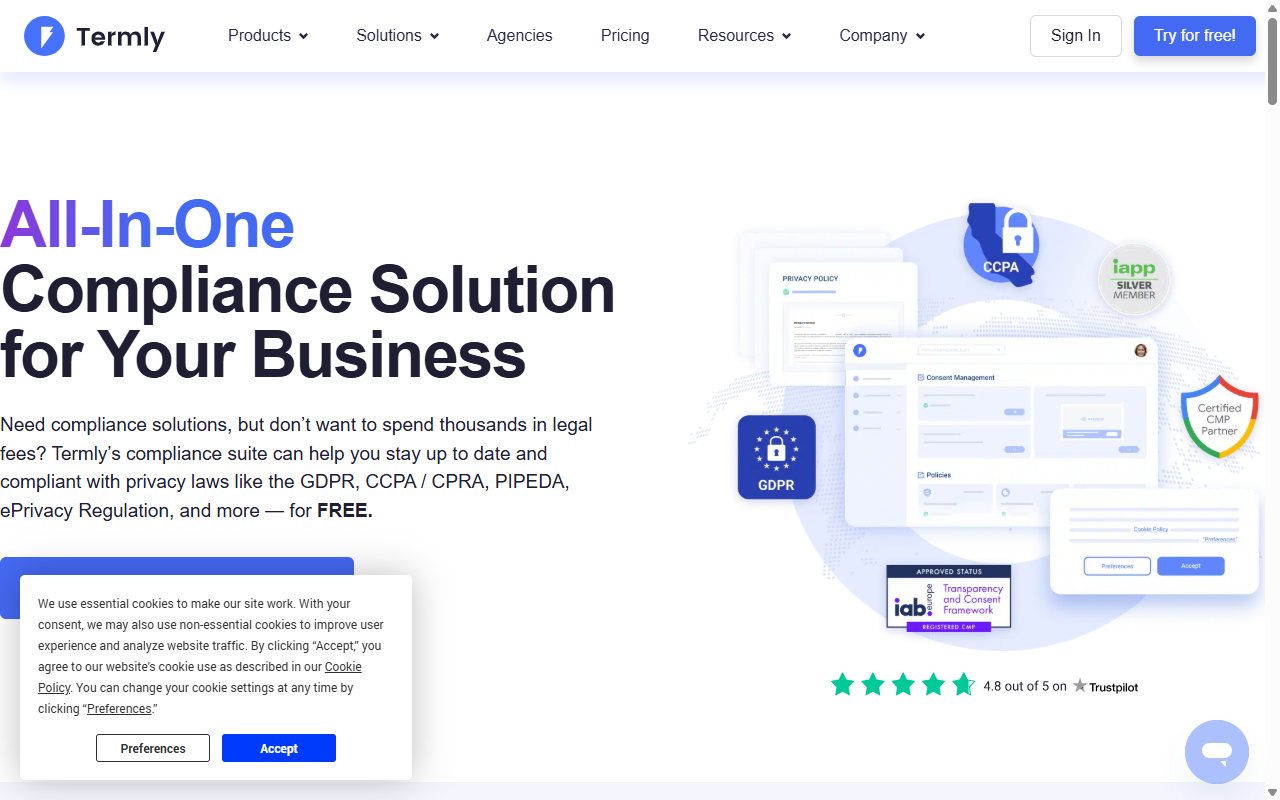
Termly is a compliance management platform aimed at startups and smaller businesses. It makes creating legal agreements and consent banners approachable through clean, visual generators.
Step-by-Step GDPR Compliance Setup
- Open the Termly cloud dashboard and enter your site URL.
- Run a complete scan to classify your site’s cookie files automatically.
- Create your custom cookie consent banner inside the visual editor.
- Embed the generated code into your WordPress header using their dedicated tool.
Key Features
- Scans your site to find and organize tracking scripts into clear tables.
- Builds modern banners with a clean, minimal look.
- Generates Terms and Conditions, Disclaimer policies, and Privacy Policies.
- Updates your legal documents automatically when privacy rules change.
Pros and Cons
- Pro: Friendly interface that’s easy for non-technical users to navigate.
- Pro: Built-in policy templates are readable and current.
- Con: The entry-level plan has limits on banner views.
- Con: Not as deeply integrated with WordPress-specific backend elements as native tools.
Verdict
Termly is a good match for newer projects that need a quick, well-designed banner and readable legal policies without a steep learning curve.
7. OneTrust

OneTrust is a market leader in enterprise privacy management. It’s built for large websites, corporate networks, and organizations with complex data compliance requirements.
Step-by-Step GDPR Compliance Setup
- Consult with an OneTrust representative to configure your organization plan.
- Map your digital properties and set up your scanning schedule inside the platform.
- Build your localized consent models within the platform interface.
- Inject the OneTrust production script into your WordPress templates or tag manager.
Key Features
- Maps complex data flows across global site networks.
- Builds localized banners for hundreds of target countries.
- Stores audit-ready consent logs across platforms and mobile apps.
- Integrates with major CRM tools like Salesforce and HubSpot.
Pros and Cons
- Pro: Enterprise-level depth and customization for complex compliance environments.
- Pro: Strong legal and compliance backing for large corporate setups.
- Con: Complex configuration that typically requires professional implementation.
- Con: Pricing and complexity make it a heavier commitment than most small-to-mid sites need.
Verdict
OneTrust is the right fit for enterprise organizations and large global networks that need a deep, organization-wide compliance system.
8. Osano

Osano is a privacy platform that focuses on simplicity, data rights management, and vendor monitoring. It’s known for its clear tracking indicators and low-friction setup.
Step-by-Step GDPR Compliance Setup
- Create your Osano account and enter your target web domains.
- Configure your banner styling and select the regional regulations you need to meet.
- Copy the single JavaScript snippet from your dashboard.
- Paste the script into your WordPress site’s head tag to let Osano manage your tracking cookies.
Key Features
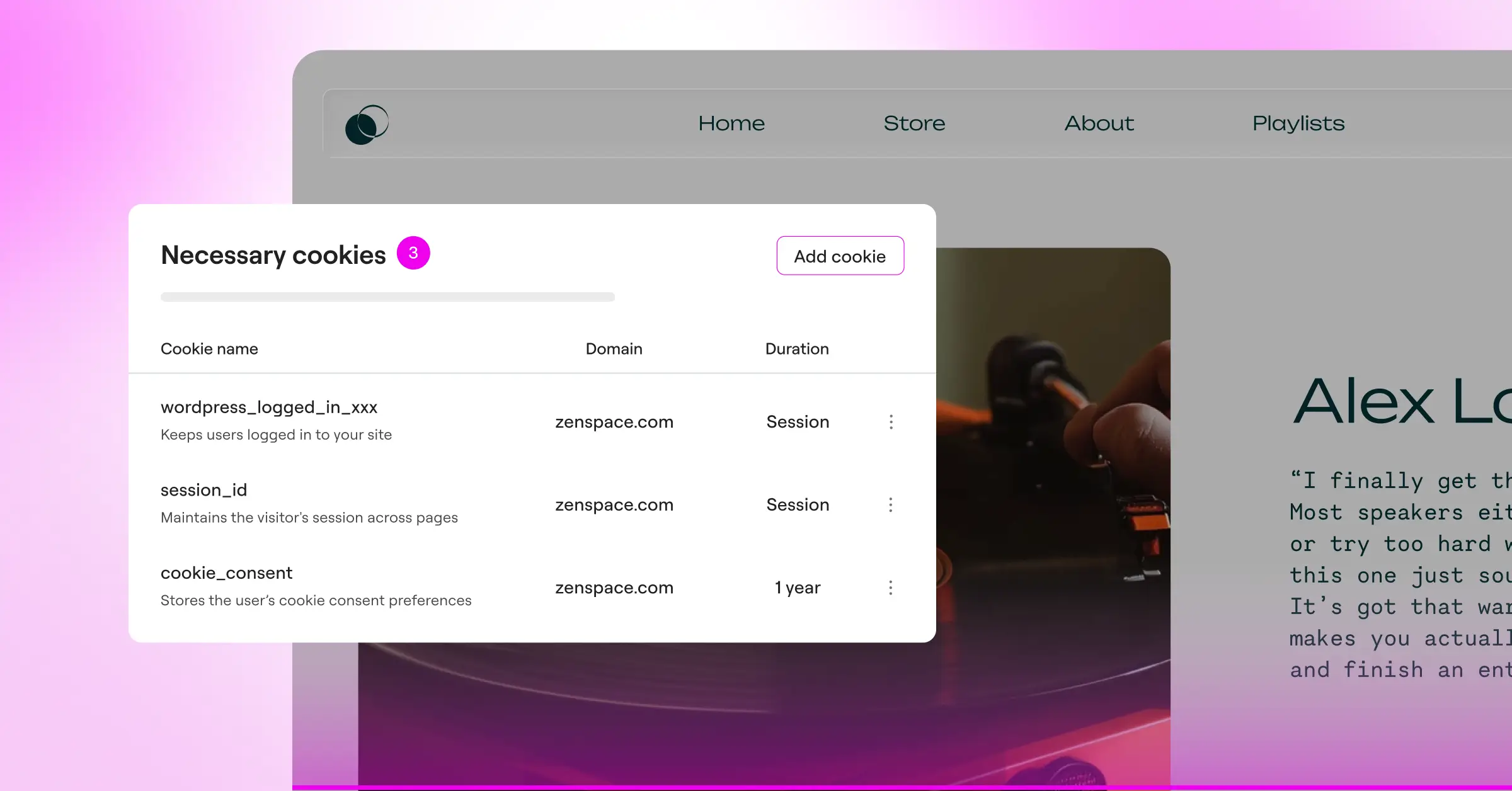
- Monitors other companies and scripts on your site to flag potential data leaks.
- Builds accessible banners that meet strict usability standards.
- Saves consent records on a secure cloud ledger.
- Blocks known tracking providers automatically before consent is given.
Pros and Cons
- Pro: Simple single-script installation process.
- Pro: Unique vendor rating feature flags risky third-party connections.
- Con: Pricing can be a barrier for very small sites.
- Con: The cookie manager doesn’t run natively inside your WordPress dashboard.
Verdict
Osano is a good fit for businesses that want solid, largely hands-off compliance without spending hours managing raw script configurations.
9. WP GDPR Compliance
WP GDPR Compliance is a lightweight, developer-friendly tool that adds compliance functions to your existing WordPress setup. It focuses primarily on simple opt-ins rather than full cloud dashboards.
Step-by-Step GDPR Compliance Setup
- Download and install WP GDPR Compliance from your WordPress administrative screen.
- Select your active third-party integrations, like Contact Form 7 or WooCommerce, from the settings screen.
- Toggle on the compliance checkboxes to attach them to your existing forms.
- Enable the cookie notification feature to inform visitors about analytical scripts.
Key Features
- Integrates simple checkbox permissions directly with common contact and comment forms.
- Builds light, unobtrusive notifications for local site visitors.
- Anonymizes user IP addresses before storing them in your database.
- Keeps light logs of when visitors agree to your site terms.
Pros and Cons
- Pro: Completely free and lightweight with no hidden subscription fees.
- Pro: Good at solving form-based consent for basic contact pages.
- Con: Doesn’t include the automated deep-scanning features found in professional tools.
- Con: Styling the visual cookie banner requires manual CSS work.
Verdict
WP GDPR Compliance is well-suited for personal blogs or simple portfolio sites that only need basic form checkboxes and a lightweight notification setup.
10. WebToffee GDPR Cookie Consent
WebToffee GDPR Cookie Consent is a popular choice in the WordPress repository. It focuses on helping you divide cookies into clear categories and present them to visitors in an organized way.
Step-by-Step GDPR Compliance Setup
- Install WebToffee GDPR Cookie Consent from your WordPress dashboard.
- Run a local cookie scan to analyze the default scripts running on your pages.
- Customize the cookie bar appearance using the visual theme panel.
- Set up auto-block script rules to hold off analytics tracking until the visitor gives permission.
Key Features
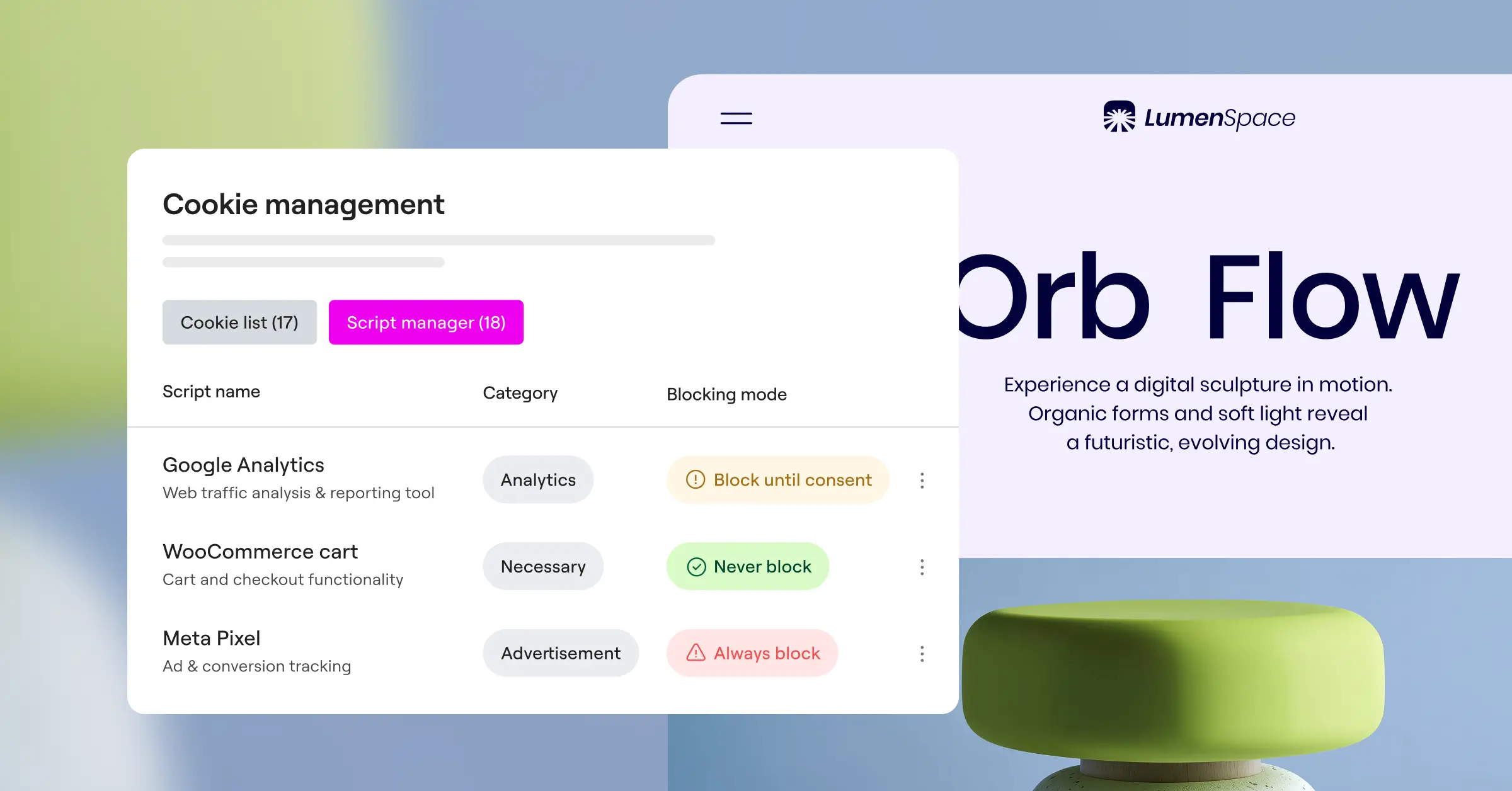
- Scans and categorizes cookie details directly from your administrative backend.
- Builds modern templates with distinct Accept, Decline, and Settings buttons.
- Blocks specified tracking scripts automatically before user interaction.
- Keeps a consent record stored locally within your site database.
Pros and Cons
- Pro: Runs directly on your site without requiring an external cloud account.
- Pro: Solid visual templates that fit into modern themes.
- Con: Advanced geo-targeting is locked behind the pro version.
- Con: Scanning large sites can put a heavier load on smaller servers.
Verdict
For site owners who want a self-managed banner system with a good range of templates, WebToffee offers a dependable local solution.
Comparison of the Top GDPR Compliance Solutions
Choosing the right fit gets a lot easier when you can look at the key features side by side. Here’s how these solutions stack up in 2026:
| Solution Name | Native WordPress Interface? | Google Consent Mode v2? | Geo-Targeting Support? | Primary Use Case |
|---|---|---|---|---|
| Cookie Consent | Yes (Fully Integrated) | Yes | Yes | Best for Elementor-built sites wanting speed and a native workflow |
| Cookiebot | No (External Dashboard) | Yes | Yes | Best for monthly automated deep scans |
| CookieYes | No (External Dashboard) | Yes | Yes | Best for multi-region setup with visual analytics |
| Complianz | Yes (Wizard Guided) | Yes | Yes (Premium) | Best for step-by-step legal policy generation |
| iubenda | No (External Dashboard) | Yes | Yes | Best for complete legal document suites |
| Termly | No (External Dashboard) | Yes | Yes | Best for startups needing simple legal documents |
| OneTrust | No (External Dashboard) | Yes | Yes | Best for enterprise-level global network compliance |
| Osano | No (External Dashboard) | Yes | Yes | Best for vendor monitoring and hands-off compliance |
| WP GDPR Compliance | Yes (Fully Integrated) | No | No | Best for simple, lightweight contact form compliance |
| WebToffee | Yes (Fully Integrated) | Yes (Premium) | Yes (Premium) | Best for locally hosted cookie categorization |
Selecting and Implementing Your Solution
Getting started with privacy compliance doesn’t have to be stressful. Begin by picking the tool that fits how you build your site. If you’re already working with Elementor to develop your WordPress project, Cookie Consent is the natural starting point. It respects your server resources and keeps your compliance workflow clean and central.
No matter which option you go with, always test your consent setup in a private browser window afterward. Confirm that tracking tools like Google Analytics or your marketing pixels don’t load until you click that Accept button. That small test takes two minutes and confirms your system is working exactly the way it should.
Frequently Asked Questions
Is GDPR compliance required for small WordPress sites?
Yes. If your WordPress site receives any visitors from the European Union, the United Kingdom, or regions with similar privacy laws, GDPR applies to you. That’s true even if your business is based in the United States or another country outside the EU.
What happens if my site doesn’t support Google Consent Mode v2?
If you serve EU visitors and don’t implement Google Consent Mode v2, Google will prevent you from tracking user conversions or building marketing audiences from that traffic. That has a direct impact on your ad campaigns and analytics accuracy.
Can I just put a text notice on my site instead of a cookie banner?
No. A simple text notice doesn’t meet GDPR requirements. The regulation requires that users give explicit, informed consent before any tracking cookies are stored. You need a proper banner with clear Accept, Decline, and category options.
Will using a cookie consent tool slow down my WordPress site?
It depends on the tool. Some third-party systems introduce extra script loading overhead. A native tool like Cookie Consent keeps everything inside your WordPress environment, which avoids external calls and keeps your page speed intact.
Is CCPA compliance the same as GDPR compliance?
They’re similar but follow different rules. GDPR requires users to opt in before any tracking happens, while CCPA gives California users the right to opt out of the sale or sharing of their personal information. Most modern consent tools handle both frameworks from a single setup.
How do I know if my site has cookies?
Most WordPress sites run tracking elements through contact forms, analytics tools, payment gateways, or embedded media like YouTube videos. Running a quick scan with your chosen consent tool will give you a complete list of what’s active.
Do I need to keep records of user consent choices?
Yes. Under GDPR, you must be able to demonstrate that a visitor gave permission if a regulator audits your site. Tools that save consent logs internally, including Cookie Consent, give you that documentation without any extra effort on your part.
Can I customize my cookie banner to match my site’s design?
Yes. Most quality compliance tools let you adjust fonts, colors, and button layouts. Native tools make this especially easy because they build on the styling you’ve already established for your site, so there’s no starting from scratch.






