Running a WordPress site is genuinely rewarding, but keeping up with privacy law changes can feel like one more thing piling onto your plate. You want to spend your energy on great content and growing your audience, not worrying about regulatory audits or legal fines. The good news is that finding a solid cookie consent tool doesn’t have to be complicated. We’ve gone through the most reliable options on the market to help you stay compliant with GDPR, CCPA, and Google Consent Mode v2 without slowing down your pages. Here’s a clear look at your best choices so you can make a confident decision today.
Key Takeaways
- Cookie Consent is Elementor’s native compliance capability, keeping your configuration entirely inside WordPress.
- Modern compliance requires support for Google Consent Mode v2 if your website serves visitors in Europe.
- SaaS-based tools require managing settings in an external portal, while native solutions keep your data in one place.
- Using geo-targeting lets you show specific compliance banners only to visitors from regions where they’re legally required.
- A lightweight cookie consent tool prevents script bloat and helps maintain strong page loading speeds.
Why Cookie Consent Really Matters in 2026
Privacy regulators around the world are enforcing user data protection laws more actively than ever, and there’s no sign of that slowing down. If your WordPress site uses basic analytics, marketing pixels, or simple tracking scripts, you’re collecting user data. Under frameworks like the General Data Protection Regulation (GDPR) in Europe and the California Consumer Privacy Act (CCPA) in the United States, you need to ask for permission before running those scripts. Just having a privacy policy page isn’t enough anymore to meet legal standards.
Another major shift is the mandatory adoption of Google Consent Mode v2. If you serve European visitors and use Google services like Google Analytics or Google Ads, you must signal to Google whether your visitors have approved tracking. Without those correct signals, your marketing data and advertising audiences stop populating accurately. Modern cookie consent solutions handle this translation behind the scenes, so your marketing keeps working while respecting visitor preferences.
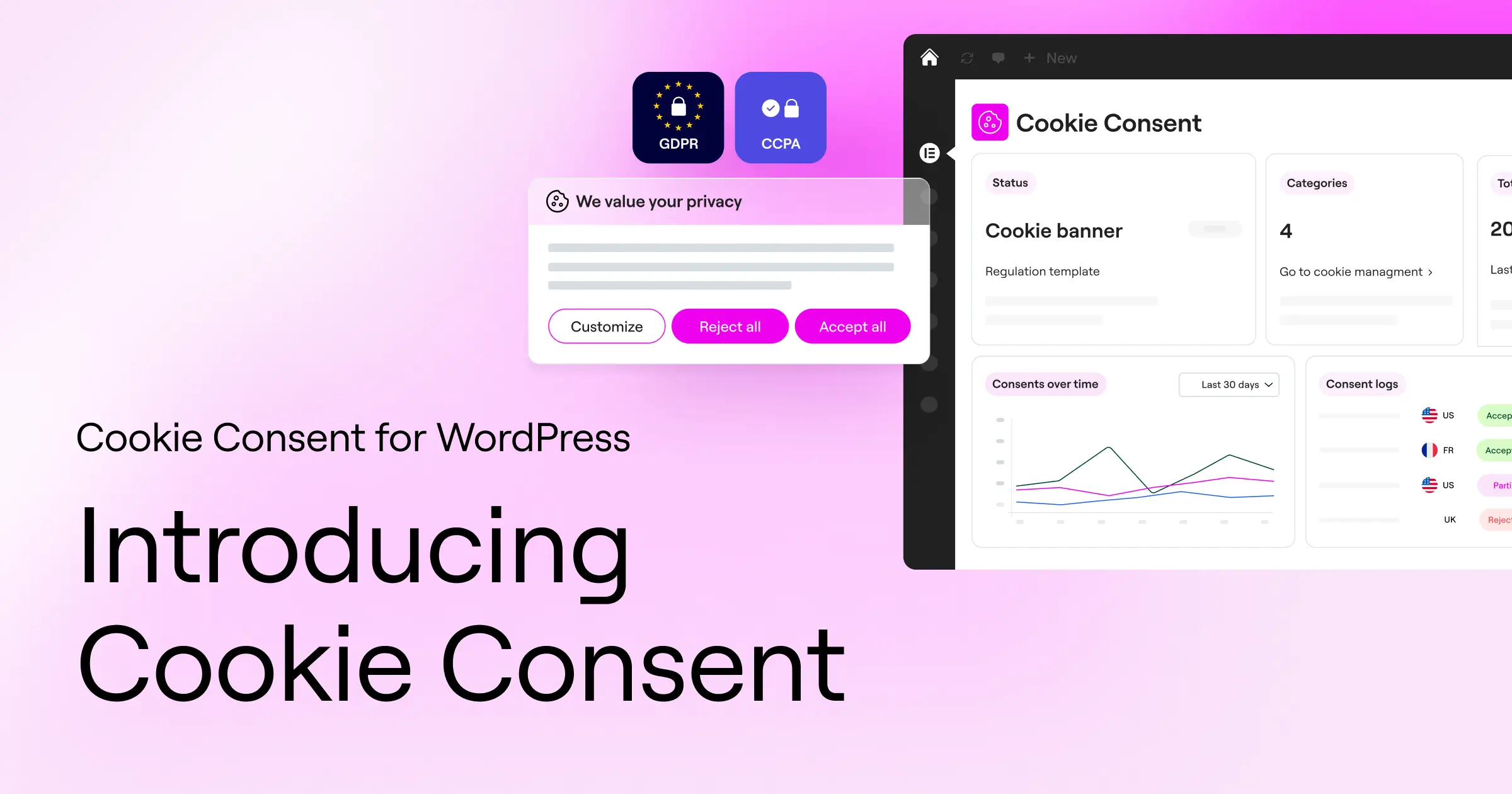
At the same time, browsers are phasing out third-party cookies, and more users are turning on built-in privacy settings like Global Privacy Control (GPC). A quality cookie consent tool recognizes these signals automatically, keeping your site compliant with less manual effort and building genuine trust with your audience from the first page they visit.
Comparison of the Best Cookie Consent Tools
To help you see how these compliance tools stack up, here’s a quick overview of the top options for WordPress sites in 2026.
| Tool Name | Integration Type | Google Consent Mode v2 | Dashboard Location | Best For |
|---|---|---|---|---|
| Cookie Consent | WordPress Native | Yes | WordPress Admin | WordPress and Elementor Users |
| Cookiebot | Cloud SaaS / Script | Yes | External Portal | Multi-Platform Sites |
| CookieYes | Cloud SaaS / Script | Yes | External Portal | Small to Mid-Sized Sites |
| Complianz | WordPress Plugin | Yes | WordPress Admin | DIY Compliance Seekers |
| iubenda | SaaS Integration | Yes | External Portal | Legal Policy Management |
| Termly | SaaS Integration | Yes | External Portal | Small Businesses |
| OneTrust | Enterprise SaaS | Yes | External Portal | Large Corporate Sites |
| Osano | SaaS Platform | Yes | External Portal | Mid-Market Companies |
| WP Consent API | WordPress Plugin | Yes (via extensions) | WordPress Admin | Developers |
| Real Cookie Banner | WordPress Plugin | Yes | WordPress Admin | European Focus Sites |
10 Best Cookie Consent Tools Reviewed in Detail
1. Cookie Consent (by Elementor)
If you build sites with Elementor or simply want a WordPress-native solution that doesn’t involve logging into yet another external account, Cookie Consent is a great place to start. This capability is built natively for WordPress, so you manage your banners, cookie scanning, script blocking, and consent logs directly from your WordPress dashboard. No code pasting from third-party websites, no juggling separate billing accounts, no context-switching mid-task.
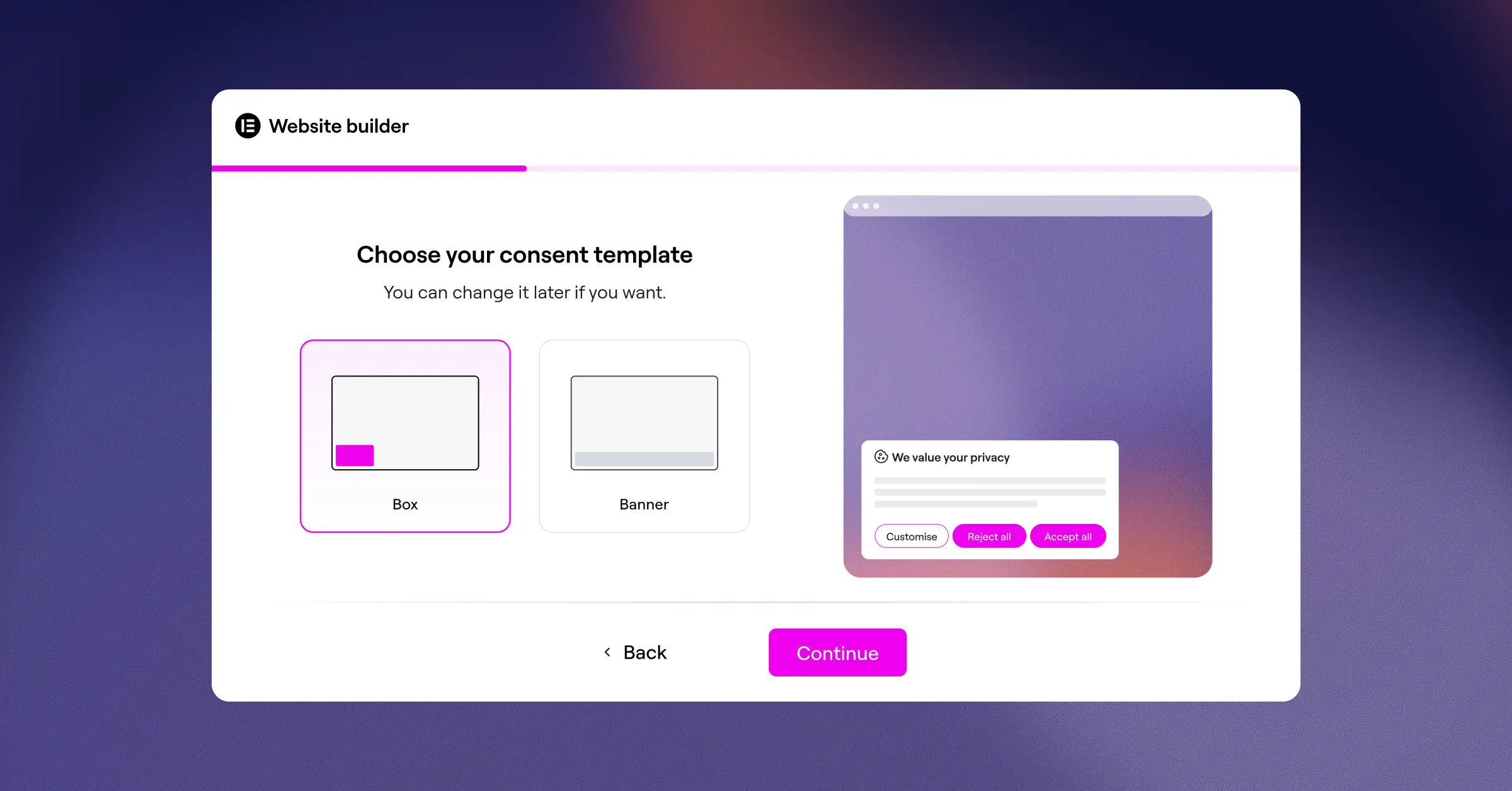
It’s included in the Elementor One subscription and also comes with a functional free tier so you can get going right away. The 3-step setup takes under five minutes (it’s genuinely simpler than it sounds), and from there you can deploy modern banners, turn on geo-targeting, generate privacy policies, and configure Google Consent Mode v2 support. Because it lives entirely inside WordPress, it fits right into your existing workflow without heavy external scripts adding load to your pages.
- Scans your website cookies automatically to identify all active tracking.
- Categorizes active scripts into functional, analytical, and marketing groups.
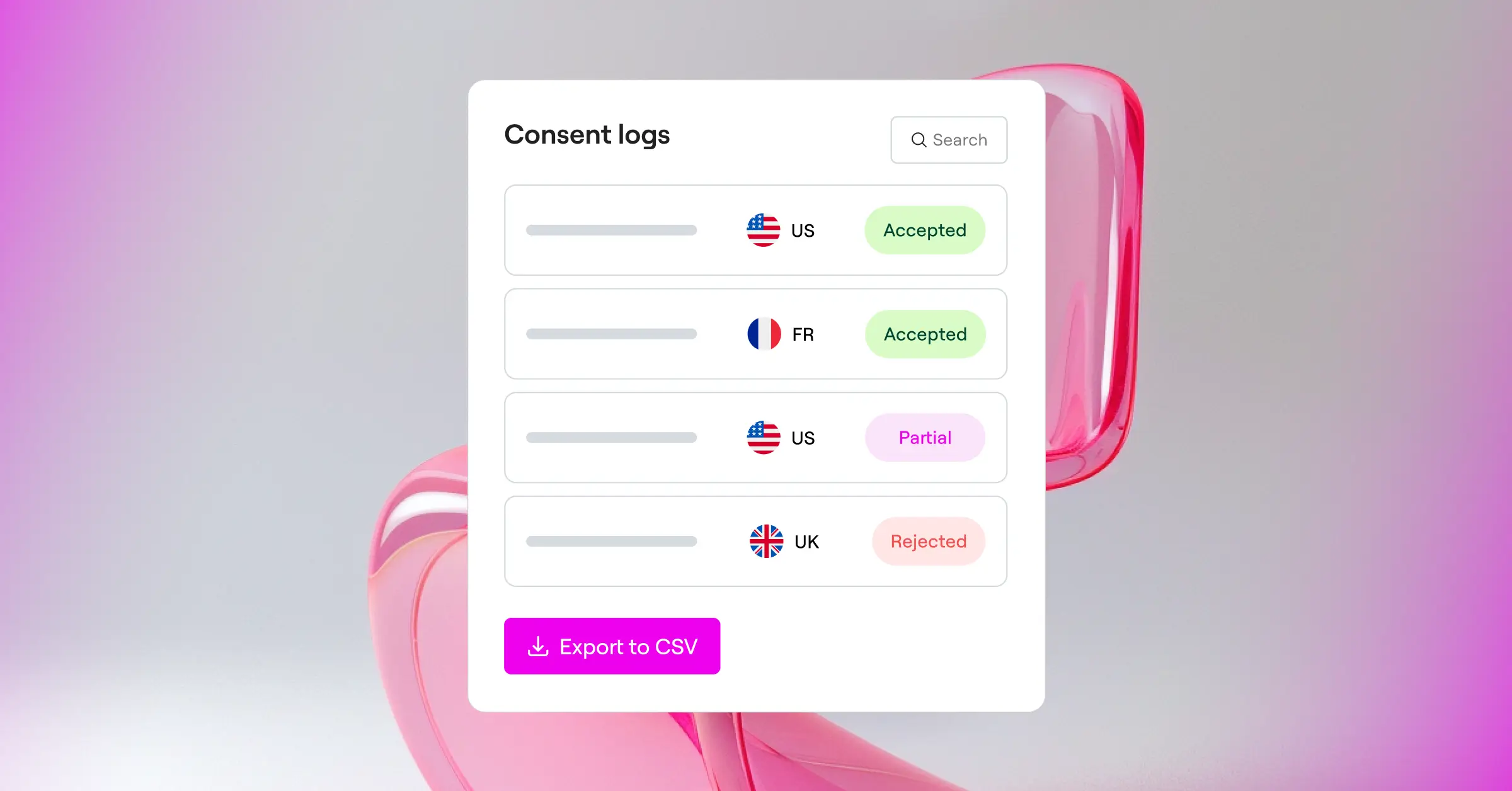
- Keeps secure consent logs to build an audit trail for privacy regulators.
- Enforces geo-targeting to show cookie notices only to visitors from specific regions.
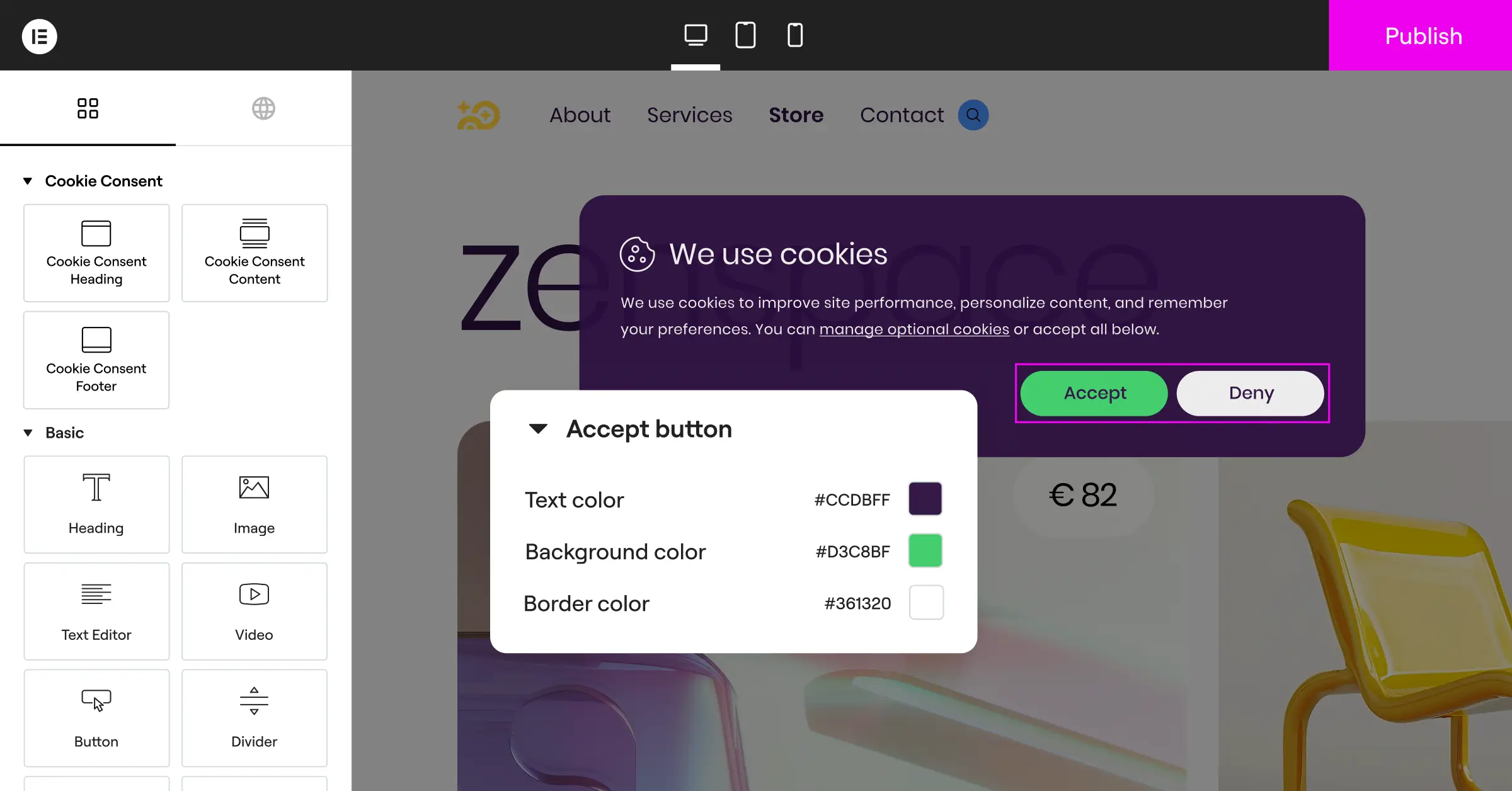
- Adapts design elements completely to match your site’s brand identity.
- Translates your banners into multiple languages for global audiences.
Pros: Setup is fast and fits right into your existing dashboard. There are no external subscriptions or third-party scripts to slow down your page performance. It’s a great option for creators who want compliance and design consistency in one place.
Cons: It’s built for WordPress sites, so if you also manage projects on non-WordPress platforms, you’ll need a separate tool for those.
Verdict: The ideal choice for WordPress creators and agencies who want a fast, integrated compliance tool that keeps everything in one central dashboard.
2. Cookiebot
Cookiebot is an established cloud-based consent management platform that works across many different web ecosystems. Rather than living inside your WordPress database, Cookiebot operates as an external service. You create an account on their platform, configure your banner styling, and paste an integration script onto your WordPress site.
Its main strength is an automatic monthly cloud scanner that explores your website to detect new cookies, keeping your cookie declaration table accurate without manual scans on your part. It’s well-structured and provides solid reporting, though making changes means logging out of WordPress and back into their separate platform.

- Discovers tracking cookies by running automated monthly cloud scans.
- Blocks scripts dynamically until a visitor provides explicit consent.
- Stores user consent records in a cloud-hosted database for five years.
- Delivers translations automatically for a wide range of visitor languages.
Pros: Reliable cloud scanning and good support for multilingual websites. Works well if you manage multiple sites across different content management systems.
Cons: Managing settings means logging into an external dashboard. The entry-level plan is limited to a single domain with fewer than 50 pages, which can make costs climb as your site grows.
Verdict: A reliable cloud option for multi-platform websites with the budget for a premium SaaS subscription.
3. CookieYes
CookieYes is a widely used SaaS cookie consent tool with a popular companion plugin in the WordPress repository. Like other SaaS options, CookieYes hosts your configuration on external cloud servers. You manage your banners and consent databases through their web app.
It’s popular because the interface is clean and easy to get into. It offers modern designs out of the box, straightforward customization options, and Google Consent Mode v2 support. It’s versatile, though you’ll want to keep an eye on monthly pageview limits to avoid unexpected upgrade prompts as your traffic builds.

- Coordinates consent records securely across multiple web domains.
- Builds layouts using an interactive visual banner customizer.
- Logs active user choices to support compliance with global audit requests.
- Identifies trackers using an extensive, regularly updated global cookie directory.
Pros: The visual dashboard is clean and easy to navigate. The free tier is generous enough for small websites to get started without a credit card.
Cons: Settings live in an external cloud application. Paid tiers are tied to monthly pageviews, which can raise costs as traffic grows.
Verdict: A friendly option for site owners who prefer a visual SaaS app and are comfortable managing consent data off-site.
4. Complianz
Complianz is a compliance plugin designed for self-hosted WordPress sites. Unlike cloud services, it guides you through a detailed configuration wizard directly inside your WordPress admin area, helping you build cookie policies and choose banners based on specific questions about your business operations.
Because it’s a WordPress plugin, all your settings stay in your local database. It connects with many common analytics tools and script managers, automatically withholding tracking until a visitor gives permission. It’s thorough, though the setup can feel a bit involved for beginners given the number of legal questions it walks you through (this one takes more time than most).

- Asks targeted legal questions to generate custom cookie policies.
- Controls script loading automatically using built-in integration points.
- Configures unique settings for different regions like the EU, UK, US, and Canada.
- Coordinates with common translation plugins for multilingual support.
Pros: Keeps everything local to WordPress and provides a detailed walkthrough of regional legal requirements.
Cons: The wizard-style setup is long and can feel a bit dense if you just want a quick, standard banner.
Verdict: A solid choice for site owners who want a detailed, wizard-driven legal setup entirely inside WordPress.
5. iubenda
iubenda is a broad data privacy suite built to handle many legal aspects of your business at once, including cookie banners, privacy policies, terms and conditions, and internal privacy records. It works as an external generator, hosting your policies and consent settings on their secure servers and sending the necessary code to your WordPress site.
For sites that need a complete compliance setup from top to bottom, iubenda is a strong option. It auto-updates your legally binding pages whenever consumer privacy regulations change. It’s professional and reliable, though the initial setup involves configuring several separate legal modules on their external platform first.

- Generates complete privacy and cookie policies reviewed by legal professionals.
- Updates policy text automatically when compliance rules change globally.
- Maintains clear consent preferences across web pages and mobile applications.
- Connects with Google Tag Manager for detailed script management control.
Pros: Excellent at keeping your legal documentation current automatically. Well-suited for businesses with complex legal requirements.
Cons: The initial setup requires configuring options on an external site.
Verdict: A good fit for professional businesses that need a complete compliance suite covering both policies and cookie banners.
6. Termly
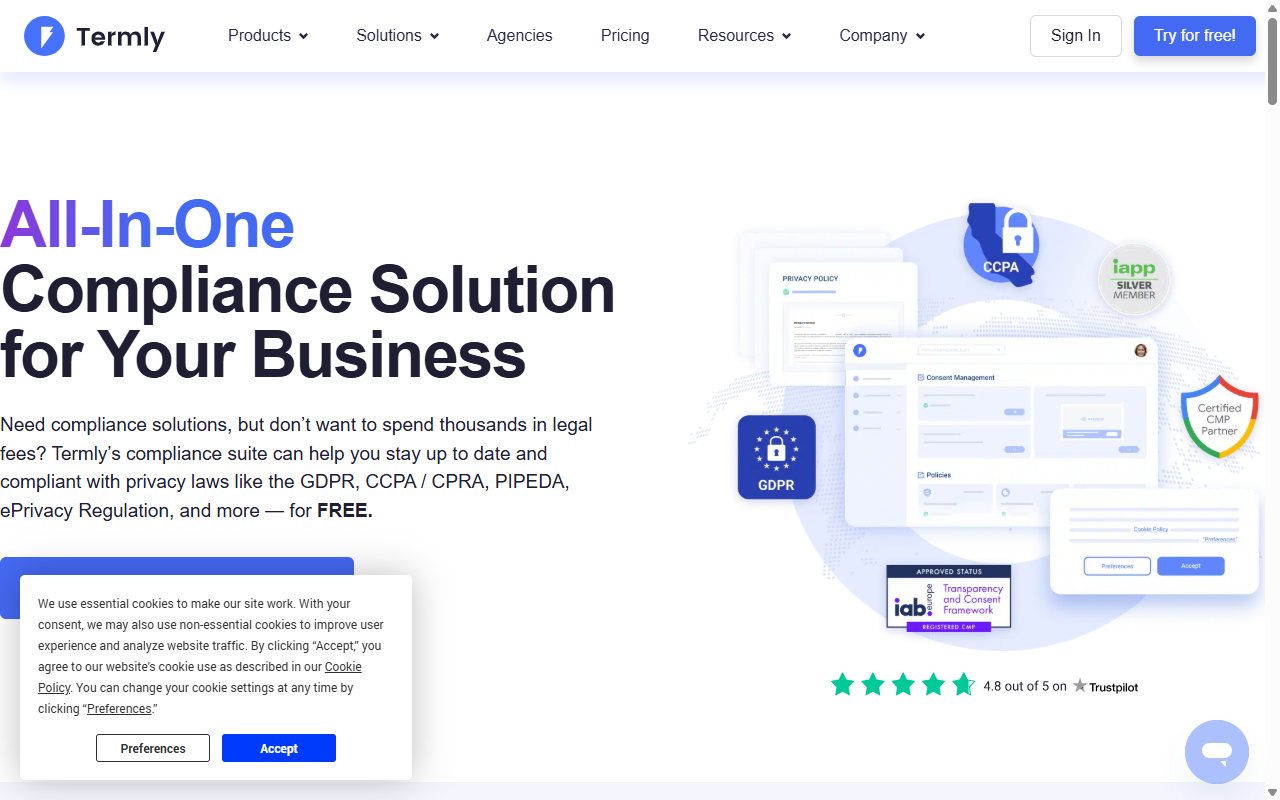
Termly is a cloud-based compliance builder focused on helping small businesses, developers, and agencies manage legal risks without a steep learning curve. It provides a simple consent banner tool alongside builders for privacy policies, terms of service, and disclaimer pages. Like other SaaS options, you configure layouts and run cookie scans on their external platform.
The interface is clean and welcoming for users without a deep technical background. The cookie scanner categorizes common scripts, and the banner generator offers several ready-made styles to start with. It handles basic compliance smoothly, though the free plan does display Termly branding on your banners.
- Drafts custom legal agreements using attorney-selected template systems.
- Scans your site code to map and categorize active tracking services.
- Adjusts banner display based on where your visitors are located.
- Saves visitor choices securely to help you demonstrate consent when needed.
Pros: Very approachable dashboard and clear, readable guidance. A good fit for small business owners who need straightforward compliance help.
Cons: The free plan includes Termly branding on your banners, and you manage everything through a third-party portal.
Verdict: An approachable compliance builder for small businesses that prefer hosted SaaS services.
7. OneTrust
OneTrust is a major enterprise-level platform for data governance and privacy management. It’s designed to help large corporate networks handle compliance, vendor risk, and cookie consent across thousands of domains. The platform uses advanced cloud technology to manage user privacy settings at significant scale.
For a standard WordPress blog or small business site, OneTrust is typically more software than you need. But for large corporations running WordPress as part of a broader multi-platform network, it provides extensive reporting and auditing capabilities. The configuration dashboard is advanced and built for enterprise-grade user management.

- Coordinates privacy choices across web pages, mobile apps, and connected devices.
- Manages vendor data flows with detailed compliance audit trails.
- Audits tracking scripts using advanced browser scanning tools.
- Integrates with corporate CRM systems and data management platforms.
Pros: Detailed auditing tools and enterprise-grade security. Well-suited for large organizations with dedicated compliance officers.
Cons: Setup is complex and requires significant onboarding time. Pricing is positioned for enterprise budgets.
Verdict: The go-to option for large corporations and enterprise-scale networks that need maximum control and deep reporting.
8. Osano
Osano is a B-corp certified data privacy platform that puts simplicity and user safety at the center. Its standout feature is a compliance guarantee: if you configure Osano correctly and still receive a regulatory penalty, the company backs its product with a legal defense pledge up to a set amount. That’s meaningful peace of mind for any business owner.
The platform runs in the cloud, and you deploy it to WordPress by adding a small JavaScript snippet. It manages scripts, handles cookie consent across dozens of languages, and displays banners automatically based on visitor location. The dashboard is modern and focused on clean user experiences.
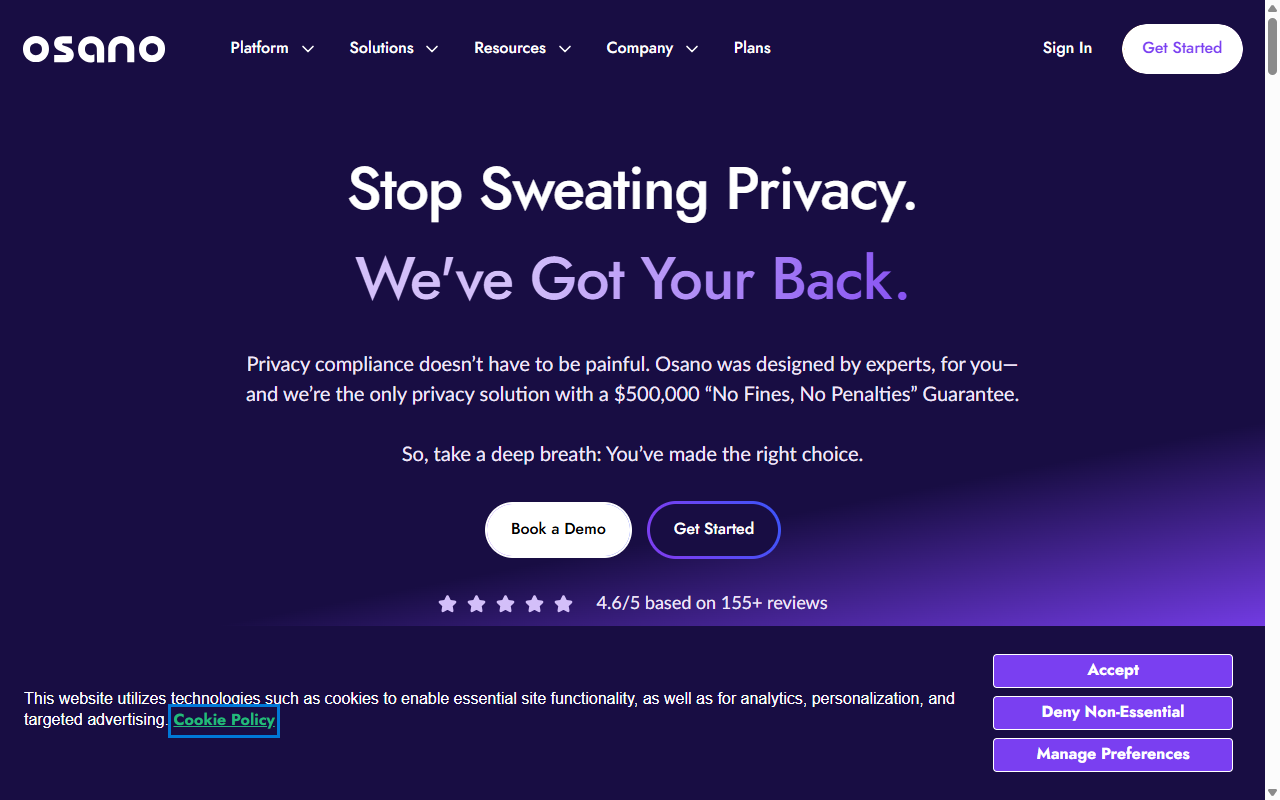
- Guarantees compliance safety by backing properly configured setups with a legal pledge.
- Blocks unknown tracking scripts from running until consent is explicitly given.
- Saves and organizes user preferences across a high-performance CDN network.
- Adapts display languages for global web traffic automatically.
Pros: Strong compliance guarantees and a modern visual layout. Simple JavaScript deployment keeps your setup clean.
Cons: Pricing is positioned for growing companies, and the entry-level plan can feel expensive for personal sites or small blogs.
Verdict: A peace-of-mind SaaS platform for mid-market businesses that want professional compliance guarantees.
9. WP Consent API
WP Consent API is an open-source, developer-first framework plugin that establishes a unified standard for consent management inside WordPress. It doesn’t provide a polished out-of-the-box visual banner. Instead, it serves as a central hub that lets other plugins and scripts register their consent status in a structured way.
For developers building custom WordPress themes or writing their own plugins, WP Consent API is genuinely useful (worth bookmarking if you’re in that world). It prevents different plugins from conflicting over cookie settings and keeps your site code consistent. You’ll typically combine it with other plugins to build the complete visual experience your visitors see.
- Establishes a common communication channel for consent data across WordPress.
- Signals active consent states directly to plugins and themes.
- Saves server resources by keeping the codebase lightweight.
- Provides developers with structured hooks for advanced tracking configurations.
Pros: Built to open standards, lightweight, and completely free. Good for minimizing plugin conflicts.
Cons: Not a complete solution for non-technical users. A visual banner requires pairing it with additional tools.
Verdict: An excellent backend tool for developers and advanced site builders who want a clean, custom-coded compliance framework.
10. Real Cookie Banner
Real Cookie Banner is a WordPress plugin designed for sites that need to meet the strict legal standards common in Germany and across the broader European Union. It focuses on the detailed requirements set by local court rulings, making it a strong fit for sites where EU traffic is the primary audience.
It comes with a large library of templates for popular tracking tools, so you don’t have to guess which scripts belong to which service. There’s a visual builder for previewing banners on mobile, and it supports both light and dark display modes. It’s feature-rich, though the volume of settings can feel a little dense on first setup (don’t worry, you’ll find your way through it).
- Maps over a hundred popular web services with ready-made script-blocking rules.
- Displays clear visual consent options so users can select specific cookie types.
- Previews active layouts inside a live editor as you make design changes.
- Validates your configuration choices using a built-in legal check system.
Pros: Excellent attention to detail for European regulations and strong automated script-blocking presets.
Cons: The extensive settings list takes some time to work through, and the free tier includes fewer service templates than the premium version.
Verdict: A thorough, localized choice for WordPress site owners whose primary audience comes from central Europe.
“Maintaining proper compliance is no longer just about avoiding a penalty. It’s about establishing lasting trust with your visitors from the very first click.”
– Itamar Haim, Web Compliance Specialist
How to Choose the Right Tool for Your Site
The right compliance solution depends on your workflow, your technical comfort level, and where your audience lives. To make the decision easier, work through these steps:
- Evaluate your hosting setup. If you manage multiple web properties across Shopify, Webflow, and WordPress, a cloud SaaS tool like CookieYes or Cookiebot can make handling all your domains simpler. If your work is entirely WordPress-focused, a native tool like Cookie Consent keeps your setup clean and dashboard-friendly.
- Check your script-blocking needs. Some tools ask you to manually wrap tracking code in custom JavaScript. Others scan your site and block scripts automatically. If you want a quick setup, look for a tool that handles scanning and script management in one step.
- Think about page performance. Heavy third-party scripts can hurt your core web vitals and search rankings. Native WordPress tools that don’t call external servers are usually much better for fast load times.
Once you’ve picked your tool, verify that your consent banners display correctly on both mobile and desktop. Testing your setup is the simplest way to stay compliant and keep your site running well. You can also explore more WordPress tips and tools at Elementor’s blog.
How to Test Your Consent Banner Integration
- Open your website in an incognito or private browsing window.
- Open your browser’s developer tools and select the storage or cookies panel.
- Verify that no marketing or analytics cookies are set before you click “Accept.”
- Click “Accept” and check that your analytics tags fire correctly.
- Clear your cookies and reload the page to make sure the banner reappears as expected.
Frequently Asked Questions
Do I really need a cookie banner if my site is small?
Yes, privacy laws don’t focus on the size of your business. If your website gets visitors from the European Union or California and uses tracking scripts, you need to follow their consent rules. Even small blogs using Google Analytics or basic social sharing buttons fall under these compliance requirements.
What is Google Consent Mode v2 and is it mandatory?
Google Consent Mode v2 is a system that communicates your visitors’ privacy choices directly to Google services. It’s required if you serve visitors in the EU or UK and want to track conversions or build marketing audiences in Google Ads and Google Analytics. Without it, your tracking data won’t function correctly for those users.
Can a cookie banner slow down my WordPress site?
Yes, some tools can slow things down if they rely on heavy external JavaScript calls or complex cloud lookups. Using a native WordPress capability like Cookie Consent helps keep external requests to a minimum, protecting your page speeds and keeping things running smoothly.
Do these tools automatically generate a privacy policy for me?
Several tools, including Cookie Consent, come with built-in policy generators to help you draft your cookie policies. Other tools focus only on the visual consent banner. If you need both, look for a tool that offers banner configuration and policy generation together in the same package.
How does geo-targeting help with cookie consent?
Geo-targeting detects where your visitors are located using their IP addresses. It lets you show detailed compliance banners only to visitors from countries with strict regulations, like the EU. For visitors in regions with fewer restrictions, you can show a smaller notice or skip it altogether, keeping their experience cleaner.
What’s the difference between a SaaS tool and a native WordPress tool?
A SaaS tool hosts your settings, consent logs, and configurations on its own external servers, which means copying code snippets and logging into a separate dashboard to manage things. A native WordPress tool stores everything in your WordPress database, so you handle compliance settings and view logs right inside your admin panel without switching contexts.
Is a free plan enough to keep my website compliant?
A free plan is often sufficient for personal blogs, simple business websites, and smaller projects with modest traffic. But if your site gets high volume, serves visitors across multiple regions requiring geo-targeting, or needs deep integrations with complex ad setups, upgrading to a paid tier is worth considering.
Can I customize the look of my cookie banner to match my brand?
Most quality consent tools let you adjust basic elements like button colors, fonts, and text layout. If you want full creative control, a native tool like Cookie Consent lets you match your banners directly to your existing site styles, keeping your visual identity consistent from page to footer.






